1. はじめに
This manual provides essential information for setting up, operating, maintaining, and troubleshooting your Sharp Aquos QLED 55 Inch 4K Ultra HD Xumo Smart TV. Please read this manual thoroughly before using your television and retain it for future reference.
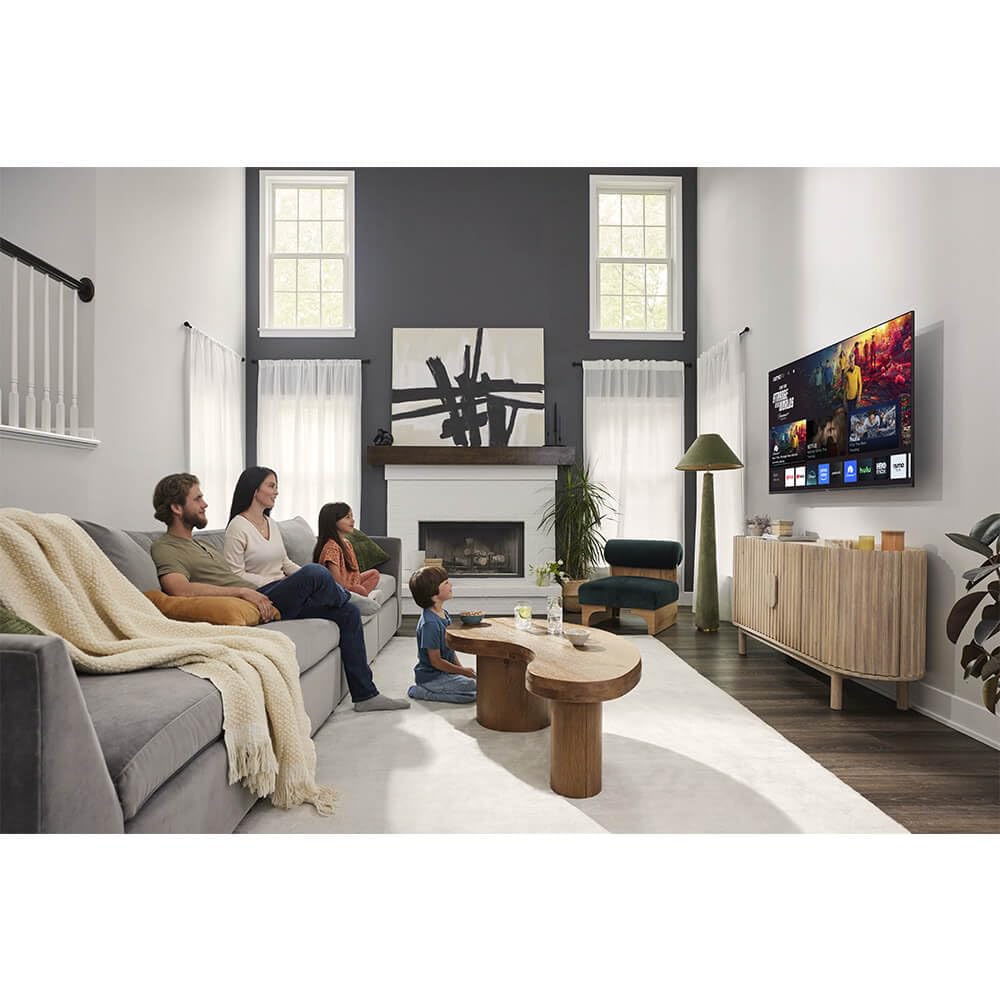
画像: 正面 view of the Sharp Aquos QLED 55 Inch 4K Ultra HD Xumo Smart TV.
2. 安全情報
Always follow basic safety precautions when using this television to reduce the risk of fire, electric shock, and injury. Keep the television away from moisture, direct sunlight, and heat sources. Ensure proper ventilation and do not block any ventilation openings. Use only the power cord and accessories specified by the manufacturer. Refer to the full safety guidelines in the included printed manual.
3. 箱の中身
Your Sharp Aquos QLED 55 Inch 4K Ultra HD Xumo Smart TV package includes:
- Sharp Aquos QLED 55 Inch 4K Ultra HD Xumo Smart TV
- 音声リモコン
- テレビ台(2台)
- テレビスタンド用ネジ
- 電源コード
- ユーザーマニュアル(このドキュメント)
- クイックスタートガイド
4. セットアップ
4.1 テレビスタンドの取り付け
- 損傷を防ぐため、テレビ画面を下にして、柔らかく平らな面に慎重に置いてください。
- 各スタンド部分をテレビの下部にある対応するネジ穴に合わせます。
- 付属のネジを使用して、各スタンド部分を固定します。しっかりと締められていることを確認してください。
4.2 壁掛け(オプション)
If you choose to wall mount your TV, ensure you use a VESA-compatible wall mount kit (sold separately) that supports the 55-inch screen size and weight. Follow the instructions provided with your wall mount kit. Remove the TV stand before mounting.
4.3 デバイスの接続
Connect your external devices (cable box, gaming console, soundbar, etc.) to the appropriate ports on the back of the TV. The Sharp Aquos QLED TV features multiple HDMI inputs for versatile connectivity.

画像: 背面 view of the Sharp Aquos QLED TV showing cable management through the stand.
4.4電源接続
Plug the power cord into the TV's power input, then into a wall outlet. The TV is now ready for initial setup.
5. 操作手順
5.1 初期設定とネットワーク接続
Upon first power-on, the TV will guide you through the initial setup process. This includes selecting your language, connecting to your Wi-Fi network (dual-band Wi-Fi supported for reliable streaming), and agreeing to terms and conditions. Follow the on-screen prompts.
5.2リモコン機能
The included voice remote allows for intuitive navigation. Use the directional pad to move through menus, the OK button to select, and dedicated buttons for popular streaming services. The built-in voice search feature provides hands-free control for launching apps, adjusting volume, and switching inputs.
5.3 Xumo Smart TV Platform
The Xumo Smart TV system offers fast and intuitive access to your favorite streaming applications. The clean home screen allows for easy navigation and personalized content recommendations.
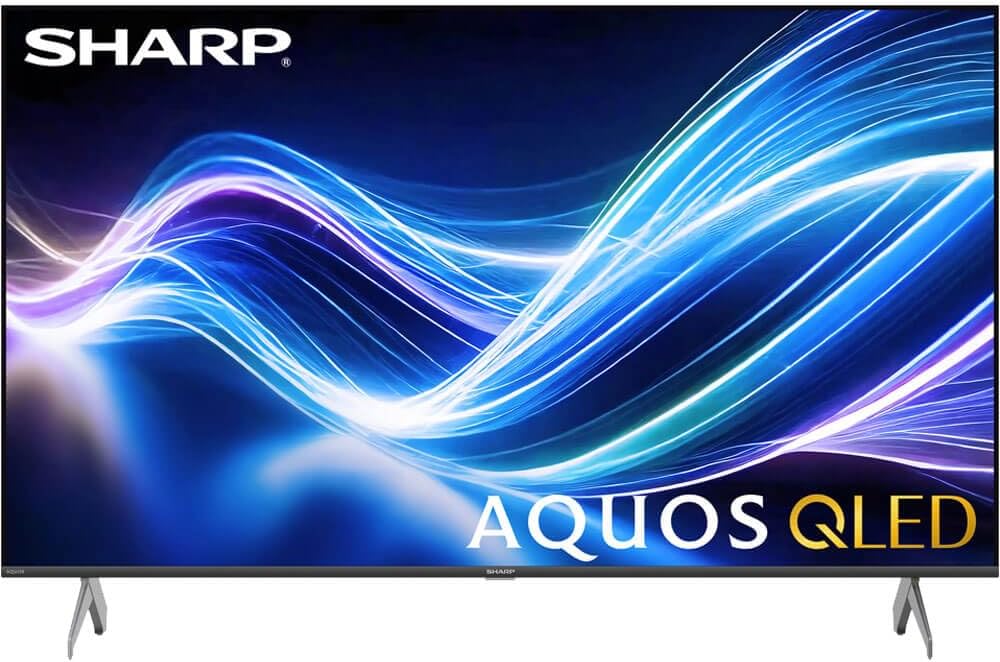
Image: The Xumo Smart TV home screen displaying various streaming apps and voice search functionality.
5.4 画像とサウンドの設定
Your Sharp Aquos QLED TV supports advanced picture and sound technologies:
- 4K QLEDディスプレイ: Enjoy vibrant, lifelike images with Quantum Dot color and enhanced brightness.
- ドルビービジョンとHDR10: These premium HDR formats optimize contrast, depth, and clarity for cinematic picture quality. Access picture settings via the TV menu to fine-tune brightness, contrast, color, and sharpness.
- 臨場感あふれるオーディオ: The TV features optimized sound processing for clear dialogue and enhanced bass. Connect Bluetooth headphones or speakers for wireless listening. Adjust audio modes (Standard, Music, Movie, Speech, Custom) in the sound settings.
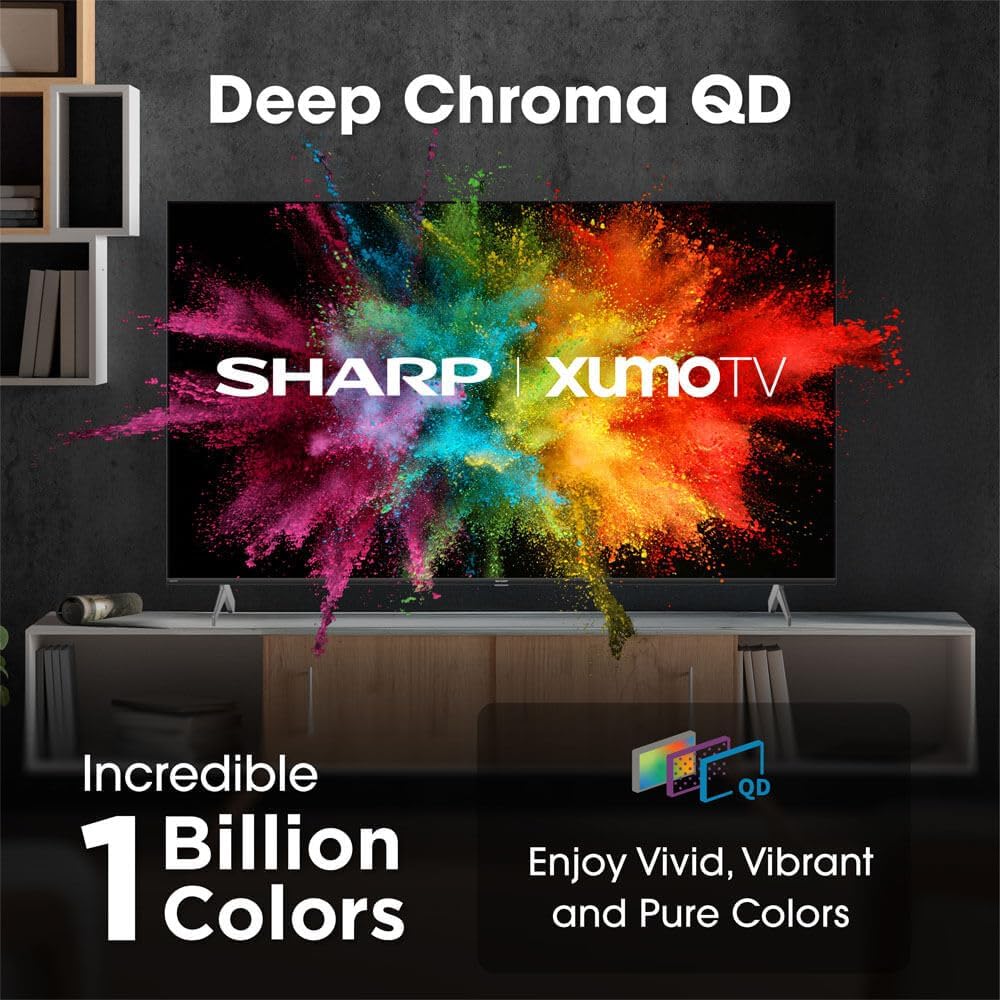
Image: Comparison of Dolby Vision enhanced picture quality against a standard display.

Image: Visual representation of Dolby Atmos creating immersive sound in a living room setting.
6. メンテナンス
6.1 テレビの掃除
画面をきれいにするには、柔らかく糸くずの出ない布で優しく拭いてください。頑固な汚れには、軽くampen the cloth with water or a screen-cleaning solution. Never spray liquid directly onto the screen. Clean the TV's exterior with a soft, dry cloth.
6.2ソフトウェアアップデート
テレビは、パフォーマンスの向上や新機能の追加のため、ソフトウェアの自動アップデートを受信する場合があります。これらのアップデートを受信するには、テレビがインターネットに接続されていることを確認してください。テレビの設定メニューから手動でアップデートを確認することもできます。
7。 トラブルシューティング
| 問題 | 考えられる原因 | 解決 |
|---|---|---|
| 電源なし | Power cord not connected, power outlet not working. | 電源コードの接続を確認し、別のコンセントを試してください。 |
| 映像も音声も出ない | Incorrect input selected, external device off/disconnected. | Verify input source, check device power and connections. |
| リモコンが機能しない | Batteries low/dead, obstruction between remote and TV. | 必要に応じて電池を交換し、障害物を取り除き、リモコンを再度ペアリングしてください。 |
| Wi-Fi接続の問題 | Router issues, incorrect password, weak signal. | Restart router, re-enter Wi-Fi password, move TV closer to router or use Ethernet. |
8. 仕様
- ブランド: シャープ
- モデル番号: 4TC55HP7050U
- 画面サイズ: 55インチ
- ディスプレイ技術: QLED Smart
- 解決: 4KウルトラHD
- リフレッシュレート: 60Hz
- 特別な機能: Flat, Dolby Vision, HDR10, Xumo Smart TV, Voice Remote, Bluetooth, Dual-band Wi-Fi
- 接続技術: RCA, HDMI (multiple ports)
- サポートされているインターネット サービス: Netflix, Hulu, Amazon Prime Video (and more via Xumo platform)
- 商品の重量: 32 ポンド
- 色: 黒
9. 保証とサポート
保証情報およびテクニカルサポートについては、製品に付属の保証書を参照するか、シャープの公式ウェブサイトをご覧ください。 webサイトでご確認ください。保証請求の際は購入証明として領収書を保管してください。


