1. はじめに
Thank you for choosing the Vieta Pro Party 220 Portable Bluetooth Speaker. This powerful and versatile speaker is designed to deliver high-quality audio for various occasions, including parties, events, and karaoke sessions. This manual provides essential information for setting up, operating, and maintaining your speaker to ensure optimal performance and longevity.
2.製品オーバーview
The Vieta Pro Party 220 is a self-amplified portable speaker featuring advanced audio technology. It boasts 500W of powerful sound, Bluetooth 5.3 connectivity, Auracast technology, and a long-lasting 10-hour battery. Designed for portability, it includes an integrated handle and trolley-style wheels. Key features include:
- 500W RMS Sound Output: Delivers robust and clear stereo sound with 2" tweeters and 8" woofers.
- Bluetooth 5.3 with Auracast: Ensures stable and fast wireless connections, allowing multiple Auracast-compatible speakers to connect simultaneously.
- Karaoke Compatibility: Includes a wireless microphone and supports additional microphones. Features LED lights that synchronize with music.
- 10時間のバッテリー寿命: Enjoy extended music playback with the rechargeable battery.
- 複数の接続オプション: Mini Jack 3.5mm, AUX, Micro USB, USB MP3 player, and SD card slot.
- 真のワイヤレスステレオ(TWS): Connect two Party 220 speakers for an immersive stereo experience.
- ポータブルデザイン: 一体型のハンドルと車輪で持ち運びも簡単。
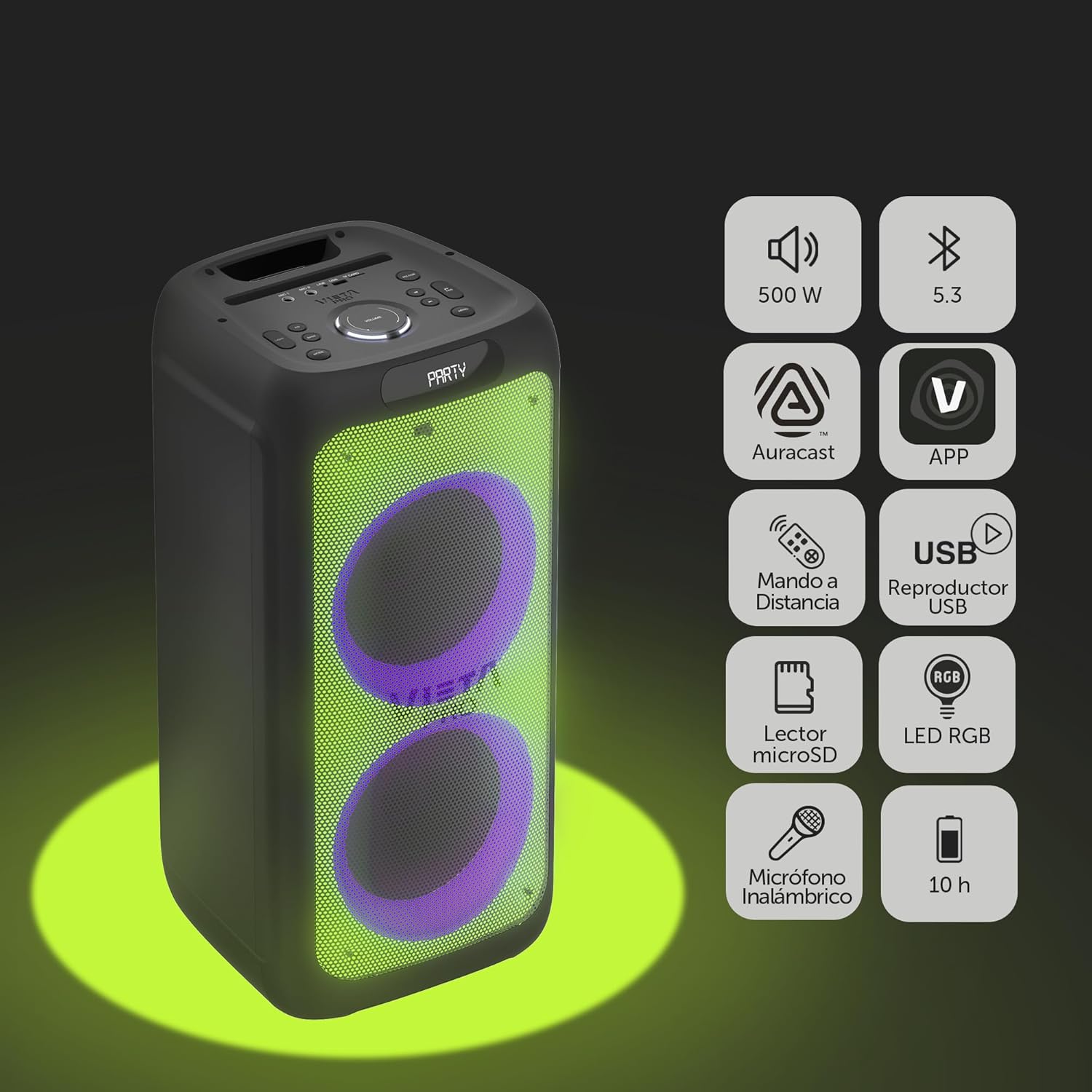
Image 2.1: The Vieta Pro Party 220 speaker highlighting its main features such as 500W power, Bluetooth 5.3, Auracast, app control, remote control, USB player, RGB LED lights, MicroSD reader, wireless microphone, and 10-hour battery life.
3. 箱の中身
開梱したら、すべてのアイテムが揃っていて良好な状態であることを確認してください。
- Vieta Pro Party 220 Portable Bluetooth Speaker
- 電源ケーブル
- ワイヤレスマイク
- リモートコントロール
- ユーザーマニュアル(このドキュメント)
4. セットアップ
4.1.スピーカーの充電
Before first use, fully charge the speaker. Connect the provided power cable to the speaker's power input and then to a suitable power outlet. The charging indicator will illuminate. Once fully charged, the indicator may change color or turn off, depending on the model.
フル充電すると最大 10 時間連続再生できます。

Image 4.1: The Vieta Pro Party 220 speaker in a home environment, illustrating its long battery life of up to 10 hours.
4.2.電源のオン/オフ
スピーカーのコントロールパネルにある電源ボタンを見つけます。電源ボタンを数秒間押し続けると、スピーカーの電源のオン/オフが切り替わります。
5. 操作手順
5.1.Bluetoothペアリング
- Turn on the Vieta Pro Party 220 speaker. It will automatically enter Bluetooth pairing mode, indicated by a flashing LED light (usually blue).
- オーディオ デバイス (スマートフォン、タブレット、コンピューター) で Bluetooth を有効にします。
- 検索する "Vieta Pro Party 220" in the list of available Bluetooth devices.
- Select the speaker to pair. Once connected, the LED indicator will stop flashing and remain solid.
5.2. Auracast Technology
The Party 220 supports Auracast, allowing you to connect multiple compatible speakers (including other Party 220 units or different brands supporting Auracast) for a synchronized audio experience. Refer to the specific instructions for Auracast pairing, usually initiated via a dedicated button or through the Vieta Pro app (if available).
5.3. 完全ワイヤレスステレオ(TWS)ペアリング
To achieve a true stereo sound experience, you can pair two Vieta Pro Party 220 speakers:
- Ensure both Party 220 speakers are turned on and not connected to any Bluetooth device.
- On one speaker (this will be the primary speaker), press and hold the TWS button (if available) or follow the TWS pairing instructions in the speaker's specific controls.
- The primary speaker will search for the secondary speaker. Once connected, you will hear an audible confirmation, and the LED indicators will reflect the TWS connection status.
- Now, connect your audio device to the primary speaker via Bluetooth as described in section 5.1. Audio will play in stereo across both speakers.
5.4. Wired Connections (AUX, USB, MicroSD)
- AUX入力: Connect an external audio device using a 3.5mm audio cable to the AUX input port. The speaker will automatically switch to AUX mode or require manual selection via the Mode button.
- USB再生: MP3オーディオが入ったUSBフラッシュドライブを挿入します fileUSBポートに挿入します。スピーカーが自動的に検出し、再生します。 files. Use the control panel or remote to navigate tracks.
- MicroSDカード再生: Insert a MicroSD card with MP3 audio files into the MicroSD slot. The speaker will automatically detect and play the files.
5.5. Karaoke Function and Wireless Microphone
The Party 220 comes with a wireless microphone for karaoke. Simply turn on the microphone, and it should automatically connect to the speaker. Adjust microphone volume using the dedicated controls on the speaker or remote control. The speaker also has inputs for additional wired microphones.

画像5.5: クローズアップ view of the wireless microphone included with the Vieta Pro Party 220 speaker, ready for karaoke use.
5.6. LED RGB Lights
The speaker features dynamic RGB LED lights that can enhance your audio experience. Use the dedicated button on the control panel or the remote control to cycle through different light modes, synchronize them with the music, or turn them off.

Image 5.6: The Vieta Pro Party 220 speaker showcasing its vibrant RGB LED lighting feature.
5.7. リモートコントロール
The included remote control allows for convenient operation of the speaker from a distance. Functions typically include power, volume, track navigation, mode selection, EQ settings, and LED light control.
6. メンテナンス
- クリーニング: スピーカーの外装を清掃する際は、柔らかく乾いた布をご使用ください。研磨剤入りの洗剤、ワックス、溶剤は使用しないでください。
- ストレージ: スピーカーは直射日光や極端な温度を避け、涼しく乾燥した場所に保管してください。
- バッテリーのケア: バッテリーの寿命を延ばすには、バッテリーを頻繁に完全に放電させないでください。長期間使用しない場合でも、定期的にスピーカーを充電してください。
- 水への露出: While the speaker may have some resistance, avoid direct exposure to water or excessive moisture unless explicitly stated as waterproof.
7。 トラブルシューティング
| 問題 | 考えられる原因 | 解決 |
|---|---|---|
| 電源なし | バッテリーが消耗しています。電源ケーブルが正しく接続されていません。 | スピーカーを充電します。電源ケーブルがしっかりと接続されていることを確認します。 |
| 音が出ない | 音量が低すぎます。入力モードが正しくありません。デバイスがペアリングされていません。 | スピーカーとソース デバイスの音量を上げます。正しい入力モード (Bluetooth、AUX、USB) を選択します。Bluetooth デバイスを再度ペアリングします。 |
| Bluetoothペアリングが失敗する | スピーカーがペアリング モードになっていません。デバイスが遠すぎます。干渉があります。 | スピーカーがペアリング モードになっていることを確認し、デバイスを近づけ、他の Bluetooth デバイスをオフにします。 |
| マイクが機能しない | Microphone off; Battery low in microphone; Volume too low. | Turn on microphone; Replace microphone batteries; Increase microphone volume. |
| TWSペアリングが失敗する | スピーカーが TWS ペアリング モードになっていません。距離が離れすぎています。 | Ensure both speakers are in TWS pairing mode; Place speakers closer together. |
8. 仕様
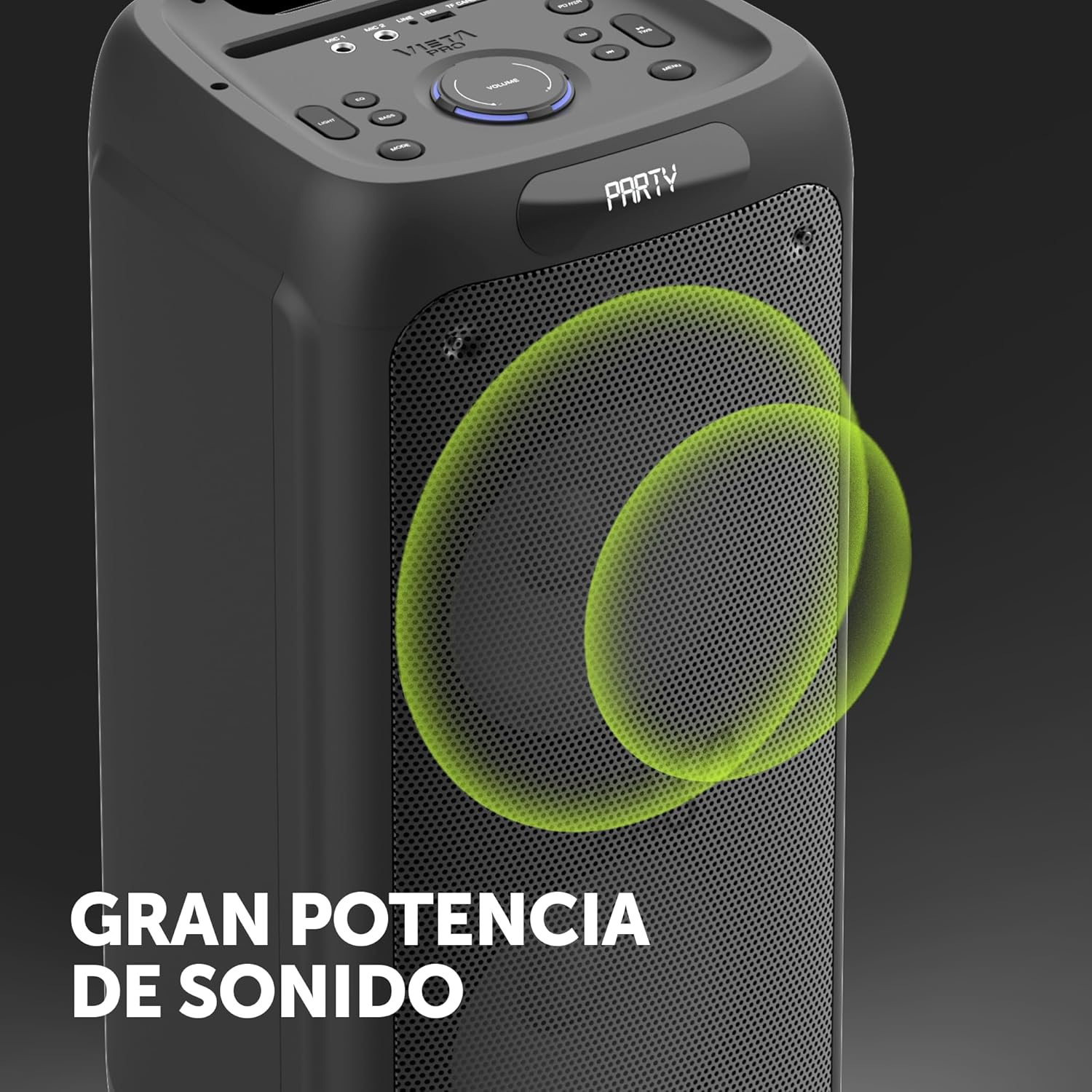
Image 8.1: The Vieta Pro Party 220 speaker, highlighting its powerful sound output.
| 特徴 | 詳細 |
|---|---|
| モデル名 | パーティー220 |
| モデル番号 | VM-HW455BK |
| ブランド | ヴィエタプロ |
| スピーカータイプ | Outdoor, Portable, Self-amp生きた |
| 接続技術 | Bluetooth 5.3, AUX, USB, MicroSD |
| 無線通信 | ブルートゥース |
| 最大スピーカー出力 | 500ワット(RMS) |
| オーディオ出力モード | ステレオ(TWS付き) |
| 周波数応答 | 20 MHz |
| 電源 | 電池駆動 |
| バッテリー寿命 | 最大10時間 |
| 制御方法 | リモコン、デバイス上のボタン |
| 特集 | Anti-shock, USB Port, Shock resistant, Wireless speakers, Auracast, Karaoke, LED RGB lights |
| 対応デバイス | MP3 Player, Mobile, PC, DJ Mixer, Tablet, Television |
| 製品寸法 | 奥行き33.7cm x 幅30cm x 高さ70.5cm |
| アイテム重量 | 5キログラム |
| 材料 | プラスチック |
| 色 | 黒 |
9. 保証とサポート
The Vieta Pro Party 220 speaker comes with a limited warranty. Please refer to the warranty card included in your packaging for detailed terms and conditions. For technical support, troubleshooting assistance beyond this manual, or warranty claims, please contact Vieta Pro customer service through their official webサイトまたは製品ドキュメントに記載されている連絡先情報を参照してください。
保証のために購入証明書を保管してください。