1.製品オーバーview
The iFFALCON 65F75 is a 65-inch Class QLED 4K Smart TV designed for an immersive viewing experience. It features an ultra-slim profile, advanced display technologies, and smart functionalities powered by Google TV.
主な特徴:
- Ultra-Slim & Seamless Wall Mount Design: A sleek, bezel-less frame that sits flush against the wall.
- アートモード: Transforms the TV into a digital canvas, displaying classic masterpieces, AI-generated art, or personal photos.
- 4K QLED Display with Ultra Wide Color Gamut: Delivers vibrant, true-to-life visuals with over a billion colors.
- 144Hz Refresh Rate & Game Master Mode: Ensures ultra-smooth motion for fast-paced content and responsive gaming.
- ドルビービジョンIQとドルビーアトモス: Provides an enhanced cinematic experience with adaptive picture settings and immersive surround sound.
- アイケア技術: Features low blue light and flicker-free technology for comfortable extended viewing。
- Google TV: Offers personalized content recommendations, smart home device control, and hands-free voice commands.
2. セットアップ
2.1 開梱と部品チェック
Carefully open the TV packaging and ensure all components are present and undamaged. It is recommended that two people handle the TV during unboxing and installation to prevent damage.
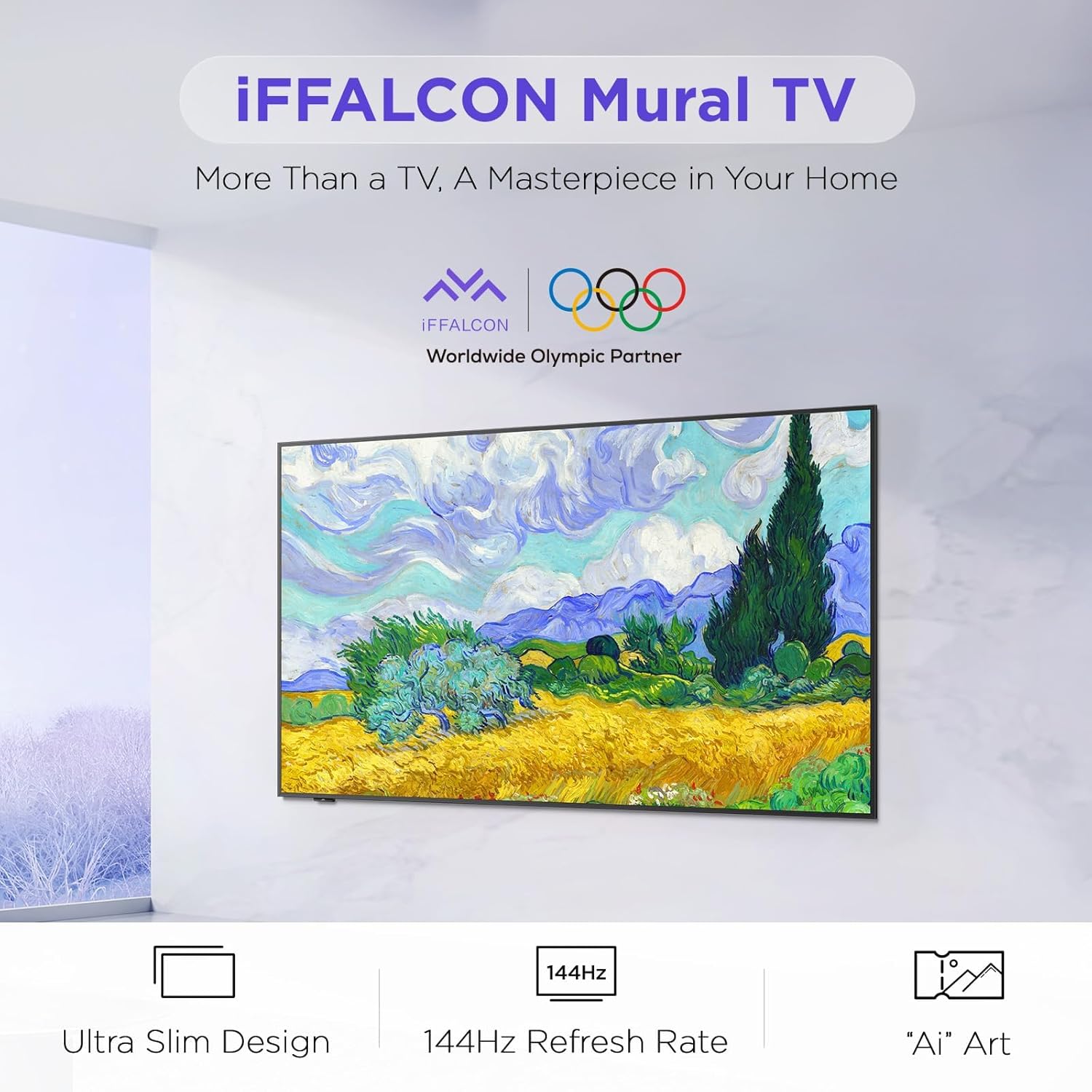
Image: The iFFALCON 65F75 TV securely packaged in its box, ready for unboxing.
箱の中身:
- iFFALCON TV
- 電源ケーブル
- リモコン用単2電池XNUMX本
- 6xスタンドネジ
- テーブルスタンド
- ネジ穴カバー2個
- ゴム製プロテクター2個
- 壁掛けブラケット
- クイックスタートガイド
- テレビのリモコン
2.2 Wall Mount or Table Stand Installation
The iFFALCON 65F75 TV offers both wall-mounting and table stand installation options. Choose the method that best suits your space and preferences. Always ensure the TV is placed on a soft, cushioned surface when installing stands or brackets to prevent screen damage.
Video: Official iFFALCON tutorial demonstrating the installation of the wall mount and table stand for the Mural TV. This video provides visual guidance for both setup options.
ウォールマウントの取り付け:
- Place the provided wall mount marker on your desired wall position.
- Use a level to ensure the marker is horizontal and secure it with tape.
- Drill screw holes at the marked positions (A, B, C, D) on the marker.
- Insert drywall anchors into the drilled holes. (Note: If drilling into wood studs, anchors are not needed).
- Screw the two wall plates to the wall using the provided screws and drywall anchors.
- Screw the two VESA brackets tightly onto the VESA holes on the top of the TV with the provided screws. Ensure brackets are secured via the middle holes of the TV back cover.
- Insert the power cord into the TV's rear power port.
- Drop the hanger on the wall mount bracket. Gently push the TV against the wall until the brackets are flush.
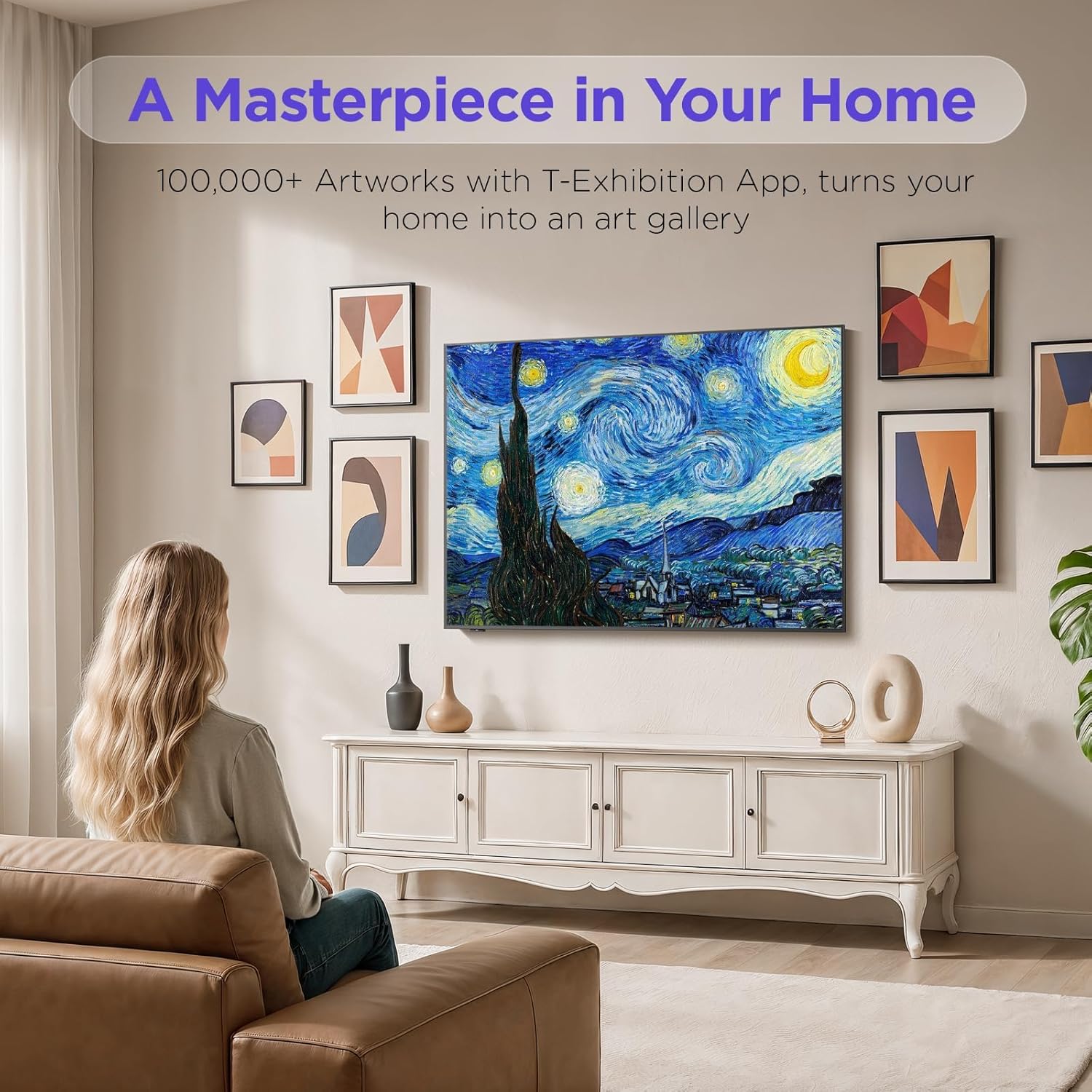
Image: The iFFALCON 65F75 TV seamlessly mounted on a wall, showcasin超薄型デザインです。
テーブルスタンドの取り付け:
- 画面の損傷を防ぐため、テレビを柔らかくクッション性のある表面の上に慎重に置いてください。
- Remove the magnetic decorative cover from the stand bracket.
- Place the stand bracket on the back of the TV at the screws location.
- Secure the stands to the TV with screws.
- Reinstall the magnetic cover by sliding it over the screw holes.
- Repeat the same operation for the other stand.
- Insert the power cord into the TV's rear power port.
- Once both stands are securely attached, carefully lift the TV and place it on a flat and level surface.

Image: The iFFALCON 65F75 TV displayed on its elegant table stand.
3. 操作手順
3.1 基本操作
- 電源オン/オフ: リモコンの電源ボタンを押して、テレビの電源をオンまたはオフにします。
- 入力選択: Use the 'Input' button on the remote to switch between HDMI, USB, and other connected sources.
- 音量コントロール: Adjust volume using the '+' and '-' buttons on the remote.
3.2 Google TVの機能
Your iFFALCON TV comes with Google TV, offering a personalized and integrated entertainment experience.
- パーソナライズされた推奨事項: Google TV learns your preferences and suggests content from across your streaming apps.
- 音声コントロール: Google アシスタントの音声リモコンを使用すると、ハンズフリー コマンド、コンテンツの検索、スマートホーム デバイスの制御などを行うことができます。
- アプリアクセス: Easily access a wide range of streaming applications and games from the Google Play Store.

Image: The Google TV home screen displaying personalized content and app icons.
3.3 アートモード
Transform your TV into a piece of art when not actively watching content. Art Mode allows you to display various artworks or personal photos.
Video: Official iFFALCON tutorial demonstrating how to use Art Mode and Photo Frame features on the Mural TV.
Activating Art Mode:
- Open the Apps menu on your Google TV.
- Swipe right to locate and launch the 'T-Exhibition' app.
- Navigate to 'MOMENT' and tap 'Settings' (top-right).
- Navigate to 'Wallpaper Settings'.
- Under 'Wallpaper Content', select 'Classified'.
- Check your preferred categories (e.g., Photography, TCL Art, 'AI' ART).
- To activate an immersive gallery display, tap 'Preview' under 'GALLERY'.

Image: The iFFALCON 65F75 TV showcasing a vibrant artwork in Art Mode, blending into the room decor.
3.4 Game Master Mode
For an optimized gaming experience, the TV features a 144Hz refresh rate combined with Game Master Mode.
- 144Hzリフレッシュレート: ペースの速いゲームでも非常にスムーズな動きを実現します。
- VRR (可変リフレッシュ レート): 画面のティアリングやスタッタリングを軽減し、スムーズなゲームプレイを実現します。
- HDR Optimization: Enhances visual details and contrast in supported games.
- 注記: The TV is initially in Energy Saving Mode. Switch to HDR Mode in settings for optimal picture quality during gaming.
3.5 Dolby Vision IQ & Dolby Atmos
Experience superior audio-visual quality with Dolby Vision IQ and Dolby Atmos technologies.
- ドルビー ビジョン IQ: Automatically adjusts picture settings based on ambient room lighting, ensuring optimal brightness, contrast, and color.
- ドルビーアトモス: Delivers immersive, multi-dimensional sound that flows around you, enhancing movies, music, and games.
4. メンテナンス
4.1 テレビの掃除
- 掃除する前に必ずテレビの電源プラグを抜いてください。
- 柔らかく乾いた、糸くずの出ない布を使用して、画面とフレームを優しく拭いてください。
- 頑固な汚れには、軽くampen the cloth with water or a specialized screen cleaner (ensure it's safe for TV screens) and wipe carefully. Avoid harsh chemicals or abrasive materials.
4.2 アイケア技術
The iFFALCON 65F75 includes features designed to reduce eye strain during extended viewing。
- ブルーライト軽減: 有害なブルーライトの放出を軽減します。
- フリッカーフリー技術: Minimizes screen flickering for a more comfortable viewing の経験。
- These features are active by default or can be adjusted in the TV's picture settings.
5。 トラブルシューティング
If you encounter issues with your iFFALCON TV, refer to the following common troubleshooting steps:
| 問題 | 考えられる解決策 |
|---|---|
| 電源なし | Ensure the power cable is securely connected to both the TV and a working power outlet. Check if the power outlet is functional. |
| 画像/音声なし | Verify the correct input source is selected. Check all cable connections (HDMI, AV, etc.). Try restarting the TV and connected devices. |
| リモコンが応答しない | リモコンの電池を交換してください。リモコンとテレビの赤外線センサーの間に障害物がないことを確認してください。 |
| ネットワーク接続の問題 | Check your Wi-Fi router and internet connection. Reconnect the TV to the Wi-Fi network in the settings. For wired connections, ensure the Ethernet cable is properly connected. |
| 画質の問題 | テレビメニューで画像設定(明るさ、コントラスト、色)を調整します。 viewing high-quality content (4K, HDR). Disable Energy Saving Mode if applicable. |
If the issue persists after trying these steps, please contact iFFALCON customer support.
6. 仕様
| 特徴 | 詳細 |
|---|---|
| ブランド | イファルコン |
| モデル番号 | 65F75 |
| 画面サイズ | 65インチ |
| ディスプレイ技術 | クォリティLED |
| 解決 | 4K |
| リフレッシュレート | 144Hz |
| 特集 | Art Mode, Game Mode |
| 接続技術 | Bluetooth、イーサネット、HDMI、USB、Wi-Fi |
| サポートされているインターネットサービス | Google TV, various streaming services |
| アイテム重量 | 71.8ポンド |
| 製品寸法 | 1 x 1 x 1インチ |
7. 保証情報
Your iFFALCON 65F75 65-Inch QLED 4K Smart TV is covered by a manufacturer's warranty. Please refer to the warranty card included in your product packaging for specific terms, conditions, and duration of coverage. Keep your proof of purchase for warranty claims.
8. サポート
For further assistance, technical support, or service inquiries, please visit the official iFFALCON support web公式サイトをご覧いただくか、カスタマーサービスにお問い合わせください。また、追加のリソースやFAQもご覧いただけます。 AmazonのiFFALCONストア.