導入
This manual provides essential instructions for setting up, operating, and maintaining your LIGE EF21-J Smart Watch. Please read this guide thoroughly to ensure proper use and to fully utilize all features of your device. This smart watch is designed to be a versatile companion for both business and sports activities, offering advanced health monitoring, communication, and fitness tracking capabilities.
パッケージ内容
パッケージにすべてのアイテムが含まれていることを確認します。
- 1 x LIGE EF21-J Smart Watch
- ステンレススチールストラップ1本
- シリコンストラップ x 1
- USB磁気充電ケーブル x 1
- タイプC充電ケーブル x 1
- 取扱説明書(本書)1部
製品終了view
The LIGE EF21-J Smart Watch features a 1.43-inch AMOLED display, a durable metal case, and interchangeable straps to suit various occasions. It integrates advanced sensors for comprehensive health and fitness tracking.

Image: The LIGE EF21-J Smart Watch shown in different lifestyle scenarios, highlighting its adaptability for business, casual, and active use.
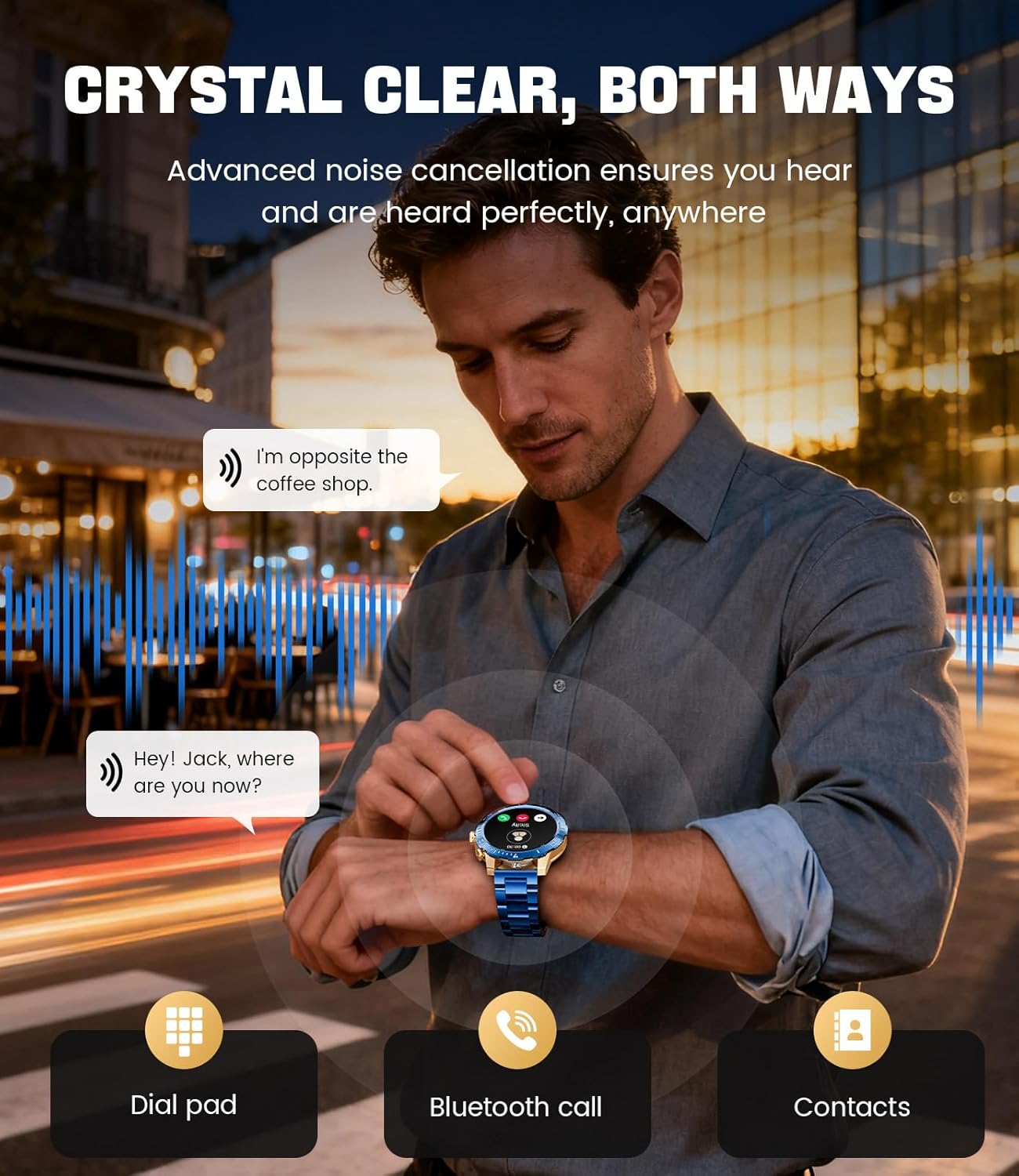
Image: A close-up of the LIGE EF21-J Smart Watch screen showing an incoming call, demonstrating its Bluetooth calling capability with clear audio.

Image: The LIGE EF21-J Smart Watch interface showing a selection of sports modes, including golf, climbing, and running, indicating its extensive activity tracking features.

Image: The LIGE EF21-J Smart Watch screen displaying heart rate, blood oxygen, and sleep data, illustrating its 24/7 health monitoring capabilities.
ビデオ: 公式製品ビデオショーasing the LIGE EF21-J Smart Watch's key features, including its AMOLED display, rotary encoder crown, charging capabilities, compatibility, sports modes, health monitoring, and various smart functions.
設定
1. スマートウォッチの充電
Before first use, fully charge your LIGE EF21-J Smart Watch. The watch comes with both a USB magnetic charging cable and a Type-C charging cable for convenience.
- Connect the magnetic end of the charging cable to the charging points on the back of the watch. Ensure it snaps securely into place.
- Connect the USB or Type-C end of the cable to a compatible power adapter (not included) or a computer's USB port.
- 時計のディスプレイに充電状況が表示されます。フル充電には通常約2~3時間かかります。

Image: The LIGE EF21-J Smart Watch connected to its magnetic charging cable, illustrating the charging process and the inclusion of both USB and Type-C cable options.
2.アプリのインストール
スマートウォッチの全機能を利用するには、スマートフォンにコンパニオン アプリケーションをダウンロードしてインストールします。
- The LIGE EF21-J Smart Watch uses the FitCloudProアプリ.
- 検索する "FitCloudPro" in the Apple App Store (for iOS 12.0+ devices) or Google Play Store (for Android 8.0+ devices).
- アプリをダウンロードしてインストールします。
3.デバイスのペアリング
Pair your smart watch with the FitCloudPro app via Bluetooth to synchronize data and enable smart features.
- スマートフォンでBluetoothが有効になっていることを確認します。
- Open the FitCloudPro app and create an account or log in.
- Follow the in-app instructions to add a new device. The app will search for available devices.
- Select "EF21-J" or the corresponding device name from the list.
- スマートフォンと時計の両方でペアリング要求を確認します。
- ペアリングすると、時計は時間とデータを携帯電話と同期します。
操作手順
基本的なナビゲーション
- タッチスクリーン: 上下左右にスワイプしてメニューや機能を操作します。タップして選択します。
- Rotary Encoder Crown: リューズを回すとリストをスクロールしたり設定を調整したりできます。リューズを押すとホーム画面に戻ったり選択を確定したりできます。
- サイドボタン: 通常、スポーツ モードへのクイック アクセスや戻るボタンとして使用されます。
Bluetoothコール
スマートフォンに接続すると、手首から直接電話をかけたり受けたりできます。
- 時計が Bluetooth 経由で携帯電話とペアリングされていることを確認してください。
- To make a call: Access the dial pad or contacts list on your watch.
- To answer a call: When a call comes in, tap the green answer icon on the watch screen.
- To reject a call: Tap the red reject icon.
スマート通知
通話、メッセージ、アプリの通知に関するアラートを時計で直接受信します。
- Enable notification permissions for the FitCloudPro app in your phone's settings.
- Configure which app notifications you wish to receive through the FitCloudPro app.
- ウォッチフェイスから下にスワイプして view 最近の通知。
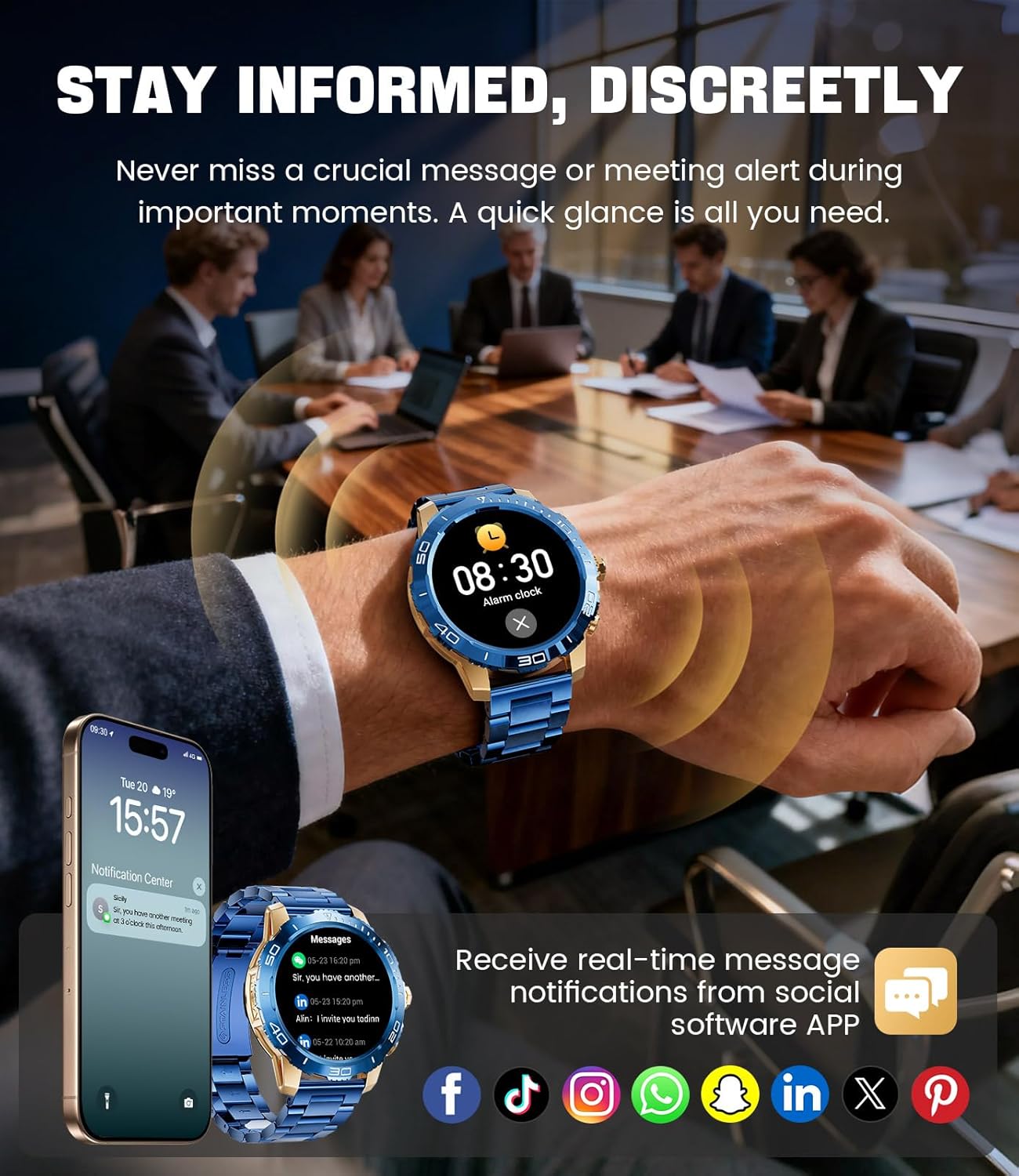
Image: The LIGE EF21-J Smart Watch screen showing incoming message notifications from various social media applications, demonstrating its ability to keep users informed discreetly.
スポーツモード
The watch supports over 200 sports modes to accurately track your physical activities.
- Access the sports mode menu from the main interface.
- Select your desired activity (e.g., running, cycling, yoga, basketball).
- The watch will begin tracking metrics such as distance, steps, calories burned, and heart rate.
- End your workout by following the on-screen prompts. Data will sync to the FitCloudPro app for detailed analysis.
健康モニタリング
Monitor your heart rate, blood oxygen, and sleep patterns throughout the day.
- 心拍: 時計は継続的に心拍数を監視します。 View real-time data on the watch or historical trends in the app.
- 血中酸素濃度(SpO2): 必要に応じて血中酸素濃度を測定します。
- 睡眠追跡: Wear the watch to bed to track your sleep duration and quality. Data includes deep sleep, light sleep, and awake times.
- ストレスモニタリング: The watch can also provide insights into your daily stress levels.
Important: The LIGE EF21-J Smart Watch is not a medical device. Health data provided is for reference only and should not be used for medical diagnosis or treatment. Consult a healthcare professional for any health concerns.
その他の機能
The watch offers a variety of additional features to enhance your daily life:
- 音声アシスタント: Interact with your phone's voice assistant directly from your watch.
- 音楽プレーヤーコントロール: スマートフォンで音楽の再生を制御します(再生、一時停止、トラックのスキップ)。
- 天気予報: リアルタイムの天気予報を入手します。
- 目覚まし時計: 目覚めたり、タスクを思い出させるためにアラームを設定します。
- 座りすぎ注意: 一定期間操作が行われなかった後に、移動を促すアラートを受信します。
- 水を飲むリマインダー: 水分補給を続けるためのリマインダーを設定します。
- 懐中電灯: 時計の画面を小さな懐中電灯として使用します。
- 携帯電話を探す: ペアリングしたスマートフォンを見つけます。
- パスワード保護: Enhance security with a screen lock password.

Image: The LIGE EF21-J Smart Watch interface showcasing a range of smart functions, including music control, weather, breath training, drink reminders, flashlight, and health monitoring summaries.
バッテリー管理
The LIGE EF21-J Smart Watch is equipped with an 800mAh battery, designed for extended use.
- 一般的な使用法: Expect over 10 days of battery life with regular use.
- 待機時間: The watch can last over 30 days in standby mode.
- 充電: Use the provided USB magnetic or Type-C charging cables. Always use a compatible 5V/1A power adapter.
- バッテリーの最適化: バッテリー寿命を延ばすには、画面の明るさを下げ、アプリのバックグラウンド更新を制限し、不要な通知を無効にします。
メンテナンス
- クリーニング: 時計の画面と本体は、定期的に柔らかく乾いた布で拭いてください。頑固な汚れには、軽く湿らせた布を使用してください。amp 布で拭いて完全に乾かしてください。
- 耐水性: The watch has an IP68 water resistance rating, meaning it is protected against dust and can withstand immersion in water up to 1.5 meters for up to 30 minutes. It is suitable for daily use, hand washing, and light rain. 蒸気と高圧により密閉性が損なわれる可能性があるため、お湯、サウナ、ダイビングは避けてください。
- ストラップのお手入れ: Clean silicone straps with mild soap and water. For stainless steel straps, use a soft brush and mild cleaning solution, then dry completely.
- ストレージ: 使用しない時は、時計を涼しく乾燥した場所に保管してください。極端な温度を避けてください。
トラブルシューティング
| 問題 | 解決 |
|---|---|
| 時計が起動しない | 時計が完全に充電されていることを確認してください。充電器に少なくとも30分間接続してください。 |
| 携帯電話とペアリングできません |
|
| 通知が受信されませんでした |
|
| 不正確な健康データ | Ensure the watch is worn snugly on your wrist, about one finger's width from your wrist bone. Avoid excessive movement during measurements. Remember, this is not a medical device. |
| バッテリー寿命が短い |
|
仕様
| 特徴 | 詳細 |
|---|---|
| モデル番号 | EF21-J |
| 画面 | 1.43インチAMOLED、466x466ピクセル |
| バッテリー容量 | 800mAhリチウムポリマー |
| バッテリー寿命(標準) | 10日以上 |
| 待機時間 | 30日以上 |
| 接続性 | ブルートゥース |
| 耐水性 | IP68 |
| オペレーティングシステムの互換性 | Android8.0以降またはiOS12.0以降 |
| コンパニオンアプリ | フィットクラウドプロ |
| 健康モニタリング | Heart Rate, Blood Oxygen, Sleep Tracking, Stress Monitoring |
| スポーツモード | 200以上のモード |
| 特集 | Bluetooth Call, Voice Assistant, Music Control, Weather, Alarm, Sedentary Reminder, Drink Reminder, Flashlight, Find My Phone, Password Protection, AMOLED Always On Display |
| アイテム重量 | 7.1オンス(201グラム) |
| パッケージ寸法 | 6 x 4 x 0.9 インチ (15.24 x 10.16 x 2.29 cm) |
保証とサポート
LIGE provides customer support for your EF21-J Smart Watch. If you encounter any issues or have questions regarding your device, please contact us through the Amazon messaging system. Our professional customer service team is available to assist you.
具体的な保証条件については、購入書類を参照してください。


