1. はじめに
This manual provides essential information for the setup, operation, maintenance, and troubleshooting of your HP OmniDesk M03 Premium 2025 Business Desktop PC. Designed for business innovation, this desktop offers robust performance for multitasking, creative workloads, and AI-powered applications.
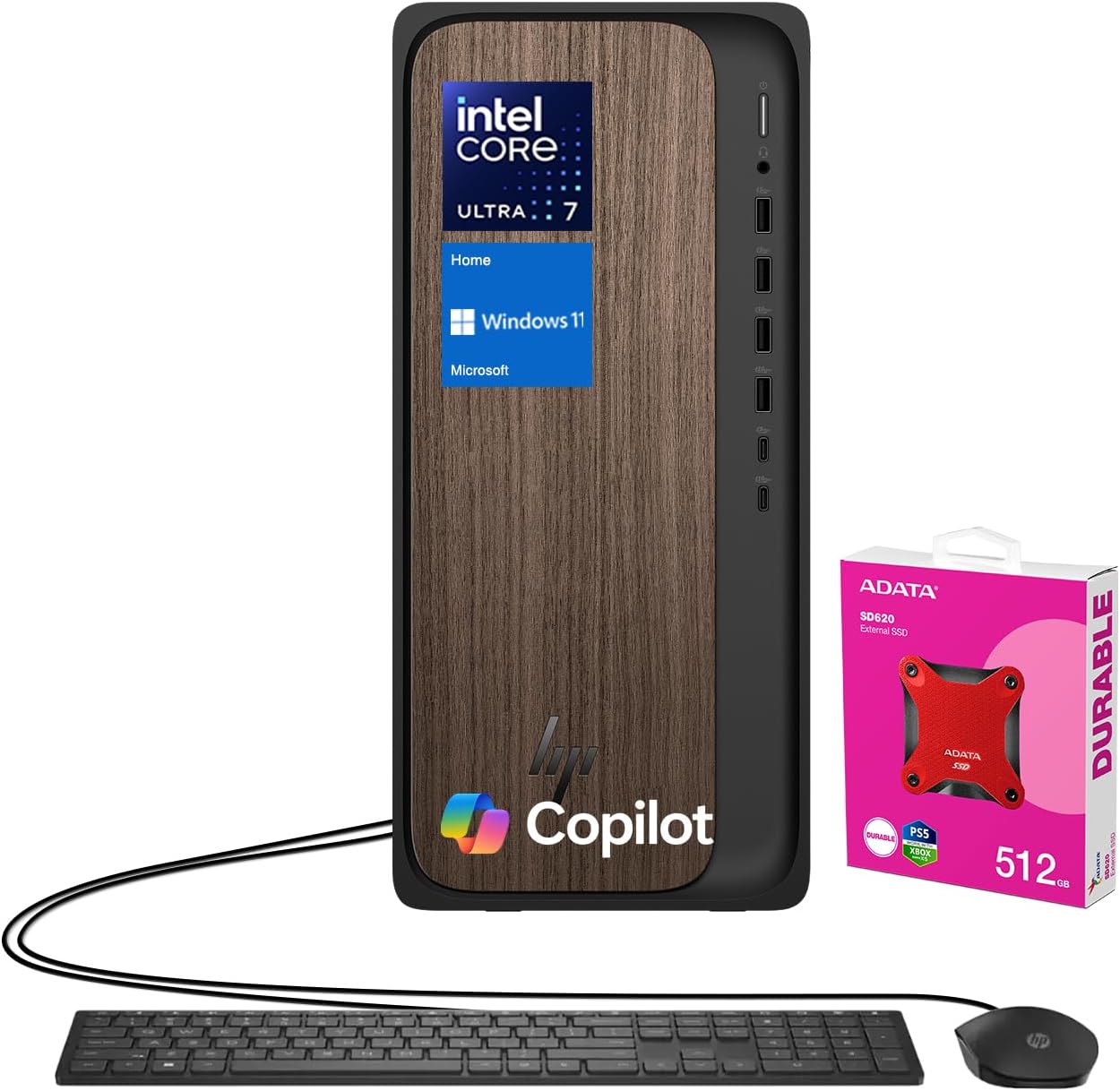
Key components include an Intel Core Ultra 7 265 Processor, NVIDIA GeForce RTX 4060 Graphics, 64GB DDR5 RAM, and a 2TB PCIe M.2 SSD. It comes pre-installed with Windows 11 Home and includes a wired keyboard and mouse for immediate use. An ADATA 512GB External SSD is bundled for additional storage and data management.
2. セットアップ
- 開梱: Carefully remove all components from the packaging. Ensure the desktop tower, wired keyboard, wired mouse, power cable, and any bundled accessories (like the ADATA external SSD) are present.
- 配置: Position the desktop tower on a stable, flat surface with adequate ventilation around all sides. Avoid placing it in enclosed spaces or near heat sources.
- 周辺機器を接続します。
- Connect your monitor(s) to the available HDMI or DisplayPort outputs on the rear of the desktop.
- Plug the wired keyboard and mouse into any available USB Type-A ports.
- 電源ケーブルをデスクトップの電源入力に接続し、次に接地された電源コンセントに接続します。
- If using the bundled ADATA external SSD, connect it to an available USB port.
- 初回電源オン: Press the power button located on the front of the desktop. Follow the on-screen instructions to complete the Windows 11 Home setup process, including network configuration and user account creation.
3. 操作手順
Your HP OmniDesk M03 is ready for use immediately after initial setup. It runs on Windows 11 Home, providing a user-friendly interface and access to a wide range of applications.
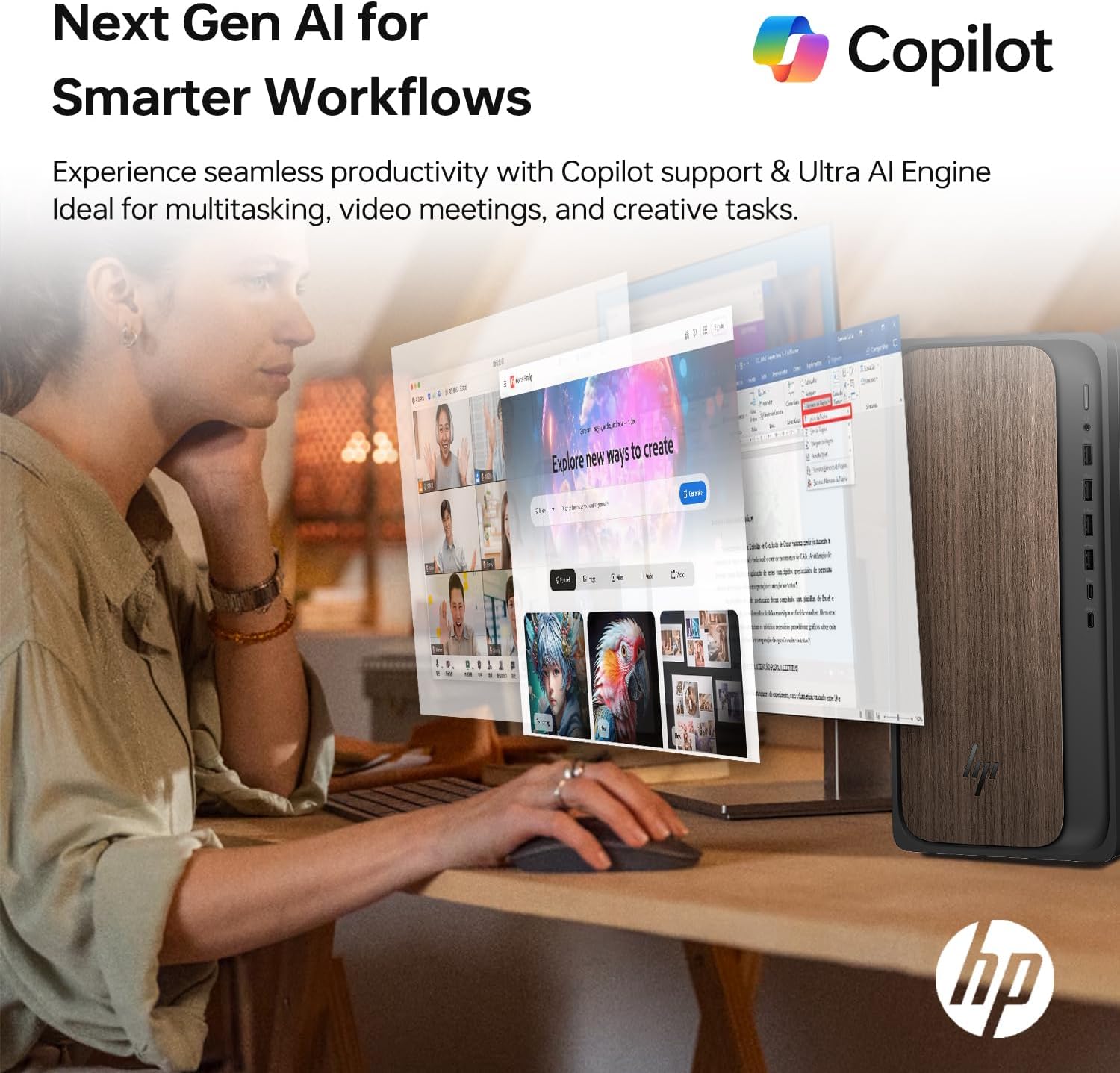
- Windows 11 Home: Explore the Start Menu for applications, settings, and system information. Utilize features like Copilot for AI-powered assistance and enhanced productivity.
- マルチタスク: The powerful Intel Core Ultra 7 processor and 64GB DDR5 RAM allow for seamless multitasking. Open multiple applications and browser tabs without experiencing significant slowdowns.
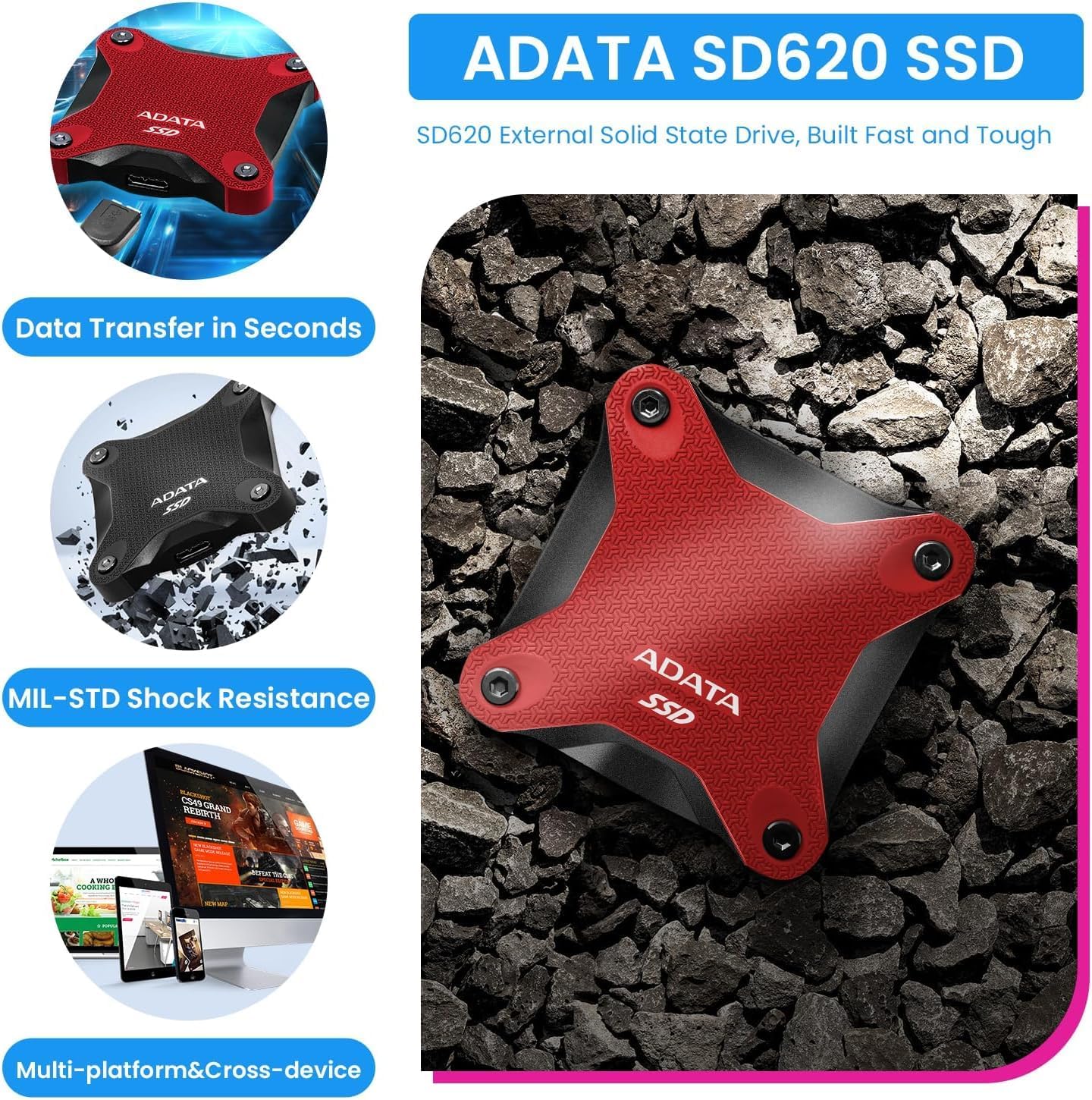
- ストレージ管理: The 2TB internal SSD provides fast access to your files. Use the bundled 512GB external SSD for additional storage, backups, or transferring large files.
- 接続性: Utilize the integrated Wi-Fi 6 for high-speed wireless internet access and Bluetooth for connecting compatible wireless devices.
4. 接続性
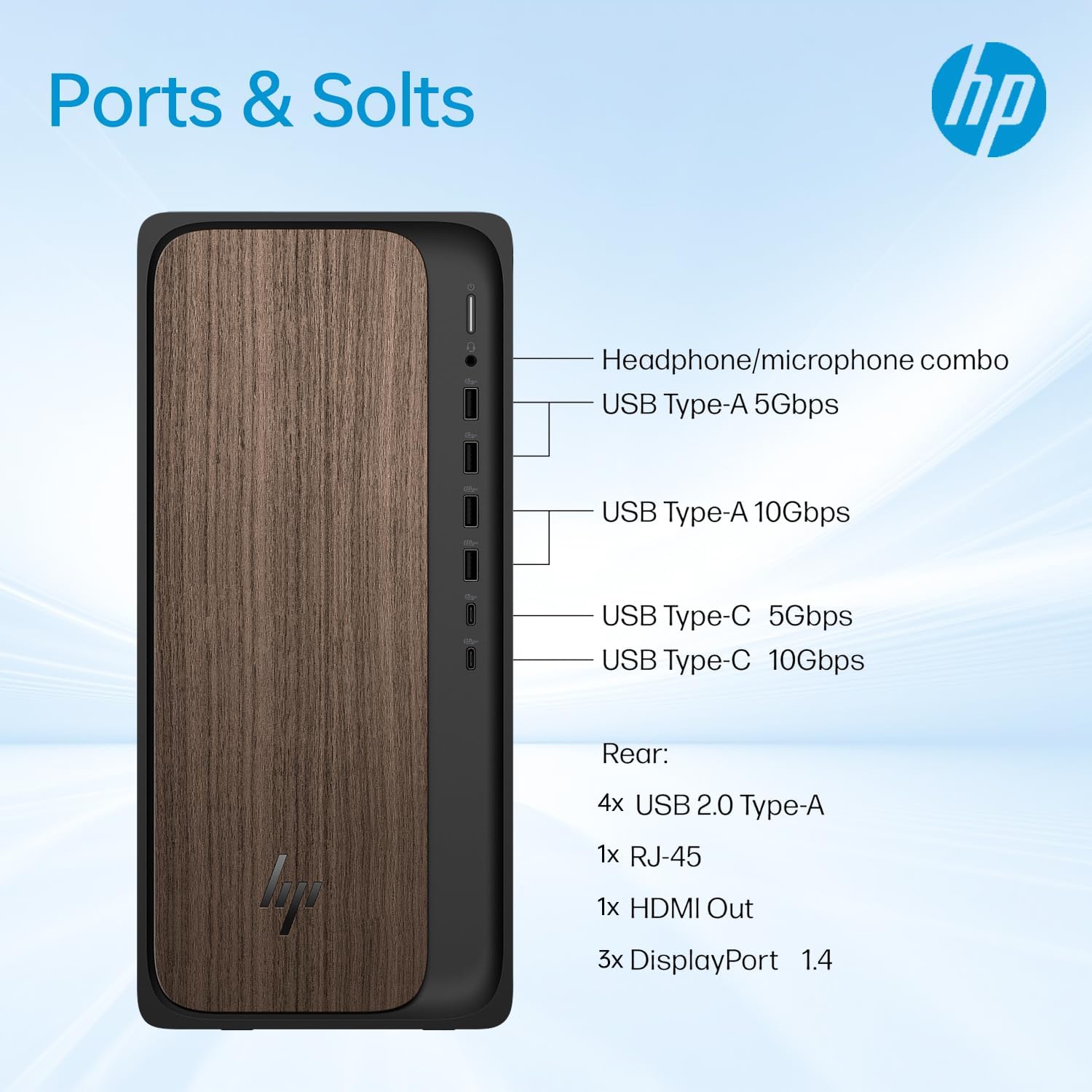
The HP OmniDesk M03 offers a variety of ports for connecting peripherals and external devices:
フロントポート:
- 1x USB Type-C 10Gbps signaling rate
- 1x USB Type-C 5Gbps signaling rate
- 2x USB Type-A 10Gbps信号速度
- 2x USB Type-A 5Gbps信号速度
- ヘッドフォン/マイクコンボジャック x 1
背面ポート:
- USB 4 タイプA x 2.0
- 1x RJ-45(イーサネット)
- 3x 3.5 mm audio jack combo
- 1x HDMI出力
- 3x DisplayPort outputs
ワイヤレス接続:
- Wi-Fi 6 (802.11ax)
- ブルートゥース
5. 仕様
| 特徴 | 詳細 |
|---|---|
| プロセッサ | Intel Core Ultra 7 265 (20 コア、20 スレッド、30 MB L3 キャッシュ、2.4 GHz ベース、最大 5.3 GHz ターボ) |
| メモリ(RAM) | 64GB DDR5 UDIMM (4800 MHz) |
| 内部ストレージ | 2TB PCIe M.2 SSD |
| 外部ストレージ | ADATA 512GB External SSD (bundled) |
| グラフィックス | NVIDIA GeForce RTX 4060 (8GB GDDR6) |
| オペレーティング·システム | Windows 11 ホーム |
| ワイヤレス接続 | Wi-Fi 6(802.11ax)、Bluetooth |
| 寸法(長さx幅x高さ) | 6.10インチ x 13.27インチ x 12.40インチ (15.5 x 33.7 x 31.5 cm) |
| 重さ | 11.78ポンド(5.34kg) |
| 色 | 黒 |
| 付属周辺機器 | 有線キーボードとマウス |
6. メンテナンス
Regular maintenance helps ensure the longevity and optimal performance of your HP OmniDesk M03 PC.
- クリーニング: Regularly clean the exterior of the desktop with a soft, dry cloth. Use compressed air to clear dust from ventilation grilles to prevent overheating. Ensure the PC is powered off and unplugged before cleaning.
- ソフトウェアアップデート: Keep your Windows 11 operating system and all drivers updated. Windows Update can be accessed via the Settings menu. Regularly check for graphics card driver updates from NVIDIA's official webサイト。
- データのバックアップ: 重要なものを定期的にバックアップする files to the bundled ADATA external SSD or a cloud storage service to prevent data loss.
- 安全: Maintain up-to-date antivirus software and be cautious of suspicious emails or websites to protect your system from malware.
7。 トラブルシューティング
If you encounter issues with your HP OmniDesk M03, try the following basic troubleshooting steps:
- No Power/System Not Booting:
- 電源ケーブルがデスクトップと電源コンセントの両方にしっかりと接続されていることを確認します。
- 別のデバイスを接続して、電源コンセントが機能していることを確認します。
- If the system still does not boot, disconnect all peripherals except the monitor, keyboard, and mouse, then attempt to power on again.
- 表示なし:
- Check that the monitor is powered on and correctly connected to the desktop's HDMI or DisplayPort.
- 可能な場合は、モニターを別のビデオ出力ポートに接続してみてください。
- モニターで正しい入力ソースが選択されていることを確認してください。
- 周辺機器が動作しない:
- 周辺機器を別の USB ポートに接続してみてください。
- コンピュータを再起動します。
- Check the device manufacturer's web更新されたドライバーのサイト。
- パフォーマンスが遅い:
- バックグラウンドで実行されている不要なアプリケーションを閉じます。
- オペレーティング システムとドライバーが最新であることを確認してください。
- Run a disk cleanup and defragmentation (for HDD, not typically needed for SSDs).
- Check for malware using antivirus software.
これらの手順を実行しても問題が解決しない場合は、保証とサポートのセクションを参照してさらにサポートを受けてください。
8. 保証とサポート
Your HP OmniDesk M03 Premium 2025 Business Desktop PC comes with specific warranty coverage:
- A 1年間保証 アップグレードされた RAM と SSD に関する詳細は、PCOnline US によって提供されています。
- デスクトップの残りのコンポーネントは元の状態を維持します 1年間のメーカー保証 HPより。
For technical support or warranty claims, please contact the respective support channels:
- For RAM/SSD related issues: Contact PCOnline US support.
- For other hardware or system issues: Contact HP Customer Support. Refer to the documentation included with your product or visit the official HP support web連絡先の詳細についてはサイト。
9. 製品画像





10. ビデオリソース
現時点ではこの商品の公式販売者ビデオはありません。