導入
This manual provides detailed instructions for the setup, operation, and maintenance of your NiTHO NEXUS Wireless Controller. Please read this manual thoroughly before using the product to ensure proper functionality and to prevent damage.
製品終了view
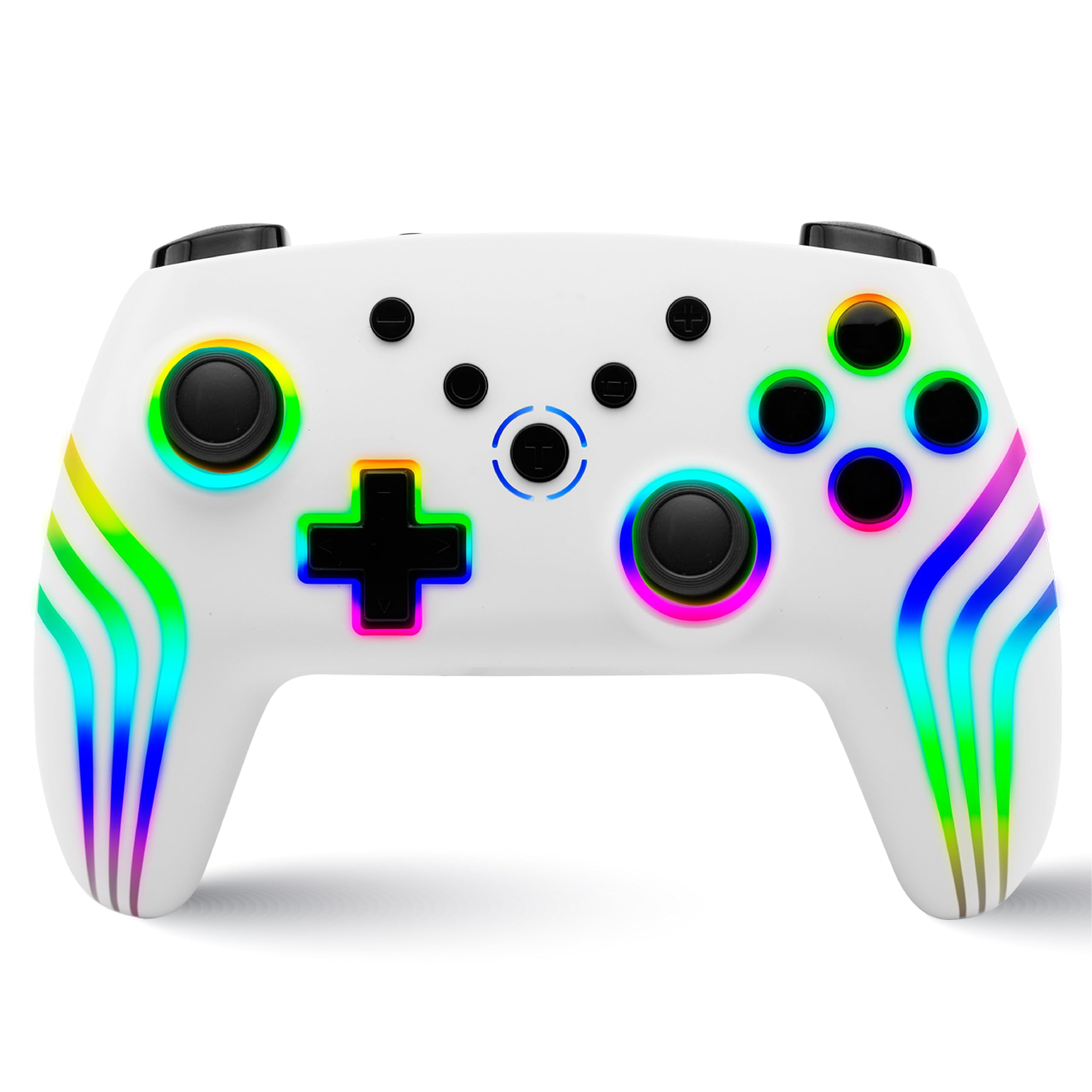
The NiTHO NEXUS Wireless Controller is designed for multi-platform gaming, offering compatibility with PC (Windows), Switch 2, Switch / Lite / OLED, Android, and iOS devices. It features Hall Effect triggers, a 6-axis gyro, adjustable vibration, and customizable RGB lighting.
コントローラーのレイアウト
画像: 前面と背面 view of the NiTHO NEXUS Wireless Controller with all buttons and ports clearly labeled. Key labels include HOME button, Screenshot key, +/- keys, Pairing button, Left Rockers, Cross arrow key, TURBO button, Mode Indicator Light, A/B/X/Y Keys, Right Rockers, R1, R2, L1, L2, TYPE-C charging port, and Force Online button.
設定
コントローラーの充電
Before initial use, fully charge the controller. Connect the supplied USB Type-C cable to the controller's charging port and the other end to a USB power source (e.g., PC, USB wall adapter). The charging indicator will show the charging status and turn off when fully charged. A full charge takes approximately 2.5 hours and provides up to 9 hours of gameplay.

画像: Illustration showing the controller's 800mAh battery capacity, indicating up to 9 hours of gameplay and a 2.5-hour charging time.
デバイスとのペアリング
The NiTHO NEXUS controller supports wireless connection via Bluetooth to various platforms.

画像: The NiTHO NEXUS controller highlighting its universal compatibility with Switch 1 & 2, PC, Android, and iOS devices.
- ニンテンドースイッチ / スイッチ2: Turn on your Switch console. Go to "Controllers" > "Change Grip/Order". Press and hold the Pairing button on the top of the NEXUS controller until the indicator lights flash rapidly. Once paired, the indicator light will become solid.
- PC(ウィンドウズ): Ensure your PC has Bluetooth enabled. Go to "Bluetooth & other devices" settings, click "Add Bluetooth or other device", then "Bluetooth". Press and hold the Pairing button on the controller. Select "Nitho NEXUS" from the list of available devices.
- アンドロイド/iOS: Enable Bluetooth on your mobile device. Press and hold the Pairing button on the controller. Select "Nitho NEXUS" from the list of available Bluetooth devices.
操作手順
振動設定
The controller features dual motor vibration with four adjustable levels: Off, Low, Medium, and High. These can be adjusted to suit your preference during gameplay.

画像: The controller with visual cues for dual motor vibration, showing 0%, 50%, 75%, and 100% intensity levels.
ターボ機能
The programmable turbo function allows for rapid, repeated button presses. It has three speed settings: 5, 10, or 15 shots per second.
- Turbo を有効にするには: Press and hold the TURBO button, then press the desired action button (e.g., A, B, X, Y, L1, R1, L2, R2). The button will now continuously register presses when held.
- ターボ速度を調整するには: With Turbo active, press and hold the TURBO button, then move the Right Rocker (right analog stick) Up or Down to cycle through the speeds.
- Turboを無効にするには: Press and hold the TURBO button, then press the action button again.

画像: The controller highlighting the Turbo function, showing options for 5, 10, and 15 shots per second.
RGB照明モード
The controller features customizable RGB lighting with 7 vibrant colors and 4 dynamic lighting modes.
- Jumping Light Effect: 色が急速に変化します。
- Colorful Constant Light Effect: A single color remains constant.
- Rainbow Color Mixing Light Effect: Colors blend and transition smoothly.
- 呼吸する光の効果: 色がフェードインしたりフェードアウトしたりします。
Refer to the controller's specific button combinations (usually a dedicated RGB button or a combination with the HOME button) to cycle through these modes and colors.

画像: The controller displaying various RGB LED light multi-effects, including Jumping Light, Colorful Constant Light, Rainbow Color Mixing Light, and Breathing Light.
6-Axis Gyro Motion Sensor
The integrated 6-axis gyro sensor allows for precise motion control in compatible games, capturing tilts and rotations for responsive gameplay, particularly in racing, action, and adventure titles.

画像: The controller with an overlay demonstrating its 6-axis motion sensing capabilities, showing rotational movement.
ホール効果トリガー
The magnetic Hall Effect triggers provide smooth and accurate input, reducing wear and preventing common issues like stick drift, ensuring long-lasting precision.

画像: Close-up of the controller's trigger area, emphasizing the Hall Effect Trigger technology.
メンテナンス
- コントローラーを清潔に保つには、柔らかく乾いた布で拭いてください。
- コントローラーを極端な温度、直射日光、湿気にさらさないでください。
- コントローラーを分解しないでください。分解すると保証が無効になります。
- 物理的な損傷を防ぐため、使用していないときはコントローラーを安全な場所に保管してください。
トラブルシューティング
- コントローラーがペアリングされない: Ensure the controller is charged. Make sure Bluetooth is enabled on your device and the controller is in pairing mode (indicator lights flashing). Try restarting both the controller and the device.
- 入力遅延または切断: コントローラーとデバイスの間に障害物がないことを確認してください。デバイスに近づけてください。他のワイヤレスデバイスからの干渉を減らしてください。
- ボタンが反応しない: Check if the controller is charged. If specific buttons are unresponsive, try resetting the controller (refer to the "Force Online button" or a small reset pinhole if available, not explicitly mentioned but common).
- 振動が機能しない: Check in-game settings to ensure vibration is enabled. Verify the controller's vibration level is not set to "Off".
- スティックドリフト: The NiTHO NEXUS features Hall Effect triggers designed to prevent stick drift. If you experience this issue, ensure the controller's firmware is up to date (check manufacturer's website) or contact support.
仕様
| 特徴 | 詳細 |
|---|---|
| モデル番号 | NEXUS |
| 互換性 | PC (Windows), Switch 2, Switch / Lite / OLED, Android, iOS |
| 接続性 | ワイヤレス(Bluetooth) |
| バッテリー | 800mAh 非標準バッテリー(付属) |
| バッテリー寿命 | 最大9時間 |
| 充電時間 | 約2.5時間 |
| トリガー | Magnetic Hall Effect Triggers |
| モーションセンサー | 6軸ジャイロ |
| 振動 | Dual Motor, 4 adjustable levels |
| ターボ機能 | 3 speeds (5, 10, 15 shots/sec) |
| RGB照明 | 7色、4のダイナミックモード |
| 製品寸法 | 16.1 x 6.5 x 11.1 cm |
| アイテム重量 | 270グラム |
| 原産国 | 中国 |
保証とサポート
For warranty information and technical support, please refer to the official Nitho website or contact their customer service directly. The manufacturer's contact email is: nithoamazonin@mtm-t.com.
For support in India, you may also contact the importer: Marketgate Technologies Private Limited, India, email: marketgateindia@gmail.com.
保証請求のために購入証明書を保管してください。


