1. Introduction to the DJI Mini 4K Drone
This manual provides detailed instructions for the safe and efficient operation of your DJI Mini 4K drone. It covers essential topics from initial setup and flight procedures to maintenance and troubleshooting. Please read this manual thoroughly before operating your drone to ensure a safe and enjoyable experience.
The DJI Mini 4K is a compact and powerful drone designed for aerial photography and videography, offering advanced features in a portable form factor. Understanding its functions and adhering to safety guidelines are crucial for optimal performance.
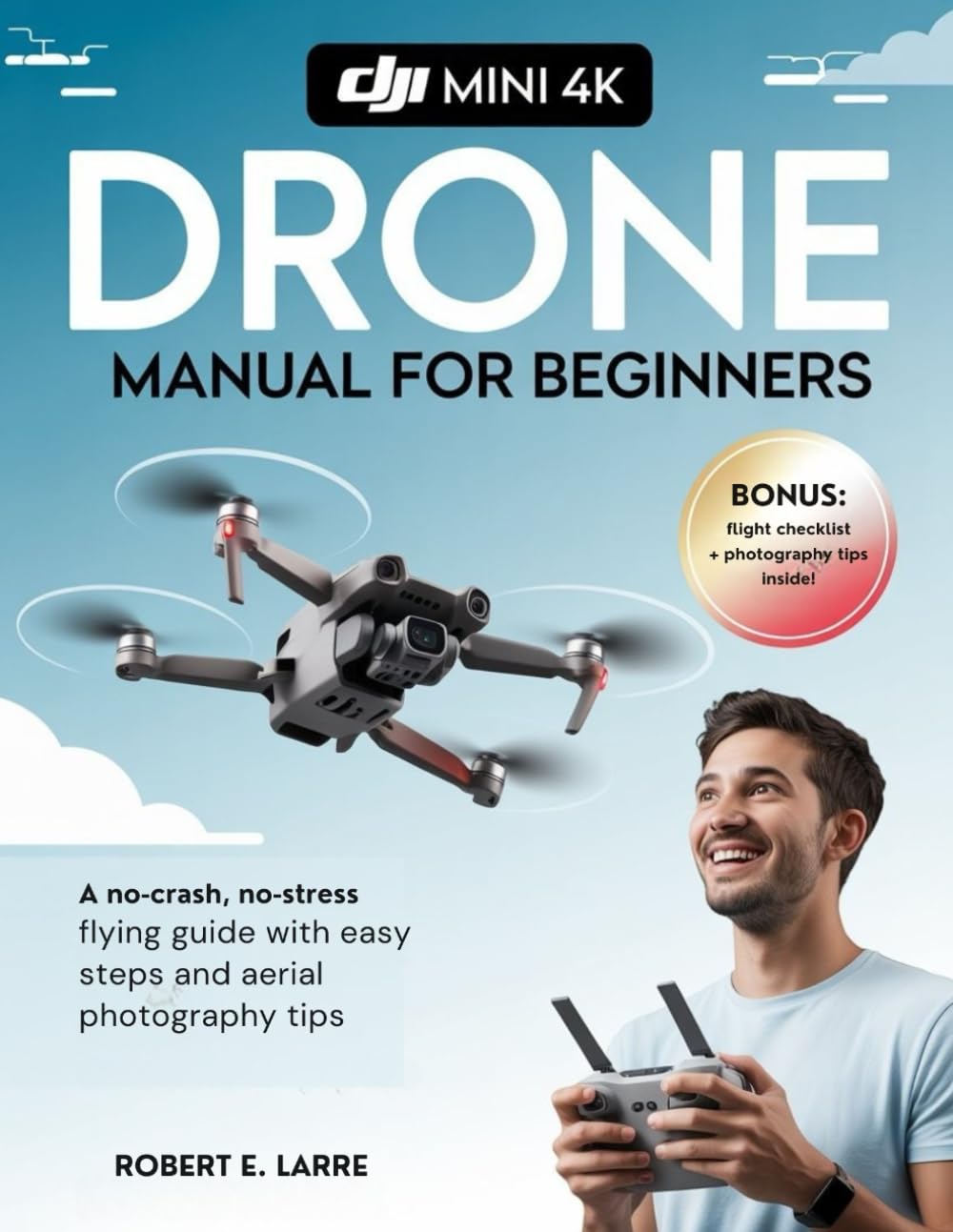
Image 1.1: Cover of the accompanying instructional guide for the DJI Mini 4K drone.
2. Safety Guidelines and Regulations
Operating a drone requires adherence to local regulations and general safety practices. Failure to comply can result in serious injury, property damage, or legal penalties. Always prioritize safety during flight.
- 飛行前チェック: Always inspect your drone, remote controller, and battery levels before each flight.
- 環境への意識: Avoid flying in strong winds, rain, fog, or extreme temperatures. Maintain a clear line of sight with your drone.
- 立ち入り禁止区域: Do not fly near airports, military bases, power plants, or other sensitive infrastructure. Respect no-fly zones.
- プライバシー: Be mindful of privacy concerns when flying near people or private property.
- 現地の法律: Familiarize yourself with and obey all local aviation laws and regulations regarding drone operation.
- バッテリーの安全性: Use only approved chargers and batteries. Do not overcharge or damage batteries.
3. 初期設定と準備
Before your first flight, follow these steps to set up your DJI Mini 4K drone and remote controller.
- 開梱と検査: Carefully remove all components from the packaging. Verify that all items listed in the product box are present and undamaged.
- バッテリーの充電: Fully charge the intelligent flight battery and the remote controller using the provided charging cables and adapter.
- プロペラをインストールします。 Attach the propellers to the motor arms according to the markings (e.g., silver cap to silver motor, no cap to black motor). Ensure they are securely fastened.
- アプリをダウンロードしてインストールします: Download the official DJI Fly app from your mobile device's app store. Install the app and create or log in to your DJI account.
- ドローンを起動: Connect your mobile device to the remote controller, then power on the drone and controller. Follow the on-screen prompts in the DJI Fly app to activate your drone. This may require an internet connection.
- ファームウェアアップデート: If prompted by the app, update the drone and remote controller firmware to the latest version. Ensure batteries are sufficiently charged before starting an update.
4. Operating the DJI Mini 4K Drone
This section covers basic flight operations and camera controls for capturing stunning aerial content.
4.1 基本的な飛行制御
- 離陸/着陸: Use the automatic takeoff/landing button in the DJI Fly app or perform a manual takeoff by pushing both control sticks down and inwards/outwards.
- 上昇/下降: Left stick up/down.
- 前方後方: Right stick up/down.
- 左/右(ストレイフ): Right stick left/right.
- 回転(ヨー): Left stick left/right.
4.2 インテリジェント飛行モード
The DJI Mini 4K offers various intelligent flight modes to assist with capturing dynamic footage. Access these modes through the DJI Fly app.
- クイックショット: Automated flight paths for cinematic video clips (e.g., Dronie, Helix, Rocket, Circle, Boomerang).
- パノラマ: 広角、180°、または球面パノラマを自動的に撮影します。
- 帰還(RTH): The drone automatically returns to its recorded home point when activated or in case of signal loss or low battery.
4.3カメラの操作
Utilize the DJI Fly app to control the camera settings and capture high-quality photos and videos.
- 写真モード: Single Shot, Timed Shot, AEB (Auto Exposure Bracketing).
- ビデオ解像度: Select from various resolutions including 4K at 30fps, 2.7K at 60fps, and 1080p at 60fps.
- ジンバルコントロール: リモートコントローラーのジンバルダイヤルを使用して、カメラの傾斜角度を調整します。
5. メンテナンスとケア
Regular maintenance ensures the longevity and reliable performance of your DJI Mini 4K drone.
- クリーニング: Use a soft, dry cloth to clean the drone body and camera lens. Avoid harsh chemicals.
- プロペラの検査: プロペラにひび割れ、曲がり、損傷がないか定期的に点検してください。損傷がある場合は直ちに交換してください。
- バッテリーのケア: 長期間使用しない場合は、バッテリーを約50~60%充電した状態で保管してください。極端な温度を避けてください。
- ジンバル保護: Always attach the gimbal protector when transporting the drone.
- ストレージ: Store the drone in a cool, dry place, away from direct sunlight.
6. 一般的な問題のトラブルシューティング
This section addresses common issues you might encounter during drone operation.
| 問題 | 考えられる原因 | 解決 |
|---|---|---|
| ドローンの電源が入らない | Low battery, damaged battery, incorrect power sequence | Ensure battery is fully charged and properly inserted. Press power button once, then press and hold. |
| GPS信号なし | 屋内で飛行、障害物あり view of sky, magnetic interference | Fly in an open outdoor area. Avoid areas with strong magnetic fields. |
| Weak video transmission | Obstacles between drone and controller, strong interference, antenna orientation | Ensure clear line of sight. Adjust controller antennas. Avoid areas with high Wi-Fi traffic. |
| Gimbal abnormal warning | Gimbal protector still on, physical obstruction, calibration error | Remove gimbal protector. Check for obstructions. Calibrate gimbal via DJI Fly app. |
より詳細なトラブルシューティングについては、DJI公式サポートを参照してください。 webサイトをご覧いただくか、カスタマーサービスにお問い合わせください。
7. 技術仕様
Below are the key technical specifications for the DJI Mini 4K drone. These specifications are subject to change without notice.
| 特徴 | 仕様 |
|---|---|
| 航空機の重量 | Under 249 g (with battery and propellers) |
| 最大飛行時間 | Approx. 31 minutes (measured while flying at 4.7 m/s in windless conditions) |
| 最大伝送距離 | 10 km(FCC)、6 km(CE / SRRC / MIC) |
| カメラセンサ | 1/2.3-inch CMOS, 12 MP |
| ビデオ解像度 | 4K: 3840×2160 @ 24/25/30fps 2.7K: 2720×1530 @ 24/25/30/48/50/60fps FHD: 1920×1080 @ 24/25/30/48/50/60fps |
| 最大風速抵抗 | 8.5-10.5 m/s (Level 5) |
| 動作温度 | 0° ~ 40° C (32° ~ 104° F) |
8. 保証とサポート
The DJI Mini 4K drone comes with a standard manufacturer's warranty. For specific warranty terms and conditions, please refer to the official DJI web保証書または製品に付属の保証書をご覧ください。保証請求の際は購入証明書を保管してください。
For technical support, troubleshooting assistance beyond this manual, or service requests, please visit the official DJI Support page: DJI Official Support.
You can also find FAQs, video tutorials, and community forums on the DJI website to help you get the most out of your drone.


