1. 重要な安全情報
Please read all safety and operating instructions carefully before using your new television. Keep these instructions for future reference. Always follow basic safety precautions to reduce the risk of fire, electric shock, and injury to persons.
- 通気口を塞がないでください。
- ラジエーター、暖房レジスター、ストーブ、その他の機器(以下を含む)などの熱源の近くに設置しないでください。 amp熱を発生する装置。
- 特にプラグ、コンセント、および装置から出ている部分で、電源コードが踏まれたり挟まれたりしないように保護してください。
- メーカー指定のアタッチメント/アクセサリのみを使用してください。
- 雷雨のときや長期間使用しない場合は、この装置のプラグを抜いてください。
- すべてのメンテナンスは資格のあるサービス担当者に依頼してください。
2. 箱の中身
Carefully unpack your TCL 55C72K TV and ensure all items are present. The package should contain the following:
- 1N LED TV (TCL 55C72K)
- 1Nスタンド(卓上スタンド)
- 1Nリモコン
- 2N AAA Batteries for Remote Control

Image: Contents of the box, showing the TCL 55C72K television, remote control, and two AAA batteries.
注記: A fixed or adjustable wall mount is not included in the box. This can be purchased separately or through a service provider.
3. セットアップ
3.1. スタンドまたは壁掛け金具の取り付け
Your TCL 55C72K TV comes with a table-top stand. For wall mounting, a compatible VESA mount (not included) is required. Ensure the TV is placed on a stable, level surface or securely mounted to a wall.
3.2.デバイスの接続
The TCL 55C72K offers various connectivity options:
- HDMI ポート: 4 HDMI ports are available. HDMI 1 and HDMI 2 support 4K/144Hz, with HDMI 1 also supporting (e)ARC for enhanced audio return. HDMI 3 and HDMI 4 support 4K/60Hz.
- USB ポート: 1 USB 3.0 port and 1 USB 2.0 port for connecting external storage devices.
- LANポート: 有線インターネット接続用。
- アンテナ入力: 地上波またはケーブルアンテナを接続します。
- 光オーディオ出力: 外部オーディオシステムに接続します。

画像: 側面と背面 view of the TCL 55C72K TV, highlighting USB 3.0, USB 2.0, LAN, HDMI (4K/144Hz, 4K/60Hz), Cable/Antenna, and Optical Audio Out ports.
3.3. 初回電源投入とセットアップウィザード
After connecting the power cord and any external devices, press the power button on the remote control. The TV will guide you through the initial setup process, including network connection, Google account login, and basic picture/sound settings.
4. テレビの操作
4.1.リモコン機能
The smart remote control provides quick access to various functions and streaming services. Insert the two AAA batteries into the remote control before use.

Image: The TCL 55C72K remote control, featuring a D-pad, number buttons, and dedicated hotkeys for Netflix, Prime Video, YouTube, and other services, along with a Google Assistant button.
- 電源ボタン: テレビの電源をオンまたはオフにします。
- Google アシスタント ボタン: Activates voice control for searching content, controlling smart devices, and getting information.
- Navigation Pad (D-pad): メニューナビゲーション用。
- 音量を上げる/下げる: 音量レベルを調整します。
- チャンネルアップ/ダウン: テレビのチャンネルを変更します。
- 専用ホットキー: One-button quick access to popular streaming platforms like Netflix, Prime Video, YouTube, and more.
4.2. スマートテレビ機能(Google TV)
The TCL 55C72K runs on Google TV, offering a personalized and integrated smart TV experience.

Image: The Google TV home screen displaying recommended content and icons for popular streaming applications such as YouTube, Prime Video, Disney+ Hotstar, Netflix, and more.
- コンテンツの発見: Google TV organizes movies, shows, and live TV from your subscriptions and apps into one place.
- 音声コントロール: Use Hands-Free Voice Control or the remote's Google Assistant button to search, control playback, and manage smart home devices.
- アプリアクセス: Prime Video、Netflix、Hotstar、Zee5 など、Google Play ストアのさまざまなアプリケーションにアクセスできます。
- スクリーンミラーリング: Cast content from your smartphone or tablet to the TV. Supports Airplay 2.
- Alexaで動作します: Integrate with Amazon Alexa-enabled devices for voice control.
- ゲームマスター: Optimized settings for an enhanced gaming experience.
4.3. 表示機能
The TCL 55C72K features advanced display technologies for superior picture quality:
- QD-Mini LEDパネル: Combines Quantum Dot and Mini LED technologies for ultra-high peak brightness, contrast, and color gamut.
- 精密調光シリーズ: Up to 2048 local dimming zones for deeper blacks and higher brightness, enhancing picture performance.
- HDR 2600 nits: Delivers stunning brightness and vivid details in HDR content. Supports HDR10+, HLG, and Dolby Vision IQ.
- 144Hzリフレッシュレート: Native 144Hz refresh rate (VRR 48-288Hz/DLG 240Hz) for smoother motion and clearer images, especially in fast-paced scenes and gaming.
- AiPQ Proプロセッサ: An AI picture quality processor that optimizes color, contrast, and clarity.
- IMAX エンハンスド: Certified for IMAX Enhanced content, providing a premium audio-visual experience.
- FreeSyncプレミアムプロ: Ensures tear-free and low-latency gaming.

Image: Explanation of QD-Mini LED technology, combining QLED and Mini LED for superior display performance.

Image: Visual demonstrating the Precise Dimming Series with up to 2048 zones, illustrating how it achieves deeper blacks and higher brightness.

Image: A dynamic scene with a car, highlighting the smooth and clear motion achieved with the 144Hz Native Refresh Rate.
4.4. オーディオ機能
Experience immersive sound with the integrated audio system:
- 60ワット出力: クリアでダイナミックなサウンドを実現する強力なオーディオ出力。
- ドルビーアトモス: Delivers multi-dimensional sound that flows around you.
- DTS バーチャルX: Provides an immersive audio experience without the need for additional speakers.
- ONKYO 2.1.2 CH Hi-Fi System: Integrated ONKYO speakers for a high-fidelity audio experience.
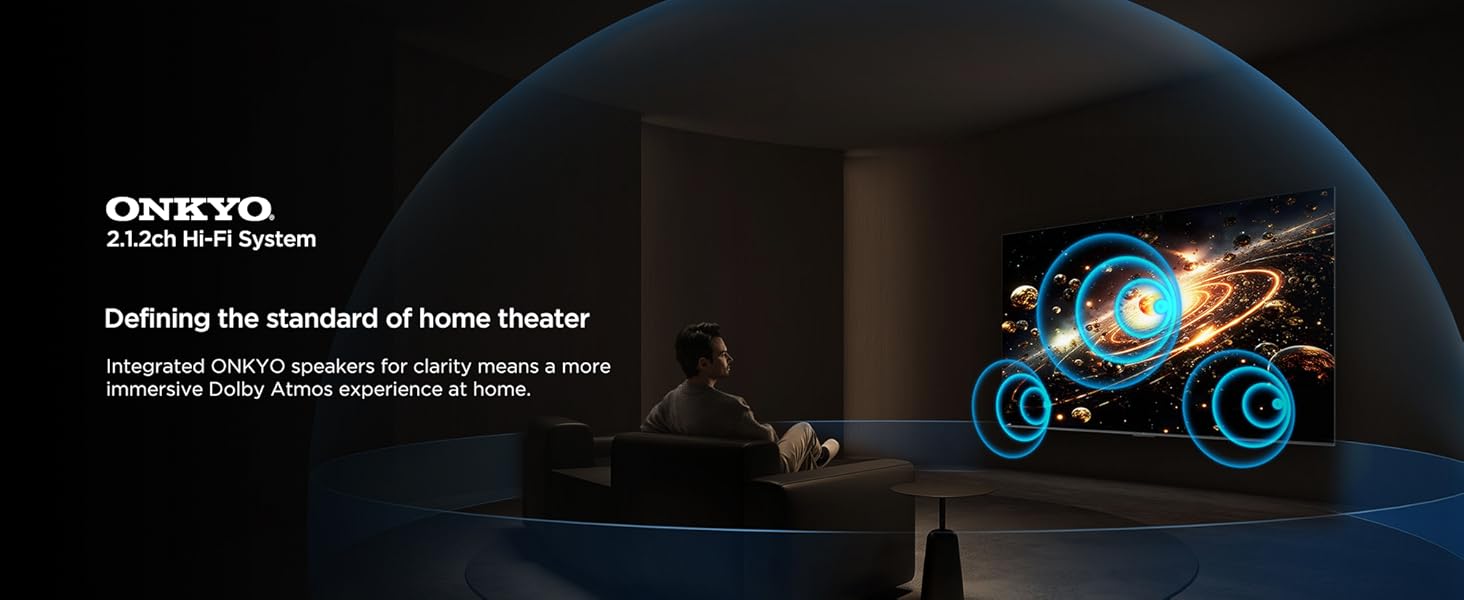
Image: A visual representation of the ONKYO 2.1.2ch Hi-Fi System, emphasizing its role in delivering an immersive Dolby Atmos home theater experience.
4.5. ゲーム機能
The TCL 55C72K is designed for an optimal gaming experience:
- ゲームマスター: A suite of features to enhance gaming, including low input lag and optimized picture settings.
- AMD FreeSync プレミアムプロ: 画面のティアリングやスタッタリングをなくし、スムーズなゲームプレイを実現します。
- HDMI 2.1: Supports advanced gaming features like 4K@120Hz (or 144Hz) and Variable Refresh Rate (VRR).
Image: A vibrant gaming illustration showcasing the 'Game Master' feature, designed to provide a professional and smooth gaming experience.
4.6. アイケア機能
The TV incorporates features to reduce eye strain during prolonged viewing:
- 複数の目のケア: Certified with TUV Low Blue Light and Flicker Free technologies.
- ハイブリッド ログ ガンマ (HLG): Supports HLG for compatible content.

画像: Visual examples demonstrating the benefits of Multiple Eye Care features, including low blue light and flicker-free technology, for protecting viewersの目。
4.7. 省エネモード
The TCL 55C72K includes an energy-saving mode to reduce power consumption.

Image: The Energy Dashboard interface on the TCL TV, illustrating options for Energy Saving, Brightness, Adaptive Brightness, and Dynamic Brightness settings.
The energy-saving mode integrates features like Adaptive Brightness and Dynamic Brightness to optimize power usage. You can configure these settings in the TV's menu.
5. メンテナンス
To ensure the longevity and optimal performance of your TCL 55C72K TV, follow these maintenance guidelines:
- 画面の掃除: 柔らかく糸くずの出ない布で画面を優しく拭いてください。頑固な汚れには、軽くamp布に水または専用のスクリーンクリーナーを含ませてください。刺激の強い化学薬品は使用しないでください。
- フレームの掃除: テレビのフレームとスタンドを清掃するときは、柔らかく乾いた布を使用してください。
- 換気: 過熱を防ぐため、テレビ背面の通気口が塞がれていないことを確認してください。
- 電源コード: 電源コードに損傷がないか定期的に確認してください。損傷している場合は、資格のあるサービス担当者に連絡して交換してください。
- ダスティング: Periodically dust the TV and surrounding area to prevent dust buildup.
6。 トラブルシューティング
If you encounter issues with your TCL 55C72K TV, refer to the following common troubleshooting steps:
6.1.ノーパワー
- 電源コードがテレビと電源コンセントの両方にしっかりと差し込まれているかどうかを確認してください。
- 別のデバイスを接続して、電源コンセントが機能していることを確認します。
- リモコンだけでなく、テレビ本体の電源ボタンを押してみてください。
6.2. 画像が表示されない/画質が悪い
- 正しい入力ソース(例:HDMI 1、AV)が選択されていることを確認します。
- テレビと外部デバイス間のすべてのケーブル接続を確認してください。
- テレビメニューで画像設定(明るさ、コントラスト、色)を調整します。
- アンテナを使用している場合は、アンテナの接続を確認し、チャンネルを再スキャンしてみてください。
- For low-quality video sources, note that upscaling performance varies.
6.3. 音が出ない/音質が悪い
- 音量がミュートされておらず、上がっていることを確認します。
- 外部スピーカーまたはサウンドバーを使用している場合は、オーディオ ケーブルを確認してください。
- Adjust sound settings (equalizer, sound mode) in the TV menu.
- If using HDMI (e)ARC, ensure the external audio system is correctly configured.
6.4. リモコンが動作しない
- リモコンの電池を交換してください。
- リモコンとテレビの赤外線センサーの間に障害物がないことを確認してください。
- Bluetooth リモコンの場合は、正しくペアリングされていることを確認してください。
6.5. Smart TV/Internet Connectivity Issues
- Check your Wi-Fi connection or LAN cable.
- ルーター/モデムを再起動します。
- Go to the TV's network settings and try reconnecting to your network.
- テレビのソフトウェアが最新であることを確認してください。
For more complex issues, please refer to the support section or contact TCL customer service.
7. 仕様
Detailed technical specifications for the TCL 55C72K 4K UHD Smart QD-Mini LED Google TV:
| 特徴 | 仕様 |
|---|---|
| ブランド | TCL |
| モデル | 55C72K |
| 画面サイズ | 55インチ(139 cm) |
| ディスプレイ技術 | QD-ミニLED |
| 解決 | 4K UHD(3840 x 2160ピクセル) |
| リフレッシュレート | 144 Hz (VRR 48-288Hz/DLG 240Hz) |
| オペレーティング·システム | Google TV |
| プロセッサ | 64-bit Quad Core Processor (AiPQ Pro Processor) |
| RAMメモリ | 3ギガバイト |
| メモリストレージ容量 | 64ギガバイト |
| HDR サポート | HDR 2600 nits, Dolby Vision IQ, HDR10+, HLG |
| ローカル調光ゾーン | Up to 2048 Zones (Precise Dimming Series) |
| オーディオ出力 | 60 Watts (ONKYO 2.1.2 CH Hi-Fi System) |
| オーディオテクノロジー | Dolby Atmos, DTS Virtual-X |
| 接続性 | 4 HDMI Ports (2x 4K/144Hz, 2x 4K/60Hz), 1 USB 3.0, 1 USB 2.0, 1 LAN, 1 Antenna Input, 1 Optical Audio Out, Wi-Fi, Bluetooth |
| 特集 | Hands Free Voice Control, Screen Mirroring, Works with Alexa, Airplay 2, Game Master, IMAX Enhanced, FreeSync Premium Pro, Multiple Eye Care (TUV Low Blue Light Certified), Energy Saving Mode |
| 製品寸法(長さx幅x高さ) | 122.6 x 31.5 x 71.1 cm(スタンド付き) |
| アイテム重量 | 13.3キロ |
| 電源 | AC 240ボルト |
| モデル年 | 2025 |

Image: Detailed dimensions of the TCL 55C72K television, including height, width, and depth with and without the stand, along with weight information.
8. 保証とサポート
8.1. 保証情報
The TCL 55C72K television comes with a 2年間保証 ご購入日からメーカーより提供されます。リモコンには別途 6ヶ月保証保証請求は、Amazon の電子請求書を使用して処理できます。
8.2. カスタマーサポート
For technical assistance, service requests, or any queries regarding your TCL 55C72K TV, please contact TCL customer support. You can find contact details on the official TCL India webサイトを参照するか、製品に付属のドキュメントを参照してください。
9. 製品ビデオ終了view
全体像についてはこのビデオをご覧くださいview of the TCL 55C72K's display capabilities and features.
ビデオ: 短い事前view ショーasing the display quality and visual performance of the TCL 55C72K 4K UHD Smart QD-Mini LED Google TV.


