導入
This manual provides essential information for setting up, operating, maintaining, and troubleshooting your TECNO Spark GO 2 smartphone. Please read this guide carefully to ensure optimal performance and longevity of your device.
設定
1. 開梱と初期検査
すべての品目をパッケージから慎重に取り出してください。「箱の内容物」セクションに記載されているすべてのコンポーネントが揃っていて、損傷がないことを確認してください。
2. SIMカードとメモリカードの挿入
- デバイスの側面にある SIM トレイを見つけます。
- 付属の SIM トレイ取り出しツールをトレイの横にある小さな穴に挿入し、トレイが飛び出すまで軽く押します。
- Place your Nano-SIM card(s) and/or microSD card (if applicable) into the designated slots on the tray, ensuring correct orientation.
- カチッと音がするまでトレイを慎重にデバイスに戻します。
3. デバイスの充電
Before first use, fully charge your TECNO Spark GO 2. Connect the provided USB cable to the phone's charging port and the power adapter. Plug the adapter into a wall outlet. The device supports 15W fast charging.

以上view of TECNO Spark GO 2 features, including AI, durability, display, and battery.
4. 電源投入と初期設定
Press and hold the Power button until the TECNO logo appears. Follow the on-screen instructions to select your language, connect to Wi-Fi, and set up your Google account.
デバイスの操作
1. 基本的なナビゲーション
The TECNO Spark GO 2 features a responsive touchscreen. Use gestures such as tap, swipe, pinch-to-zoom, and long-press to navigate the interface, open apps, and interact with content.
2. 表示機能
Experience smooth visuals on the 6.67-inch Punch-Hole Display with a 120Hz refresh rate. This high refresh rate provides a fluid scrolling and viewing の経験。

The 120Hz Dynamic Punch-hole Display offers smooth visuals.
3. Ella AI with Indian Language Support
Your device includes Ella, an AI assistant that supports voice commands in various Indian regional languages. Utilize Ella for productivity tasks and smart interactions.

Ella AI provides support for multiple Indian languages.
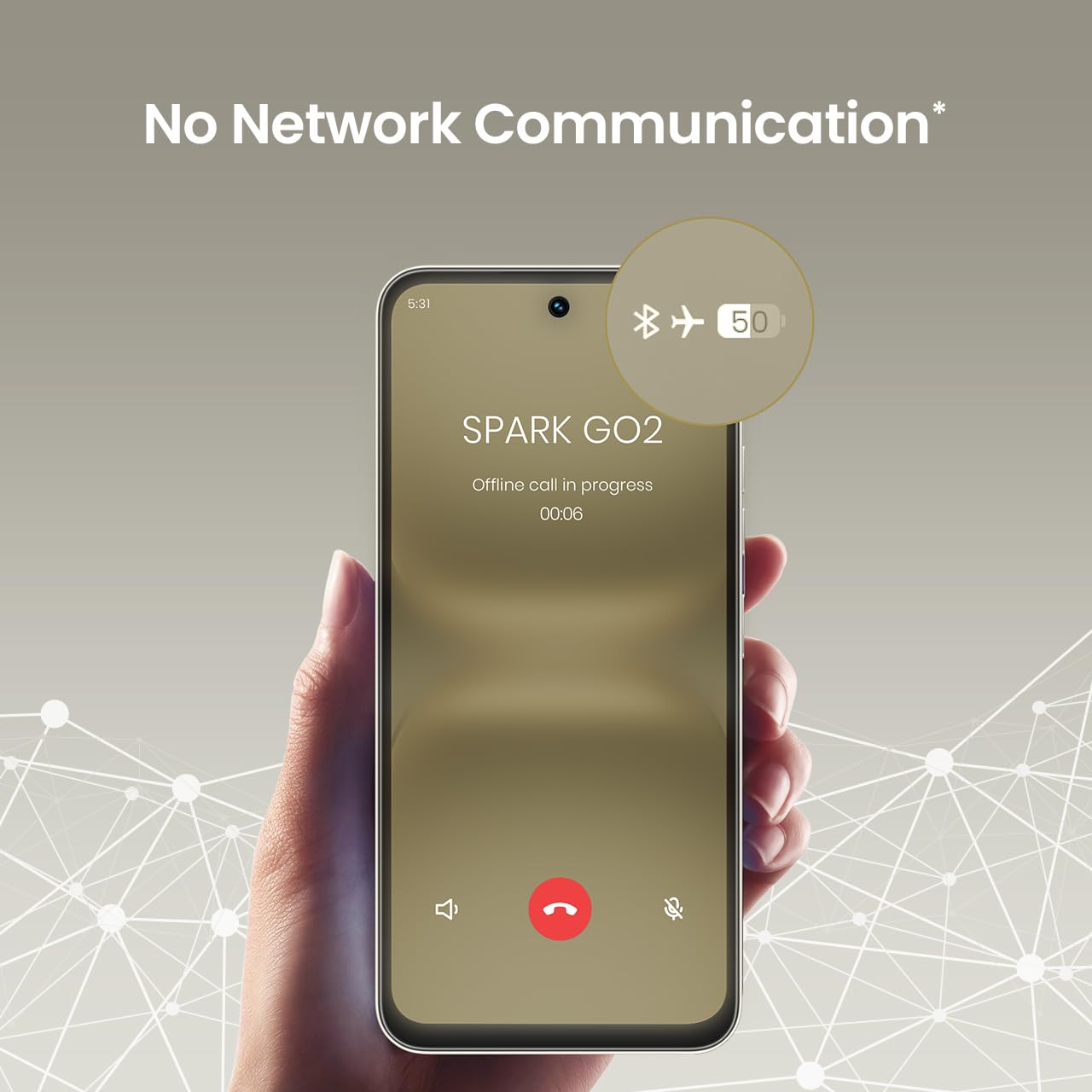
4. No Network Communication Feature
The TECNO Spark GO 2 features a unique 'No Network Communication' capability, allowing certain functions even in areas without cellular signal. Refer to the device's settings for details on how to utilize this feature.

The 'No Network Communication' feature allows limited functionality without cellular service.
5. カメラの使用
Your device is equipped with a 13MP main camera and an 8MP front camera. Open the Camera application to capture photos and videos. Explore various modes and settings for different photographic effects.
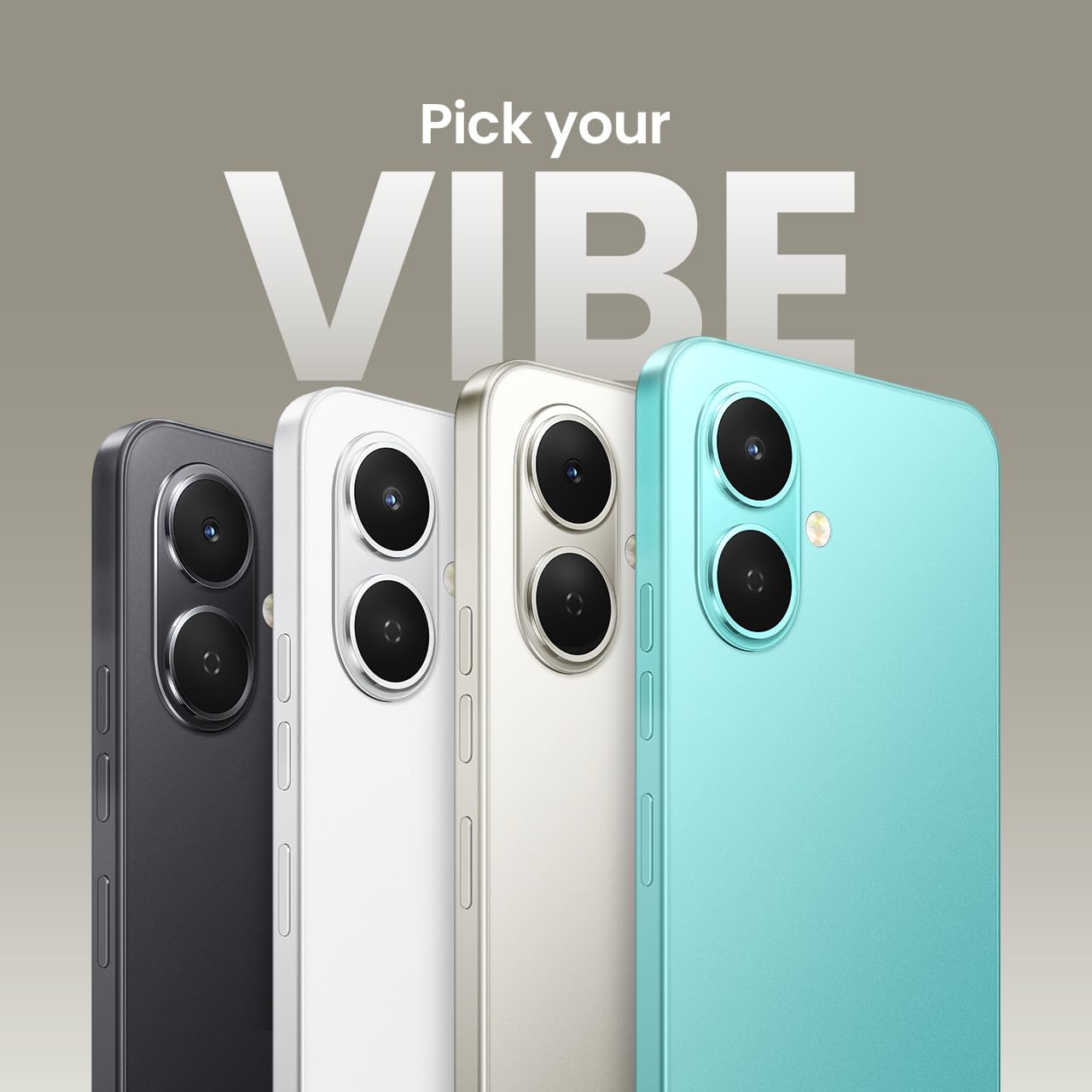
The TECNO Spark GO 2 features a 13MP main camera and an 8MP front camera.
6. AI Active Noise Cancellation
Benefit from AI Active Noise Cancellation during calls to ensure clearer audio by reducing background noise.

AI Active Noise Cancellation enhances call clarity.
メンテナンス
1. 耐久性と保護
The TECNO Spark GO 2 is IP64 rated and SGS certified, offering protection against dust and splashes. While durable, avoid submerging the device in water or exposing it to excessive dust.

The TECNO Spark GO 2 is IP64 rated for dust and splash resistance.
2. バッテリーのお手入れ
To maximize battery life, avoid extreme temperatures. Use only the provided charger and cable. For optimal performance, keep the battery charge between 20% and 80% when possible.
5000mAhのバッテリーは15Wの急速充電をサポートします。
3. ソフトウェアの更新
Regularly check for and install software updates to ensure your device has the latest features, security patches, and performance enhancements. This contributes to the promised 4 years of lag-free performance.
4. 清掃
スマートフォンの画面と本体を拭く際は、柔らかく糸くずの出ない布をご使用ください。刺激の強い化学薬品や研磨剤の使用は避けてください。
トラブルシューティング
1. デバイスが応答しない
デバイスが応答しなくなった場合は、電源ボタンを約 10 ~ 15 秒間押し続けて強制的に再起動してください。
2. バッテリーの消耗が早い
Check for background apps consuming power. Adjust screen brightness, disable unnecessary features like GPS or Bluetooth when not in use, and ensure your software is up to date.
3. ネットワーク接続の問題
If you experience issues with cellular or Wi-Fi connectivity, try restarting your device. Verify that your SIM card is correctly inserted and that you are within network coverage. For Wi-Fi, ensure the router is functioning correctly.
4. パフォーマンスの遅れ
Close unused applications, clear cache, and ensure sufficient storage space. The device is designed for lag-free performance for up to 4 years, supported by its UNISOC T7250 processor and up to 8GB RAM (including virtual RAM).

The TECNO Spark GO 2 is engineered for 4 years of lag-free performance.

The device offers up to 8GB RAM for smooth multitasking.
仕様
| 特徴 | 詳細 |
|---|---|
| オペレーティング·システム | アンドロイド15 |
| ラム | 4 GB (Up to 8GB with virtual RAM) |
| 内部ストレージ | 64ギガバイト |
| モデル番号 | KM0904 |
| 製品寸法 | 16.6 x 7.7 x 0.8 cm |
| アイテム重量 | 186グラム |
| バッテリー電力定格 | 5000mAh |
| 充電サポート | 15W急速充電 |
| 画面 | 6.67" Punch-Hole Display, 120Hz Refresh Rate, 720 x 1600 Resolution |
| メインカメラ | 13 MP |
| フロントカメラ | 8 MP |
| 接続性 | Bluetooth, Infrared, USB, Wi-Fi, 4G Carrier Aggregation 2.0 |
| オーディオジャック | 3.5ミリメートル |
| 特集 | Ella AI with Indian Language Support, IP64 SGS Certified, No Network Communications, AI Active Noise Cancellation |
| 色 | チタングレー |
箱の中身
The TECNO Spark GO 2 package typically includes the following items:
- TECNO Spark GO 2 スマートフォン
- 携帯ケース
- 電源アダプター
- SIMトレイイジェクター
- USBケーブル
保証とサポート
For warranty information and customer support, please refer to the warranty card included with your product or visit the official TECNO Mobile India website. The manufacturer is G Mobiles India.
For technical assistance or service inquiries, please contact TECNO customer service through their official channels.


