1. はじめに
This manual provides essential information for the proper setup, operation, maintenance, and troubleshooting of your Zebra DS3608-ER Ultra-Rugged Handheld Corded Barcode Scanner. Designed for demanding industrial environments, this scanner offers reliable 1D and 2D barcode scanning capabilities over an extended range.
安全かつ効率的な操作を確保するために、デバイスを使用する前にこのマニュアルをよくお読みください。
2.製品オーバーview
The Zebra DS3608-ER is an ultra-rugged corded barcode scanner built for extreme conditions. It is capable of scanning both 1D and 2D barcodes from near contact to distances up to 70 ft (21.4 m). Its design ensures durability and performance in challenging environments, including freezing temperatures.
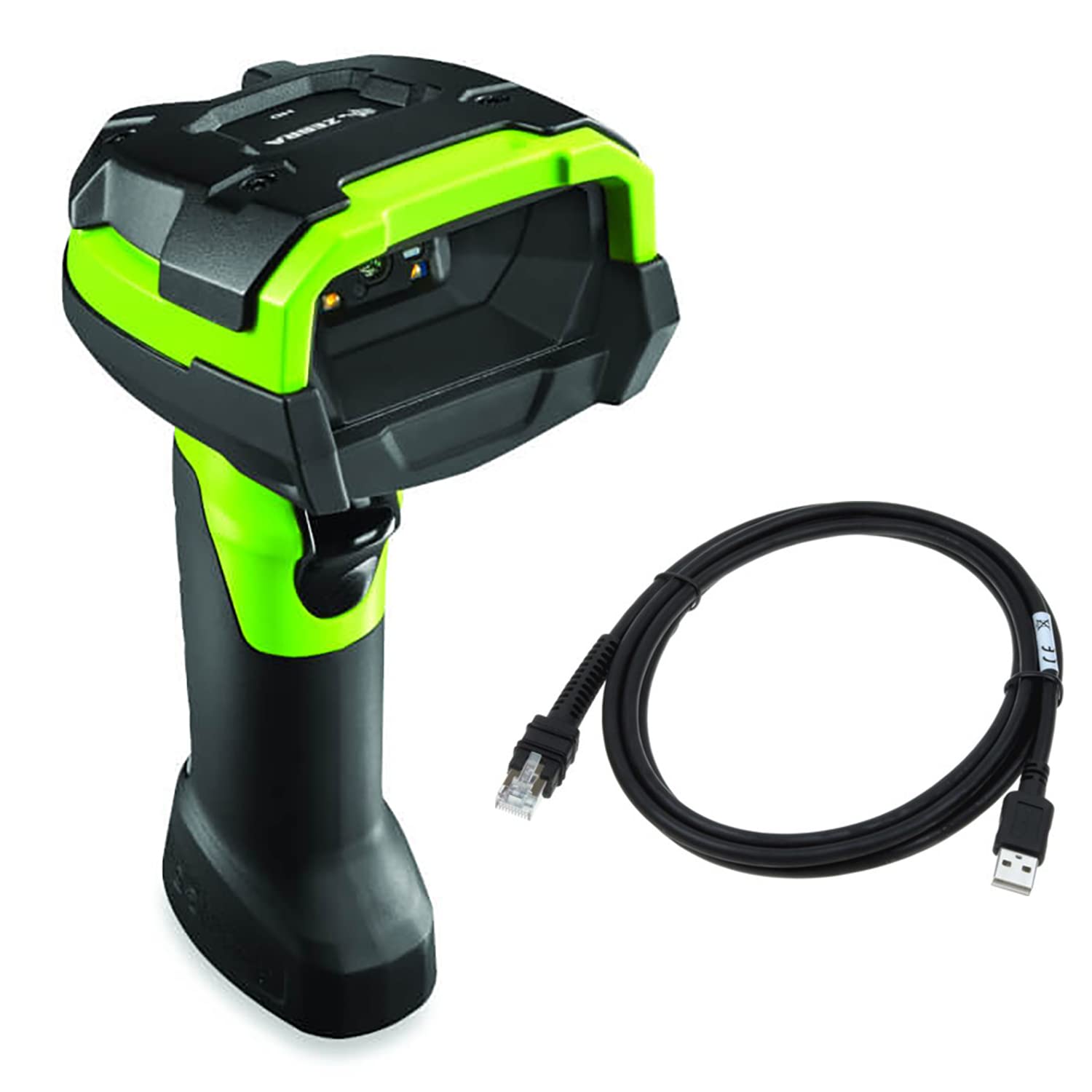
図2.1: 前面 view of the Zebra DS3608-ER Ultra-Rugged Handheld Corded Barcode Scanner, showcasing its industrial green and black design.
主な特徴:
- Ultra-Rugged Design: Built to withstand harsh industrial environments, including extreme cold.
- 拡張範囲スキャン: Captures 1D and 2D barcodes from near contact up to 70 ft (21.4 m).
- 多彩な接続性: Supports Serial and USB-A connections.
- 高性能: Ensures reliable and fast barcode capture for improved throughput and accuracy.
3. セットアップ
3.1 箱の中身
パッケージに次の項目が含まれていることを確認してください。
- Zebra DS3608-ER Barcode Scanner
- USB Cable (7-foot)
3.2 スキャナの接続
The DS3608-ER scanner supports USB and Serial connectivity. The included USB cable facilitates a straightforward connection to your host system.
- Locate the connectivity port at the base of the scanner handle.
- Connect the smaller end of the provided USB cable to the scanner's port. Ensure a secure fit.
- Connect the larger USB-A end of the cable to an available USB port on your computer or host system.
- The scanner will typically power on and perform a self-test. Your operating system may automatically install necessary drivers.
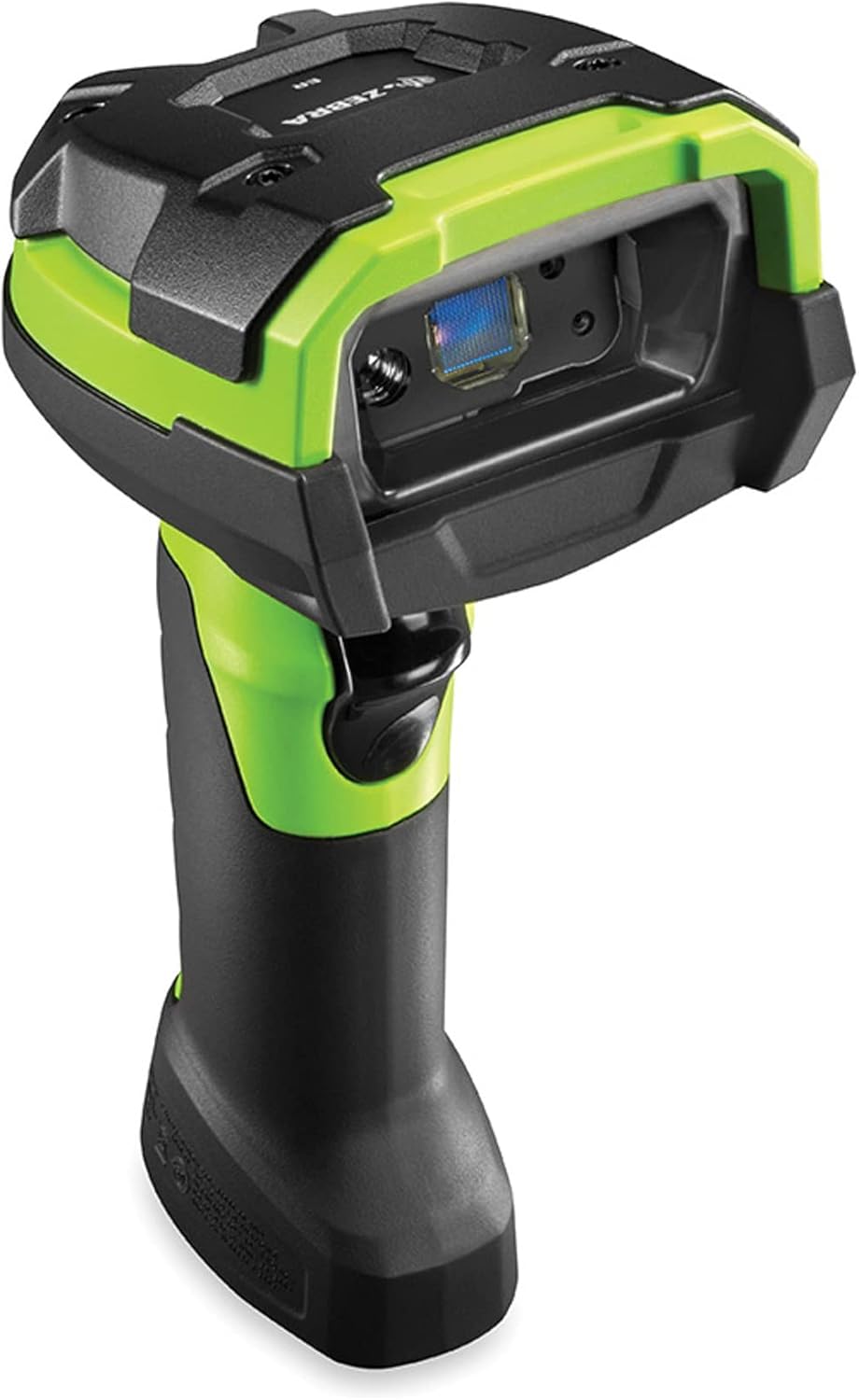
図3.1:側面 view of the Zebra DS3608-ER scanner, highlighting the cable connection point at the base of the handle.
For serial connections, a compatible serial cable (sold separately) and appropriate driver installation may be required. Refer to your system's documentation for serial port configuration.
4. 操作手順
4.1 基本的なスキャン操作
バーコードをスキャンするには:
- Ensure the scanner is properly connected to your host system and powered on.
- スキャンしたいバーコードにスキャナーのウィンドウを向けます。
- Press and hold the trigger button located on the handle. An aiming pattern will project from the scanner.
- Center the aiming pattern over the barcode. The scanner will emit a successful scan beep and/or flash an indicator light upon successful capture.
- トリガーボタンを放します。

図4.1: トップダウン view of the Zebra DS3608-ER scanner, showing the scanning window and trigger button.
4.2 Extended Range Scanning
The DS3608-ER is designed to capture barcodes across a wide range of distances. For barcodes at a distance, ensure the aiming pattern fully encompasses the barcode. For very small or very close barcodes, adjust the distance slightly to allow the scanner's imager to focus properly.
5. メンテナンス
5.1 スキャナのクリーニング
定期的にクリーニングすると、最適なスキャン パフォーマンスを維持できます。
- スキャンウィンドウ: 柔らかく、清潔で、糸くずの出ない布を使用してください。ampened with a mild cleaning solution (e.g., isopropyl alcohol or a non-abrasive glass cleaner) to gently wipe the scanning window. Avoid harsh chemicals or abrasive materials that could scratch the surface.
- ハウジング: 外側のハウジングを柔らかくて乾いた布で拭いてください。amp cloth. Do not immerse the scanner in any liquid.
5.2 耐久性と環境への配慮
The DS3608-ER is built with unique plastics, cables, and components to withstand extreme conditions, including freezing temperatures. While designed for rugged use, avoid unnecessary drops or impacts. Ensure the cable connection is secure to prevent damage to the port.

図5.1: 角度付き view of the Zebra DS3608-ER scanner, illustrating its robust construction.
6。 トラブルシューティング
If you encounter issues with your DS3608-ER scanner, refer to the following common troubleshooting steps:
- スキャナーの電源が入らない: Ensure the USB cable is securely connected to both the scanner and the host system. Try a different USB port or cable if available.
- Scanner Not Scanning:
- Verify the scanner is powered on and emitting an aiming pattern when the trigger is pressed.
- Ensure the barcode is clean, undamaged, and within the scanner's read range.
- Check if the barcode type is enabled in the scanner's configuration (if applicable, refer to Zebra's programming guides for advanced settings).
- Confirm that the host application is ready to receive input from the scanner.
- 間違ったデータ出力: Ensure the correct keyboard layout or serial communication settings are configured on your host system.
- 断続的な接続: Check the USB cable for damage and ensure it is not loose. Avoid routing the cable near sources of strong electromagnetic interference.
For persistent issues, consult the official Zebra support resources or contact your vendor.
7. 仕様
| 特徴 | 仕様 |
|---|---|
| モデル | DS3608-ER |
| ブランド | シマウマ |
| 接続技術 | USB Cable, Serial |
| 電源 | コード式電気 |
| バーコードの互換性 | 1Dと2D |
| スキャン範囲 | Near contact to 70 ft (21.4 m) |
| 製品寸法 | 7.3 x 3 x 5.2インチ |
| アイテム重量 | 12.8オンス |
| メーカー | シマウマ |
| 欧州連合 | 659135016303 |
8. 保証とサポート
8.1 保証情報
For specific warranty details regarding your Zebra DS3608-ER scanner, please refer to the warranty documentation provided by Zebra or the retailer at the time of purchase. As this product may be an Amazon Renewed item, warranty terms may differ from new products. Please consult your purchase documentation for applicable warranty coverage.
8.2 テクニカルサポート
For technical assistance, driver downloads, or advanced configuration guides, please visit the official Zebra Technologies support website. You may also contact your product reseller for support.
- ゼブラテクノロジーズ公式 Webサイト: www.zebra.com
- サポートセクション: Look for a 'Support' or 'Downloads' section on the Zebra website for product-specific resources.


