導入
Thank you for choosing the SWOFY D26 MP3 Player. This device combines advanced audio and video playback capabilities with the versatility of the Android 13 operating system, offering a comprehensive portable entertainment experience. This manual provides essential information for setting up, operating, and maintaining your device.
製品終了view
主な特徴
- Android 13 OS: Powered by an MTK 8-core chip for fast and smooth operation.
- プリインストールされたアプリ: Includes Spotify, Deezer, Amazon Music, and access to the Play Store.
- ハイファイオーディオ: Powerful audio decoding chip for original sound quality, supporting MP3, WAV, FLAC, APE, OGG, M4A, AAC, WMA, and more.
- 4.7インチHDタッチスクリーン: Full touch display with HiFi sound module for clear visuals, supporting RM, RMVB, FLV, MP4, DAT, MKV, MPG, MOV, TS video formats without conversion.
- Bluetooth 5.0とWi-Fi: Stable and fast two-way Bluetooth connection for headphones/speakers, and Wi-Fi for online streaming and app downloads.
- 大容量ストレージ: 160GB (32GB ROM + 128GB TF card) internal storage, expandable up to 1TB via external storage.
- 長いバッテリー寿命: 2500 mAh battery providing up to 50 hours of music playback or 8 hours of video playback.
パッケージ内容
The SWOFY D26 MP3 Player package typically includes the following items:
- SWOFY D26 MP3 Player (160GB)
- USB充電ケーブル
- 有線イヤホン
- 保護ケース
- スクリーンプロテクター
- ユーザーマニュアル(このドキュメント)

Image: Contents of the SWOFY D26 MP3 Player package.
設定
1. デバイスの充電
Before first use, fully charge your SWOFY D26 MP3 Player. Connect the provided USB cable to the device's charging port and the other end to a USB power adapter (not included) or a computer's USB port. The battery indicator on the screen will show charging status. A full charge provides approximately 50 hours of music playback or 8 hours of video playback.
画像: バッテリー容量と推定使用時間。
2. 電源のオン/オフ
- 電源を入れるには: 画面が点灯するまで、電源ボタン (通常は側面にあります) を押し続けます。
- 電源を切るには: 電源ボタンを長押しし、画面に表示されるオプションから「電源を切る」を選択します。
- 再起動します: 電源ボタンを長押しし、オプションから「再起動」を選択します。
3. 初期設定
初めて電源を入れたら、画面の指示に従ってデバイスをセットアップします。
- 言語の選択: お好みの言語を選択してください。
- Wi-Fi接続: アプリのダウンロードやストリーミングのためにインターネット アクセスを有効にするには、Wi-Fi ネットワークに接続します。
- Google アカウント: Google Play ストアにアクセスしてデータを同期するには、Google アカウントでサインインしてください。
4. メモリ拡張
The device comes with 160GB of storage (32GB ROM + 128GB TF card). You can expand the storage further by inserting a microSD card (up to 1TB) into the designated slot.

Image: Device screen showing app icons and storage capacity details.
操作手順
1. タッチスクリーンの操作
The SWOFY D26 features a responsive 4.7-inch HD touchscreen.
- タップ: アプリを開くには、項目を選択するか、アクションを確認します。
- スワイプ: リストをスクロールしたり、ホーム画面を切り替えたり、アプリ内を移動したりします。
- ピンチ: 画像を拡大または縮小するには、 web ページ。

Image: The 4.7-inch HD touchscreen in operation.
2.音楽の再生
The device supports various music formats including MP3, WAV, FLAC, APE, OGG, M4A, AAC, WMA.
- 地元の音楽: 音楽を転送する files to the device's internal storage or microSD card via USB. Use the pre-installed music player app to browse and play your library.
- ストリーミングサービス: Open pre-installed apps like Spotify, Deezer, or Amazon Music. Log in to your accounts to stream music.
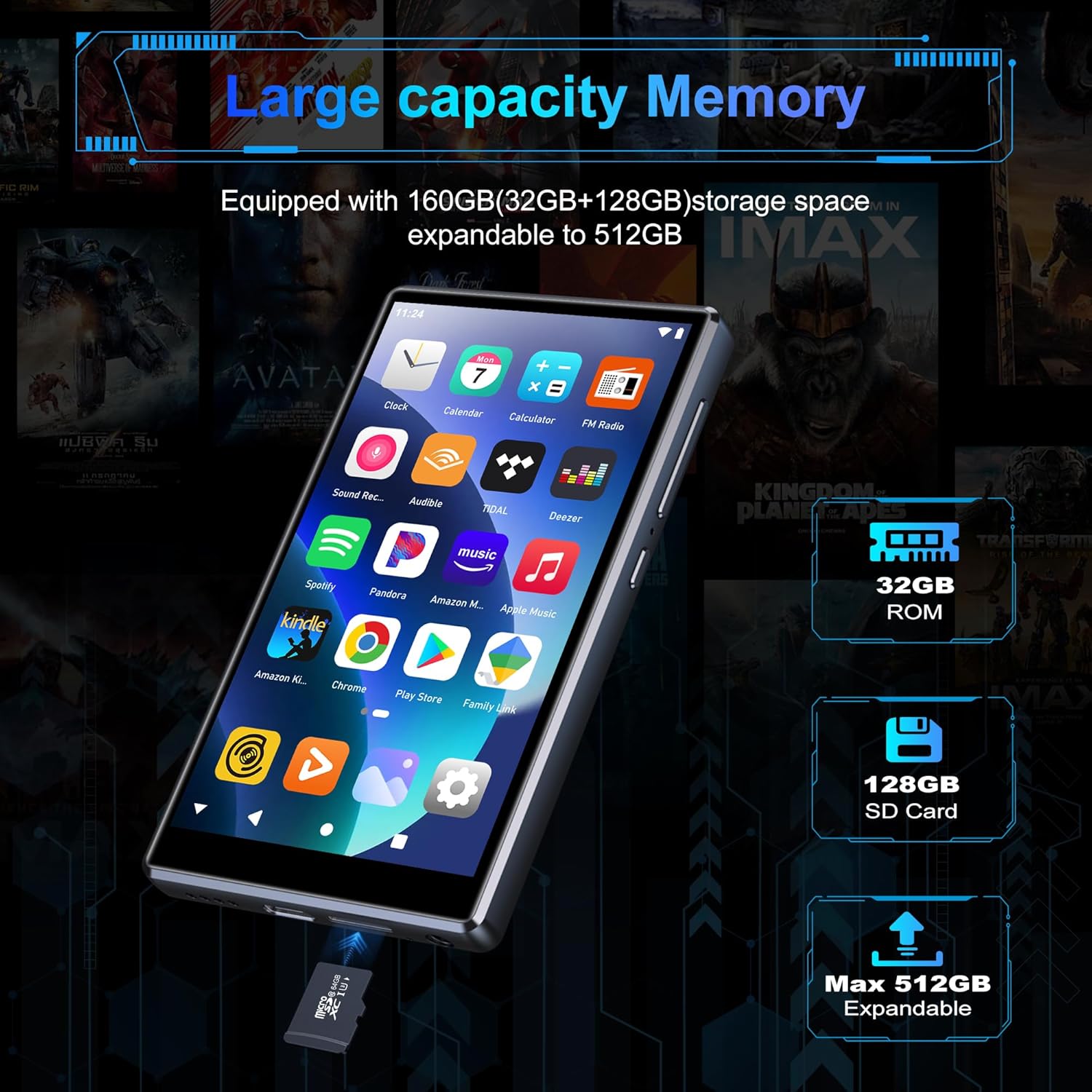
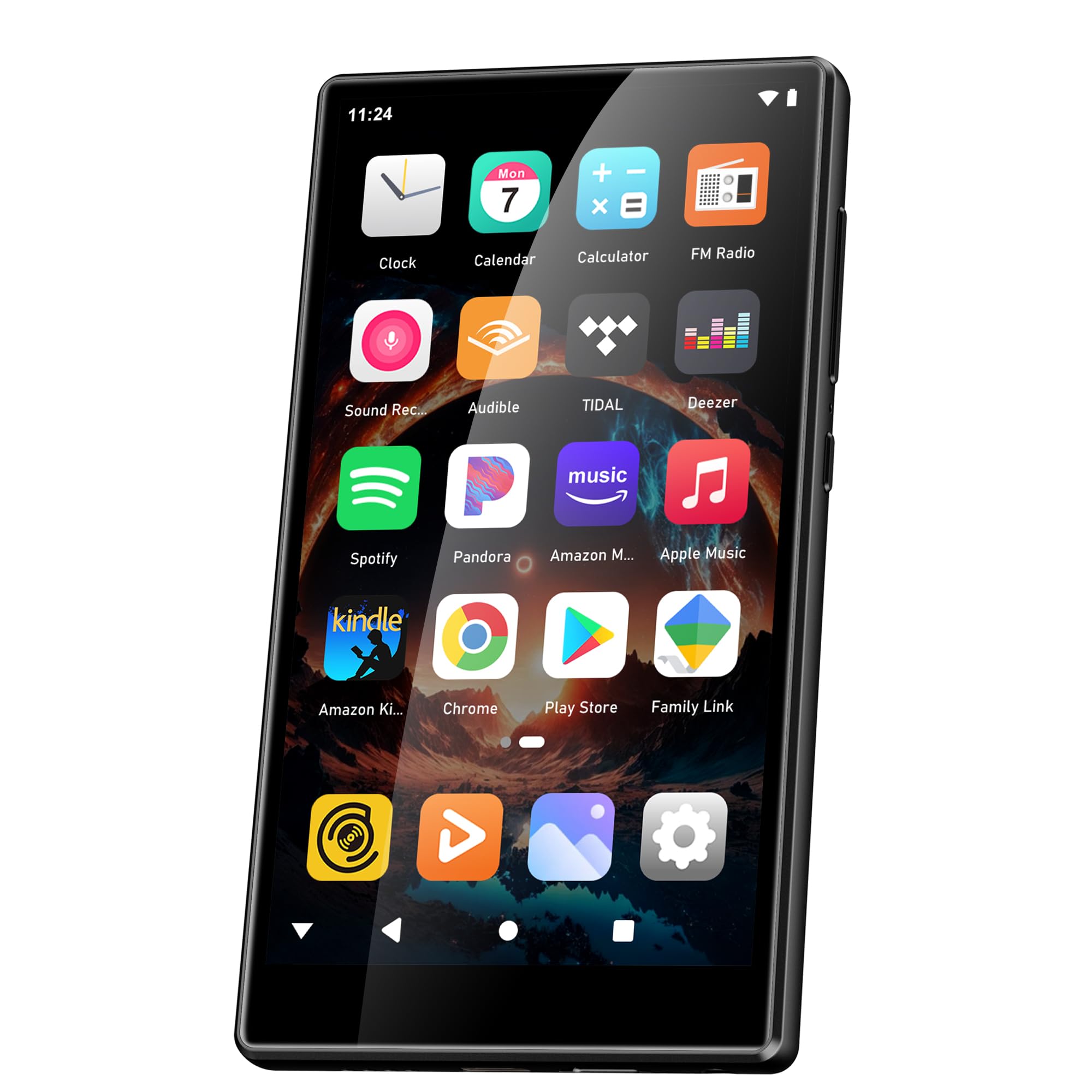
Image: Pre-installed popular applications on the device.
3.ビデオ再生
The SWOFY D26 supports video formats such as RM, RMVB, FLV, MP4, DAT, MKV, MPG, MOV, TS directly, without requiring conversion. Use the default video player app to watch your videos.
4.Bluetooth接続
Connect your device to Bluetooth headphones, speakers, or other compatible devices using Bluetooth 5.0.
- へ移動 設定 > 接続されたデバイス > ブルートゥース.
- Bluetoothを切り替える On.
- Bluetooth アクセサリがペアリング モードになっていることを確認します。
- ペアリング可能なデバイスのリストからアクセサリを選択します。
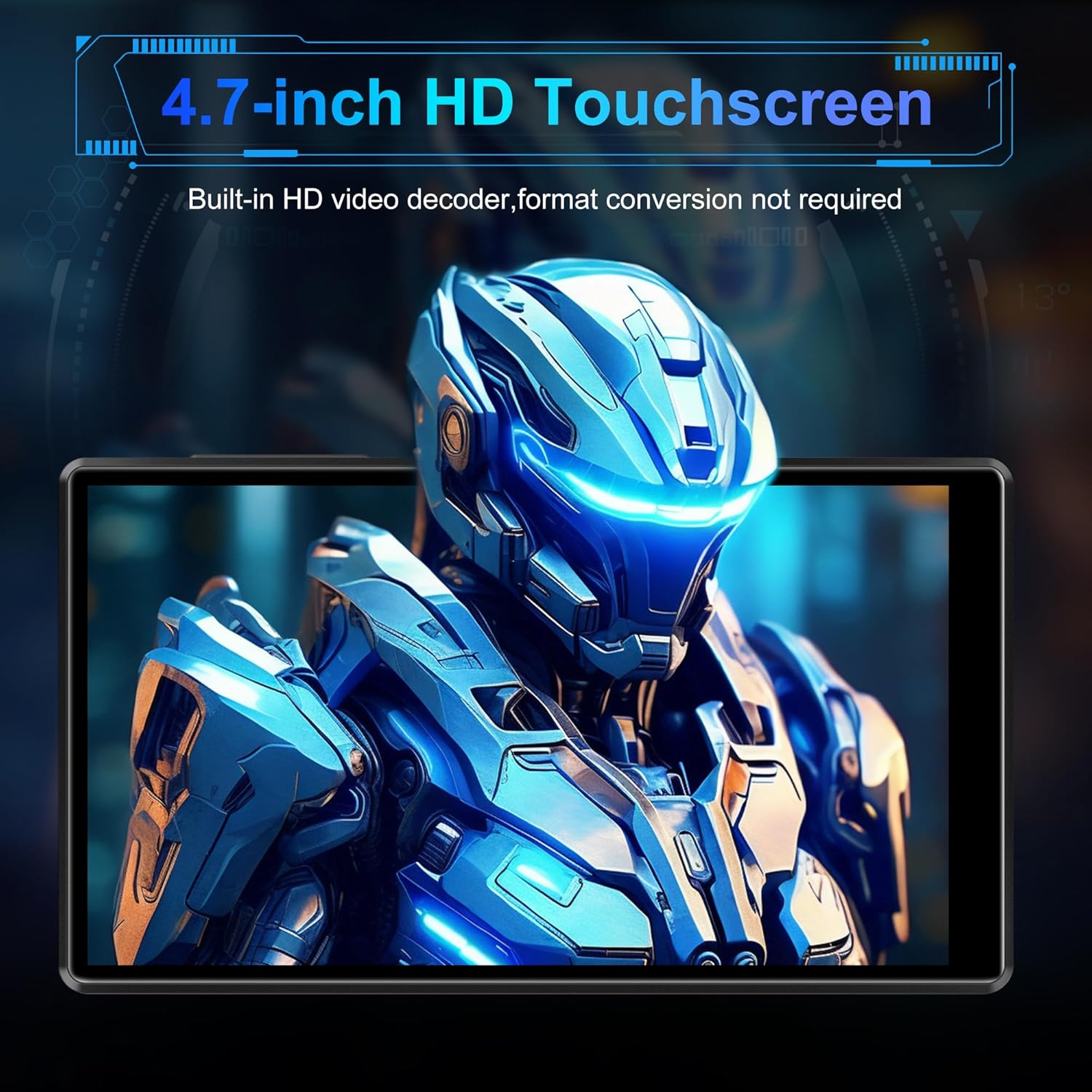
Image: Bluetooth connectivity with wireless earbuds.
5。 Wi-Fi接続
Connect to a Wi-Fi network to access the internet for streaming, app downloads, and web ブラウジング。
- へ移動 設定 > ネットワークとインターネット > Wi-Fi.
- Wi-Fiの切り替え On.
- リストから希望の Wi-Fi ネットワークを選択し、プロンプトが表示されたらパスワードを入力します。
6.アプリのインストール
Utilize the Google Play Store to download and install additional applications.
- Ensure you are connected to Wi-Fi and logged into your Google account.
- 開く Playストア アプリ。
- 検索する the desired app and follow the on-screen instructions to install it.
7. File 移行
Connect the SWOFY D26 to a computer using the provided USB cable to transfer music, videos, and other files.
- デバイスをコンピューターに接続します。
- デバイスで、画面の上部から下にスワイプして通知パネルを開きます。
- Tap the "USB charging this device" notification, then select "File transfer" or "MTP".
- Your device will appear as a removable drive on your computer, allowing you to drag and drop files.
メンテナンス
クリーニング
画面と本体の清掃には、柔らかく糸くずの出ない布をご使用ください。刺激の強い化学薬品や研磨剤の使用は避けてください。
ソフトウェアアップデート
最適なパフォーマンスと最新機能へのアクセスを確保するために、ソフトウェアの更新を定期的に確認してください。
- デバイスが Wi-Fi に接続されていることを確認します。
- へ移動 設定 > システム > システムアップデート.
- 画面上の指示に従って、利用可能なアップデートをダウンロードしてインストールします。
バッテリーケア
バッテリー寿命を延ばすには:
- 極端な温度を避けてください。
- バッテリーを頻繁に完全に消耗させないでください。
- デバイスが完全に充電されたら、充電器を取り外します。
トラブルシューティング
デバイスの電源が入らない
- バッテリーが充電されていることを確認してください。デバイスを充電器に少なくとも30分間接続してください。
- 強制的に再起動するには、電源ボタンを 10 ~ 15 秒間押し続けます。
Wi-Fi/Bluetoothに接続できない
- Ensure Wi-Fi/Bluetooth is enabled in Settings.
- デバイスを再起動して再度接続してみてください。
- For Wi-Fi, verify the password and ensure the router is working correctly.
- Bluetooth の場合、アクセサリがペアリング モードになっており、範囲内にあることを確認します。
アプリがクラッシュまたはフリーズする
- アプリを閉じて再度開きます。
- アプリのキャッシュをクリアする: 設定 > アプリ > [アプリ名] > ストレージとキャッシュ > キャッシュをクリア.
- デバイスを再起動します。
- 問題が解決しない場合は、アプリをアンインストールして再インストールすることを検討してください。
音質が悪い
- Check the volume settings on the device and any connected audio accessories.
- オーディオを確保する filesは破損していません。
- Try different headphones or speakers.
仕様
| モデル名 | D26 |
| オペレーティング·システム | アンドロイド13 |
| プロセッサ | MTK 8コア |
| 画面 | 4.7-inch HD Touchscreen (LCD) |
| 内部ストレージ | 160GB (32GB ROM + 128GB TF Card) |
| 拡張可能なストレージ | 最大1TB(マイクロSD) |
| ラム | 4GB |
| バッテリー容量 | 2500mAh |
| 音楽再生時間 | 最大50時間 |
| ビデオ再生時間 | 最大8時間 |
| 接続性 | Bluetooth 5.0、Wi-Fi、USB |
| サポートされているオーディオ形式 | MP3、WAV、FLAC、APE、OGG、M4A、AAC、WMA |
| サポートされているビデオ形式 | RM、RMVB、FLV、MP4、DAT、MKV、MPG、MOV、TS |
| 特集 | Built-in speaker, Equalizer, FM Radio, Voice Recorder |
| 対応デバイス | Bluetooth headphones, Personal computer, Bluetooth speakers |
保証情報
Specific warranty details for the SWOFY D26 MP3 Player may vary by region and retailer. Please refer to the warranty card included with your purchase or visit the official SWOFY website for comprehensive warranty terms and conditions. Information regarding spare parts availability and software update guarantees is not provided in the product specifications.
サポート
For further assistance, technical support, or inquiries regarding your SWOFY D26 MP3 Player, please visit the official SWOFY webサイトまたは顧客サービス部門に連絡してください。
メーカー: スウォーフィー


