1. はじめに
Welcome to the MAXHUB E21 Series 86-inch Digital Board user manual. This document provides essential information for the safe and efficient operation of your new interactive display. The MAXHUB E21 Series is designed to enhance collaboration, presentations, and interactive learning environments with its advanced features and intuitive interface. Please read this manual thoroughly before using the product and retain it for future reference.
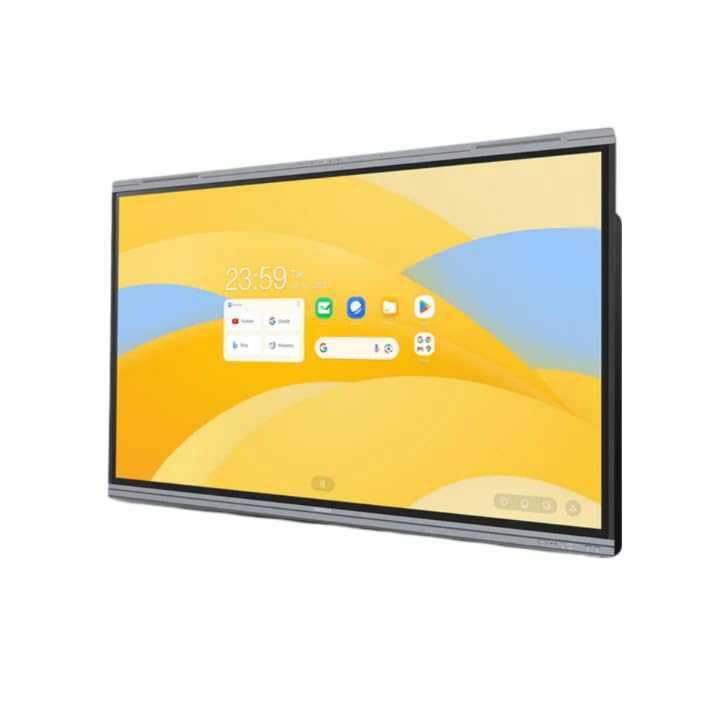
Figure 1: MAXHUB E21 Series 86-inch Digital Board in a classroom environment.
2. 安全情報
To ensure safe operation and prevent damage to the device, please observe the following safety precautions:
- 電源: Use only the specified power adapter and ensure the power outlet is properly grounded.
- 換気: 通気口を塞がないでください。適切な空気の流れを確保するために、デバイスの周囲に十分なスペースを確保してください。
- 配置: Install the digital board on a stable surface or mount it securely to a wall using appropriate hardware. Avoid placing it in direct sunlight, near heat sources, or in areas with high humidity or dust.
- クリーニング: 清掃する前に電源を切ってください。柔らかく乾いた布を使用してください。液体洗剤やエアゾール洗剤は使用しないでください。
- 取り扱い: Handle the display with care. Avoid strong impacts or pressure on the screen.
- サービス: 製品の修理はご自身で行わないでください。修理はすべて資格のあるサービス担当者に依頼してください。
3. パッケージ内容
Please check the package contents upon unboxing. If any items are missing or damaged, contact your dealer immediately.
- MAXHUB E21 Series 86-inch Digital Board
- 電源ケーブル
- Stylus Pen(s)
- リモートコントロール
- Wall Mount Bracket (optional, may vary by region/package)
- ユーザーマニュアル(このドキュメント)
4. セットアップ
4.1物理的な設置
The MAXHUB Digital Board can be installed on a mobile stand or wall-mounted. Follow the instructions provided with your specific stand or wall mount kit. Ensure the installation is secure and level.
4.2 電源の接続
- Connect the power cable to the AC IN port on the digital board.
- 電源ケーブルのもう一方の端をアースされた電源コンセントに差し込みます。
- Press the power button, usually located on the side or bottom of the display, to turn on the device.
4.3 初期設定とネットワーク接続
Upon first power-on, the system will guide you through the initial setup process, including language selection, time zone, and network configuration.
- Wi-Fi: リストからWi-Fiネットワークを選択し、パスワードを入力します。
- イーサネット: Connect an Ethernet cable to the LAN port for a wired network connection.

Figure 2: Main interface of the MAXHUB E21 Series Digital Board.
5. 操作手順
5.1 基本的なナビゲーション
The MAXHUB E21 Series runs on Android 13.0. Navigate the interface using touch gestures or the remote control.
- タップ: 項目を選択するか、アプリケーションを開きます。
- スワイプ: Scroll through menus or pages.
- ピンチ/スプレッド: コンテンツを拡大または縮小します。
- 長押し: コンテキスト メニューにアクセスしたり、アイコンを移動したりします。
5.2 Intelligent Touch Functionality
The digital board supports up to 40 touch points, allowing multiple users to interact simultaneously.
- Use your finger or the provided stylus for precise interaction.
- The system can differentiate between finger touch and stylus input for various functions (e.g., writing vs. erasin(g)。
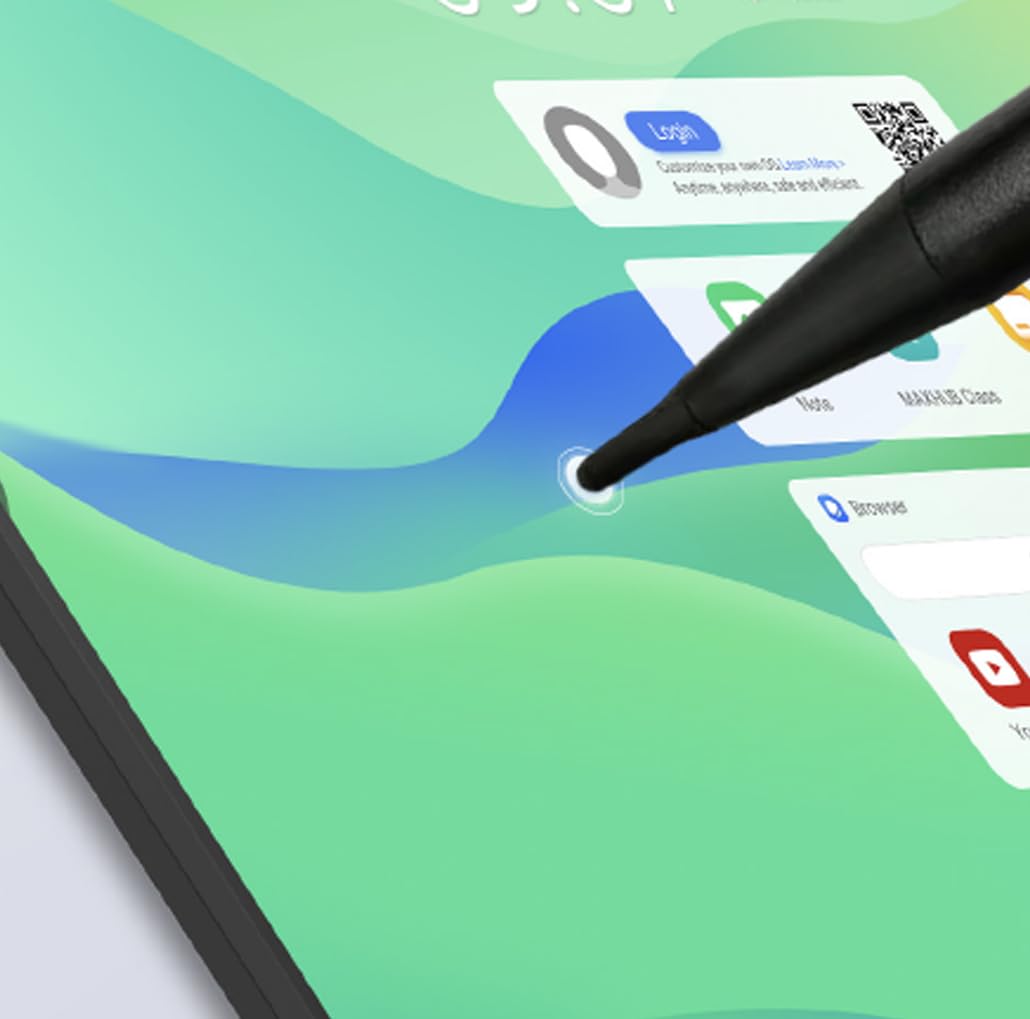
Figure 3: Stylus interaction on the digital board.
5.3 Using the Whiteboard Application
Access the built-in whiteboard application for interactive writing, drawing, and annotation.
- Select different pen colors, thicknesses, and tools from the toolbar.
- Use multi-touch gestures for zooming and panning the canvas.
- Save your whiteboard sessions for later review または共有します。
5.4 Connectivity (Type-C)
The Type-C port offers versatile connectivity for various peripherals.
- データ転送: Connect external storage devices.
- 表示出力: Connect to external monitors (if supported by specific port).
- 電力供給: Charge compatible devices.
- オーディオビデオ: Connect compatible audio/video devices.

Figure 4: Type-C connectivity options.
6. 主な特徴
The MAXHUB E21 Series 86-inch Digital Board is equipped with advanced features for superior performance and user experience:
- Expansive Ultra-HD Display: An 86-inch screen with 3840x2160 (4K) resolution delivers stunning visuals and vibrant colors, ideal for large meeting spaces and classrooms.
- Eyes Care Technology: Features TÜV-certified Low Blue Light and Flicker-Free technology to ensure a comfortable viewing experience during extended use, reducing eye strain.
- Precision Touch Features: Intelligent touchscreen technology supports up to 40 simultaneous touch points, enabling seamless multi-user collaboration and precise interaction.
- Advanced Operating System: Powered by Android 13.0 OS, combined with 8GB RAM and 64GB ROM, for fast, smooth operations, enhanced processing capabilities, and ampファイルストレージ。
- Powerful Audio System: Integrated dual 20W speakers provide rich, clear, and impactful sound, enhancing multimedia presentations and video conferencing.
- 耐久性と信頼性: Engineered for long-lasting performance with a 50,000-hour backlight life, ensuring consistent brightness and reliability over time.
7. メンテナンス
7.1 画面のクリーニング
To clean the screen, first power off the device and unplug the power cable. Use a soft, lint-free cloth slightly damp水または画面専用の洗浄液で拭き取ってください。画面に直接液体を吹き付けないでください。
7.2一般的なクリーニング
Wipe the frame and back panel with a soft, dry cloth. Avoid using abrasive cleaners or solvents.
7.3ソフトウェアアップデート
Periodically check for system software updates through the device's settings menu to ensure optimal performance and access to the latest features and security patches.
8。 トラブルシューティング
If you encounter issues with your MAXHUB Digital Board, refer to the following common problems and solutions:
| 問題 | 考えられる原因 | 解決 |
|---|---|---|
| 電源なし | Power cable not connected; Power outlet faulty; Device off | Ensure power cable is securely connected; Test power outlet; Press power button |
| 表示なし | Device in standby mode; Input source incorrect | Wake up the device; Check input source settings |
| タッチスクリーンが反応しない | Screen dirty; Software glitch; Calibration issue | Clean the screen; Restart the device; Recalibrate touch (if option available) |
| 音が出ない | 音量が低すぎます。ミュートされています。外部オーディオデバイスが接続されています。 | Increase volume; Unmute; Disconnect external audio or select internal speakers |
| Wi-Fi接続の問題 | パスワードが間違っている、ルーターの問題、信号の干渉 | Verify password; Restart router; Move closer to router or reduce interference |
If the problem persists, please contact MAXHUB customer support for assistance.
9. 仕様
Detailed technical specifications for the MAXHUB E21 Series 86-inch Digital Board:
| 特徴 | 仕様 |
|---|---|
| ブランド | マックスハブ |
| モデル番号 | E21シリーズ |
| 画面サイズ | 86インチ |
| 解決 | 3840x2160(4K UHD) |
| オペレーティング·システム | アンドロイド13.0 |
| ラム | 8GB |
| ストレージ (ROM) | 64GB |
| タッチポイント | 最大40 |
| オーディオ出力 | 2×20Wスピーカー |
| バックライト寿命 | 50,000時間 |
| ヒューマンインターフェイス入力 | タッチスクリーン |
| 色 | グレー |
10. 保証とサポート
Your MAXHUB E21 Series Digital Board comes with a standard manufacturer's warranty. Please refer to the warranty card included in your package or visit the official MAXHUB web詳細な保証条件については、サイトをご覧ください。
For technical support, service, or inquiries, please contact MAXHUB customer service through their official channels. Have your product model and serial number ready when contacting support.


