導入
Thank you for choosing the Amazon Basics Pro Series 4-in-1 USB-C Hub. This compact and versatile hub is designed to expand the connectivity of your PC, MacBook, laptops, phones, monitors, and projectors, offering high-speed data transfer and seamless peripheral integration. This manual provides essential information for proper setup, operation, and maintenance of your device.
製品終了view
The Amazon Basics Pro Series 4-in-1 USB-C Hub features a durable aluminum alloy and ABS housing, ensuring both portability and resilience. It includes a built-in 150mm USB-C cable for convenient connection to your host device.

画像: 上view of the 4-in-1 versatile hub, highlighting its port configuration.
主な特徴:
- USB-C ホスト接続: Provides a versatile bridge between your laptop and peripherals.
- 2つのUSB-Cポート: Both support USB 3.2 Gen 2 standard for data transfer speeds up to 10 Gbps.
- Two USB-A Ports: 標準 USB デバイスを接続します。
- 高速データ転送: Enables rapid transfer of large files.
- プラグ&プレイ: インストールにドライバーは必要ありません。
- 耐久性のある構造: Aluminum alloy and ABS housing with a flexible TPE cable.
設定
The Amazon Basics Pro Series 4-in-1 USB-C Hub is designed for immediate use with its plug-and-play functionality. No software drivers are required for installation.
- ハブを接続します。 Insert the built-in USB-C cable of the hub into an available USB-C port on your host device (PC, MacBook, laptop, phone, etc.).
- デバイス認識: Your operating system will automatically detect and configure the hub. This process usually takes a few seconds.
- 周辺機器を接続します。 Once the hub is recognized, you can connect your USB-C and USB-A peripherals (e.g., external drives, keyboards, mice) to the corresponding ports on the hub.

Image: The USB-C hub connected to a laptop, demonstrating peripheral connections.
操作手順
The hub facilitates high-speed data transfer and expands connectivity for various devices.
データ転送:
- Connect USB 3.2 Gen 2 compatible devices to the USB-C ports for data transfer speeds up to 10 Gbps.
- Connect USB-A devices to the USB-A ports for standard data transfer.
- Ensure your host device's USB-C port supports the required data transfer speeds to achieve optimal performance.

Image: The hub emphasizing its ultra-fast 10Gbps data transfer capability.
ユニバーサル互換性:
The hub is compatible with a wide range of devices, including:
- PC
- マックブック
- ノートパソコン
- 電話
- モニター
- プロジェクター
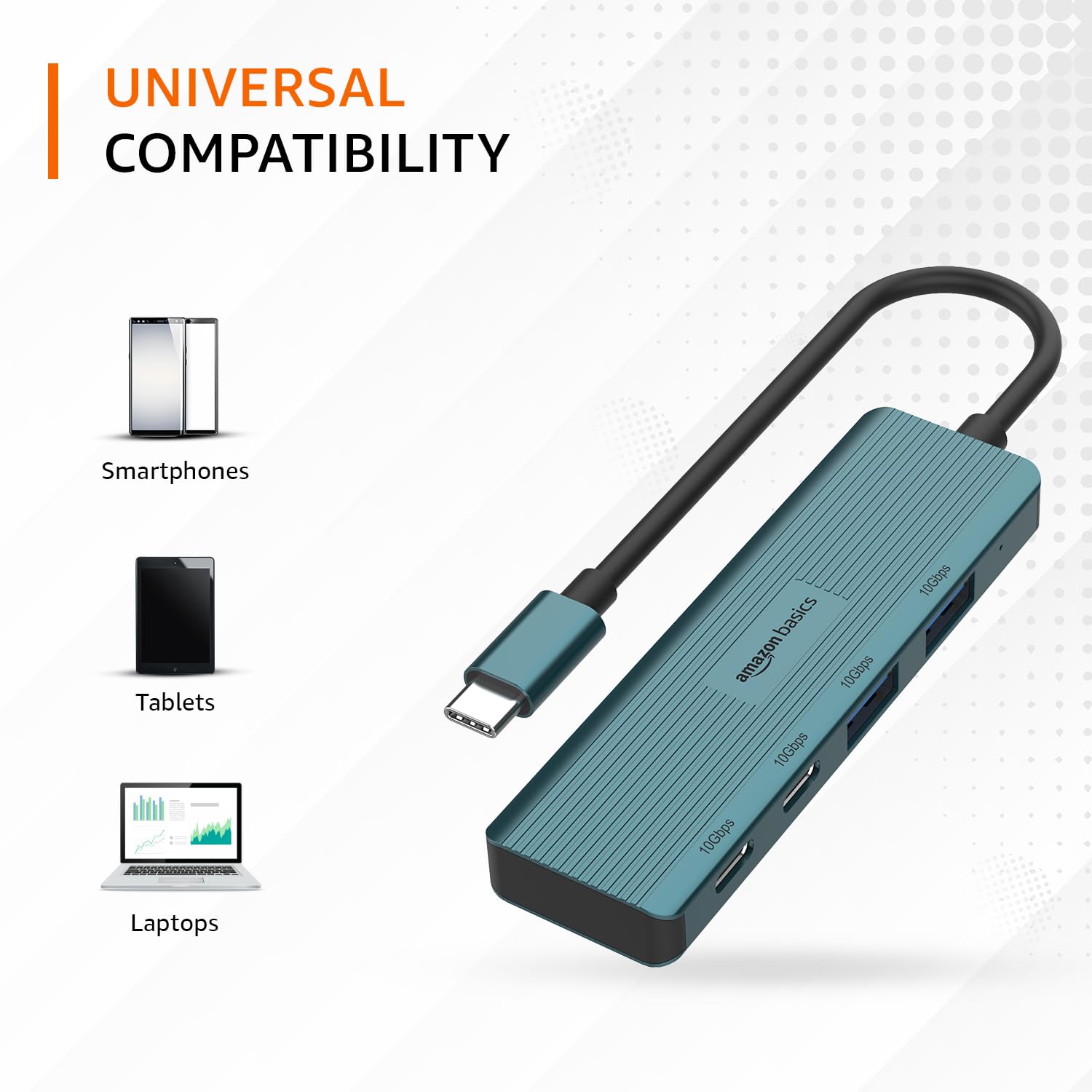
Image: The hub illustrating its compatibility with various devices like smartphones, tablets, and laptops.
メンテナンス
To ensure the longevity and optimal performance of your USB-C hub, follow these maintenance guidelines:
- クリーニング: ハブの外側は、柔らかく乾いた布で拭いてください。液体クリーナーや溶剤は、表面や内部部品を傷める可能性があるため、使用しないでください。
- ストレージ: 使用していないときは、ハブを直射日光や極端な温度を避け、涼しく乾燥した場所に保管してください。
- 取り扱い: Avoid dropping the hub or subjecting it to strong impacts. Do not bend the integrated cable excessively.
- 換気: Ensure the hub has adequate ventilation during operation to prevent overheating, especially during prolonged high-speed data transfers.
トラブルシューティング
If you encounter issues with your Amazon Basics Pro Series 4-in-1 USB-C Hub, refer to the following common troubleshooting steps:
- デバイスが認識されません:
- ハブの USB-C ケーブルがホスト デバイスの USB-C ポートに完全に挿入されていることを確認します。
- ハブをホスト デバイスの別の USB-C ポートに接続してみてください。
- Restart your host device (computer, laptop, phone).
- Verify that the connected peripheral devices are functioning correctly when connected directly to your host device (if applicable).
- データ転送速度が遅い:
- Confirm that both your host device's USB-C port and the connected peripheral support USB 3.2 Gen 2 (10 Gbps) for optimal speeds.
- Avoid connecting multiple high-bandwidth devices simultaneously if you experience performance degradation.
- Ensure the cables used for connecting peripherals are of high quality and support the desired data transfer speeds.
- 断続的な接続:
- Check for loose connections at both the hub and the host device.
- Ensure the hub is not being subjected to physical stress or excessive cable bending.
- If using with a power-intensive device, ensure your host device can supply sufficient power, as this hub is not externally powered.
仕様
| ブランド | アマゾンベーシック |
| モデル | 4-in-1 USB-Cハブ |
| ホストインターフェース | USB-C |
| 出力ポート | 2 x USB-C (USB 3.2 Gen 2), 2 x USB-A (USB 3.2 Gen 2) |
| データ転送速度 | 最大 10 Gbps (USB 3.2 Gen 2) |
| ケーブル長さ | 150mm(内蔵) |
| 材料 | Aluminum Alloy, ABS Housing, TPE Cable |
| 色 | ターコイズ |
| アイテム重量 | 20グラム |
| 対応デバイス | PC, MacBook, Laptops, Phones, Monitors, Projectors |
| オペレーティング·システム | MAC OS (and generally compatible with Windows, Linux, Android) |

Image: Physical dimensions of the USB-C hub.
保証とサポート
For warranty information and customer support regarding your Amazon Basics Pro Series 4-in-1 USB-C Hub, please refer to the Amazon Basics official website or contact Amazon customer service directly. Keep your purchase receipt for warranty claims.


