1. はじめに
The Haozee Smart Tuya Zigbee Rain and Light Sensor is a dual-function device designed to monitor both rainfall and ambient light intensity. This solar-powered sensor integrates with smart home systems via a Tuya Zigbee gateway or Home Assistant Zigbee2mqtt, providing real-time data and enabling automated scenarios. Its robust, waterproof design ensures reliable operation in various outdoor conditions.
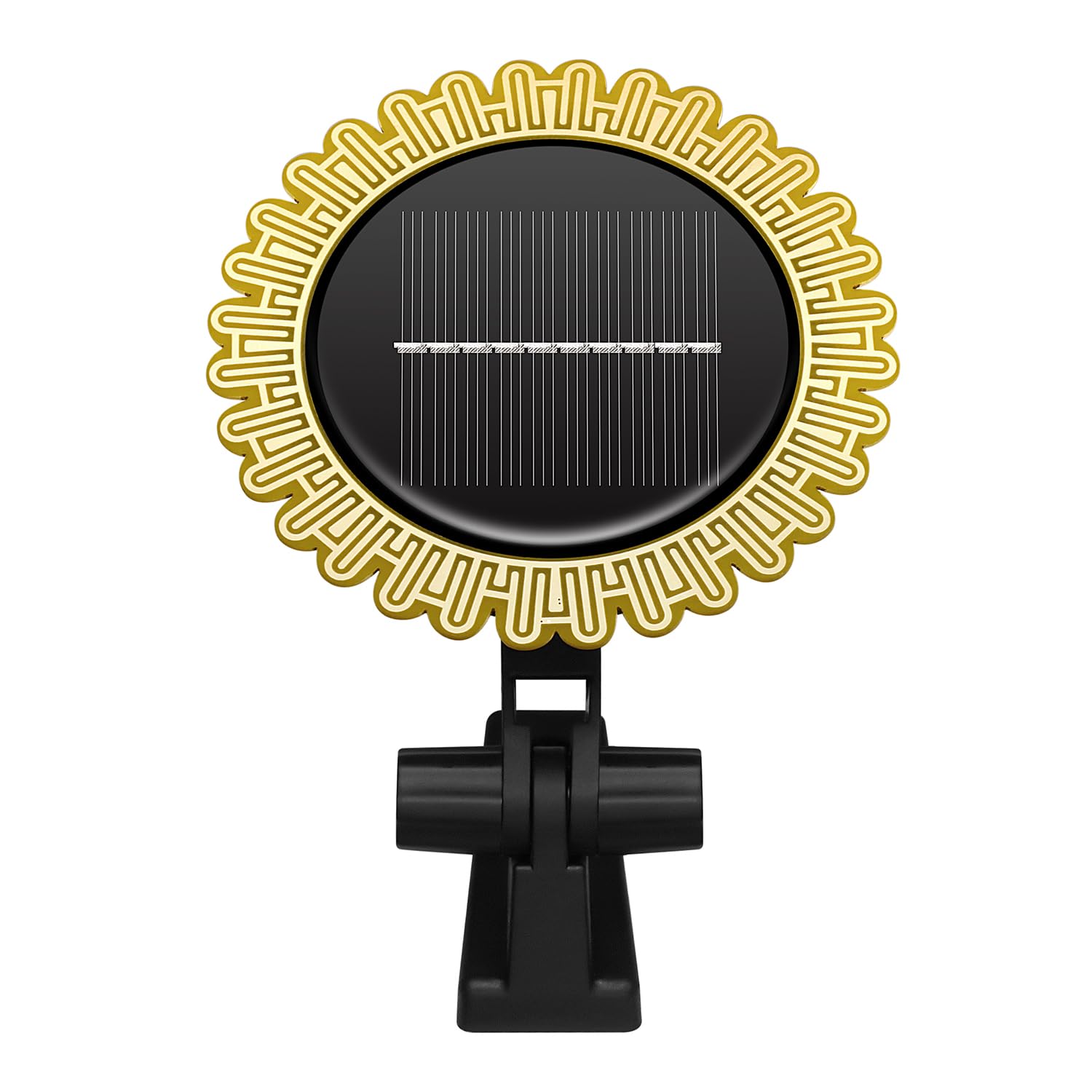
Figure 1: Haozee Smart Tuya Zigbee Rain and Light Sensor, showing its solar panel and mounting bracket.
2 製品の特徴
- Dual Sensor Functionality: Accurately detects both rain and light intensity using high-precision sensors.
- 太陽光発電: Equipped with a high-capacity lithium battery and solar charging, ensuring extended operation without external power.
- Zigbee Connectivity: Requires a Tuya Zigbee gateway or Home Assistant Zigbee2mqtt for integration and data access.
- App Monitoring & Alerts: View real-time rainfall and light intensity, historical data, and receive rain and low battery alerts via the connected application.
- Multi-Device Automation: Facilitates creation of smart home scenarios by linking with other smart devices like watering timers or curtain switches.
- IPX6防水性: Designed for outdoor use, capable of operating reliably in harsh weather conditions.

図2:以上view of the sensor's key features, including wireless operation, solar charging, and Zigbee protocol support.
3. パッケージ内容
パッケージにすべてのアイテムが含まれていることを確認してください。
- Haozee Smart Tuya Zigbee Rain and Light Sensor
- 取り付けブラケット
- 9V電池(プリインストールまたは付属)
4. セットアップ
4.1物理的な設置
- 場所を選択してください: Select an outdoor location that receives direct sunlight for optimal solar charging and is exposed to rain for accurate detection. Ensure the sensor is not obstructed by eaves, trees, or other structures that might block rain or sunlight.
- 取り付け: Use the provided mounting bracket to securely attach the sensor to a wall, fence, or post. Ensure the solar panel faces upwards towards the sun.

Figure 3: The sensor installed outdoors, demonstrating its solar charging capability without external wiring.
4.2 デバイスのペアリング
The sensor requires a Zigbee gateway to function. This can be a Tuya Zigbee gateway or a Home Assistant setup with Zigbee2mqtt.
- 電源オン: Ensure the sensor has sufficient charge. If it's new, allow it to charge in direct sunlight for a few hours.
- ペアリングモードをアクティブにする: Refer to the sensor's specific instructions (usually a button press) to put it into Zigbee pairing mode. The status light may blink to indicate pairing mode.
- Initiate Gateway Pairing:
- For Tuya Gateway: Open the Tuya Smart or Smart Life app, select your Zigbee gateway, and choose to add a new sub-device. Follow the on-screen prompts.
- For Home Assistant (Zigbee2mqtt): Ensure your Zigbee coordinator is in pairing mode. The sensor should be discovered automatically. You may need to configure specific quirks for full functionality.
- 確認: Once paired, the sensor's status light will typically stop blinking or change color, and it will appear in your smart home application.
5. 操作手順
5.1 データ監視
After successful pairing, you can monitor the sensor data through your smart home application (Tuya Smart/Smart Life or Home Assistant).
- 雨検知: The app will display the current rain status (e.g., 'raining' or 'not raining') and historical rainfall records.
- 光の強さ: View real-time light intensity, 20-minute average light intensity, and today's maximum light intensity.
- アラート: The app will notify you of rain events and low battery status.

Figure 4: The sensor's light detection capability can be used for various indoor or outdoor automation scenarios.
5.2 自動化シナリオ
Leverage the sensor data to create automated actions within your smart home system:
- Rain-triggered Actions: Automatically close smart windows or retract smart awnings when rain is detected. Pause smart irrigation systems during rainfall.
- Light-triggered Actions: Adjust smart curtains or turn on/off outdoor lights based on ambient light levels.

図5:例ample of how the rain sensor, Tuya Hub, and a mobile application can be linked for automatic scene control in a smart home environment.
6. メンテナンス
Regular maintenance ensures optimal performance and longevity of your sensor.
- クリーニング: 定期的にソーラーパネルと雨検知面を柔らかくて乾いた布で拭いてください。amp cloth to remove dust, dirt, or debris that may affect performance. Avoid abrasive cleaners.
- ソーラー充電: Ensure the solar panel remains exposed to direct sunlight for efficient charging. If the sensor is in a shaded area for extended periods, its battery may deplete.
- バッテリー監視: Monitor the battery level via the app and ensure the sensor receives adequate sunlight to recharge.

Figure 6: The sensor's IPX6 waterproof rating allows it to function reliably even when exposed to rain.
7。 トラブルシューティング
If you encounter issues with your Haozee Rain and Light Sensor, refer to the following common troubleshooting steps:
- デバイスの電源が入っていない:
- Ensure the sensor has been exposed to direct sunlight for several hours to charge its internal battery.
- Verify the internal 9V battery is correctly installed and not depleted.
- 接続/ペアリングできません:
- Confirm your Zigbee gateway is powered on and functioning correctly.
- センサーが Zigbee ゲートウェイの範囲内にあることを確認します。
- Re-initiate pairing mode on both the sensor and the gateway.
- Check for any firmware updates for your gateway or sensor.
- Inaccurate Rain Readings:
- Clean the rain detection surface to remove any dirt, dust, or water spots that might interfere with readings.
- Ensure the sensor is not under an overhang or in a location where rain is blocked.
- Note that some humidity or condensation might trigger brief rain alerts, depending on environmental conditions.
- Inaccurate Light Readings:
- Clean the light sensor area.
- Ensure the sensor is not in a shaded area if you expect high light intensity readings.
8. 仕様
| 特徴 | 仕様 |
|---|---|
| モデル番号 | HZ-Rain-Sensor |
| ブランド | ハジー |
| 制御方法 | アプリ |
| センサー技術 | Rain Sensor, Light Sensor |
| 電源 | 太陽光発電 |
| 巻tage | 9 ボルト (DC) |
| 防水等級 | IPX6 |
| 製品寸法(長さx幅x高さ) | 10.4 x 2 x 10.4 センチメートル |
| アイテム重量 | 150グラム |
| 欧州連合 | 640712053101 |
9. 保証とサポート
For warranty information or technical support, please refer to the documentation provided with your purchase or contact Haozee customer service through their official webご購入いただいたサイトまたは販売店にお問い合わせください。保証請求のために購入証明書を保管してください。


