1. はじめに
This manual provides essential instructions for the safe and effective use of your Nova NHT 1102 Trimmer. Please read it thoroughly before first use and retain it for future reference. This cordless trimmer is designed for personal grooming, offering precision trimming with multiple length settings and a long-lasting rechargeable battery.
2. 重要な安全上の注意事項
- トリマーを水に浸したり、水の近く(浴槽、シャワー、シンクなど)で使用しないでください。
- 機器を子供の手の届かない場所に保管してください。
- Always check the trimmer for damage before use. Do not use if the blades or housing are damaged.
- Use only the charging cable provided with the trimmer.
- トリマーをご自身で分解したり修理したりしないでください。資格のあるサービス担当者にご相談ください。
- Ensure your hands are dry when plugging or unplugging the charging cable.
- トリマーを使用しないときは乾燥した場所に保管してください。
3. パッケージ内容
パッケージにすべてのアイテムが揃っていることを確認します。
- Nova NHT 1102 Trimmer
- ガイドコーム3個(1mm、2mm、3mm)
- USB Type-C充電ケーブル
- クリーニングブラシ
- Lubricating Oil (may be included)

Image 3.1: Nova NHT 1102 Trimmer with included accessories and packaging.
4.製品オーバーview
Familiarize yourself with the components of your Nova NHT 1102 Trimmer:
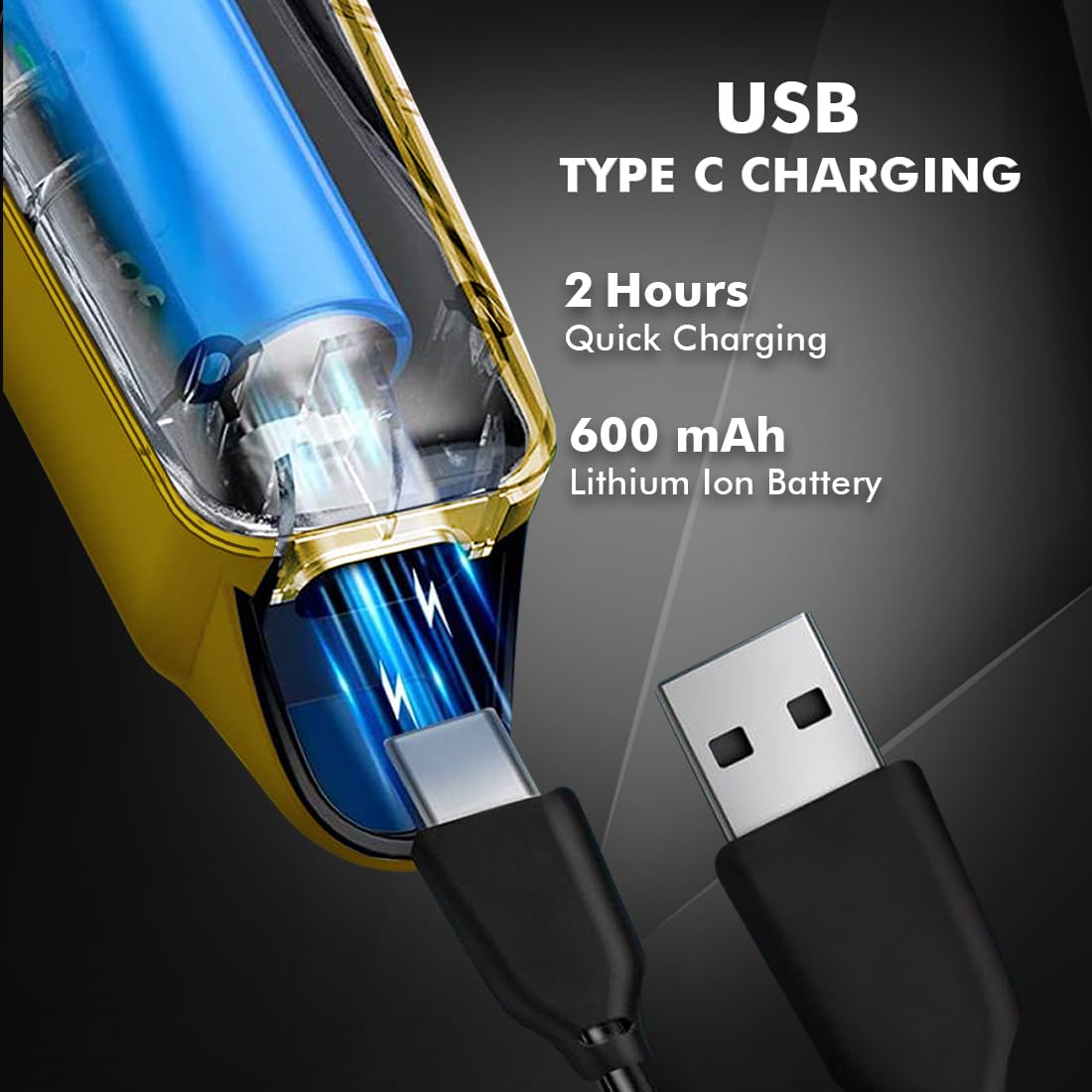
Image 4.1: Key features and components of the Nova NHT 1102 Trimmer.
- ステンレススチールブレード: Durable and self-sharpening blades for precise cutting.
- 電源ボタン: 電源のオン/オフと速度設定を制御します。
- インジケーターライト: Displays charging status and operational mode.
- USB充電ポート: For convenient charging via USB Type-C cable.
- 吊り下げフック: 簡単に保管できます。
- ガイドコーム: Detachable combs for various trimming lengths (1mm, 2mm, 3mm).
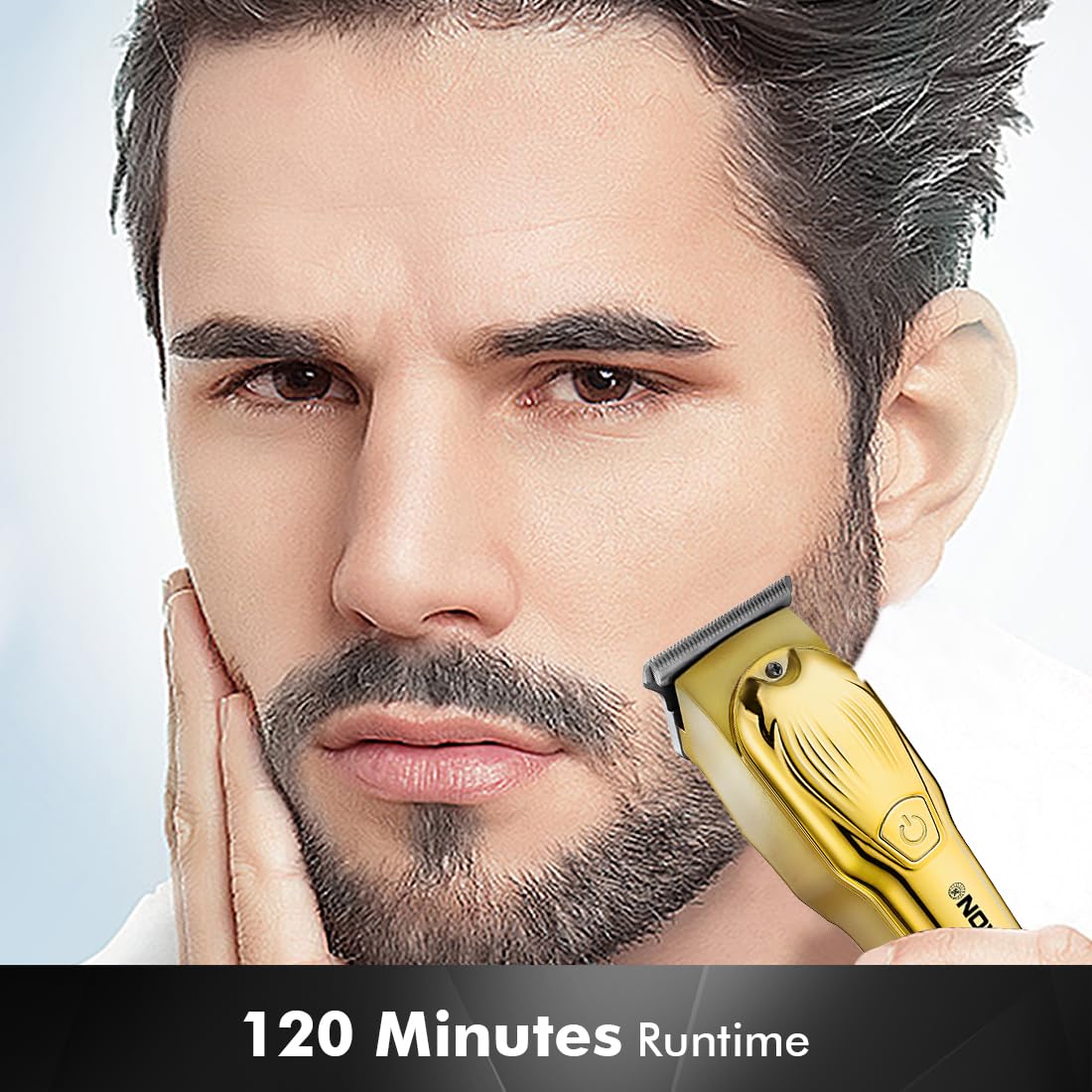
Image 4.2: Detail of the self-sharpening stainless steel blades.
5. セットアップ
5.1 初期充電
Before first use, fully charge the trimmer. The Nova NHT 1102 Trimmer features a 600 mAh Lithium-Ion battery.
- USB Type-C充電ケーブルをトリマーの充電ポートに接続します。
- USB ケーブルのもう一方の端を、互換性のある USB 電源アダプタ (別売) またはコンピュータの USB ポートに差し込みます。
- The indicator light will illuminate to show charging is in progress.
- A full charge takes approximately 2 hours, providing up to 120 minutes of cordless runtime.
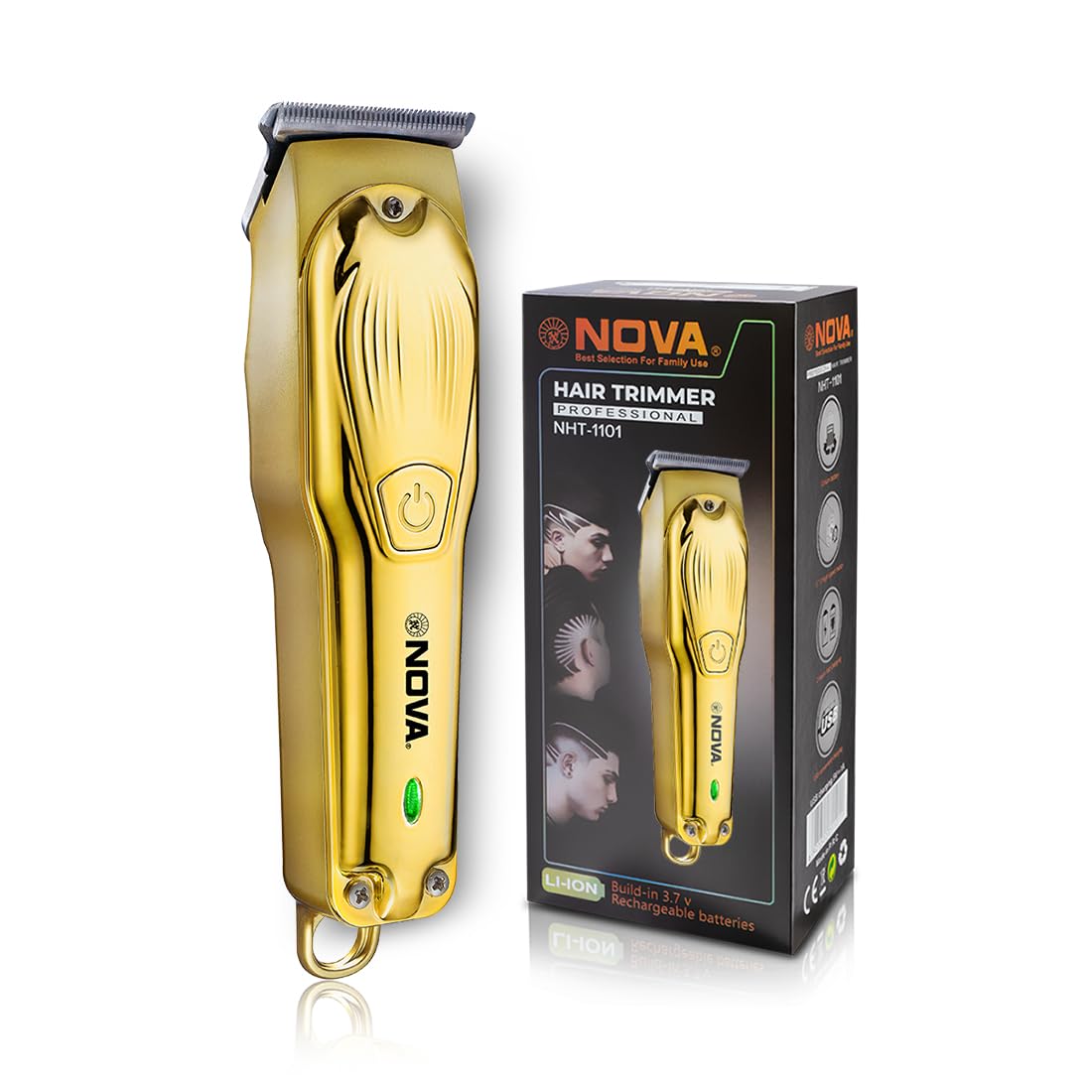
Image 5.1: USB Type-C charging mechanism.
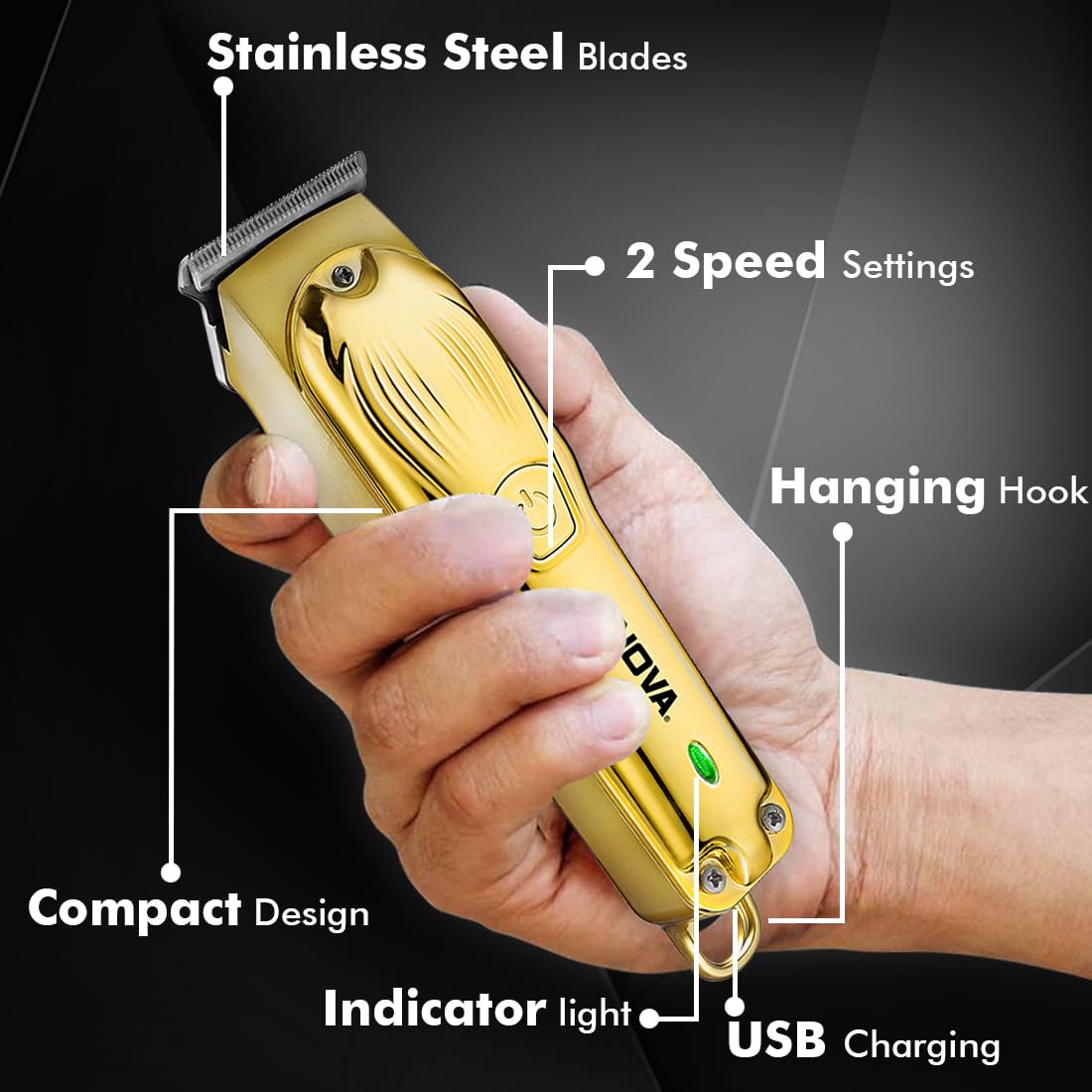
Image 5.2: Trimmer charging via USB Type-C.
5.2 ガイドコームの取り付け
The trimmer comes with 3 guide combs for different hair lengths:
- 1mm comb
- 2mm comb
- 3mm comb
To attach a guide comb, align the comb with the trimmer head and push it firmly until it clicks into place. To remove, gently pull the comb away from the trimmer head.
6. 操作手順
6.1 Turning On/Off and Speed Settings
- To turn the trimmer on, press the power button once. The trimmer will start at the default speed setting.
- To switch between the 2 available speed settings, press the power button again while the trimmer is running.
- To turn the trimmer off, press the power button until it stops.
6.2 ターボ機能
For increased power, activate the Turbo Function:
- While the trimmer is running, double-press the power button to engage the turbo mode.
- Double-press again to return to normal speed.

Image 6.1: Illustration of the Turbo Function.
6.3トリミング
Ensure hair is clean and dry before trimming for optimal results.
- ガイドコームなし: For precision trimming and close cuts (0.5mm), use the trimmer without any guide comb attached.
- With Guide Comb: Select the desired guide comb (1mm, 2mm, or 3mm) and attach it securely.
- 刃を肌に平らに当ててトリマーを持ち、毛の流れに逆らってゆっくりと動かします。
- 最良の結果を得るには、空いている手で皮膚をぴんと伸ばしてください。
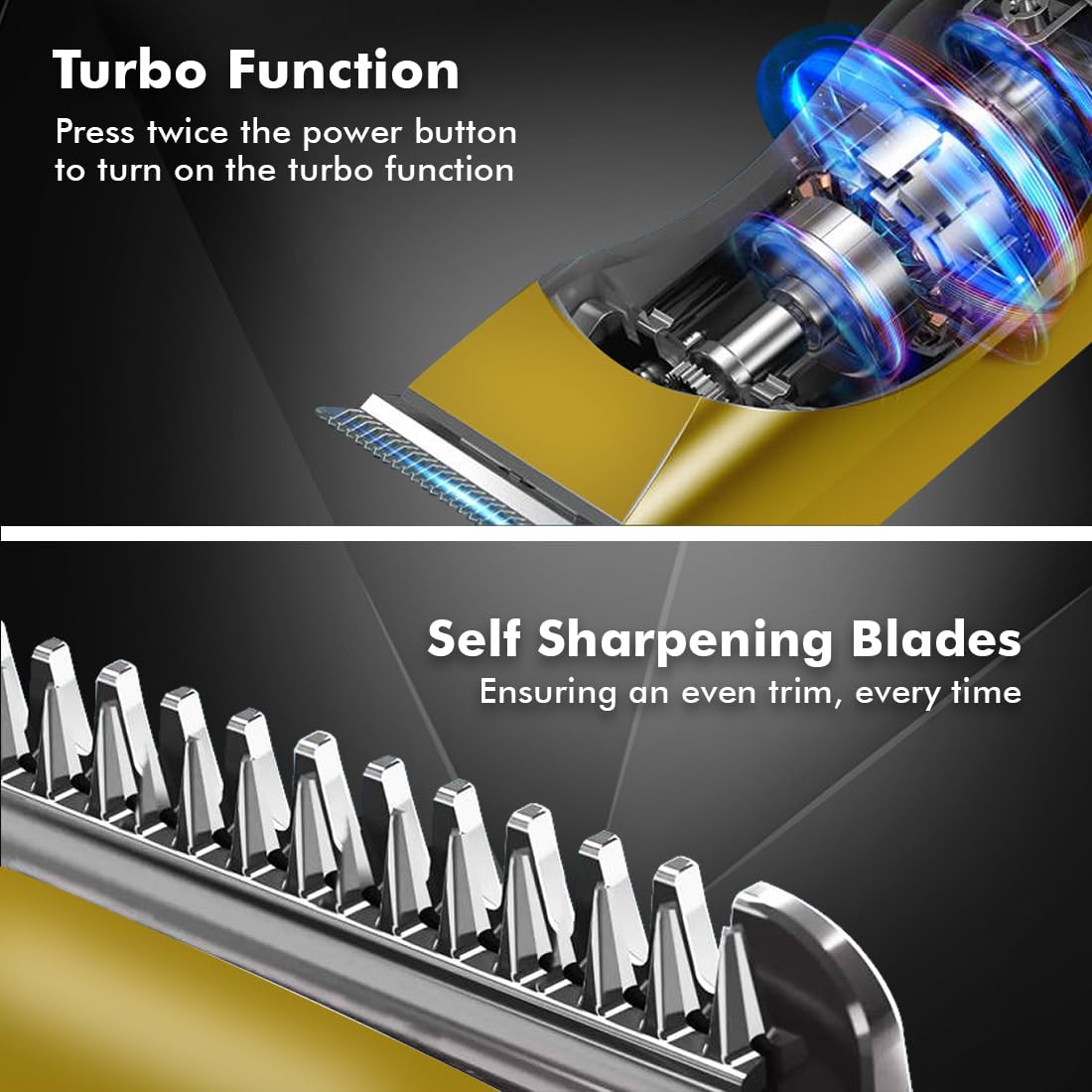
Image 6.2: Demonstrating hair trimming with the device.
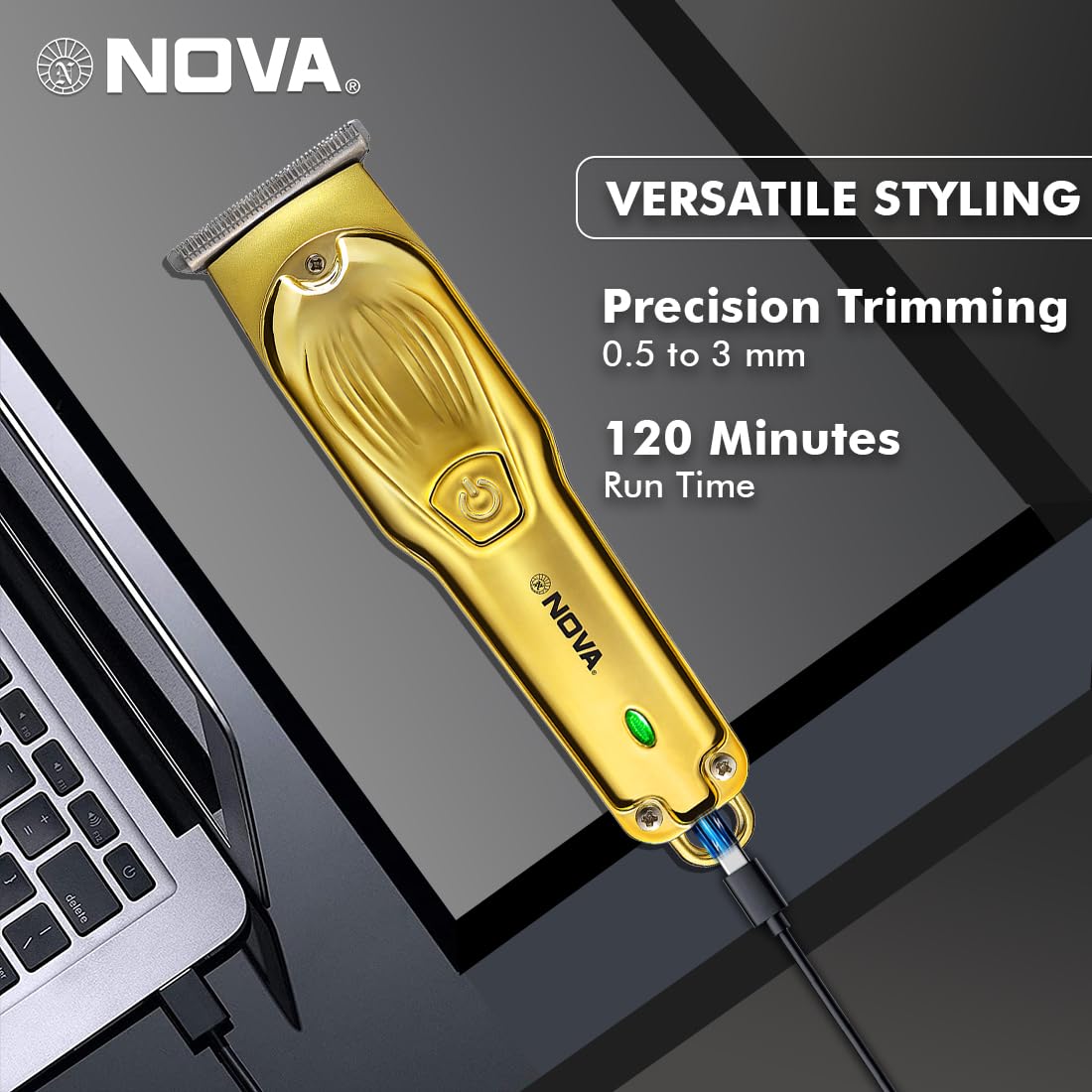
Image 6.3: Demonstrating beard trimming with the device.
7. メンテナンス
7.1 ブレードのクリーニング
定期的な清掃により、最適なパフォーマンスと衛生が確保されます。
- トリマーをオフにして、電源から外します。
- 取り付けられているガイドコームを慎重に取り外します。
- 付属のクリーニングブラシを使用して、刃とトリマーヘッドに付いた毛を取り除きます。
- The blades are self-sharpening, reducing the need for manual sharpening.
7.2 潤滑
To maintain blade performance, apply a small drop of lubricating oil (if included) to the blades after every few uses. Turn the trimmer on for a few seconds to distribute the oil evenly.
7.3 ストレージ
トリマーは直射日光や湿気を避け、涼しく乾燥した場所に保管してください。保管する前に、トリマーが清潔で乾燥していることを確認してください。
8。 トラブルシューティング
| 問題 | 考えられる原因 | 解決 |
|---|---|---|
| トリマーの電源が入らない。 | バッテリーが放電しました。 | トリマーを少なくとも 2 時間充電してください。 |
| 電源ボタンが正しく押されていません。 | 電源ボタンをしっかりと押してください。 | |
| トリミングのパフォーマンスが悪い。 | 刃に髪の毛が詰まっています。 | クリーニングブラシでブレードをクリーニングします。 |
| ブレードには潤滑が必要です。 | ブレードに潤滑油を一滴塗布します。 | |
| バッテリーが充電されていません。 | 充電ケーブルまたはアダプターに不具合があります。 | 別の USB Type-C ケーブルまたは電源アダプターを試してください。 |
| 充電ポートが破損しています。 | カスタマーサポートにお問い合わせください。 |
9. 仕様
| 特徴 | 詳細 |
|---|---|
| モデル | NHT 1102 |
| ブレード材質 | ステンレス鋼 |
| 切断長さ | 0.5mm (without comb), 1mm, 2mm, 3mm (with guide combs) |
| 電池のタイプ | リチウムイオン(600mAh) |
| 充電時間 | 約2時間 |
| ランタイム | 最大120分 |
| 充電インターフェース | USBタイプC |
| 速度設定 | 2 |
| 特集 | Turbo Function, Self-Sharpening Blades, Cordless Operation, Hanging Hook |
| 寸法(長さ×幅×高さ) | 9 x 11 x 14 cm |
| アイテム重量 | 480グラム |
| メーカー | Nova Manufacturing Hong Kong |
| 原産国 | 中国 |
10. 保証とサポート
For detailed warranty information, please refer to the warranty card included with your product or the official Nova website. For technical support, service, or replacement parts, please contact Nova customer service through the contact information provided on your product packaging or the official brand channels.


