導入
This manual provides detailed instructions for the setup, operation, maintenance, and troubleshooting of your Amazon Basics Pro Series Wireless Noise Cancelling ANC Over Ear Headphones. Please read this manual thoroughly before using the product to ensure proper function and longevity.

Image: The Amazon Basics Pro Series Wireless Noise Cancelling ANC Over Ear Headphone in black, showcasin洗練されたデザイン。
パッケージ内容
パッケージにすべてのアイテムが揃っていることを確認します。
- Amazon Basics Pro Series Wireless Noise Cancelling ANC Over Ear Headphone
- USB Type-C充電ケーブル
- 3.5mmAUXケーブル
- ユーザーマニュアル(このドキュメント)
設定
1. 初期充電
Before first use, fully charge the headphones. Connect the supplied USB Type-C charging cable to the headphone's charging port and the other end to a USB power source (e.g., computer USB port or wall adapter). The LED indicator will show charging status and turn off or change color when fully charged.
A full charge provides up to 74 hours of playback at 50% volume with ANC off, or 34 hours with ANC on.
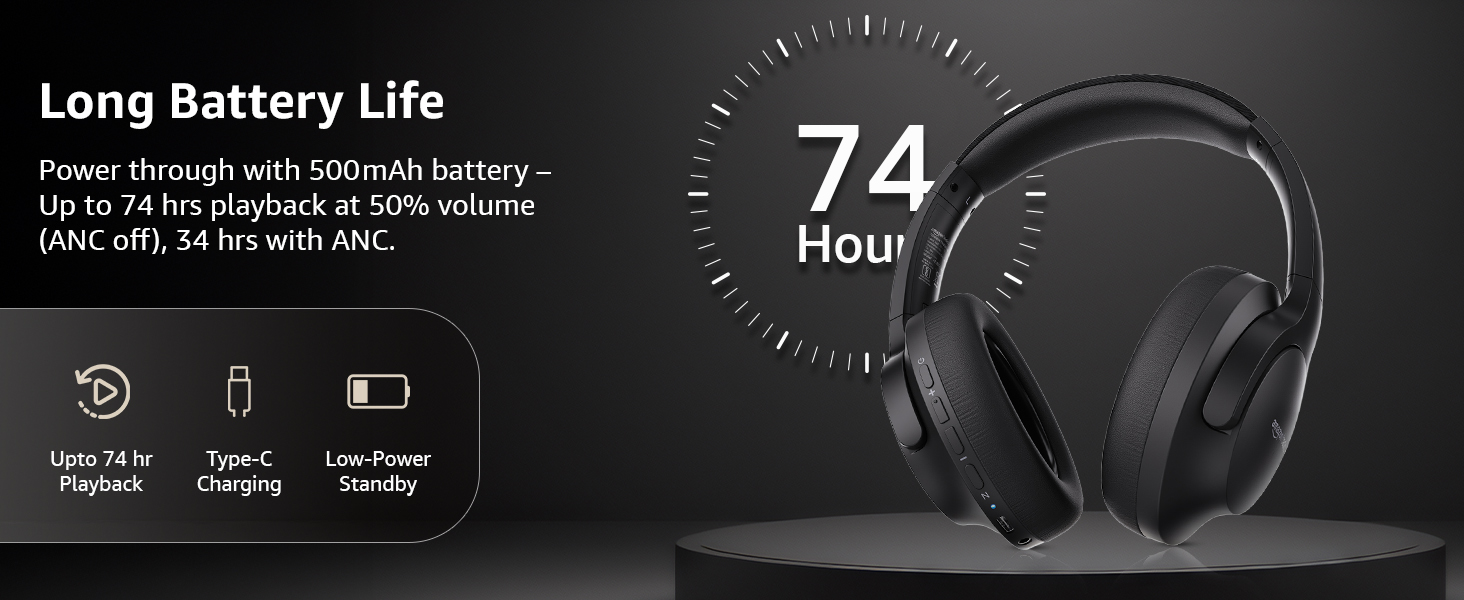
Image: An illustration highlighting the long battery life of the headphones, indicating up to 74 hours of playback.
2.Bluetoothペアリング
- ヘッドフォンが充電され、電源がオフになっていることを確認します。
- LED インジケーターが青と赤に点滅してペアリング モードになるまで、電源ボタンを長押しします。
- デバイス(スマートフォン、タブレット、ラップトップ)で Bluetooth を有効にし、利用可能なデバイスを検索します。
- Select "AB-IBT-82ANC" from the list of found devices.
- 接続されると、LED インジケーターが青色に点灯するか、ゆっくり点滅します。
The headphones support dual pairing, allowing connection to two devices simultaneously for seamless switching.

Image: The headphones shown connected to both a smartphone and a laptop, illustrating the multi-pairing capability.
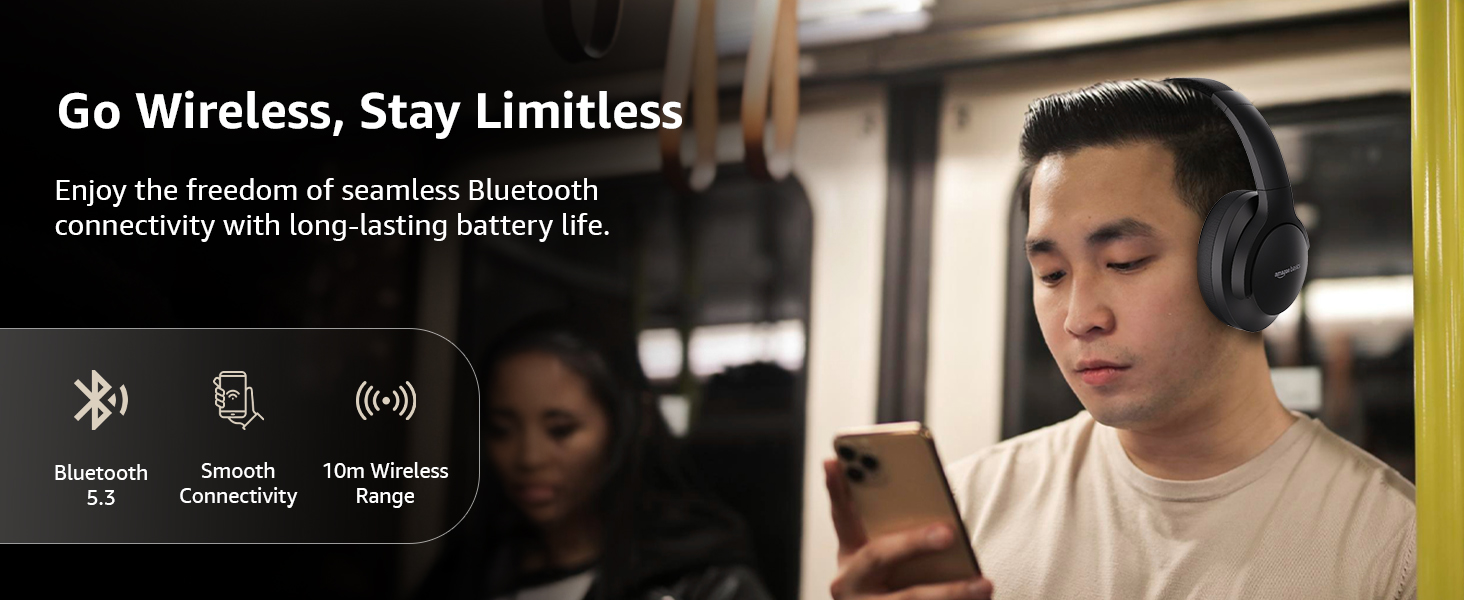
Image: A visual representation of the wireless capabilities, including Bluetooth 5.3 and a 10-meter wireless range.
3. 有線接続(AUXモード)
For a wired connection, plug the 3.5mm AUX cable into the headphone's AUX port and the other end into your audio device's 3.5mm jack. This mode does not require battery power.
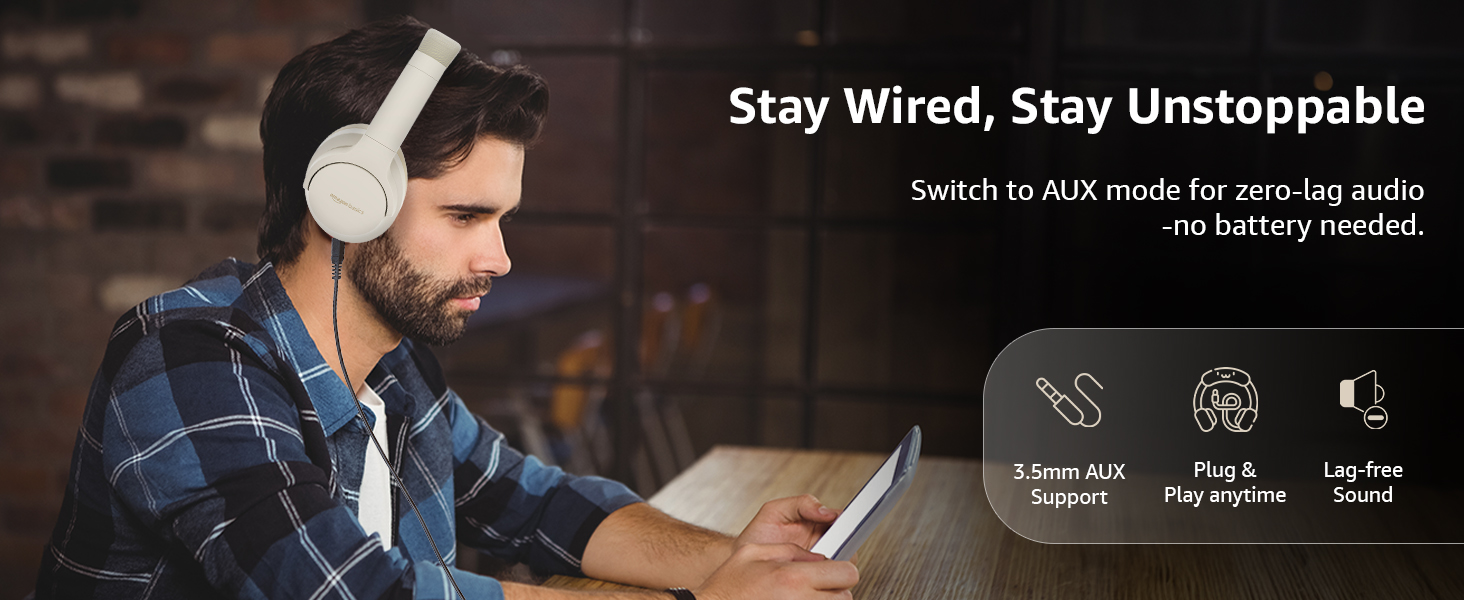
Image: A user demonstrating the wired AUX connection, emphasizing lag-free audio without needing battery power.
操作手順
1. 電源のオン/オフ
- 電源オン: 電源ボタンを約3秒間押し続けます。
- 電源を切る: 電源ボタンを約5秒間押し続けます。
2. Accessible Controls
ヘッドフォンには、イヤーカップに直感的なコントロールが備わっています。
- ボリュームアップ/次のトラック: 短く押すと音量が上がり、長く押すと次のトラックに進みます。
- 音量ダウン/前のトラック: 短く押すと音量が下がり、長く押すと前のトラックに戻ります。
- 再生/一時停止/通話応答: 多機能ボタンを1回押します。
- 通話終了: 通話中に多機能ボタンを1回押します。
- 通話を拒否: 着信中に多機能ボタンを長押しします。
- 音声アシスタント(Siri/Google アシスタント)を有効にする: マルチファンクションボタンを2回押します。
- ANCオン/オフ: Dedicated ANC button to toggle Active Noise Cancellation.
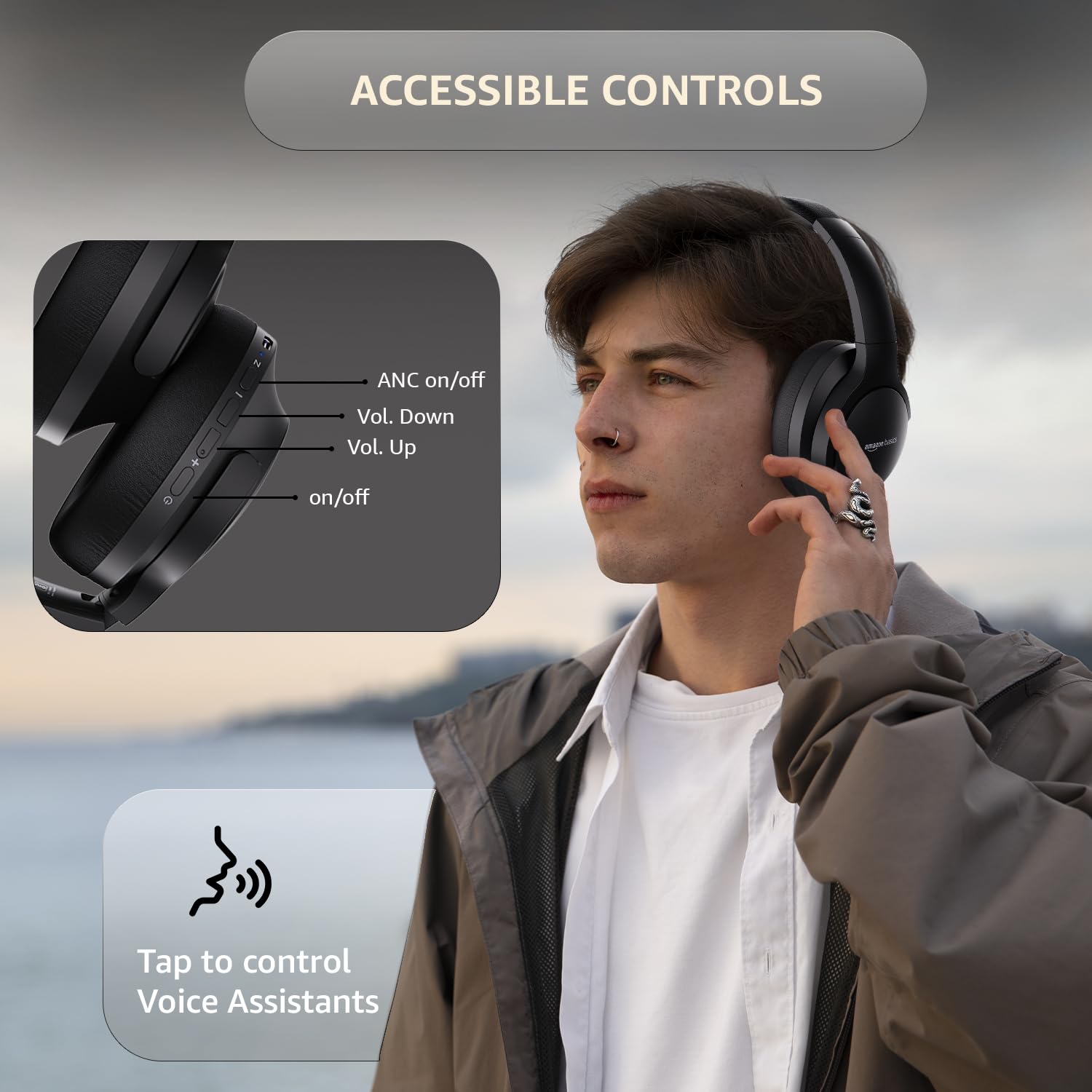
Image: A detailed diagram illustrating the location and function of the accessible controls on the headphone earcup.
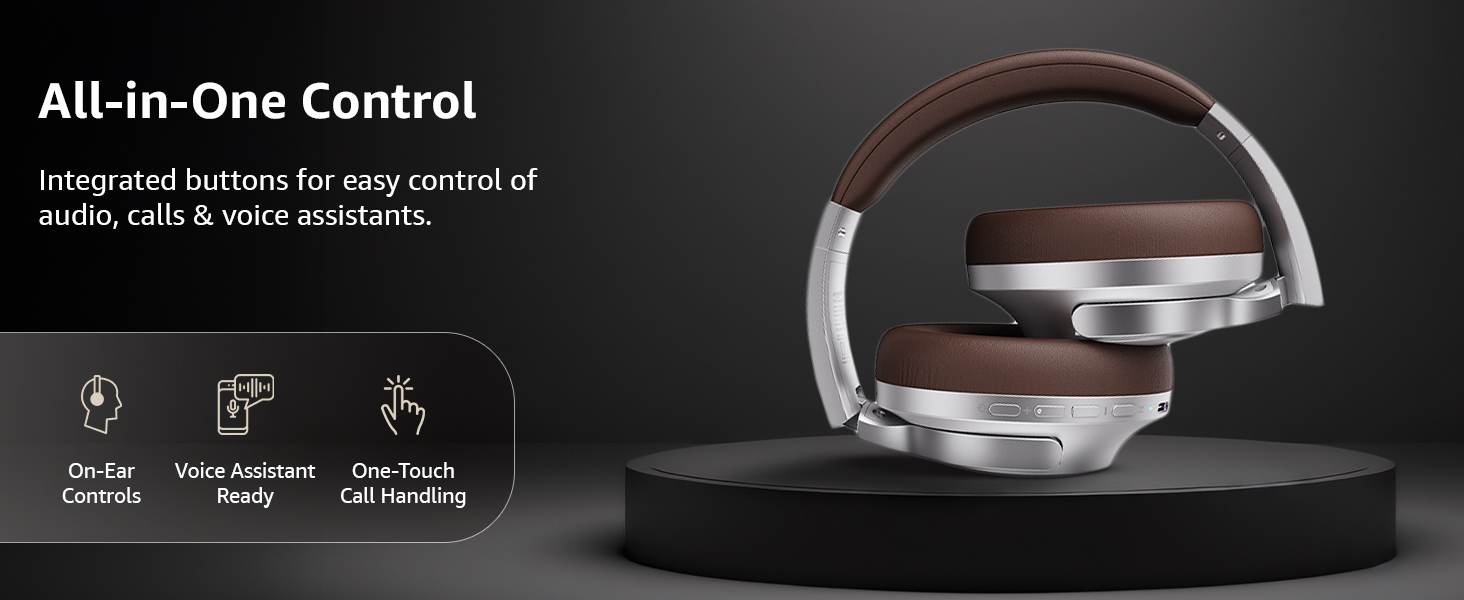
画像: オーバーview of the integrated controls, highlighting ease of use for audio, calls, and voice assistants.
3. アクティブノイズキャンセレーション(ANC)
The Active Noise Cancellation feature reduces ambient noise, providing a more immersive listening experience. Press the dedicated ANC button to activate or deactivate this feature. Note that ANC functionality may slightly reduce overall battery life.

Image: A person wearing the headphones in a public setting, illustrating the effectiveness of Active Noise Cancellation in reducing distractions.
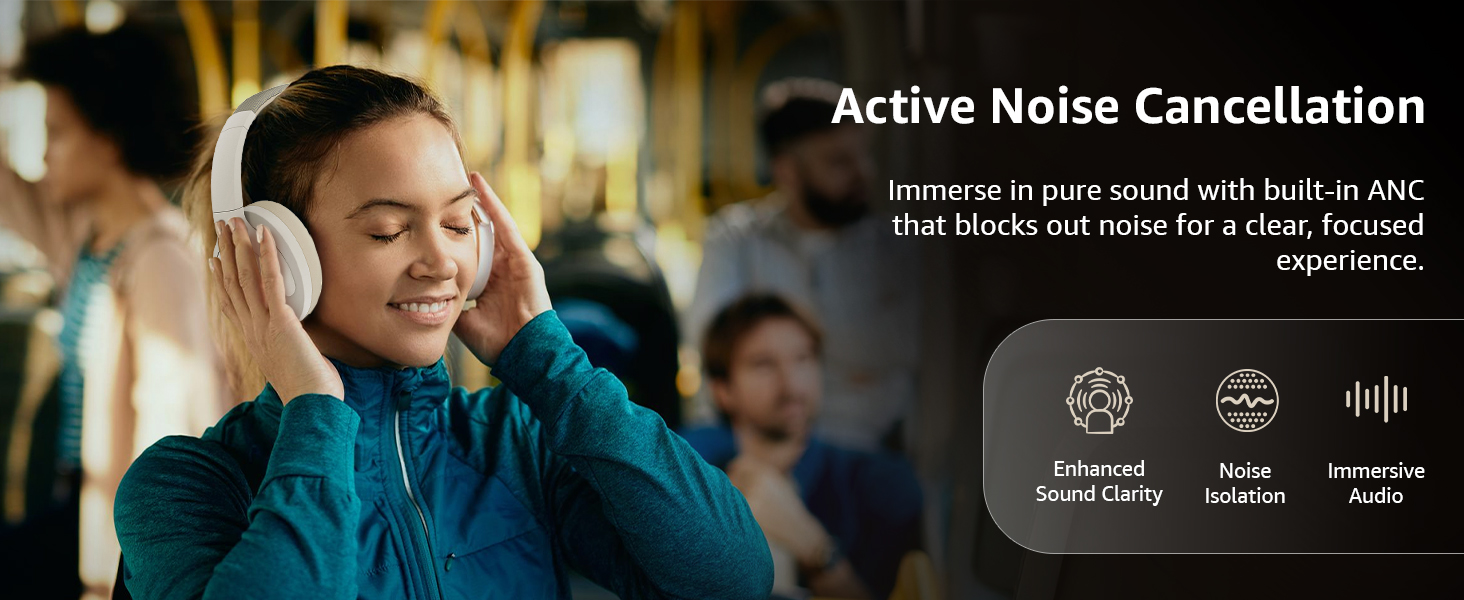
Image: A graphic emphasizing the benefits of Active Noise Cancellation, including enhanced sound clarity and immersive audio.
4. オーディオ品質とドライバー
The headphones are equipped with 40mm drivers, designed to deliver rich bass, clear mids, and precise highs for a balanced audio experience.
画像: 爆発した view diagram illustrating the 40mm drivers, which are responsible for the headphone's sound output.
メンテナンス
1. 清掃
- 柔らかく、乾いた、糸くずの出ない布でヘッドフォンを拭いてください。
- 研磨剤入りのクリーナー、溶剤、スプレークリーナーをヘッドフォンに直接使用しないでください。
- Clean the ear cushions gently with a damp 必要に応じて布で拭き、使用前に完全に自然乾燥させてください。
2. ストレージ
When not in use, store the headphones in a cool, dry place, away from direct sunlight and extreme temperatures. The headphones feature a sleek and foldable design for convenient storage and portability.
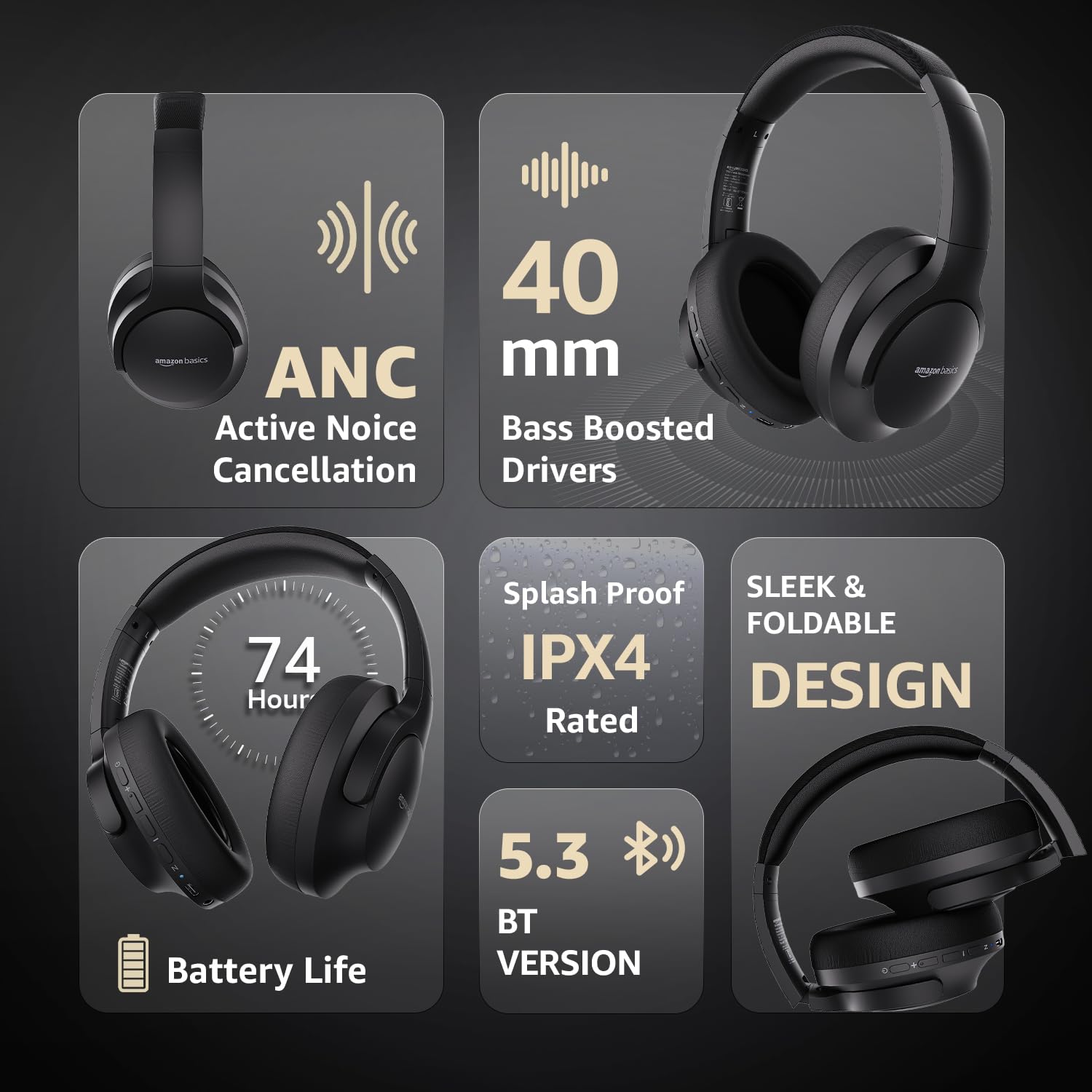
Image: An infographic highlighting key features, including the sleek and foldable design of the headphones for easy storage.
3. バッテリーのお手入れ
- バッテリーを頻繁に完全に放電することは避けてください。
- バッテリーの状態を維持するために、長期間使用しない場合でも定期的にヘッドフォンを充電してください。
- バッテリーを高温にさらさないでください。
トラブルシューティング
| 問題 | 考えられる原因 | 解決 |
|---|---|---|
| ヘッドホンの電源が入りません。 | バッテリー残量が少なくなりました。 | Charge the headphones fully using the supplied USB Type-C cable. |
| Bluetooth経由でペアリングできません。 | ヘッドフォンがペアリングモードになっていない、デバイスの Bluetooth がオフになっている、デバイスから遠すぎる。 | Ensure headphones are in pairing mode (flashing blue/red). Turn Bluetooth on your device. Move headphones closer to the device (within 10m). |
| 音が出ません。 | 音量が低すぎる、オーディオソースが正しくない、ヘッドフォンが接続されていない。 | Increase volume on headphones and device. Verify correct audio output on device. Re-pair Bluetooth or check AUX cable connection. |
| ANC が効果的に機能していません。 | ANC が有効になっていません。環境ノイズが高すぎます。 | ANCボタンを押して有効にします。ANCは低周波の定常ノイズに最も効果的です。 |
仕様
| 特徴 | 詳細 |
|---|---|
| モデル番号 | AB-IBT-82ANC |
| 接続技術 | ワイヤレス(Bluetooth 5.3)、有線(3.5mm AUX) |
| ドライバーサイズ | 40ミリメートル |
| バッテリー容量 | 500mAhリチウムポリマー |
| バッテリー寿命(ANCオフ) | 最大 74 時間 (音量 50% の場合) |
| バッテリー寿命(ANCオン) | Up to 34 hours (at 100% volume), 62 hours (at 50% volume) |
| 充電ポート | USBタイプC |
| ワイヤレス範囲 | 最大10メートル |
| 耐水性評価 | IPX4 (防滴) |
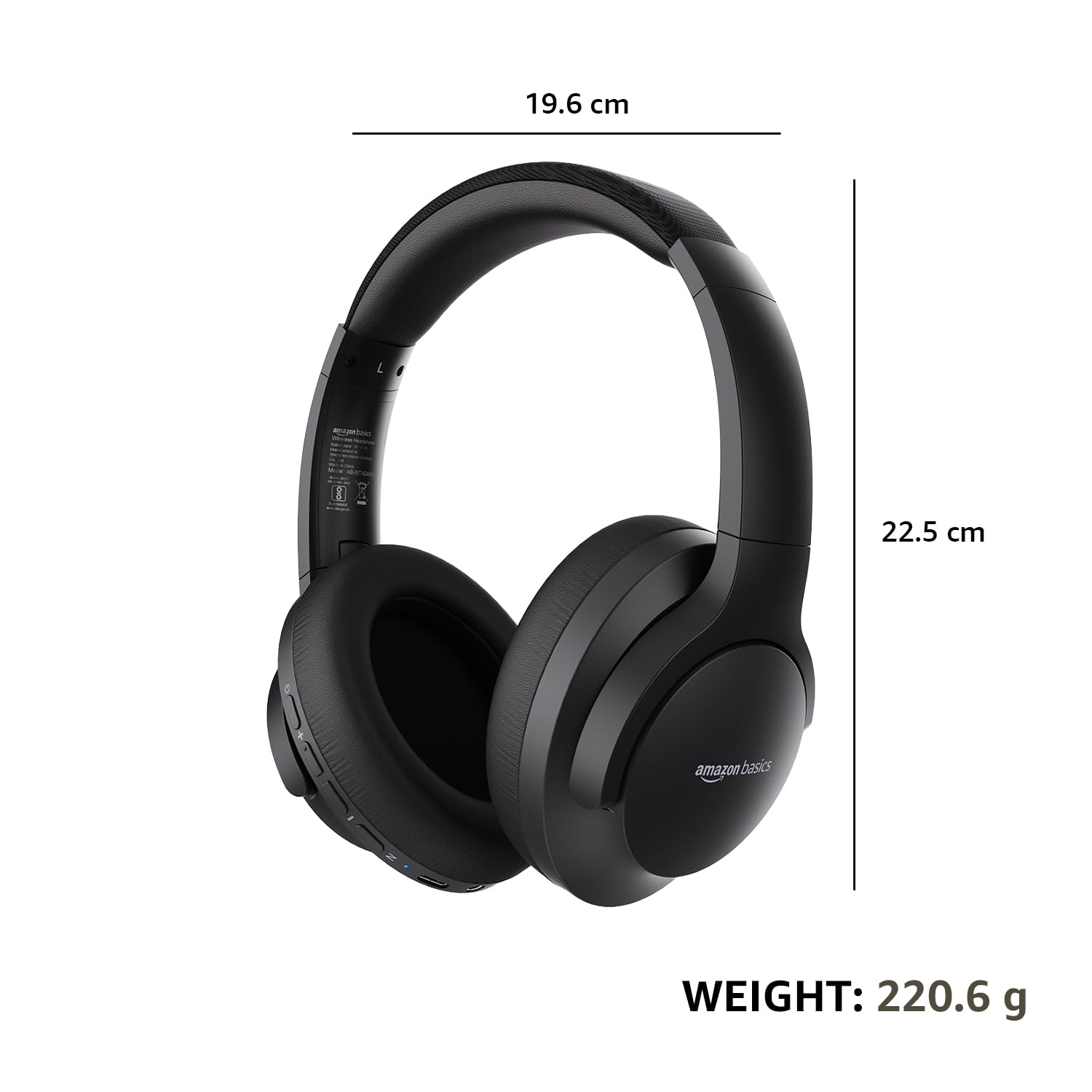
| 寸法(ヘッドフォン) | 19.61 x 22.5 x 8.72 cm |
| 重量(ヘッドホン) | 220.6グラム |
| 材料 | プラスチック、ポリウレタン(PU) |
| 対応デバイス | 携帯電話、ゲーム機、ノートパソコン、タブレット |

Image: A visual representation of the headphone's dimensions and weight for reference.
快適さとデザイン
The headphones are designed for extended wear with an over-ear fit, soft ear cushions, and an adjustable headband, ensuring comfort during long listening sessions.

Image: A person wearing the headphones, demonstrating the comfortable over-ear fit.
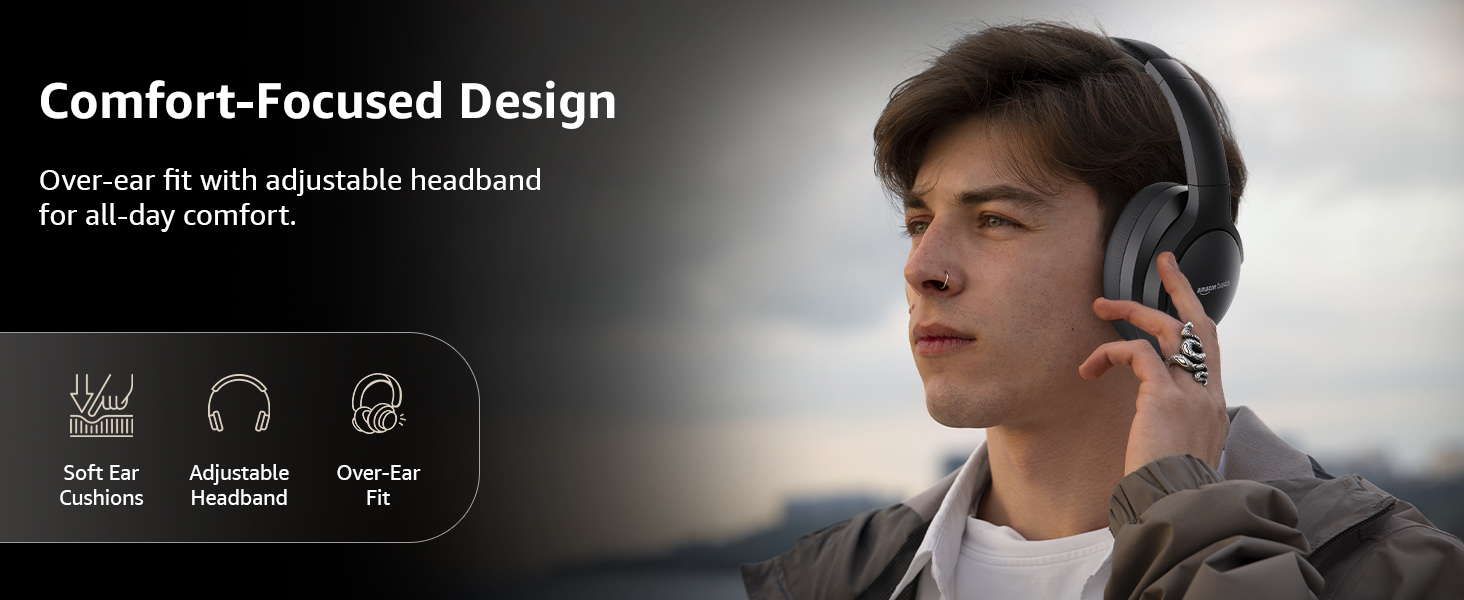
Image: A graphic detailing the comfort-focused design elements, including soft ear cushions and an adjustable headband.
保証とサポート
Warranty information for your Amazon Basics Pro Series Wireless Noise Cancelling ANC Over Ear Headphones is typically provided with the product packaging or can be found on the Amazon Basics official website. For technical support or warranty claims, please refer to the contact information provided with your purchase or visit the Amazon Basics support page.
保証に関するお問い合わせに備えて、購入証明書を保管しておいてください。


