1. はじめに
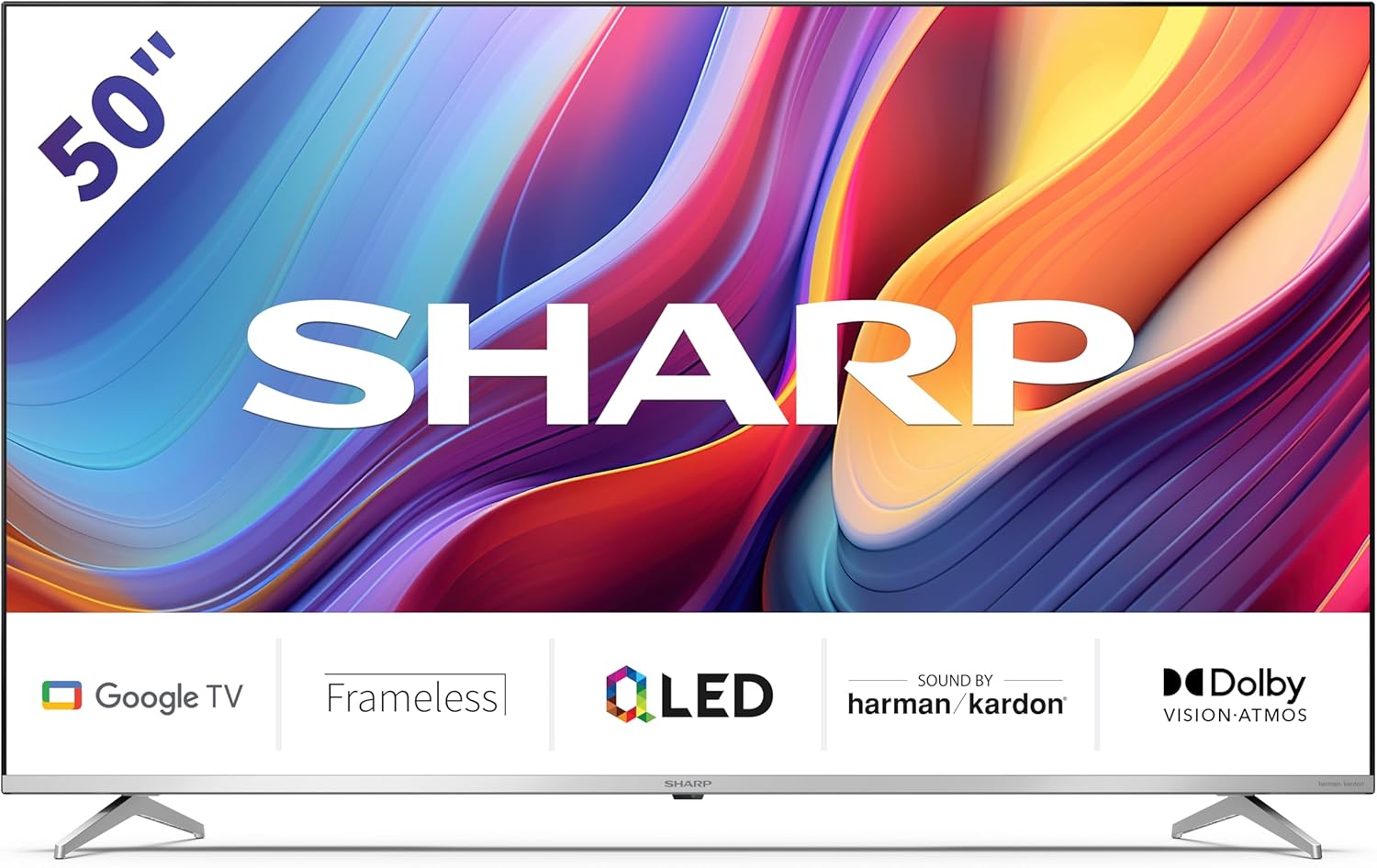
Welcome to the user manual for your new Sharp 50GP6265E 50-inch QLED 4K Ultra HD Google TV. This manual provides essential information for the safe and efficient use of your television. Please read it thoroughly before operating the device and retain it for future reference.
重要な安全情報
- Ensure the television is placed on a stable surface to prevent it from falling.
- 通気口を塞がないでください。過熱を防ぐには、適切な空気の流れが不可欠です。
- 電源コードが踏まれたり挟まれたりしないように保護してください。
- Do not expose the TV to rain or moisture to reduce the risk of fire or electric shock.
- すべてのメンテナンスは資格のあるサービス担当者に依頼してください。
2. 箱の中身
開梱したら、以下のコンポーネントがすべて含まれていることを確認してください。
- Sharp 50GP6265E 50-inch QLED 4K Ultra HD Google TV
- リモコン
- 単4電池2本(リモコン用)
- クイックスタートガイド
- TV stands (if not wall-mounted)
- 電源ケーブル
3. セットアップ
3.1 開梱
Carefully remove the television from its packaging. It is recommended to keep the original packaging for potential future transport or servicing.
3.2 スタンドの取り付け
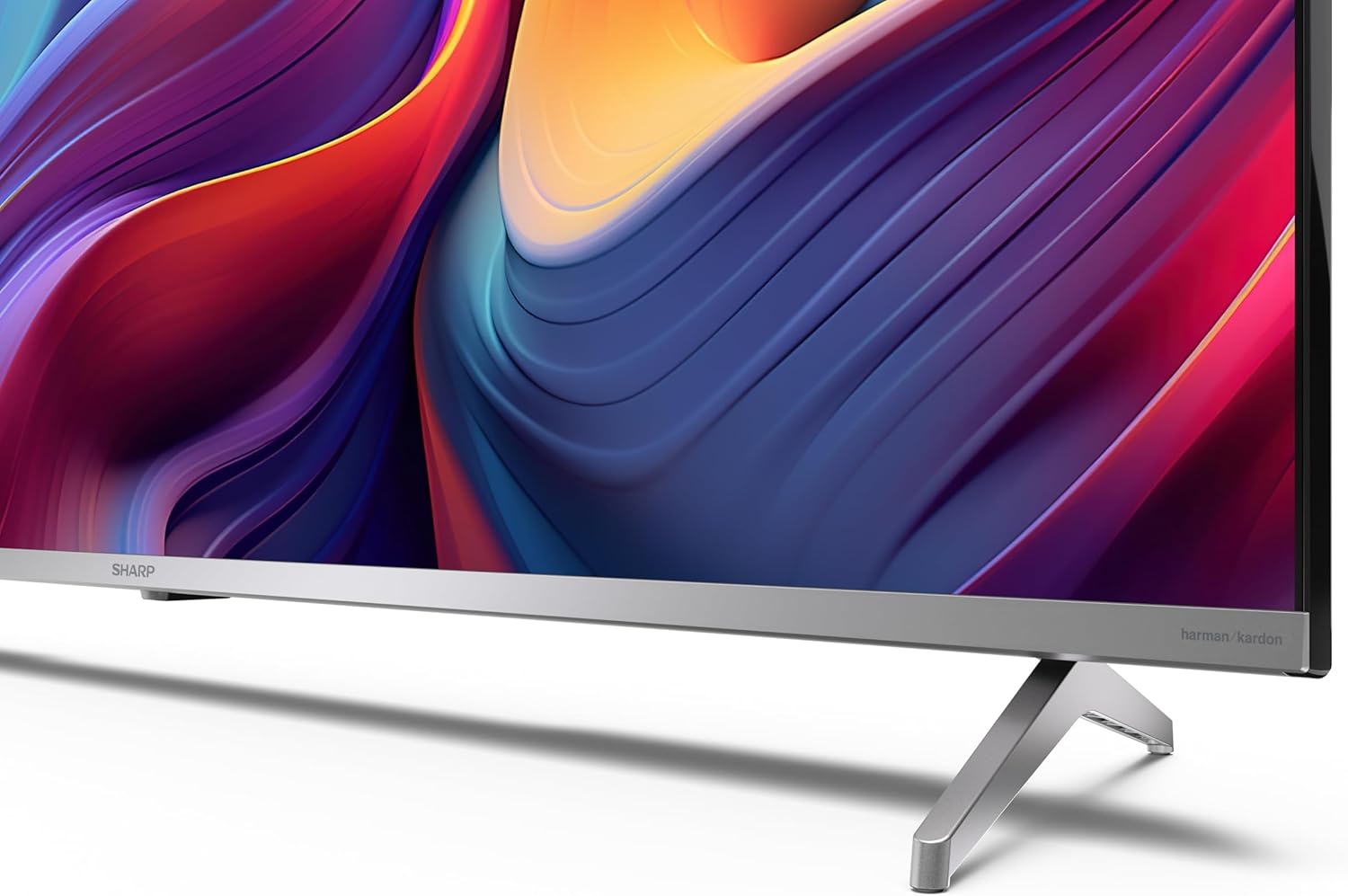
If you are not wall-mounting the television, attach the included stands to the bottom of the TV. Ensure the screws are securely fastened. Refer to the quick start guide for detailed diagrams.
3.3 壁面への取り付け
For wall mounting, the VESA dimensions required are 400 x 300 mm. Use a compatible wall mount bracket (sold separately) and follow the instructions provided with the bracket. Ensure the wall can support the weight of the television (9.7 kg net weight).

3.4 周辺機器の接続
Your Sharp TV offers various connectivity options:
- HDMI: Connect external devices such as Blu-ray players, gaming consoles, or set-top boxes using the 4 HDMI 2.1 ports. One port supports eARC for enhanced audio return channel functionality.
- USB: Use the 2 USB ports for connecting external storage devices to play media or for service updates.
- イーサネット: 安定した有線インターネット接続を実現します。
- Wi-Fi: ワイヤレスインターネット接続用。
- ブルートゥース: ワイヤレス ヘッドフォン、サウンドバー、その他の Bluetooth 対応アクセサリを接続します。

3.5 初回セットアップ
After connecting the power cable and turning on the TV, follow the on-screen instructions to complete the initial setup. This typically includes language selection, network connection, and Google account sign-in for Google TV features.
4. テレビの操作
4.1リモコン
The included remote control allows you to navigate the TV's interface, adjust volume, change channels, and access smart features. Insert the 2 AAA batteries into the remote control, ensuring correct polarity.
4.2 Google TV インターフェース
Your Sharp TV runs on Google TV, which organizes movies, shows, and live TV from all your apps and subscriptions. The home screen provides personalized recommendations and quick access to your favorite content.

Supported internet services include Netflix, Amazon Prime Video, HBO, Disney+, Movistar+, DAZN, Atresmedia, KODI, IPTV, Steamlink, Twitch, VLC, YouTube, Puffin TV Browser, Spotify, Deezer, TuneIn Radio, and many more available on Google Play for Google TV.
4.3画像設定
Experience stunning visuals with 4K Ultra HD resolution and Quantum Dot technology for vibrant colors. The TV supports Dolby Vision and HDR10 for enhanced contrast and brightness. Access picture settings through the TV menu to customize brightness, contrast, color, and sharpness to your preference. AQUOS Smooth Motion technology provides image interpolation for smoother motion.
4.4 サウンド設定
The integrated Harman/Kardon speaker system (2 x 12 W) delivers immersive audio. With Dolby Atmos support, you can enjoy a rich, multi-dimensional sound experience. Adjust sound modes and equalizer settings in the audio menu.
4.5 スマート機能
- Google アシスタント: 音声コマンドを使用して、コンテンツを検索したり、スマートホーム デバイスを制御したり、情報を取得したりできます。
- Chromecastビルトイン: スマートフォン、タブレット、またはコンピューターのコンテンツをテレビ画面に直接キャストします。
5. メンテナンス
5.1 テレビの掃除
- 掃除する前に必ずテレビの電源プラグを抜いてください。
- 画面とキャビネットの汚れは、柔らかく乾いた布で拭いてください。頑固な汚れには、軽く拭いてください。amp布に水または専用のスクリーンクリーナーを含ませて拭いてください。
- 研磨剤入りの洗剤、ワックス、溶剤の使用は避けてください。
5.2ソフトウェアアップデート
テレビは、パフォーマンスの向上や新機能の追加のためにソフトウェアアップデートを受け取る場合があります。これらのアップデートを自動的に受信するには、テレビがインターネットに接続されていることを確認してください。または、設定メニューで手動でアップデートを確認してください。
6。 トラブルシューティング
テレビで問題が発生した場合は、次の一般的な問題と解決策を参照してください。
| 問題 | 考えられる解決策 |
|---|---|
| 電源なし | 電源ケーブルがテレビとコンセントにしっかりと接続されているか確認してください。コンセントが正常に機能していることを確認してください。 |
| 映像はないが、音声はある | 正しい入力ソースが選択されていることを確認してください。外部デバイスの接続を確認してください。 |
| 音はないが、映像は表示される | Check the volume level and mute status. Ensure audio cables are correctly connected for external devices. |
| リモコンが動作しない | 単4電池を交換してください。リモコンとテレビの赤外線センサーの間に障害物がないことを確認してください。 |
| Wi-Fi接続の問題 | Restart your router and the TV. Re-enter the Wi-Fi password. Ensure the TV is within range of your Wi-Fi network. |
7. 仕様
| 特徴 | 詳細 |
|---|---|
| ブランド | シャープ |
| モデル番号 | 50GP6265E |
| 画面サイズ | 50インチ |
| ディスプレイ技術 | QLED, Quantum Dot |
| 解決 | 4K ウルトラ HD (3840 x 2160 ピクセル) |
| リフレッシュレート | 60Hz |
| オペレーティング·システム | Google TV |
| HDR サポート | ドルビービジョン、HDR10 |
| オーディオシステム | Harman/Kardon (2 x 12 W), Dolby Atmos |
| 接続性 | 4x HDMI 2.1 (with eARC), 2x USB, Wi-Fi, Bluetooth, Ethernet |
| 特集 | Google Assistant, Chromecast built-in, AQUOS Smooth Motion |
| VESA ウォールマウント | 400×300ミリ |
| 寸法(スタンド付き) | 111.6P x 26.5l x 69.3H cm (1116.4 x 692.9 x 264.7 mm) |
| 寸法(スタンドなし) | 111.6P x 9.2l x 65.1H cm (1116.4 x 651.3 x 91.5 mm) |
| 正味重量 | 9.7キロ |
| エネルギー効率クラス (SDR) | G(69 kWh/1000時間) |
| エネルギー効率クラス (HDR) | G(98 kWh/1000時間) |

詳細な製品情報とエネルギー効率データについては、EPREL データベースを参照してください。 https://eprel.ec.europa.eu/qr/1942440
8. 保証とサポート
Information regarding spare parts availability and software updates is not explicitly provided for a guaranteed period. Please refer to the manufacturer's official website for the most up-to-date warranty terms and support information.
メーカー:SHARP
正式 Webサイト: www.sharpconsumer.com
For customer service inquiries, please visit the Sharp consumer website or contact their support channels as listed on their official site.


