1. はじめに
This manual provides essential information for the safe and efficient operation of your Tera Smart EV Charger Type 2 Wallbox. Please read these instructions carefully before installation and use, and retain them for future reference.
パッケージ内容:
- 1 x Tera W01 11 KW 16 A CEE Plug EV Charger with 7m Type 2 Cable
- 1 x取り付けテンプレート
- 取り付けネジ1セット
- ユーザーマニュアル (英語とドイツ語) x 1

2. 安全に関する注意事項
Your Tera Wallbox is designed with multiple safety features. Adherence to these guidelines is crucial for safe operation and to prevent electrical hazards.
Integrated Safety Mechanisms:
- Integrated DC6mA Residual Current Protection: Detects and handles various leakage current situations (AC and DC).
- External Type A Overcurrent Breaker: Provides additional protection against overcurrents.
- オーバーボルtag保護: 過剰なボラティリティに対する安全策tage.
- アンダーボルtag保護: 不足したボリュームから保護しますtage.
- 過負荷保護: 過剰な電流による損傷を防ぎます。
- 短絡保護: Automatically disconnects power in case of a short circuit.
- 過熱保護: 過熱を監視して防止します。
- 地面保護: 電気安全のために適切な接地を確保します。
- Earth Leakage Protection: Detects unintended current paths to earth.
The charging cable is made with over 99.5% copper for excellent conductivity and minimal heat generation. The charger is designed to meet safety requirements, ensuring high safety standards.
環境保護:
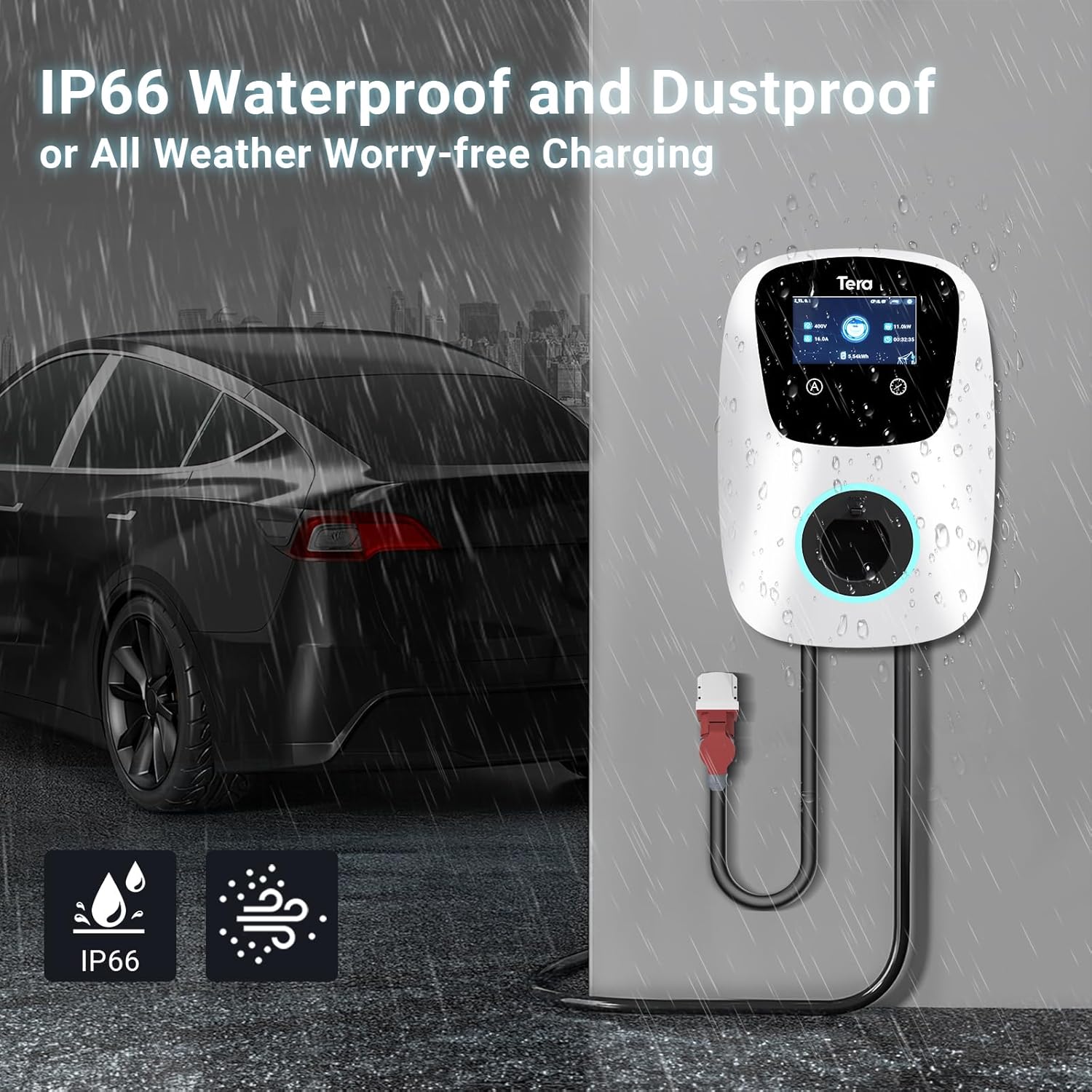
このデバイスの特徴は IP54防水等級, allowing safe outdoor use in various weather conditions. It is designed to withstand temperatures from -30°C to 50°C.

3. 技術仕様
| 特徴 | 仕様 |
|---|---|
| ブランド | テラ |
| モデル名 | W01-AM-WH-11kW |
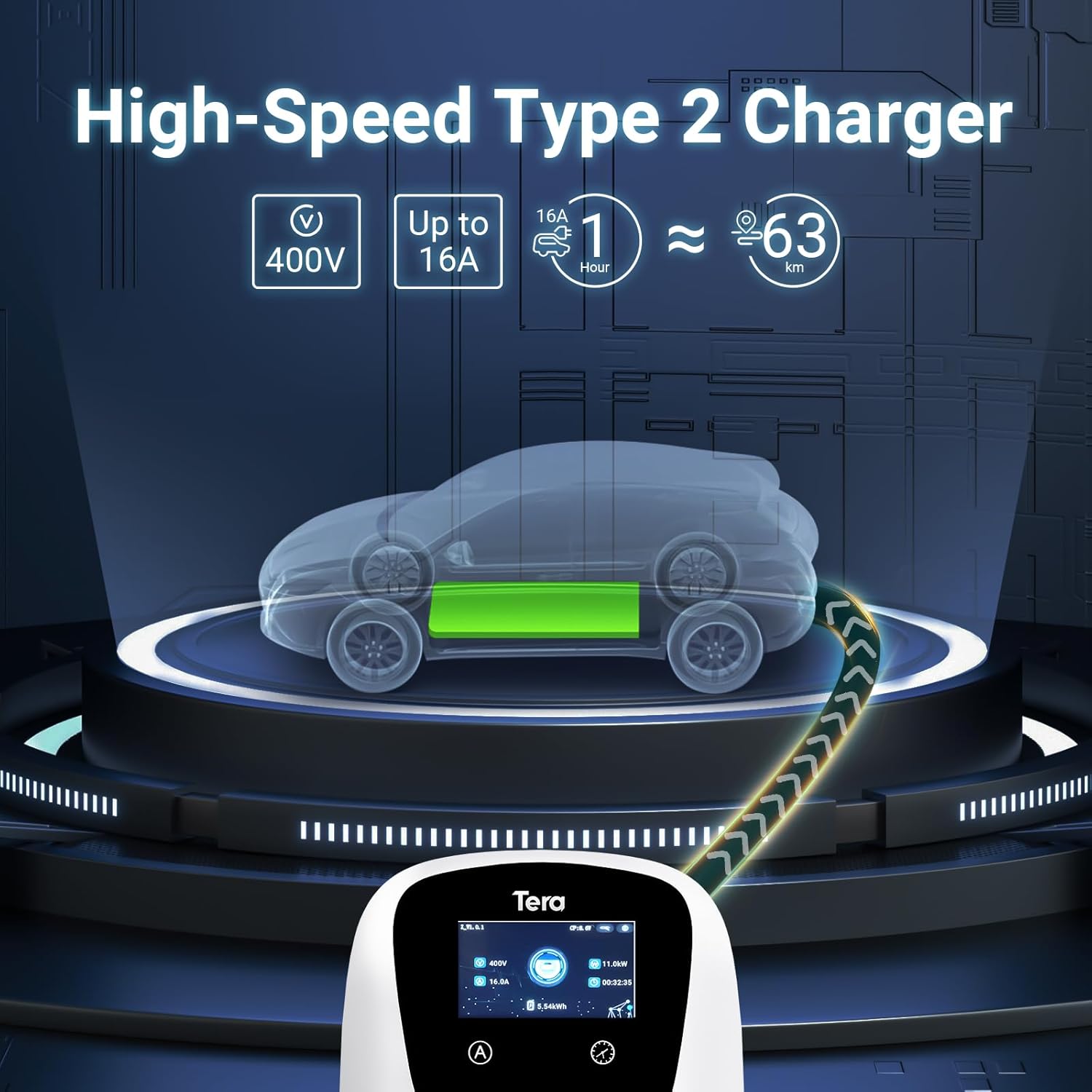
| 出力巻tage | 400ボルト |
| 入力ボリュームtage | 400ボルト |
| 定格電流 | 16 Ampエルス |
| 最大出力 | 11kW |
| ケーブル長さ | 7メートル |
| コネクタタイプ | Type 2, CEE 3-phase plug |
| 認定資格 | CE (N8A 104780 0028), TÜV (64105223147901), IEC 62196-2 |
| 防水等級 | IP54 |
| 動作温度 | -30°C ~ 50°C |
| 製品寸法 | 20 x 15 x 20 cm |
| 製品重量 | 15キロ |
4. インストール
The Tera EV Charger is designed for straightforward installation. It comes with a mounting template and a screw set to facilitate the process.
インストール手順:
- 取り付け: Use the provided mounting template and screw set to securely attach the charger to a suitable wall or surface. Ensure the mounting location is stable and can support the weight of the charger and cable.
- 電源接続: Connect the CEE 3-phase plug to a compatible power source. Ensure the electrical installation meets local regulations and safety standards. Professional installation by a qualified electrician is recommended.
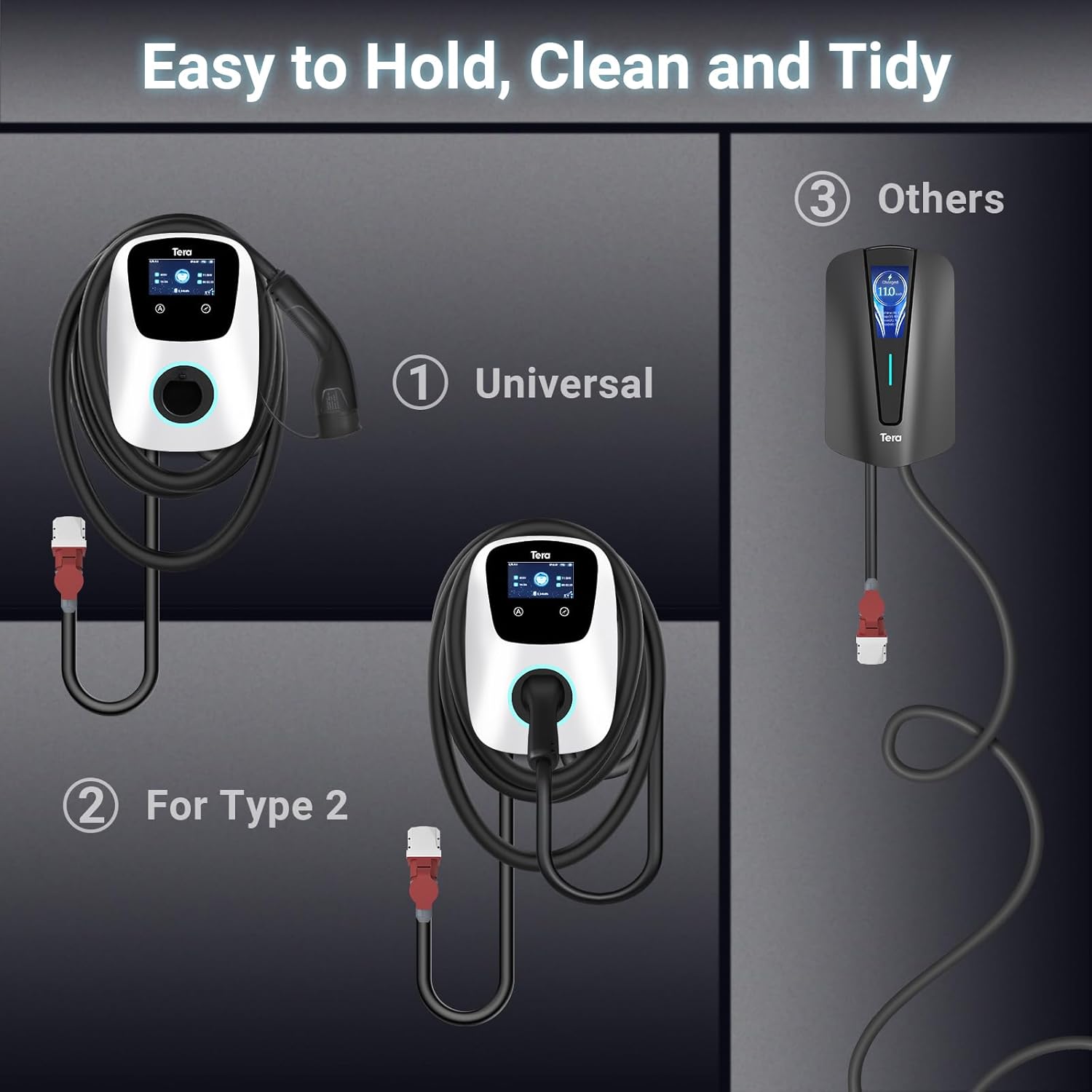
- ケーブル管理 Utilize the additional cable holder to store the 7-meter charging cable neatly, saving space and maintaining a tidy charging area.

5. 操作
The Tera EV Charger offers both manual and app-controlled charging options for convenience.
充電の開始:
- Ensure the charger is properly installed and connected to the power supply.
- Plug the Type 2 charging cable into your electric vehicle's charging port.
- Charging will commence automatically or can be initiated via the app.
充電モード:
- 手動充電: Directly set charging parameters on the EV charger's interface.
- App-Scheduled Charging: Use the dedicated mobile application (via Wi-Fi and Bluetooth) to schedule charging sessions, adjust charging power, and monitor progress. This provides flexibility to plan charging according to your needs.
The charging power can be adjusted to prevent overcharging and protect your vehicle's battery.
LEDインジケーター:
Integrated LED indicators provide clear visual feedback on the charging progress and any potential errors, ensuring you are always aware of the operational status.

6. メンテナンス
Regular maintenance ensures the longevity and optimal performance of your Tera EV Charger.
- クリーニング: 定期的に充電器の外側を柔らかくて乾いた布で拭いてください。amp 布で拭いてください。研磨剤や溶剤は使用しないでください。
- ケーブル検査: Regularly inspect the charging cable and connectors for any signs of wear, damage, or corrosion. If any damage is found, discontinue use and contact support.
- ストレージ: When not in use, ensure the charging cable is neatly coiled and stored using the provided cable holder to prevent kinks or damage.
7。 トラブルシューティング
If you encounter issues with your Tera EV Charger, consider the following basic troubleshooting steps:
- 電源なし: Check the main power supply and ensure the CEE 3-phase plug is securely connected. Verify that the circuit breaker is not tripped.
- 充電が開始されない: Ensure the Type 2 plug is fully inserted into your vehicle's charging port. Check the charger's LED indicators for any error codes.
- アプリの接続の問題: Ensure your Wi-Fi and Bluetooth are enabled on your mobile device and that the charger is within range. Restart the app and, if necessary, the charger.
- 遅い充電: Verify the current setting on the charger or in the app. Ensure your vehicle is capable of accepting the full 11 kW charge.
For persistent issues or complex problems, please refer to the support section.
8. 保証情報
Specific warranty details are typically provided with your purchase documentation. Please refer to the warranty card or contact your retailer for information regarding the warranty period and terms of service for your Tera EV Charger.
9. カスタマーサポート
Should you require further assistance, have questions regarding installation, operation, or troubleshooting, please contact Tera customer support. Contact information can typically be found on the product packaging or the official Tera webサイト。
Note: The product includes a user manual in German and English.


