導入
This manual provides comprehensive instructions for the setup, operation, and maintenance of your Zoom LiveTrak L-12 Digital Mixer & Multitrack Recorder Bundle. Please read this manual thoroughly before using the product to ensure proper functionality and to maximize your experience.
バンドルの内容
Your Zoom LiveTrak L-12 Digital Mixer & Multitrack Recorder Bundle includes the following items:
- 1x Zoom LiveTrak L-12 - 12-Channel Digital Mixer & Multitrack Recorder
- 電源ケーブル x 1
- 1x Zoom USB Cable
- 2x Zoom ZDM-1 Podcast Dynamic Microphone
- 2x Zoom ZHP-1 Headphones
- 2xフロントガラス
- XLRマイクケーブル2本
- 2x Adjustable Tabletop Tripod
- クリーニングクロス1枚

Image: The bundle includes the LiveTrak L-12 mixer, two ZDM-1 microphones, two ZHP-1 headphones, two windscreens, two XLR cables, two tabletop tripods, and a cleaning cloth.
製品終了view
The Zoom LiveTrak L-12 is a versatile digital mixer and multitrack recorder designed for musicians, podcasters, and sound engineers. It offers a comprehensive solution for mixing, monitoring, and recording audio.
主な特徴:
- 12 Discrete Channels: Effortlessly mix and record multiple audio sources simultaneously.
- Advanced Preamps: Equipped with high-quality, quiet preamps for professional-grade sound with minimal noise.
- カスタムシーン設定: Save and recall up to nine custom mix settings, including fader position, EQ, pan, and mute.
- Five Custom Monitoring Mixes: Each of LiveTrak's five monitor outputs provides a unique mix, allowing performers to create personalized headphone mixes.
- Multitrack Recording: Record 12 discrete tracks up to 24-bit/96 kHz WAV audio directly to an SD card. Tracks can be transferred for further mixing and editing.

Image: The Zoom LiveTrak L-12 digital mixer showing its faders, knobs, and display screen.
セットアップと接続
Follow these steps for initial setup and connecting your equipment:
- 電源接続: Connect the provided power cable to the DC IN port on the rear panel of the LiveTrak L-12 and plug it into a power outlet.
- マイク接続: Connect the ZDM-1 Podcast Dynamic Microphones to the XLR inputs on the mixer using the supplied XLR cables. The LiveTrak L-12 features combo jacks that accept both XLR and 1/4-inch connectors.
- Headphone Connections: Plug the ZHP-1 Headphones into the dedicated monitor output jacks on the mixer.
- USB接続(オプション): For computer integration, connect the Zoom USB cable from the LiveTrak L-12 to your computer.
- SDカードの挿入: Insert a compatible SD card into the SD card slot for multitrack recording.

Image: The rear panel of the Zoom LiveTrak L-12, displaying XLR/TRS combo inputs, master outputs, monitor outputs, USB ports, and the power input.
Operating the LiveTrak L-12
The LiveTrak L-12 offers intuitive controls for mixing and recording. Familiarize yourself with the layout and functions:
Channel Strip Controls:
- Each of the 12 channels features a gain knob, a one-knob compressor, a 3-band EQ (High, Mid, Low), pan control, and send EFX (effects) control.
- Use the faders to adjust the volume level of each individual channel.
録音と再生:
- を押す 録音/再生 button on each channel to arm it for recording or to enable playback.
- Use the dedicated transport controls (Play, Record, Stop) for multitrack recording to the SD card.
Custom Scene Management:
- The LiveTrak L-12 allows you to save up to nine different scenes. Each scene stores all current mix settings.
- 使用 シーン buttons to save and recall your preferred configurations for different songs or setups.
モニタリングミックス:
- The mixer provides five independent monitor outputs (A-E), each with its own volume control.
- Performers can customize their individual headphone mixes, ensuring optimal monitoring during recording or live performance.

画像: クローズアップ view of the Zoom LiveTrak L-12's control surface, highlighting the faders, knobs, and display for mixing, recording, and monitoring.
ZDM-1 Podcast Dynamic Microphone, ZHP-1 Headphones, and Accessories
The bundle includes essential accessories to complement your LiveTrak L-12:
- Zoom ZDM-1 Podcast Dynamic Microphone: Designed for clear vocal capture, ideal for podcasting, streaming, and recording instruments.
- Zoom ZHP-1 Headphones: Comfortable, closed-back headphones providing excellent sound isolation for accurate monitoring.
- Adjustable Tabletop Tripod: Provides stable placement for your ZDM-1 microphone.
- ウインドスクリーン: Reduces plosives and unwanted breath noise for cleaner audio recordings.
- XLR Microphone Cable: High-quality cables for reliable connection between microphones and the mixer.
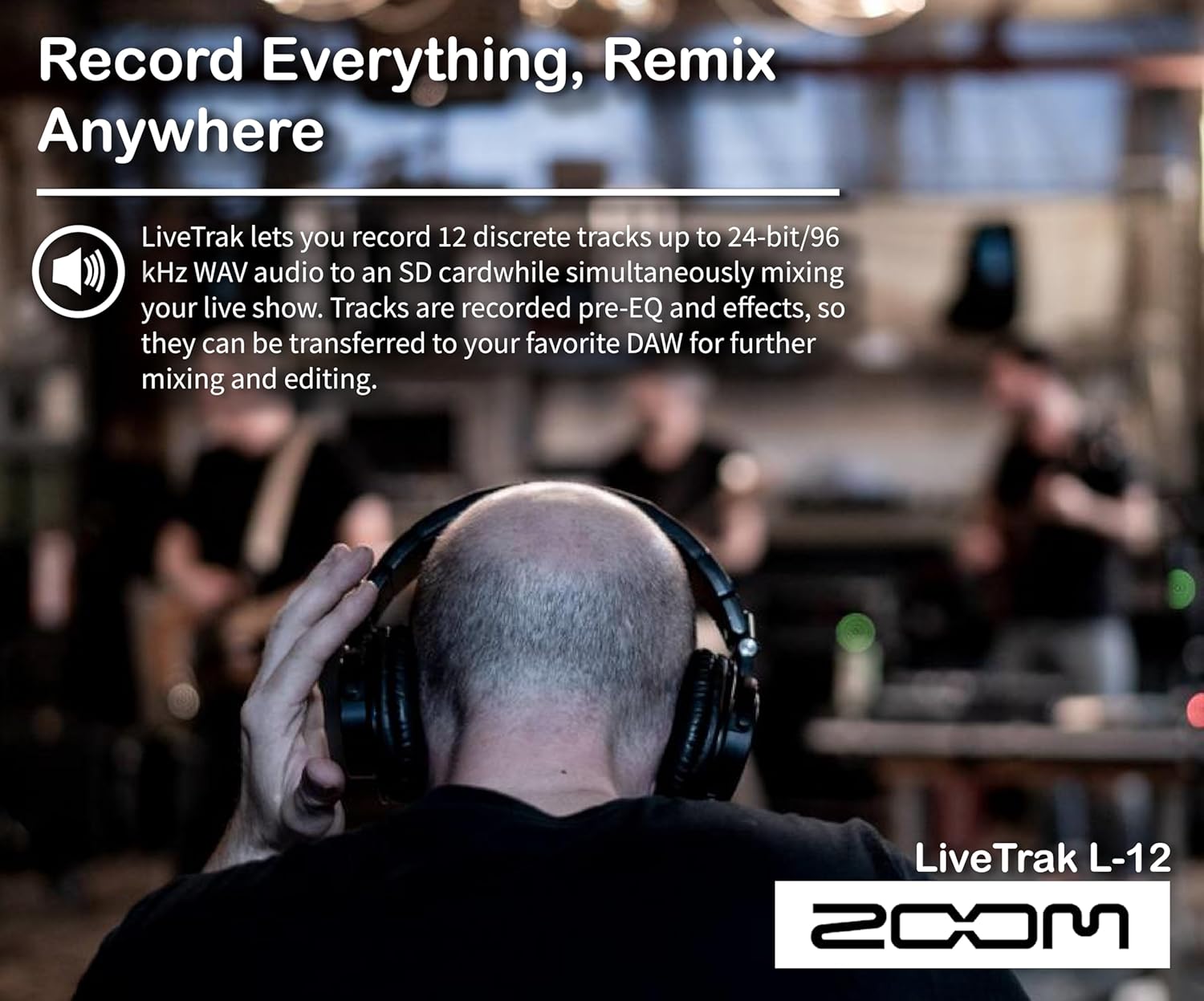
Image: The Zoom ZDM-1 dynamic microphone with a windscreen on a tabletop tripod, alongside the ZHP-1 headphones.
技術仕様
| 特徴 | 仕様 |
|---|---|
| ブランド | ズーム |
| モデル | LiveTrak L-12 |
| チャンネル数 | 12 |
| 接続技術 | USB |
| 出力コネクタタイプ | USB、XLR |
| 電源 | コード式電気 |
| アイテム重量 | 24.6ポンド |
| パッケージ寸法 | 26.6 x 19.3 x 17.3インチ |
トラブルシューティング
If you encounter any issues with your Zoom LiveTrak L-12, please refer to the following general troubleshooting steps:
- 電源なし: 電源ケーブルがミキサーと正常な電源コンセントの両方にしっかりと接続されていることを確認します。
- オーディオ入力なし: Check all microphone and line input connections. Verify that the gain knobs are appropriately set and that phantom power is enabled for condenser microphones if applicable.
- オーディオ出力なし: Confirm that master faders and individual channel faders are raised. Check headphone and main output connections and volume levels.
- 録音の問題: Ensure an SD card is properly inserted and has sufficient free space. Verify that channels are armed for recording.
For more detailed troubleshooting, please consult the full product manual available on the Zoom webサイト。
保証とサポート
Your Zoom LiveTrak L-12 Digital Mixer & Multitrack Recorder Bundle is covered by a manufacturer's warranty. For specific warranty details, registration, and technical support, please visit the official Zoom web購入サイトをご覧いただくか、カスタマーサービスに直接お問い合わせください。保証請求のために購入証明書を保管してください。


