導入
This manual provides detailed instructions for the safe and efficient use of your LG SQC2 2.1 Channel Soundbar with Wireless Subwoofer. Please read this manual thoroughly before operating the unit and retain it for future reference. The LG SQC2 system is designed to enhance your home entertainment experience with clear audio and powerful bass, featuring 2.1 channel sound and a wireless subwoofer for flexible placement.
主な機能は次のとおりです。
- 2.1 Channel Audio: Delivers a balanced sound experience.
- Wireless Subwoofer: Provides deep bass without the need for audio cables to the soundbar.
- Bluetooth Connectivity: Allows wireless streaming from compatible devices.
- Adaptive Sound Control (ASC): Optimizes sound settings based on content.
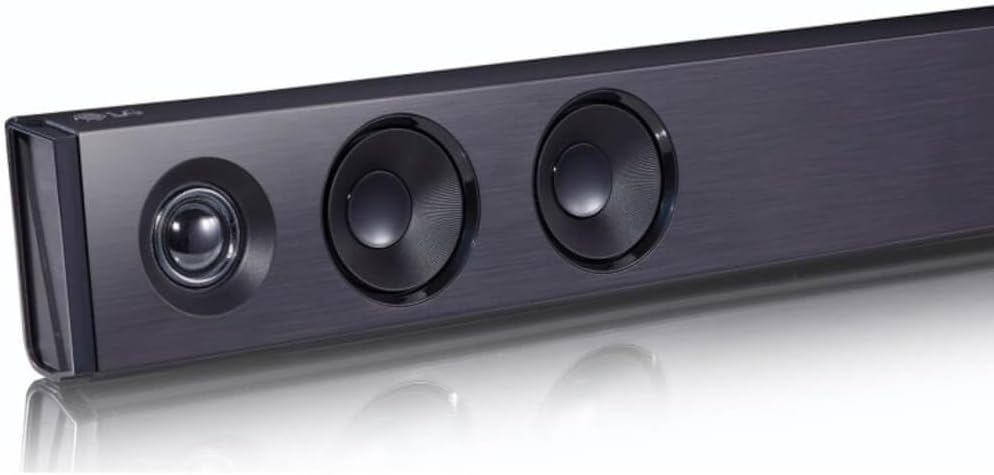
画像: 斜めから view of the LG SQC2 Soundbar, showcasing its front speakers and sleek profile.
箱の中身
すべてのアイテムを慎重に開梱し、次のコンポーネントが揃っていることを確認します。
- LG SQC2 サウンドバー
- ワイヤレスサブウーファー
- Expected Accessories: Remote Control, Power Cords (for Soundbar and Subwoofer)

画像: 正面 view of the LG SQC2 Soundbar, showcasing its sleek design and speaker grilles.
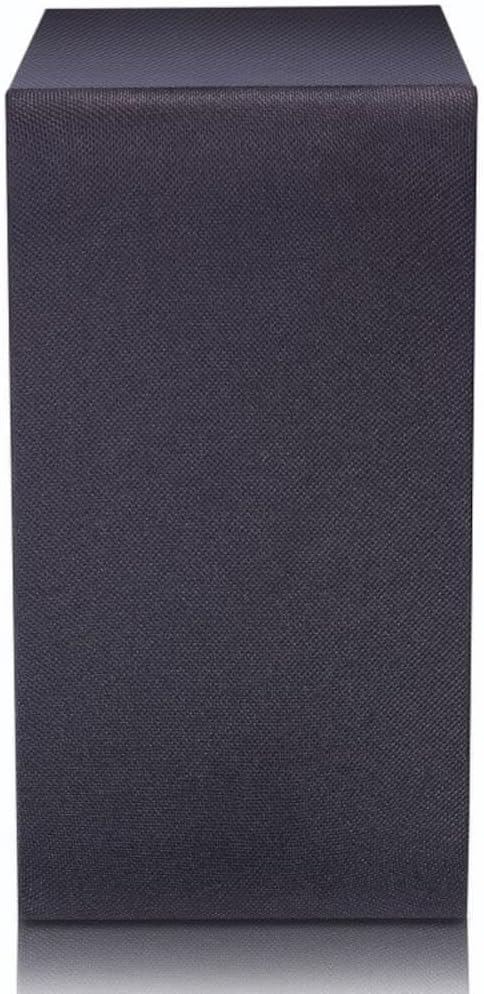
Image: The LG SQC2 Wireless Subwoofer, a compact black unit designed to deliver deep bass.
設定
1.配置
サウンドバー: Place the soundbar on a flat, stable surface directly in front of your television. Ensure there are no obstructions blocking the front speakers. The soundbar is designed for tabletop mounting.
ワイヤレスサブウーファー: Position the wireless subwoofer anywhere in the room where it can receive power and is within range of the soundbar. For optimal bass performance, avoid placing it directly in a corner or enclosed space.
2. 電源接続
Connect the power cord to the soundbar's power input and then to a wall outlet. Do the same for the wireless subwoofer. The subwoofer will automatically attempt to pair with the soundbar once both are powered on.
3. Audio Connection to TV
Choose one of the following methods to connect the soundbar to your television:
- 光デジタルオーディオケーブル: 光ケーブルを オプティカルイン port on the soundbar to the Optical Digital Output port on your TV. This is the recommended connection for high-quality digital audio.
- ブルートゥース: For wireless audio from your TV (if supported) or other devices, refer to the "Bluetooth Pairing" section under Operating.
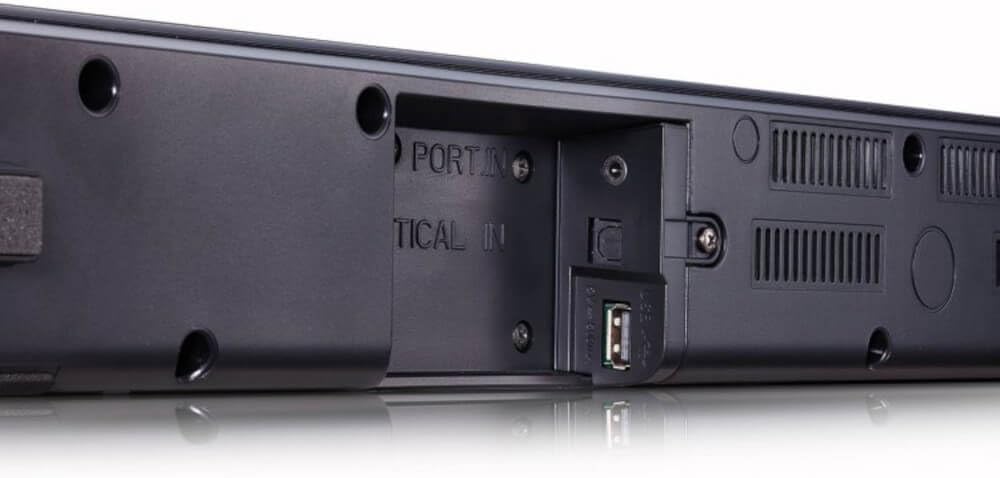
画像: 背面 view of the LG SQC2 Soundbar, highlighting the "OPTICAL IN" port and other connection options.
操作手順
1. 電源のオン/オフ
を押す 力 リモコンまたはサウンドバーのボタンを押して、ユニットの電源をオンまたはオフにします。
2. 入力選択
を押す 関数 button on the remote control or the soundbar repeatedly to cycle through available input sources (e.g., OPTICAL, BLUETOOTH).

画像: 上 view of the LG SQC2 Soundbar, showing the integrated control buttons for power, volume, and function selection.
3. 音量コントロール
使用 ボリュームアップ(+) そして ボリュームダウン (-) buttons on the remote control or the soundbar to adjust the master volume. The subwoofer volume can often be adjusted independently via the remote control.
4.Bluetoothペアリング
Bluetooth デバイス (例: スマートフォン、タブレット) を接続するには:
- を押す 関数 button on the soundbar or remote until "BT" (Bluetooth) is displayed.
- Bluetooth デバイスで Bluetooth を有効にし、利用可能なデバイスを検索します。
- Select "LG SQC2" from the list of devices. Once paired, the soundbar will indicate a successful connection.
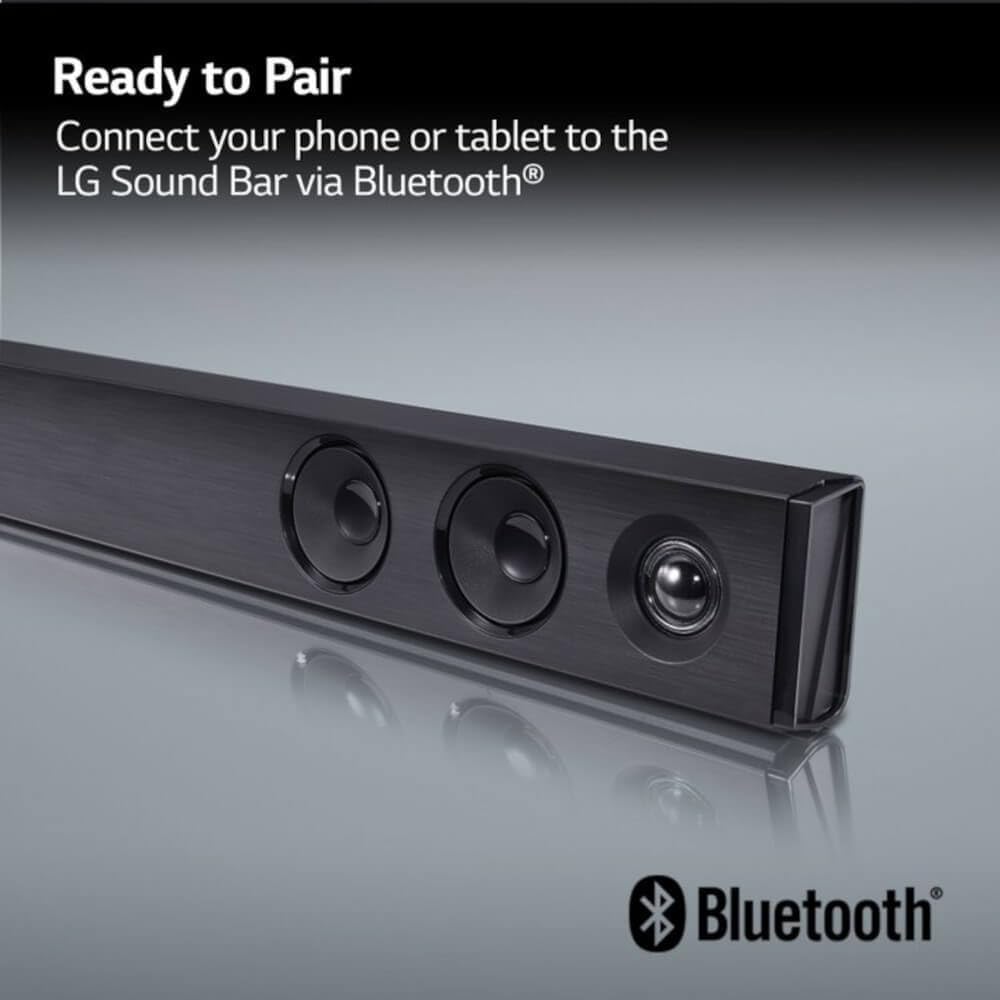
Image: The LG Soundbar displaying "Ready to Pair" with the Bluetooth logo, indicating it is in pairing mode.
5. サウンドモード
The LG SQC2 features Adaptive Sound Control (ASC), which automatically analyzes content and optimizes sound settings. Other sound modes may be available via the remote control to suit different audio types (e.g., Movie, Music, Standard).
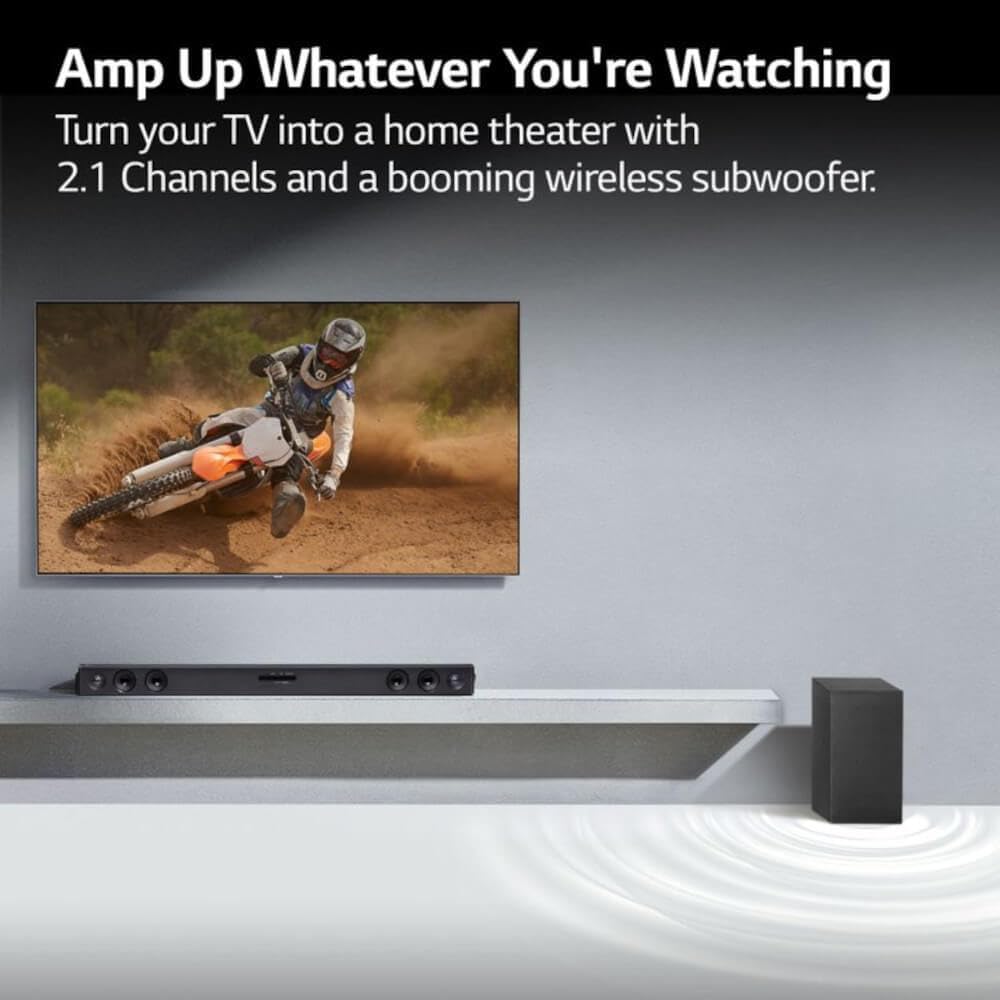
Image: An LG Soundbar and wireless subwoofer positioned below a television, illustrating their role in enhancing the audio experience for various content.
メンテナンス
クリーニング
To clean the soundbar and subwoofer, use a soft, dry cloth. Do not use liquid cleaners, abrasive cleaners, or sprays, as these can damage the finish or internal components. Ensure the units are unplugged before cleaning.
ストレージ
長期間保管する場合は、電源コンセントからプラグを抜き、直射日光や極端な温度を避け、涼しく乾燥した場所に保管してください。
トラブルシューティング
If you experience issues with your LG SQC2 soundbar system, refer to the following common problems and solutions:
- 電源なし:
- Check if the power cords for both the soundbar and subwoofer are securely plugged into the wall outlets and the units.
- 別のデバイスを接続して、壁のコンセントが機能していることを確認します。
- 音が出ない:
- Ensure the soundbar is powered on and the correct input source (e.g., OPTICAL, BLUETOOTH) is selected.
- Check the volume level on both the soundbar and your TV/connected device.
- If using an optical cable, ensure it is securely connected at both ends and that your TV's audio output is set to "Optical" or "External Speaker."
- Bluetooth を使用している場合は、デバイスが適切にペアリングされ、接続されていることを確認してください。
- サブウーファーがペアリングされていない:
- サウンドバーとサブウーファーの両方の電源がオンになっていることを確認します。
- The subwoofer should automatically pair. If not, check the subwoofer's indicator light. If it's blinking, it's searching for a connection. If it's solid, it's connected.
- Refer to the specific pairing instructions in your full LG manual if automatic pairing fails. Sometimes a manual pairing button is available on the subwoofer.
- Try restarting both the soundbar and subwoofer by unplugging them for a minute and then plugging them back in.
- Bluetooth接続の問題:
- サウンドバーが Bluetooth モードになっていることを確認します。
- Make sure your Bluetooth device is within range (typically 10 meters or 33 feet) and there are no significant obstructions.
- デバイスのペアリングを解除して再度ペアリングしてみてください。
- Clear the Bluetooth memory on your device and the soundbar (if applicable) and try again.
仕様
| 特徴 | 詳細 |
|---|---|
| モデル名 | LG SQC2 |
| スピーカータイプ | サウンドバー、ワイヤレスサブウーファー |
| サラウンドサウンドチャンネル構成 | 2.1 |
| スピーカー最大出力 | 300ワット |
| 接続技術 | Bluetooth、光 |
| 無線通信技術 | ブルートゥース |
| サブウーファー接続技術 | 無線 |
| 制御方法 | リモート |
| 対応デバイス | テレビ |
| 推奨用途 | Home Entertainment, Watching TV, Listening to Music |
| 特集 | Bass Boost, Adaptive Sound Control (ASC) |
| 材料 | プラスチック |
| Product Dimensions (Overall System) | 41.1 x 16.4 x 8.5インチ |
| Item Weight (Overall System) | 18.39ポンド |
| 取り付けタイプ | 卓上マウント |
| メーカー | LG |
| 欧州連合 | 796575215764 |
保証とサポート
The LG SQC2 2.1 Channel Soundbar with Wireless Subwoofer comes with a Limited Warranty. For specific details regarding warranty coverage, duration, and terms, please refer to the warranty card included with your product or visit the official LG webサイト。
For technical support, service, or further assistance, please contact LG Customer Service. Contact information can typically be found on the LG official webサイトまたは製品のパッケージ内。
When contacting support, please have your product model number (SQC2) and serial number ready.