導入
This manual provides comprehensive instructions for the installation, operation, maintenance, and troubleshooting of your suevery 24-inch Curved Gaming Monitor (Model: SV240QC). Please read this manual thoroughly before using the product to ensure proper functionality and to maximize your view体験。 今後の参考のために、このマニュアルを保管してください。
製品の特徴
- 没入型曲面ディスプレイ: The 24-inch 3000R curved screen is designed to match the natural curvature of the human eye, providing an immersive visual experience. This is complemented by a Full HD (1920x1080) resolution, drawing users into the content.
- Ultra-Smooth Motion: An ultra-high 180Hz refresh rate combined with an ultra-fast 1ms (GTG) gray-to-gray response time, enhanced by FreeSync technology, effectively eliminates screen tearing, stuttering, and ghosting. This ensures seamless transitions in fast-paced games.
- 正確な色再現: With 100% sRGB color space coverage and precise reproduction of 16.7 million colors, the VA panel delivers excellent contrast and color layering. This results in vivid and realistic visuals for both gaming and multimedia.
- Flexible Connectivity and Installation: Equipped with DisplayPort (DP) and High-Definition Multimedia Interface (HDMI) ports, the monitor can easily connect to PCs, gaming consoles, laptops, and other devices. It supports VESA wall mounting, allowing for flexible placement in various environments.

Image: The suevery 24-inch Curved Gaming Monitor, showcasin洗練されたデザインと湾曲したスクリーンが特徴です。
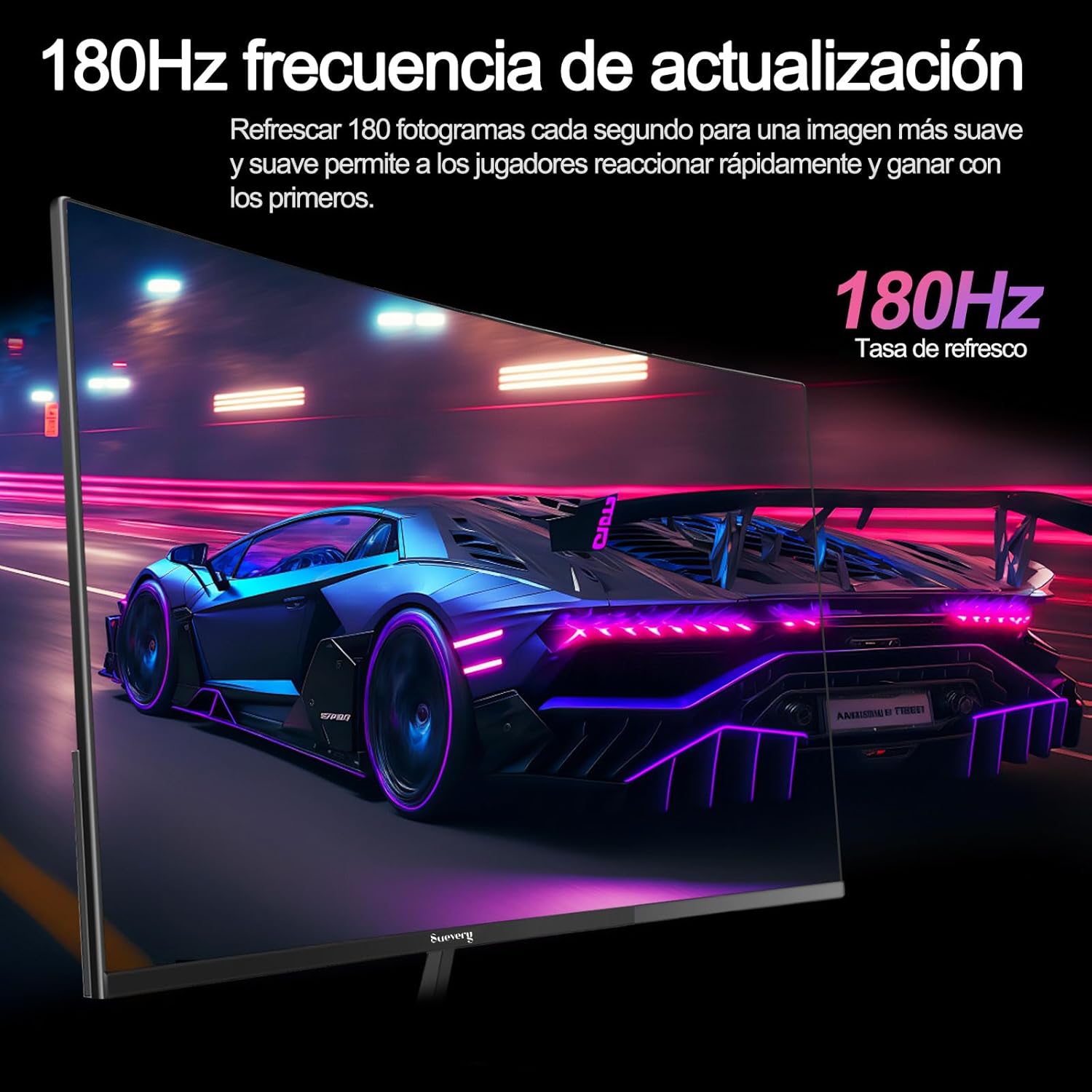
Image: A visual representation highlighting the 180Hz refresh rate, illustrating smooth motion in a racing game scene.

Image: An illustration demonstrating the monitor's wide color gamut (100% sRGB), 3000:1 contrast ratio, and 16.7 million colors for vibrant visuals.

Image: A split-screen comparison showing the visual difference with FreeSync OFF (screen tearing) and FreeSync ON (smooth image) during gameplay.
セットアップ手順
1. 開梱と組み立て
- パッケージからすべてのコンポーネントを慎重に取り出します。
- 傷がつかないように、モニターパネルを表面を下にして柔らかく清潔な表面に置きます。
- スタンドベースをスタンドネックに取り付け、付属のネジで固定します。
- Attach the assembled stand to the back of the monitor panel. Ensure it clicks securely into place or is fastened with screws as per the design.
- あるいは、VESA マウントの場合は、スタンドを取り外し、VESA 互換マウント (75 x 75 mm) をモニターの背面パネルに取り付けます。
2. ケーブルの接続
ポートの位置については下の図を参照してください。

Image: A diagram illustrating the monitor's rear panel, showing the HDMI, DisplayPort (DP), USB (if applicable), and power input ports, along with VESA mount dimensions (75x75mm).
- 電源接続: 電源アダプタをモニターの電源入力ポートに接続し、電源ケーブルを壁のコンセントに差し込みます。
- ビデオ接続: Connect one end of an HDMI or DisplayPort cable to the corresponding port on your monitor and the other end to your computer's graphics card or other video source. For optimal performance, especially at 180Hz, a DisplayPort connection is recommended.
- オーディオ(該当する場合): If your monitor has a 3.5mm audio output, you can connect external speakers or headphones.
3. 初回電源投入
- モニターの電源ボタンを押します。電源インジケーターライトが点灯します。
- Turn on your connected computer or video source.
- モニターは入力信号を自動的に検出します。検出されない場合は、オンスクリーンディスプレイ(OSD)メニューを使用して入力ソースを手動で選択する必要があります。
操作手順
1. 電源のオン/オフ
Press the power button, usually located on the back or bottom of the monitor, to turn the monitor on or off.
2. オンスクリーンディスプレイ(OSD)メニュー
The OSD menu allows you to adjust various monitor settings. Access the OSD menu using the joystick or buttons typically found on the back or bottom of the monitor.
- ナビゲーション: Use the joystick or directional buttons to navigate through the menu options.
- 選択: Press the joystick or a dedicated button to select an option or confirm a setting.
- 出口: Use the designated 'Exit' button or move the joystick in a specific direction to close the OSD menu.
3. 設定を調整する
調整できる主な設定は次のとおりです。
- 輝度コントラスト: 自分に合ったものを調整しましょう viewing環境。
- 色の設定: 色温度、ガンマ、個々の RGB 値を変更します。
- 入力ソース: HDMI と DisplayPort の入力を手動で選択します。
- リフレッシュレート: Ensure your operating system and graphics card settings are configured to utilize the monitor's 180Hz refresh rate.
- フリーシンク: Enable FreeSync in the OSD menu and in your graphics card control panel for tear-free gaming.
- 画像モード: Select from preset modes (e.g., Standard, Game, Movie) or customize your own.
メンテナンス
1. 画面のクリーニング
- モニターの電源を切り、電源コードを抜きます。
- 糸くずの出ない柔らかい布で画面を優しく拭きます。
- 頑固な汚れには、軽くamp布に水または専用のスクリーンクリーナーを含ませます(スクリーンに直接スプレーしないでください)。
- 強力な化学薬品、研磨剤入りの洗剤、アルコールベースの溶液の使用は避けてください。
2. 一般的なケア
- モニターは直射日光、高温多湿を避けて保管してください。
- モニターの周囲に十分な換気を確保してください。
- モニターやそのケーブルの上に重い物を置かないでください。
トラブルシューティング
モニターに問題が発生した場合は、次の一般的な問題と解決策を参照してください。
| 問題 | 考えられる解決策 |
|---|---|
| 画面に画像がありません | Ensure the power cable is securely connected and the monitor is turned on. Verify the video cable (HDMI/DP) is properly connected to both the monitor and the computer. Check if the correct input source is selected in the OSD menu. |
| 画像のちらつきや不安定さ | Check the video cable connection. Ensure your graphics card drivers are up to date. Verify the refresh rate setting in your operating system is set correctly (e.g., 180Hz). Enable FreeSync if supported by your graphics card. |
| 色が正しく表示されない | Adjust color settings (brightness, contrast, color temperature) in the OSD menu. Reset the monitor to factory default settings. |
| モニターがオンにならない | Check the power cable and adapter connections. Try plugging the monitor into a different power outlet. |
これらの解決策を試しても問題が解決しない場合は、カスタマー サポートにお問い合わせください。
仕様
| 特徴 | 仕様 |
|---|---|
| ブランド | スエベリー |
| モデル番号 | SV240QC |
| 画面サイズ | 24インチ |
| ディスプレイ解像度 | 1920 x 1080 (フルHD) |
| リフレッシュレート | 180Hz |
| 応答時間 | 1ms(GTG) |
| 曲率 | 3000R |
| 色域 | 100% sRGB |
| パネルタイプ | VA |
| アスペクト比 | 16:9 |
| 接続性 | HDMI x 1、ディスプレイポート x 1 (DP) |
| VESAマウントの互換性 | 75x75mm |
| 製品寸法 | 59 x 39 x 11 cm(スタンド付き) |
| 重さ | 3.5キロ |
保証とサポート
保証情報
suevery provides a 12ヶ月保証 for this monitor, covering manufacturing defects and malfunctions under normal use. Please retain your proof of purchase for warranty claims.
カスタマーサポート
If you encounter any damage, failure, or missing parts, or require technical assistance, please do not hesitate to contact suevery customer service. Our support team is available to assist you with any product-related inquiries.
For support, please refer to the contact information provided on the suevery official webサイトまたは購入プラットフォーム。