導入
The Sharp GX-BT290 Crystal Clear Series Portable Bluetooth Speaker is designed to deliver high-quality audio with enhanced bass, offering a robust and portable listening experience. Featuring IP67 waterproof and dustproof capabilities, a long-lasting 14-hour battery, and versatile connectivity options including True Wireless Stereo (TWS) pairing, this speaker is suitable for various environments. It also includes a built-in microphone for hands-free calling and two distinct LED light modes to enhance your audio experience.
パッケージ内容
- Sharp GX-BT290 Bluetooth Speaker
- USB Charging Cable (not explicitly listed but implied for battery charging)
- ユーザーマニュアル(このドキュメント)
設定
1.スピーカーの充電
Before first use, fully charge the speaker. Connect the provided USB charging cable to the speaker's charging port and the other end to a compatible USB power adapter (not included) or a computer's USB port. The charging indicator light will illuminate during charging and turn off once fully charged. A full charge provides approximately 14 hours of playtime.
2.電源のオン/オフ
を押し続けます 電源ボタン located on the control panel until you hear an audible prompt or see the indicator lights activate. To power off, press and hold the 電源ボタン また。

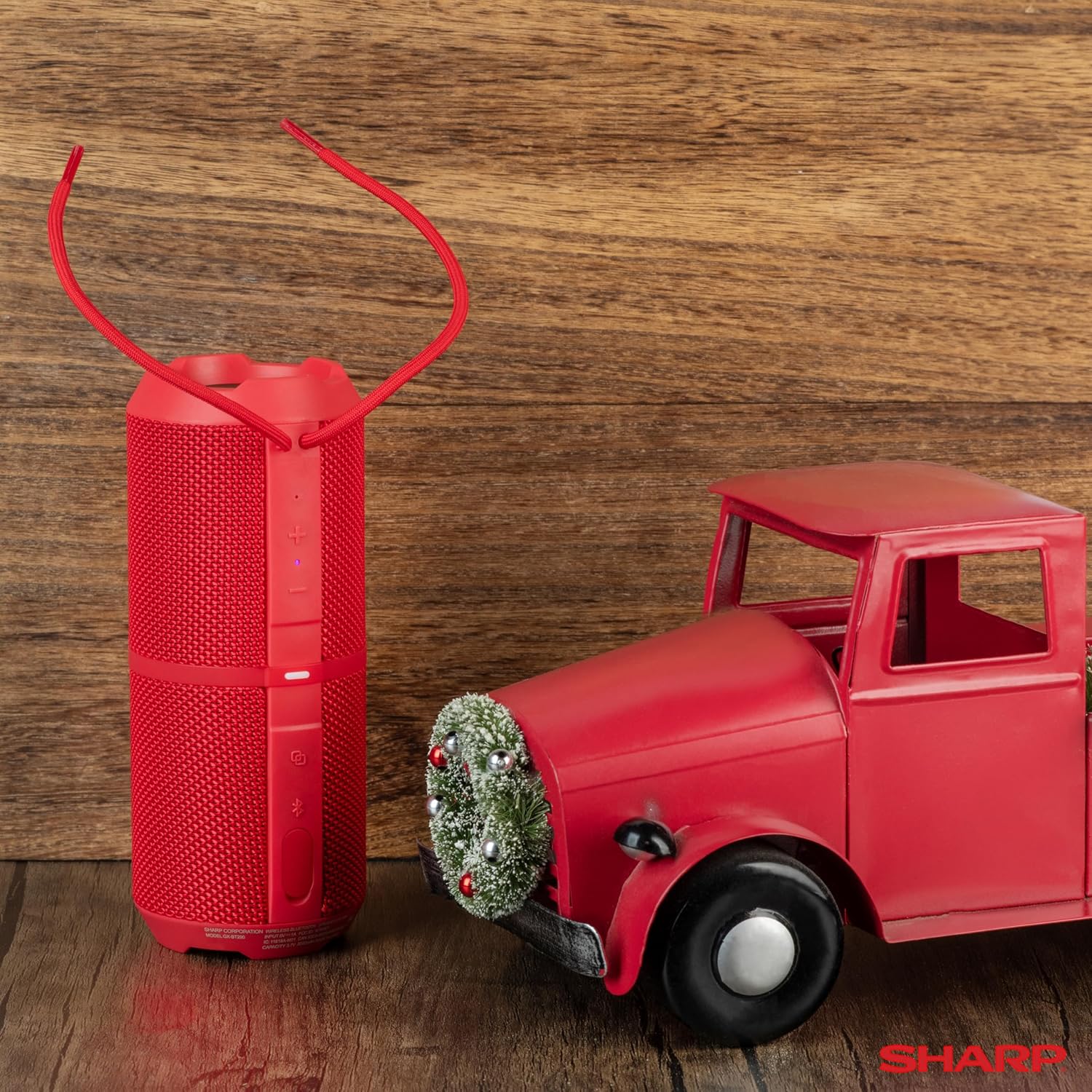
Image: The Sharp GX-BT290 speaker in red, displaying its vertical control panel with power, volume, light mode, and Bluetooth buttons. This view highlights the speaker's cylindrical design and integrated strap.
操作手順
1.Bluetoothペアリング
- Ensure the speaker is powered on and in Bluetooth pairing mode (indicated by a flashing blue LED). If not, briefly press the Bluetoothボタン.
- デバイス(スマートフォン、タブレット、ラップトップ)で Bluetooth を有効にし、利用可能なデバイスを検索します。
- Select "GX-BT290" from the list of found devices.
- Once connected, the speaker will provide an audible confirmation, and the Bluetooth LED will become solid blue.
2. 完全ワイヤレスステレオ(TWS)ペアリング
To achieve a stereo sound experience, you can pair two GX-BT290 speakers together:
- Ensure both GX-BT290 speakers are powered on and not connected to any other Bluetooth device.
- 片方のスピーカー(プライマリスピーカー)で、 TWSボタン (often integrated with the Bluetooth button or a dedicated button).
- プライマリスピーカーがセカンダリスピーカーを検索します。接続されると、両方のスピーカーから確認音が聞こえます。
- 次に、「Bluetoothペアリング」セクションの説明に従って、デバイスをBluetooth経由でメインスピーカーに接続します。両方のスピーカーからステレオで音声が再生されます。
3. Audio Playback and Volume Control
- 使用 ボリュームアップ(+) そして ボリュームダウン (-) buttons on the speaker to adjust the playback volume.
- を押す 再生/一時停止ボタン (often integrated with the Power button or a dedicated button) to play or pause audio.
- For track navigation, refer to your connected device's controls.
4. ハンズフリー通話
When connected to a smartphone, the speaker's built-in microphone allows for hands-free calls:
- To answer an incoming call, briefly press the 通話ボタン (often integrated with the Play/Pause button).
- To end a call, briefly press the 通話ボタン また。
- 着信を拒否するには、 通話ボタン.
5. LEDライトモード
The speaker features two LED light modes. Briefly press the ライトモードボタン (often indicated by a lightbulb icon) to cycle through the available light effects or to turn them off.
画像: 爆発した view of the Sharp GX-BT290 speaker, illustrating its unique cylinder design, DSP technology, and the precision dual drivers responsible for exceptional depth and clarity in sound.
メンテナンス
クリーニング
スピーカーを柔らかく乾いた布、または軽く湿らせた布で拭いてください。amp 布で拭いてください。研磨剤入りの洗剤、アルコール、化学溶剤は表面を傷つける恐れがあるため使用しないでください。
防水・防塵(IP67)
The GX-BT290 is rated IP67, meaning it is protected from dust ingress and can withstand immersion in water up to 1 meter for 30 minutes. Ensure the charging port cover is securely closed before exposing the speaker to water or dust. After exposure to water, dry the speaker thoroughly before charging.

Image: The Sharp GX-BT290 speaker being splashed with water, visually demonstrating its IP67 water and dustproof capabilities. This image emphasizes the speaker's durability for outdoor use.
ストレージ
Store the speaker in a cool, dry place away from direct sunlight and extreme temperatures when not in use for extended periods. Avoid storing in environments with high humidity.
トラブルシューティング
| 問題 | 考えられる原因 | 解決 |
|---|---|---|
| スピーカーの電源が入らない | バッテリー残量が少ない; 電源ボタンが正しく押されていない | Charge the speaker; Press and hold the Power button for a few seconds |
| 音が出ない | Volume too low; Not paired; Device volume low | Increase speaker volume; Ensure successful Bluetooth pairing; Increase volume on connected device |
| デバイスとペアリングできません | スピーカーがペアリングモードになっていない、デバイスの Bluetooth がオフになっている、スピーカーから遠すぎる | Ensure speaker is flashing blue LED; Turn on device Bluetooth; Move device closer to speaker (within 33 feet) |
| TWSペアリングが失敗する | スピーカーがすでに他のデバイスとペアリングされている。距離が離れすぎている | Disconnect speakers from other devices; Ensure speakers are close to each other during TWS pairing |
| 音質が悪い | 干渉; デバイスが遠すぎる; バッテリー残量が少ない | Move away from other wireless devices; Move device closer; Charge the speaker |
仕様
| 特徴 | 仕様 |
|---|---|
| モデル名 | GX-BT290(R) |
| スピーカータイプ | 屋外 |
| 特集 | Bass Boost, Built-in Microphone, Dustproof, LED Light, Lightweight |
| 接続技術 | ブルートゥース |
| ワイヤレス範囲 | 最大33フィート(10メートル) |
| 出力 | 32W Max Power (16W RMS) |
| 耐水性レベル | IP67(防水・防塵) |
| バッテリー寿命 | 最大14時間 |
| 電源 | 電池式(リチウムイオン電池1個付属) |
| 製品寸法 | 奥行き3インチ x 幅7.5インチ x 高さ3インチ (約 奥行き7.6cm x 幅18.5cm x 高さ7.6cm) |
| アイテム重量 | 16オンス(約0.45kg) |
| 含まれるコンポーネント | ブルートゥーススピーカー |
| 色 | 赤 |

Image: A hand holding the Sharp GX-BT290 speaker, demonstrating its compact size and portability. This image provides a sense of scale for the device.
保証とサポート
For warranty information, technical support, or customer service inquiries, please refer to the documentation included with your purchase or visit the official Sharp webサイトでご確認ください。保証請求に備えて購入証明書を保管してください。
さらにサポートが必要な場合は、製品を購入した小売店に問い合わせることもできます。


