導入
The Logitech Signature M550 Wireless Mouse is designed for enhanced productivity and comfort. Featuring an adaptive SmartWheel for precise and fast scrolling, SilentTouch technology for quiet clicks, and versatile connectivity options, this mouse is compatible with multiple operating systems and devices. This manual will guide you through its setup, operation, and maintenance.
設定
1.バッテリーを取り付けます
The Logitech Signature M550 mouse requires one AA battery, which is included. To install the battery:
- マウスの下側にあるバッテリー収納部を見つけます。
- カバーをスライドさせて外します。
- Insert the AA battery, ensuring correct polarity (+/-).
- 電池ボックスのカバーを取り付けます。

画像: 下側 view of the Logitech Signature M550 mouse, highlighting the battery compartment, on/off switch, and the Logi Bolt USB receiver storage slot.
2. マウスを接続する
The Signature M550 offers two connection methods: Bluetooth Low Energy or the Logi Bolt USB receiver.
Logi Bolt USBレシーバーの使用:
- Remove the Logi Bolt USB receiver from the battery compartment.
- Logi Bolt USB レシーバーをコンピューターの使用可能な USB-A ポートに接続します。
- Turn on the mouse using the on/off switch on the bottom. The mouse should connect automatically.
Bluetooth Low Energyの使用:
- Turn on the mouse using the on/off switch on the bottom.
- Press and hold the Easy-Switch button on the bottom of the mouse until the LED light starts blinking rapidly. This indicates pairing mode.
- On your device (computer, tablet, etc.), open Bluetooth settings and search for available devices.
- Select "Logi M550" from the list to complete the pairing process.
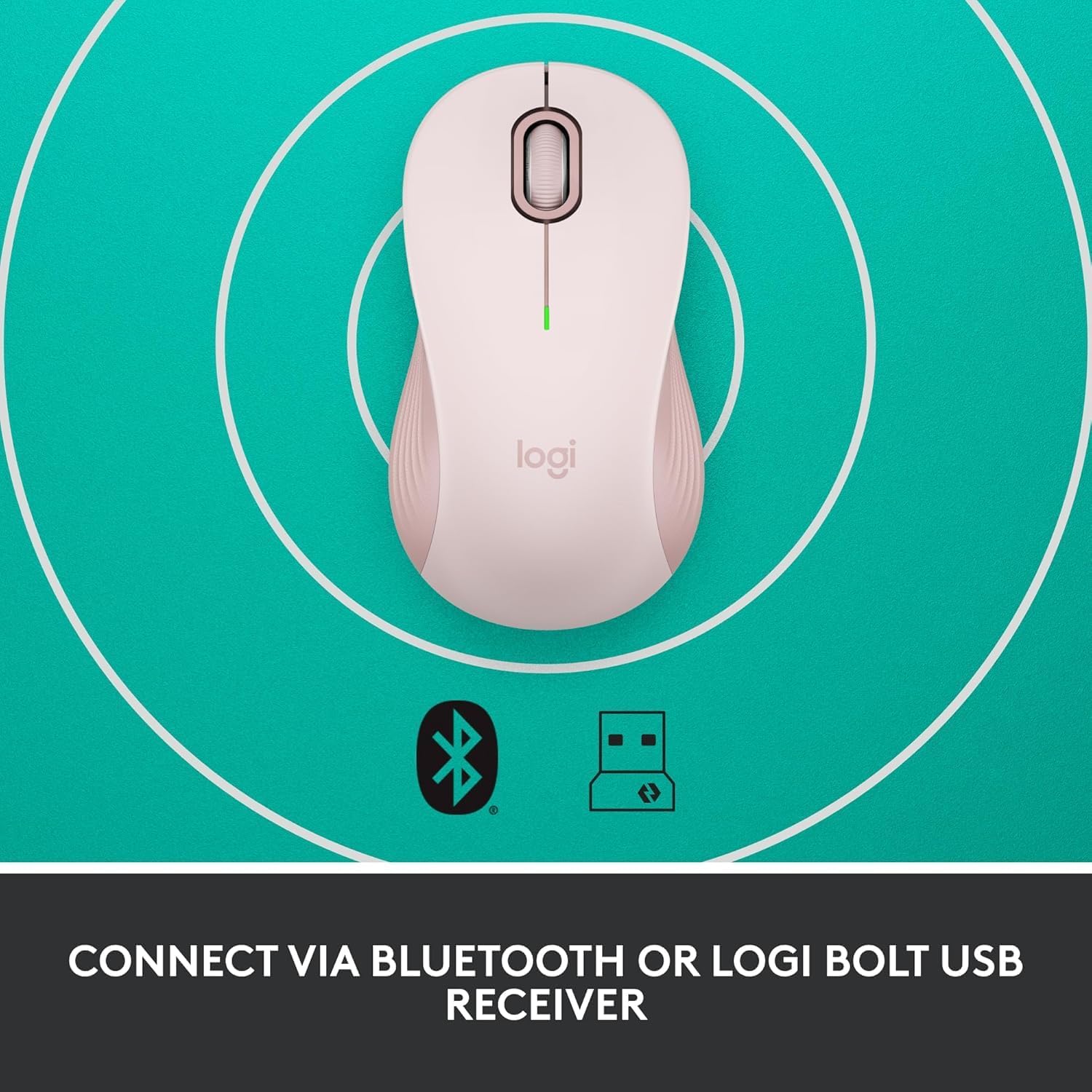
Image: The Logitech Signature M550 mouse on a teal background with icons for Bluetooth and the Logi Bolt USB receiver, illustrating its dual connectivity options.
Video: A demonstration of installing the battery and connecting the Logitech Signature M550 Wireless Mouse via Bluetooth or USB receiver.
Video: A user demonstrating the easy setup process of the Logitech Signature M550, including battery insertion and connectivity.
操作手順
スマートホイールスクロール
The Signature M550 features an adaptive SmartWheel that allows for two modes of scrolling:
- 行ごとの精度: For detailed navigation in documents and spreadsheets.
- Super-fast free spin: Flick the wheel for rapid scrolling through long web ページまたはドキュメント。

Image: A close-up of the Logitech Signature M550 mouse, highlighting the SmartWheel for precision and speed scrolling.
Video: A demonstration of the Logitech Signature M550's SmartWheel functionality, showcasing both precise and super-fast scrolling modes.
Silent Clicks with SilentTouch Technology
Experience a quieter workspace with Logitech's SilentTouch technology, reducing click noise by 90% compared to traditional mice. This allows for focused work without distractions.

Image: A woman using the Logitech Signature M550 mouse at a desk, illustrating the benefit of 90% less clicking noise for a focused work environment.
Multi-Device and OS Compatibility
The Signature M550 offers seamless compatibility across various platforms:
- Windows(Windows 11を含む)
- macOS
- リナックス
- Chrome OS
- iPadOS
- アンドロイド
Image: The Logitech Signature M550 mouse displayed with a message confirming its full compatibility with Windows 11.
メンテナンス
バッテリー交換
The mouse operates on a single AA battery with an average life of 24 months. When the battery is low, the LED indicator on the mouse will blink. To replace the battery, follow the steps outlined in the 'Install Battery' section.
クリーニング
最適なパフォーマンスを維持するには、マウスを定期的に柔らかく乾いた布で拭いてください。刺激の強い化学薬品や研磨剤の使用は避けてください。
トラブルシューティング
接続の問題
- マウスが反応しない: Ensure the mouse is turned on and the battery is correctly installed or replaced.
- Bluetoothペアリング失敗: Make sure your device's Bluetooth is enabled and the mouse is in pairing mode (blinking LED). Try restarting both the mouse and your device.
- USB receiver not detected: Ensure the Logi Bolt USB receiver is securely plugged into a working USB-A port. Try a different USB port.
- 干渉: マウスをデバイスに近づけ、干渉を引き起こす可能性のある他のワイヤレス デバイスから遠ざけます。
仕様
| ブランド | ロジテック |
| シリーズ | M550 |
| 商品型番 | 910-006593 |
| 接続技術 | ブルートゥース、USB |
| 動き検出技術 | 光学 |
| 特集 | Lightweight, Portable, Soundless, Wireless |
| 電源 | 電池駆動 |
| 電池が必要 | 単三電池1本(付属) |
| 平均バッテリー寿命 | 24ヶ月 |
| アイテム重量 | 3.44オンス |
| パッケージ寸法 | 5.55 x 3.54 x 1.73インチ |
| ハードウェアプラットフォーム | Linux、Mac、PC |
| サポートされているオペレーティングシステム | Windows、macOS、Linux、Chrome OS、iPadOS、Android |
保証情報
For detailed warranty information regarding your Logitech Signature M550 Wireless Mouse, please refer to the official Logitech website or the warranty card included with your product. Logitech typically offers a limited hardware warranty for its products.
サポート
If you encounter any issues or have questions about your Logitech Signature M550 Wireless Mouse, please visit the official Logitech support webFAQ、トラブルシューティング ガイド、カスタマー サービスの連絡先情報が記載されたサイトです。


