1. はじめに
This manual provides detailed instructions for the Noise Buds VS404 Truly Wireless Earbuds. Please read this guide thoroughly to ensure proper usage, optimal performance, and longevity of your device. Keep this manual for future reference.
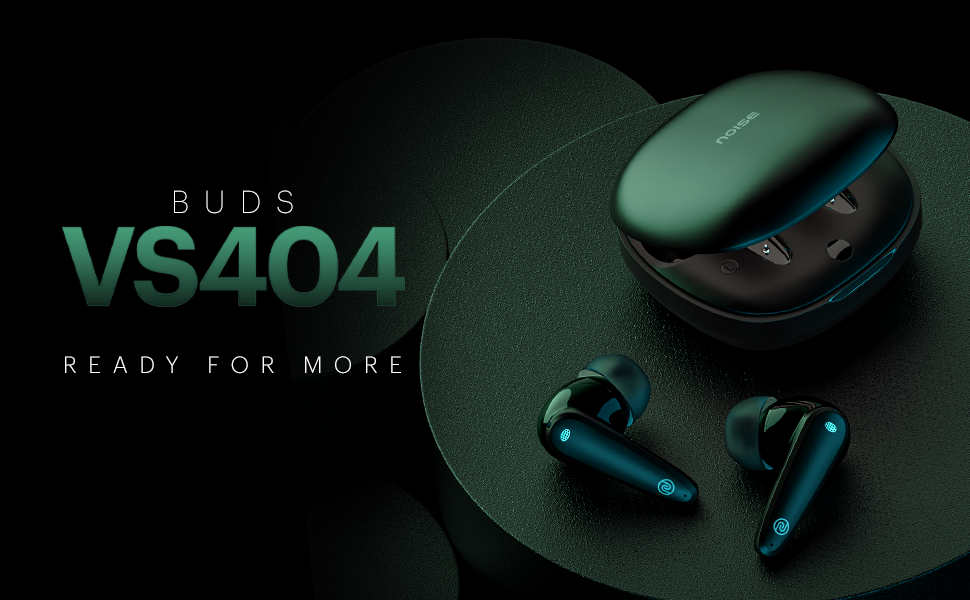
画像1.1: 以上view of Noise Buds VS404 key features including extended playtime, advanced microphone system, multiple sound modes, and fast charging.
2. 箱の中身
パッケージに以下のすべての項目が含まれていることを確認してください。
- 1N Bluetooth Headphone (Pair of Earbuds)
- 1N充電ケース
- 1N充電ケーブル(タイプC)
- 1N ユーザーマニュアル
- 1N保証登録カード
3.製品オーバーview
The Noise Buds VS404 are designed for comfort and high-quality audio. Each earbud features a 10mm dynamic driver and a quad-microphone setup with Environmental Noise Cancellation (ENC) for clear calls. The charging case provides additional battery life and protects the earbuds.

Image 3.1: The Noise Buds VS404 earbuds and their charging case.
3.1. イヤホンのコンポーネント
- タッチコントロールエリア: 音楽、通話、音声アシスタントを管理します。
- マイクロフォン: Quad-mic setup for calls and ENC.
- スピーカー: 10mm dynamic driver.
- 充電接点: ケース内で充電します。
3.2. 充電ケースのコンポーネント
- イヤホンスロット: イヤホンをしっかりと保持し、充電します。
- 充電ポート: Type-C port for charging the case.
- LEDインジケーター: 充電状態とバッテリーレベルを表示します。
4. セットアップ
4.1. イヤホンとケースの充電
初めて使用する前に、イヤホンと充電ケースを完全に充電してください。
- イヤホンを充電ケースに入れてください。正しく装着されていることを確認してください。
- Type-C 充電ケーブルをケースの充電ポートと電源に接続します。
- ケースのLEDインジケーターが充電状態を示します。完全に充電されると、インジケーターの色が変わるか消灯します。
The Noise Buds VS404 feature インスタチャージ, providing approximately 200 minutes of playtime with just 10 minutes of charging.
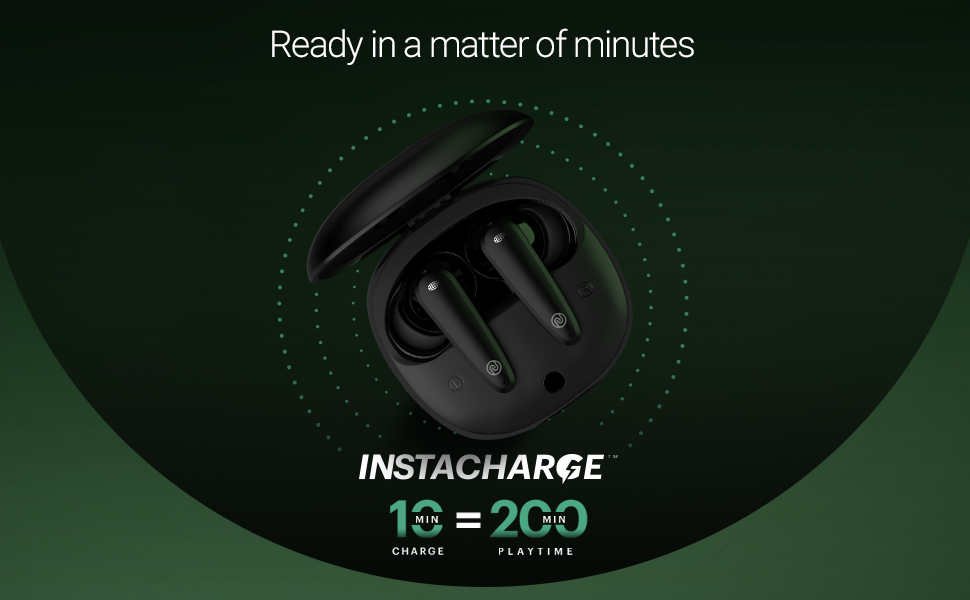
Image 4.1: Instacharge capability of the Noise Buds VS404, offering quick power-ups.
充電ケースをフル充電すると、合計で最大 50 時間の再生が可能です。
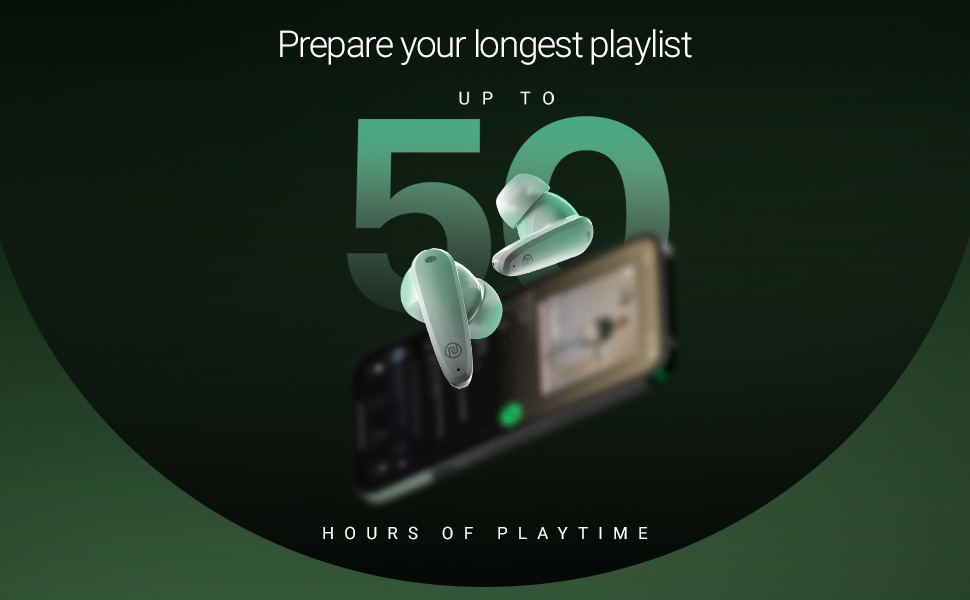
Image 4.2: The Noise Buds VS404 provide up to 50 hours of total playback time.
4.2.Bluetoothペアリング
イヤホンをデバイスに接続するには:
- 充電ケースを開けると、イヤホンは自動的にペアリングモードになります。
- デバイス(スマートフォン、タブレット、ラップトップ)で Bluetooth を有効にします。
- 検索する available Bluetooth devices and select "Noise Buds VS404" from the list.
- Once connected, you will hear an audio prompt, and the LED indicator on the earbuds may change.
The earbuds use Bluetooth v5.3 for a stable connection up to 10 meters.
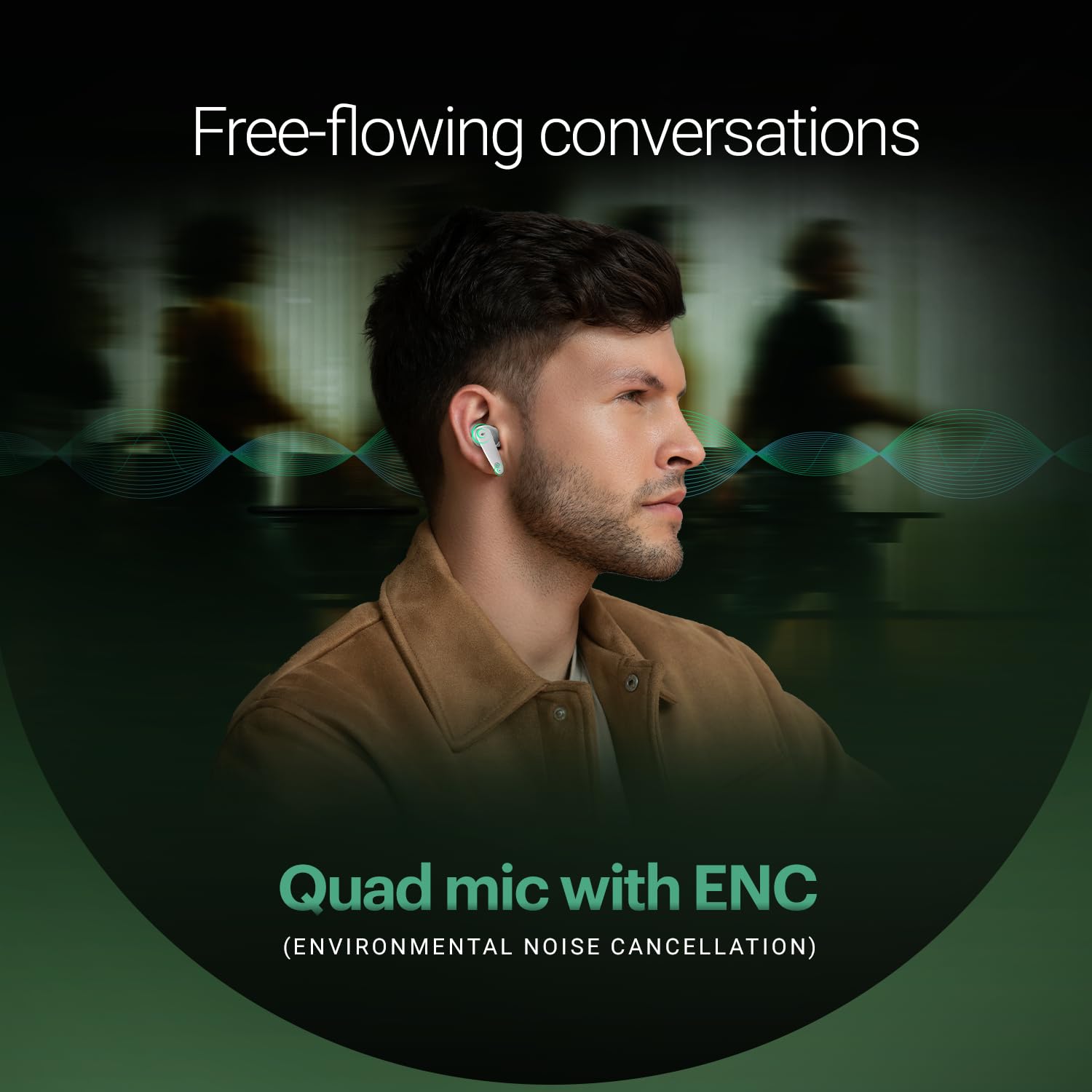
Image 4.3: Noise Buds VS404 establishing a flawless Bluetooth connection with a mobile device.
5. 操作手順
5.1. 電源のオン/オフ
- 電源オン: 充電ケースを開くと、イヤホンは自動的に電源が入り、最後にペアリングしたデバイスに接続しようとします。
- 電源を切る: イヤホンを充電ケースに戻し、蓋を閉めます。自動的に電源がオフになり、充電が開始されます。
5.2.音楽コントロール
Use the touch control area on the earbuds for music playback:
- 再生/一時停止: どちらかのイヤホンを 1 回タップします。
- 次のトラック: 右のイヤホンをダブルタップします。
- 前のトラック: 左のイヤホンをダブルタップします。
5.3.通話管理
タッチ コントロールを使用して通話を管理します。
- 通話の応答/終了: どちらかのイヤホンを 1 回タップします。
- 通話を拒否: どちらかのイヤフォンを2秒間押し続けます。
The earbuds feature a quad-mic setup with Environmental Noise Cancellation (ENC) for clear voice transmission during calls.
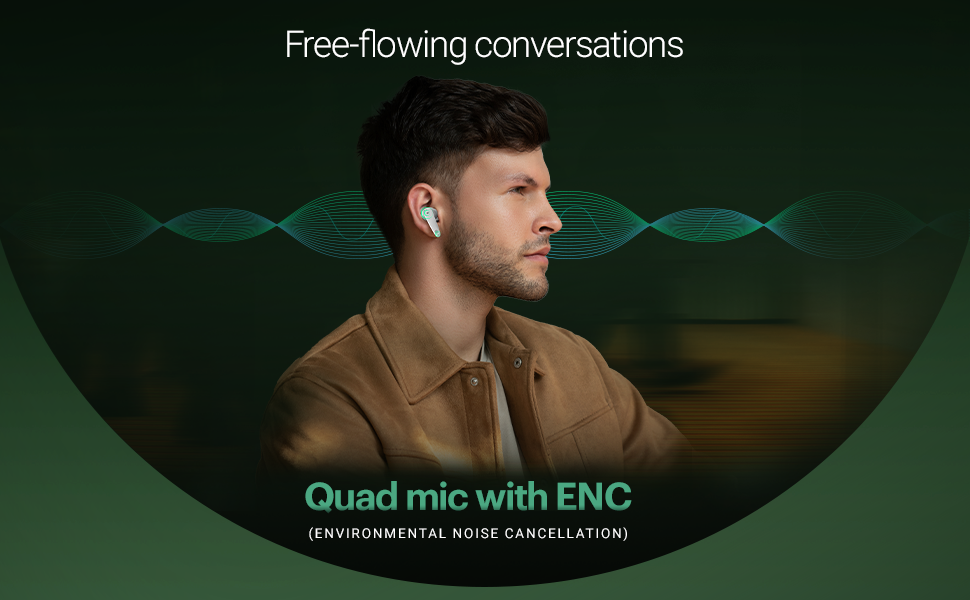
Image 5.1: The Noise Buds VS404 utilize a quad microphone system with ENC for enhanced call clarity.
5.4. EQモード
The Noise Buds VS404 offer three distinct EQ modes to tailor your audio experience:
- 低音モード: Enhances low frequencies for a deeper sound.
- ゲームモード: ゲーム用にオーディオを最適化し、遅延を減らします。
- 通常モード: バランスの取れたオーディオプロを提供file 毎日聴くために。
To switch between EQ modes, triple tap on either earbud.
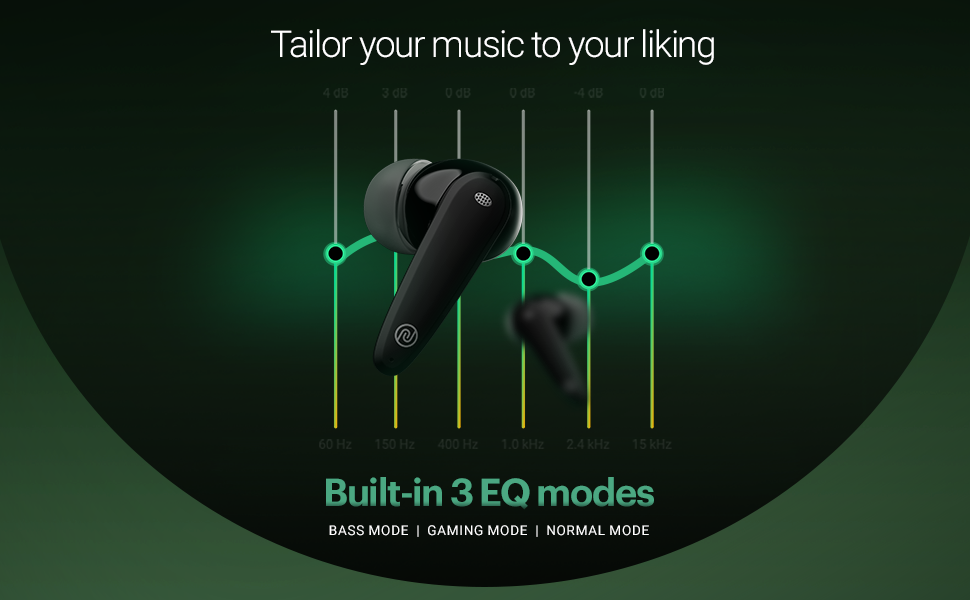
Image 5.2: Visual representation of the three built-in EQ modes available on the Noise Buds VS404.
5.5. 音声アシスタント
Activate your device's voice assistant (Google Assistant, Siri) by pressing and holding either earbud for 2 seconds.
6. メンテナンス
6.1. 清掃
- イヤホンと充電ケースは、柔らかく乾いた糸くずの出ない布で定期的に清掃してください。
- 過酷な化学薬品、洗浄溶剤、または強力な洗剤は使用しないでください。
- 適切に充電できるように、イヤホンとケースの両方の充電接点を清掃してください。
6.2. ストレージ
- 使用していないときは、イヤホンを保護し、充電を保つために、必ず充電ケースに保管してください。
- デバイスは、極端な温度や直射日光を避け、涼しく乾燥した場所に保管してください。
The earbuds are IPX5 water-resistant, meaning they can withstand splashes and sweat, making them suitable for workouts and outdoor use. However, they are not designed for submersion in water.

Image 6.1: The Noise Buds VS404 are built with IPX5 water resistance, suitable for outdoor activities.
7。 トラブルシューティング
If you encounter issues with your Noise Buds VS404, refer to the following common solutions:
| 問題 | 解決 |
|---|---|
| イヤホンがペアリングされない | イヤホンが充電されていることを確認してください。デバイスのBluetoothをオフにしてからオンにしてください。Bluetooth設定でデバイスを削除し、再度ペアリングしてください。 |
| イヤホンが XNUMX つしか機能していない | Place both earbuds back in the case, close the lid, wait a few seconds, then open again. Check if both are charged. |
| 音量が低い、または音質が悪い | Clean earbud speaker meshes. Adjust volume on your device. Try different EQ modes. Ensure earbuds are properly seated in your ears. |
| 充電の問題 | 充電ケーブルがしっかりと接続されていることを確認してください。イヤホンとケースの充電端子を清掃してください。別の充電ケーブルまたは電源アダプターをお試しください。 |
| Earbuds not disconnecting from device when placed in case | Ensure the charging case has sufficient battery. Close the lid firmly. If the issue persists, manually disconnect from your device's Bluetooth settings. |
8. 仕様
| 特徴 | 詳細 |
|---|---|
| モデル名 | バッズVS404 |
| 接続技術 | ワイヤレス(Bluetooth v5.3) |
| Bluetooth範囲 | 10メートル |
| オーディオドライバータイプ | 10mmダイナミックドライバー |
| バッテリー寿命(合計) | 最大50時間(充電ケース使用時) |
| 急速充電 | Instacharge (10 min charge = 200 min playtime) |
| 充電ポート | タイプC |
| マイクロフォン | 環境ノイズキャンセル機能(ENC)付きクアッドマイク |
| EQモード | Bass, Gaming, Normal |
| 耐水性 | IPX5(耐汗・耐水) |
| 制御方法 | タッチ、音声(Googleアシスタント、Siri) |
| 材料 | ポリカーボネート(PC) |
| アイテム重量 | 50グラム |
| 製品寸法 | 6.5 x 4.9 x 2.9 cm |
9. 保証とサポート
Your Noise Buds VS404 come with a 1-year warranty. Please refer to the included Warranty Registration Card for details on how to register your product and claim warranty services.
For technical support, service, or further inquiries, please contact Noise customer support. Contact information can be found on the warranty card or the official Noise webサイト。
メーカー: Nexxbase Marketing Pvt. Ltd, Khasra No-146/25/2/1, Jail Road Badshahpur, Gurugram Haryana-122101