導入
Welcome to the instruction manual for your Skullcandy Dime 3 Wireless Earbuds. These earbuds are designed for portability and durability, offering up to 20 hours of battery life, sweat and water resistance, and integrated Tile finding technology. This manual provides essential information for setup, operation, maintenance, and troubleshooting to ensure optimal performance of your device.
箱の中身
Skullcandy Dime 3 パッケージには次のアイテムが含まれています。
- Dime® 3 完全ワイヤレスイヤホン
- 充電ケース
- イヤージェル(S、M、L)
- ユーザーマニュアル
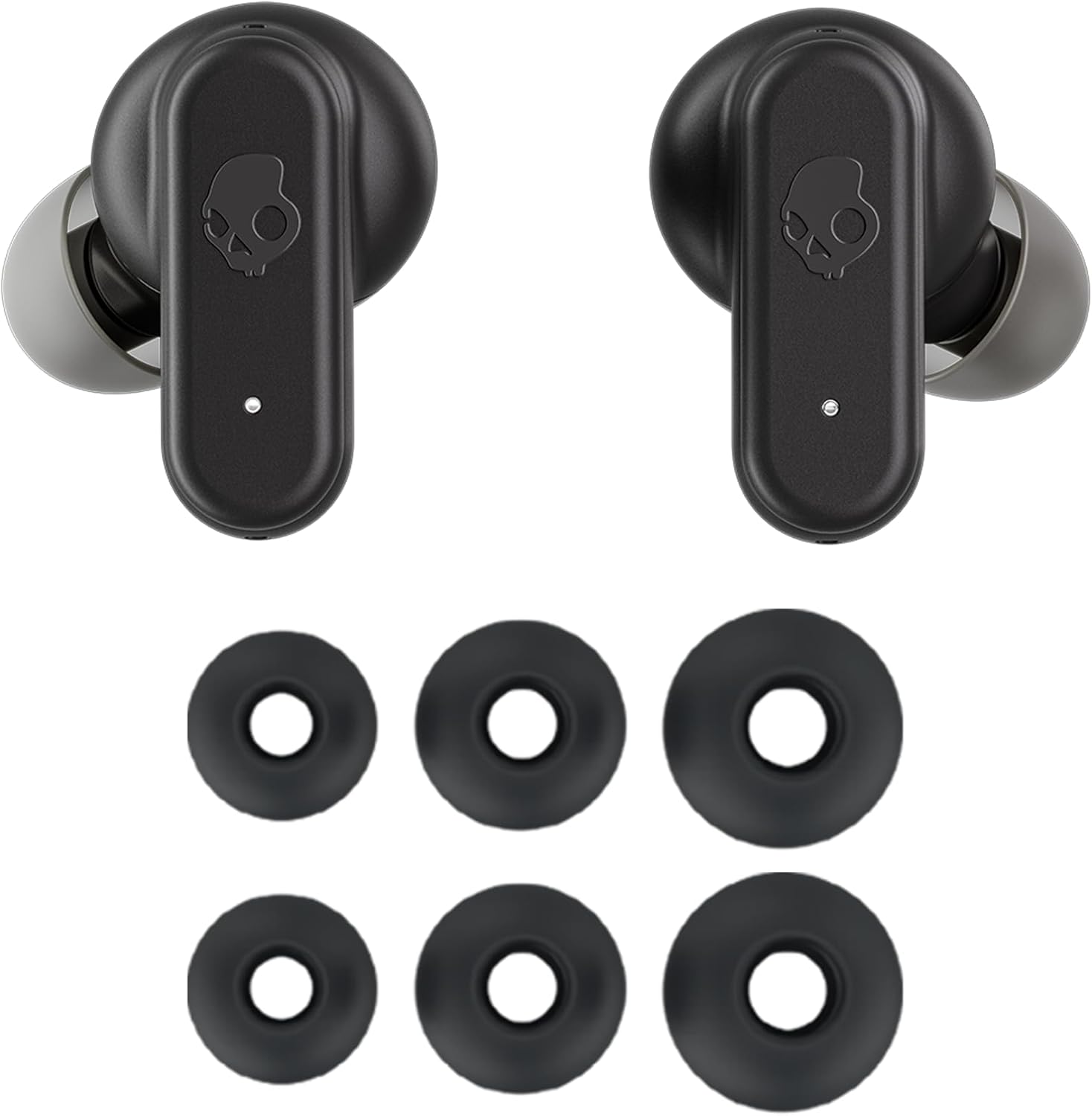
Image: Skullcandy Dime 3 earbuds with included ear gels in various sizes.
製品終了view
The Skullcandy Dime 3 earbuds are compact and designed for active use. They feature a durable plastic construction and an integrated lanyard for easy carrying.
主な特徴:
- バッテリー寿命: Up to 20 hours total (8 hours in earbuds + 12 hours in charging case).
- 急速充電: 10 分の充電で 2 時間の再生が可能です。
- 耐久性: IPX4 sweat and water resistant.
- 接続性: Bluetooth 5.2 with Multipoint Pairing.
- Finding Technology: Built-in Tile™ finding technology.
- サウンドモード: 3 Preset EQ Modes (Music, Bass Boost, Podcast).
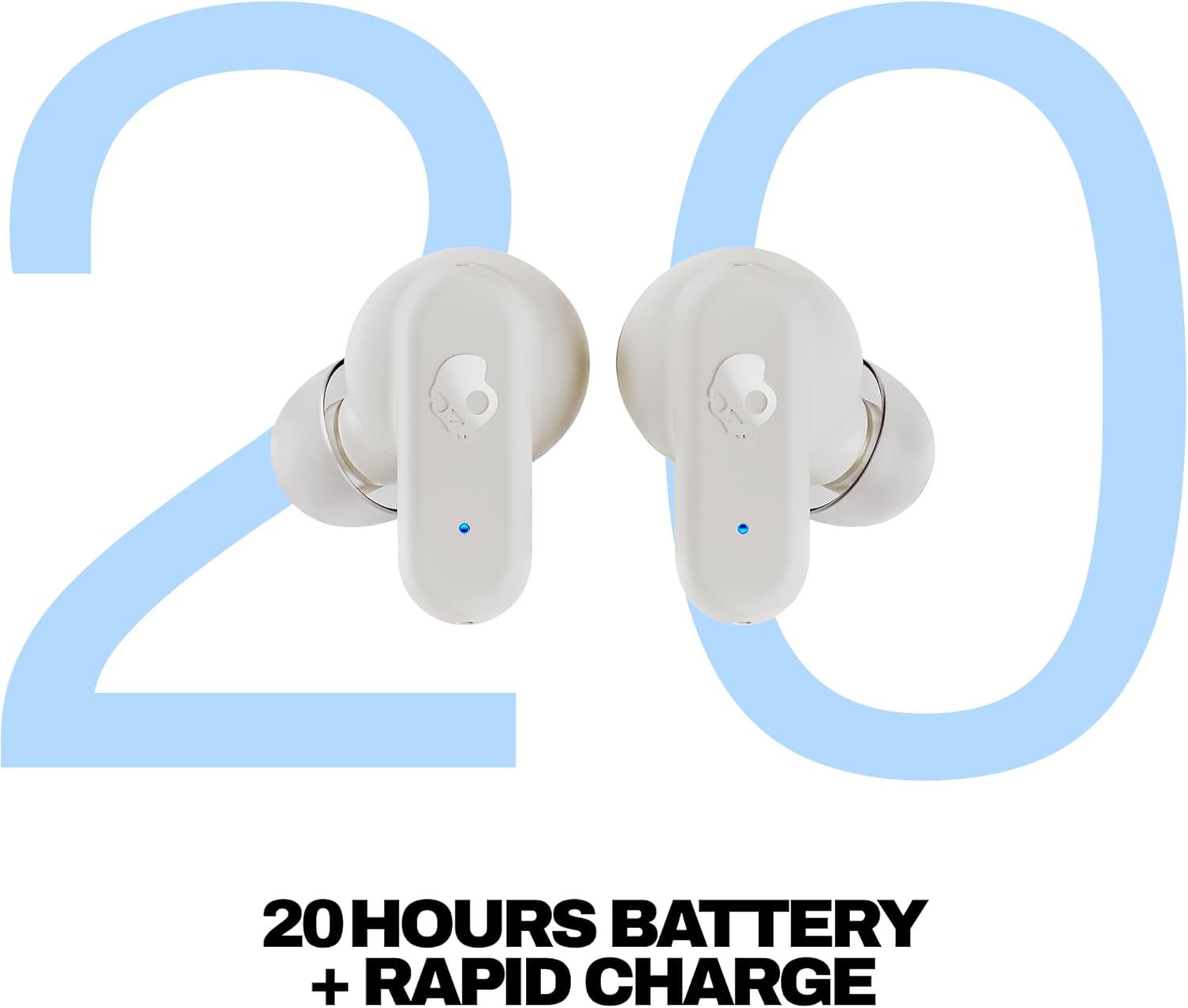
画像: 正面 view of the Skullcandy Dime 3 Wireless Earbuds in their open charging case.
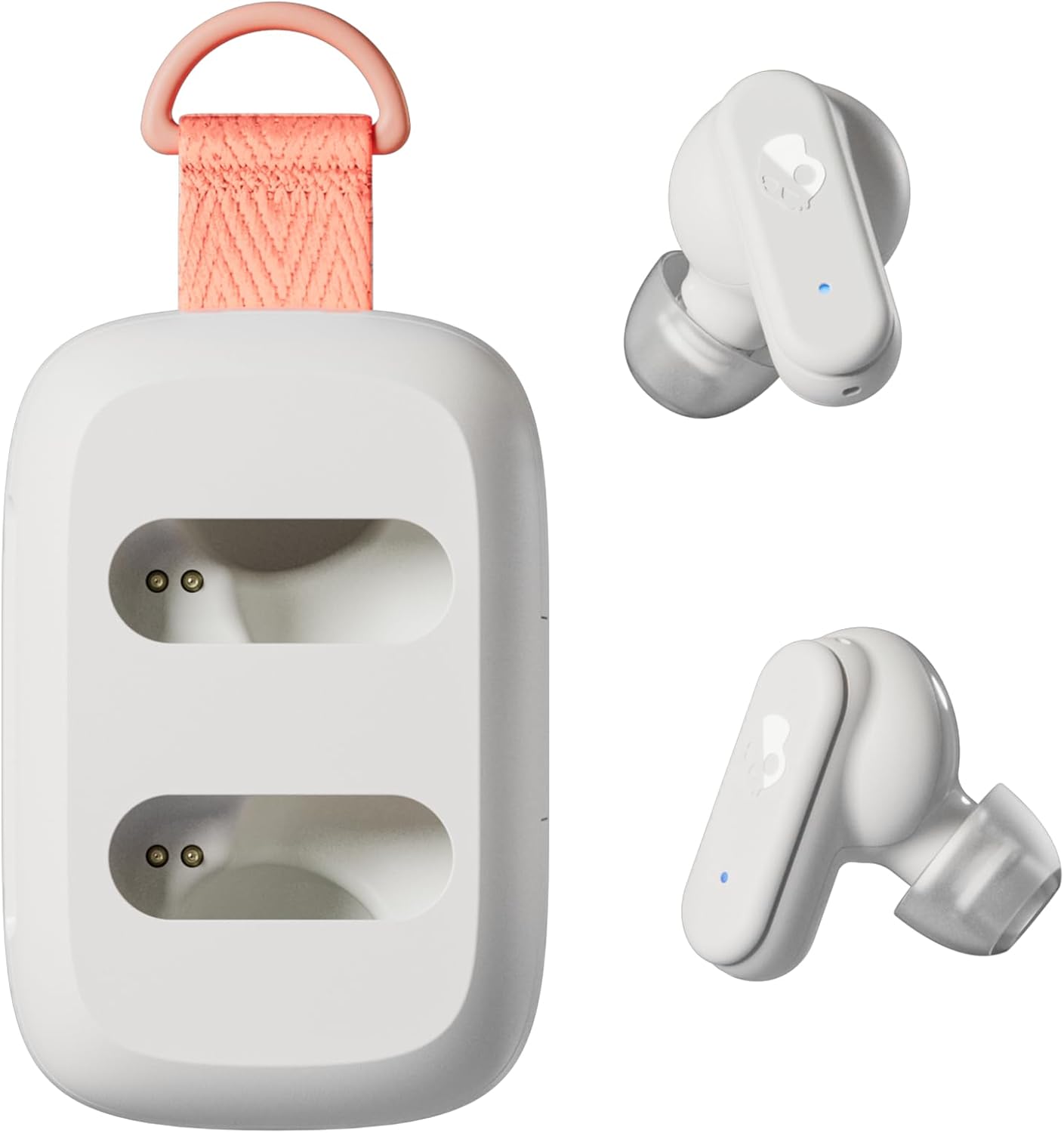
Image: Closed Skullcandy Dime 3 charging case with integrated orange lanyard.

Image: Summary of Skullcandy Dime 3 key features.
設定
1. Charging Your Earbuds and Case:
Before first use, fully charge your Dime 3 earbuds and charging case. Connect the provided USB-C cable to the charging port on the case and to a power source. The indicator lights on the case and earbuds will show charging status.

Image: Earbuds placed in the charging case.
2. Bluetoothペアリング:
- 両方のイヤホンを充電ケースから取り出します。自動的にペアリングモードになります。
- デバイス(スマートフォン、タブレットなど)で、Bluetooth 設定に移動します。
- 利用可能なデバイスのリストから「Dime 3」を選択します。
- 接続されると、ペアリングが成功したことを確認する音声プロンプトが聞こえます。
- To enter pairing mode manually, press and hold the button on either earbud for three seconds.
3. マルチポイントペアリング:
The Dime 3 supports multipoint pairing, allowing you to connect to two devices simultaneously. After pairing with the first device, put the earbuds back in the case, then take them out and enter pairing mode again. Connect to the second device. The earbuds will intelligently switch between the two connected devices.
操作手順
The Skullcandy Dime 3 earbuds feature physical buttons for control. Familiarize yourself with the following commands:
| 関数 | Action (Either Earbud) |
|---|---|
| Manually Power ON | Press and hold the button on either/both earbuds for 1 second. |
| Manually Power OFF | Press the button on either/both earbuds twice, then press and hold for 1 second. |
| オーディオの再生/一時停止 | どちらかのイヤホンのボタンを1回押します。 |
| 電話に出る/切る | どちらかのイヤホンのボタンを1回押します。 |
| 着信を拒否する | Press the button on either earbud for 1 second. |
| 音量アップ | Press the button on either earbud twice. |
| 音量を下げる | どちらかのイヤホンのボタンを3回押します。 |
| ステイアウェアモードのオン/オフ | Press the button on either earbud once, then press and hold for 1 second. |
| アシスタントを有効にする | Press the button on either earbud for 1 second. |
| EQ Mode Toggle | Press the button on either earbud four times. |
プリセットEQモード:
The Dime 3 features three preset EQ modes to optimize your audio experience:
- 音楽モード: 一般的なリスニングに適したバランスの取れたサウンド。
- 低音ブーストモード: 低周波数を強化してよりパワフルな低音を実現します。
- ポッドキャストモード: Optimizes vocals for clear speech.
タイル統合:
Your Dime 3 earbuds come with built-in Tile finding technology. To utilize this feature, download the Tile app on your smartphone and register your earbuds. This will help you locate your earbuds if they are misplaced.

Image: Built-in Tile finding technology icon.
メンテナンス
To ensure the longevity and optimal performance of your Skullcandy Dime 3 earbuds, follow these maintenance guidelines:
- クリーニング: Regularly clean the ear gels and charging contacts with a soft, dry cloth. Avoid using harsh chemicals or abrasive materials.
- ストレージ: 使用しないときは、ほこりや損傷から保護するために、イヤホンを充電ケースに保管してください。
- 水への露出: While IPX4 rated for sweat and water resistance, avoid submerging the earbuds in water. Dry them thoroughly if they get wet.
- 温度: バッテリーの寿命とパフォーマンスに影響を与える可能性があるため、イヤホンを極端な温度(高温または低温)にさらさないでください。
トラブルシューティング
If you encounter issues with your Dime 3 earbuds, try the following solutions:
- 電源なし: イヤホンと充電ケースが完全に充電されていることを確認してください。
- ペアリングの問題: Turn off Bluetooth on your device, then turn it back on. Remove "Dime 3" from your device's paired list and attempt to re-pair. Ensure earbuds are in pairing mode.
- 片方のイヤホンが動作しない: 両方のイヤホンをケースに戻し、蓋を閉めて数秒待ってから取り出してください。これで再同期できる場合が多いです。
- 音質が悪い: Ensure ear gels are properly fitted to create a good seal. Try different sized ear gels. Clean any debris from the earbud nozzles.
- コントロールが応答しない: Ensure earbuds are powered on and connected. Try resetting the earbuds (refer to the full user guide for specific reset instructions if needed).
仕様
| 特徴 | 詳細 |
|---|---|
| モデル名 | ダイム3 |
| 商品型番 | S2DCW-R951 |
| 接続技術 | Bluetooth、ワイヤレス |
| Bluetoothバージョン | 5.2 |
| Bluetooth範囲 | 10メートル |
| バッテリー寿命(イヤホン) | 8時間 |
| バッテリー総寿命(ケース付き) | 最大20時間 |
| 急速充電 | 10分の充電 = 2時間プレイ |
| 耐水性レベル | IPX4(耐汗・耐水) |
| 騒音制御 | ステイアウェアモード |
| オーディオドライバータイプ | ダイナミックドライバ |
| 周波数応答 | 20 kHz |
| 感度 | 104デシベル |
| インピーダンス | 16オーム |
| アイテム重量 | 1.98オンス(56グラム) |
| 製品寸法 | 2.33 x 1.55 x 0.9インチ |
| 材料 | プラスチック |
保証とサポート
Your Skullcandy Dime 3 Wireless Earbuds come with a 1-Year USA Limited Warranty. For warranty claims or additional support, please visit the official Skullcandy webサイトにアクセスするか、カスタマーサービスにお問い合わせください。
For further assistance, you may refer to the comprehensive user manual included in your product packaging or visit the AmazonのSkullcandyストア.


