1. はじめに
This manual provides essential information for the proper installation, operation, and maintenance of your LC-Power FHD 32 inch 165Hz Curved Gaming Monitor (Model: LC-M32-FHD-165-C-A). Please read this manual thoroughly before using the product to ensure optimal performance and safety.

図1.1: 前面 view of the LC-Power 32-inch curved gaming monitor.
2. 安全情報
モニターの損傷を防ぎ、ユーザーの安全を確保するために、次の安全上の注意事項を守ってください。
- モニターを雨、湿気、極端な温度にさらさないでください。
- モニター周囲の換気が適切であることを確認してください。通気口を塞がないでください。
- モニターに付属の電源アダプターのみを使用してください。
- 電源コードの上に重い物を置かないでください。
- 雷雨のときや長期間使用しない場合は、電源ケーブルをコンセントから抜いてください。
- モニターをご自身で修理しようとしないでください。すべての修理は資格のある専門家にご依頼ください。
3. パッケージ内容
パッケージにすべてのアイテムが揃っていることを確認します。
- LC-Power 32 inch Curved Gaming Monitor
- モニタースタンド(ベースとネック)
- 電源アダプタと電源ケーブル
- HDMIケーブル
- ユーザーマニュアル
- スタンド組み立て用ネジ
4. セットアップ
4.1 スタンドの組み立て
- モニターを柔らかい表面の上で保護しながら、慎重にパッケージから取り出します。
- 付属のネジを使用してスタンドネックをモニターパネルに取り付けます。
- Connect the stand base to the stand neck and secure it with the remaining screws.
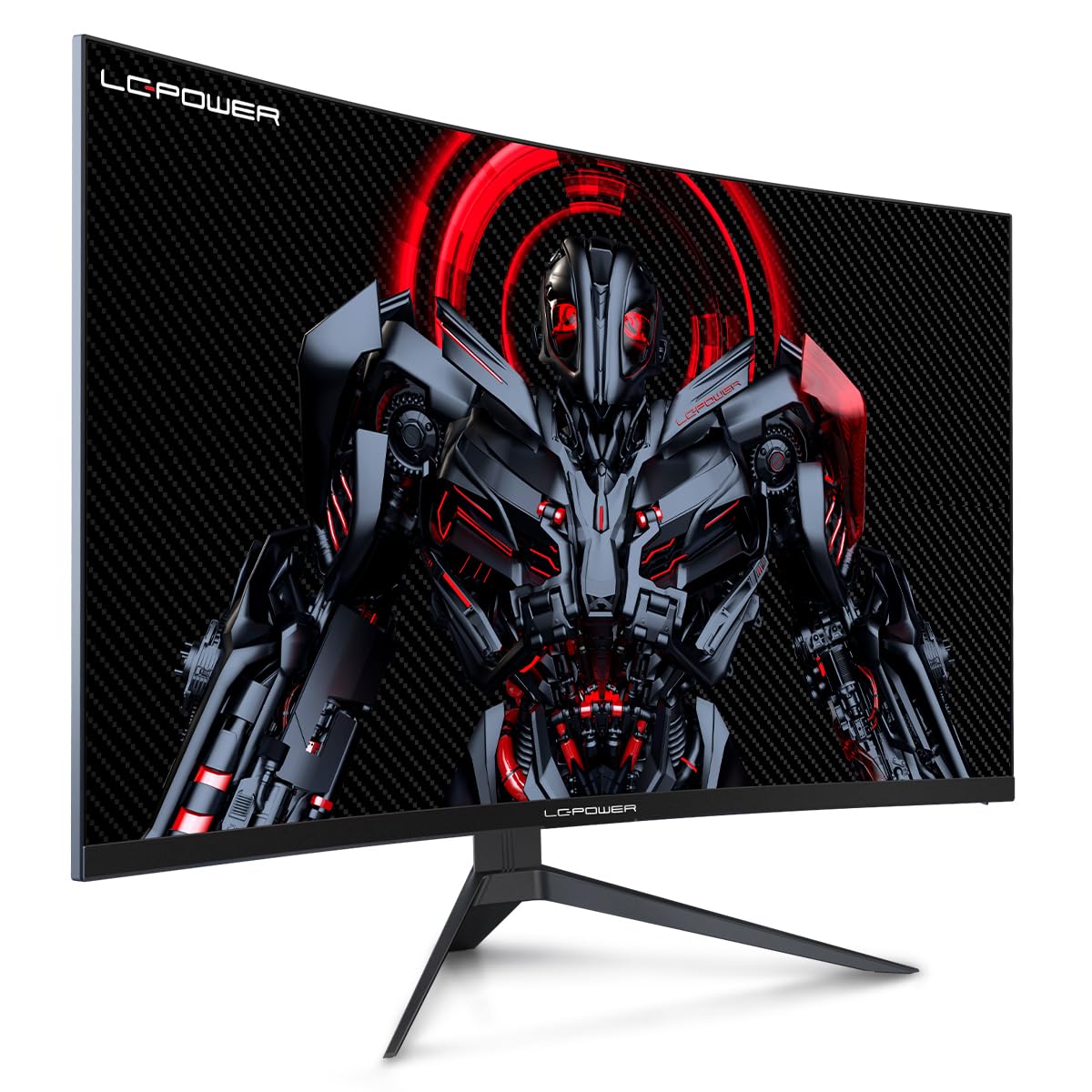
Figure 4.1: LC-Power monitor with stand assembled.
4.2接続ケーブル
必要なケーブルをモニターの背面ポートに接続します。
- 力: 電源アダプターをモニターの DC 入力に接続し、次に電源コンセントに接続します。
- ビデオ入力: Connect an HDMI or DisplayPort cable from your computer's graphics card to the corresponding port on the monitor.

図4.2:背面 view 入力ポートを備えたモニターの。
4.3 VESAマウント(オプション)
The monitor supports VESA 100x100mm mounting. To use a VESA mount, remove the stand and attach the monitor to a compatible VESA bracket using appropriate screws (not included).
5. 操作手順
5.1 電源オン/オフ
モニターの電源をオン/オフにするには、通常モニターの背面または底面にある電源ボタンを押します。モニターの電源がオンになると、電源インジケーターライトが点灯します。
5.2 オンスクリーンディスプレイ(OSD)メニュー
The OSD menu allows you to adjust various monitor settings. Use the control buttons (joystick or individual buttons) on the monitor to navigate the menu.
一般的な OSD 設定:
- 画像設定: 明るさ、コントラスト、シャープネス、色温度を調整します。
- 入力選択: HDMI と DisplayPort 入力を手動で切り替えます。
- オーディオ: Adjust volume if external speakers are connected via the monitor's audio output.
- ゲーム設定: Access features like Overdrive, GamePlus (crosshair overlays), FPS/RTS modes, and Adaptive Sync.
- ディスプレイの設定: Adjust aspect ratio, resolution, and refresh rate. Ensure your graphics card is configured to output 1920x1080 resolution at 165Hz for optimal performance.
- ブルーライト軽減&ちらつき防止: These features are designed to reduce eye strain during prolonged use. They can be enabled or disabled in the OSD menu.
6. メンテナンス
6.1 モニターの掃除
- 清掃する前に必ずモニターのプラグを抜いてください。
- 柔らかく糸くずの出ない布で軽く拭き取ってください。amp水または、研磨剤を含まない低刺激のスクリーンクリーナーで拭いてください。
- クリーナーを画面に直接スプレーしないでください。
- Avoid using benzene, thinner, or ammonia-based cleaners.
6.2 ストレージ
If storing the monitor for an extended period, disconnect all cables, pack it in its original packaging, and store it in a cool, dry place away from direct sunlight.
7。 トラブルシューティング
一般的な問題とその解決策については、次の表を参照してください。
| 問題 | 考えられる原因 | 解決 |
|---|---|---|
| 画面に画像がありません | 電源ケーブルが外れています。ビデオケーブルが外れています。入力が正しく選択されていません。 | Check power and video cable connections; Select correct input via OSD menu |
| 画像のちらつき | Faulty video cable; Graphics card driver issue; Refresh rate mismatch | Replace video cable; Update graphics drivers; Set refresh rate to 165Hz in OS display settings |
| 色が正しく表示されない | Color settings in OSD; Graphics card settings | Adjust color settings in OSD; Calibrate colors via graphics card control panel |
| モニターがオンにならない | Power cable not connected; Power adapter faulty | Ensure power cable is securely connected; Test power outlet; Contact support if adapter is suspected faulty |
8. 仕様
Detailed technical specifications for the LC-Power LC-M32-FHD-165-C-A monitor:
| 特徴 | 仕様 |
|---|---|
| ブランド | LCパワー |
| モデル | LC-M32-FHD-165-CA |
| 画面サイズ | 32インチ |
| 画面解像度 | 1920 x 1080 (FHD 1080p) |
| リフレッシュレート | 165Hz |
| 応答時間 | 1ミリ秒 |
| 曲率 | 1500R |
| アスペクト比 | 16:9 |
| ディスプレイ技術 | 液晶 |
| View角度 | 178度 |
| ハードウェアインターフェイス | HDMI、DisplayPort |
| 特集 | Curved, Flicker-Free, Low Blue Light, GamePlus, Overdrive, FPS/RTS |
| VESA互換性 | 100x100mm |
| 製品寸法 | 14.3 x 53.8 x 40.6 cm (長さ x 幅 x 高さ) |
| アイテム重量 | 8.24キロ |
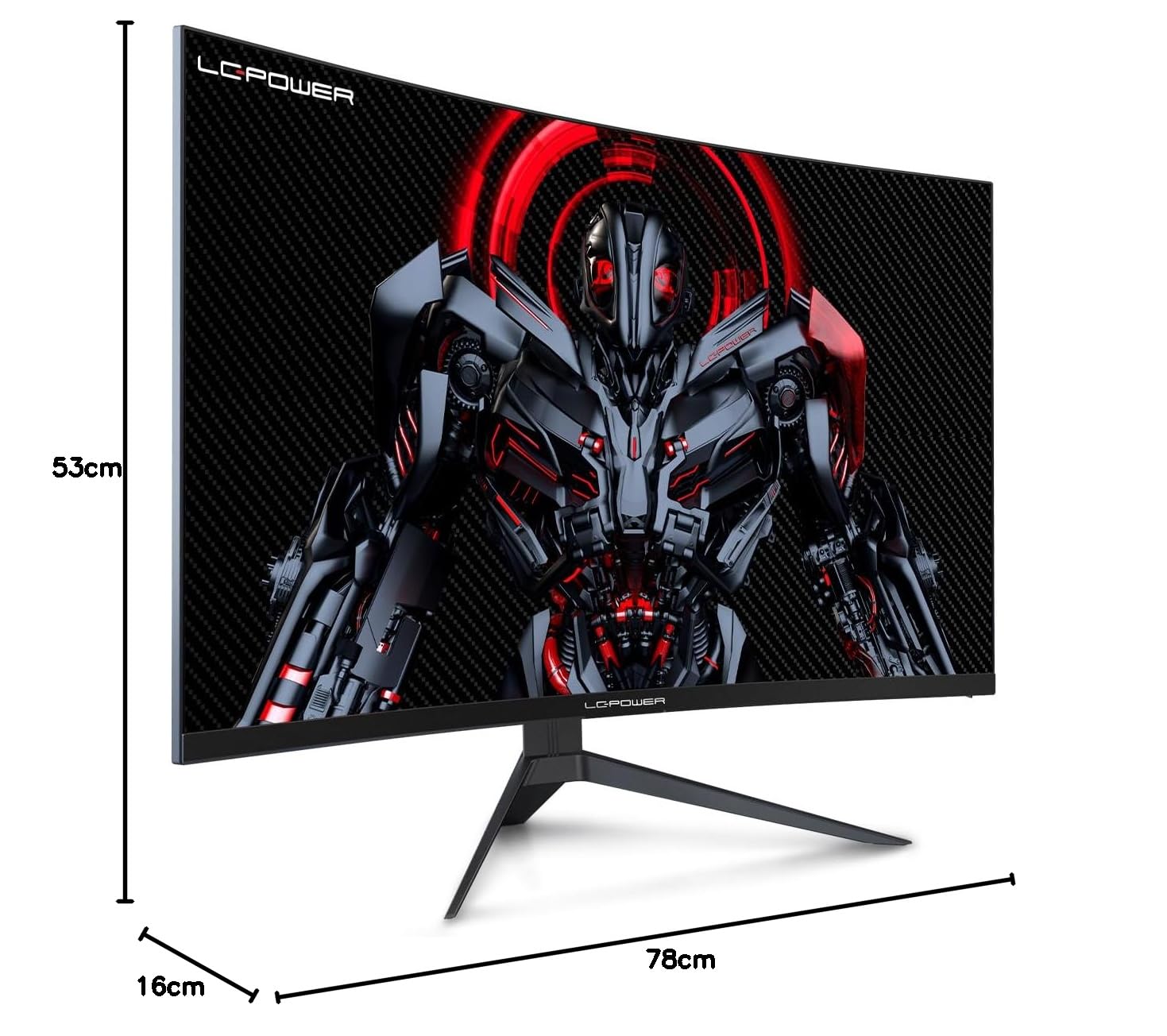
Figure 8.1: Monitor dimensions for planning installation space.
9. 保証とサポート
LC-Power provides a three-year warranty for this product. Additionally, a twelve-month replacement service is available. For technical assistance or inquiries regarding damage, defects, or missing parts, please contact LC-Power customer support. Telephone technical support is also available.


