導入
The ETENWOLF T300 Digital Tire Pressure Gauge is engineered for precise and reliable tire pressure measurements across a wide range of vehicles. Designed for durability and ease of use, it features a clear digital display, an integrated LED light for visibility in dark conditions, and long-lasting, replaceable AAA batteries. This manual provides essential information for the proper setup, operation, and maintenance of your T300 gauge.

Figure 1: ETENWOLF T300 Digital Tire Pressure Gauge (Vivid Orange)
主な特徴
- プロセスレベルの精度: Calibrated manually to ANSI B40.7 Grade 2A (±0.5% of span) for high precision.
- 広い圧力範囲: 3 ~ 200 PSI のタイヤ空気圧を測定します。ピックアップ、RV、大型車両など、さまざまな車両タイプに適しています。
- 極限気象性能: Built-in AI chip with thermal compensation ensures normal operation in temperatures ranging from -4°F to 130°F (-20°C to 54°C).
- Digital Display with LED Light: Features a bright digital screen for clear readings and an integrated LED light to illuminate dark areas for easy tire pressure checks at night.
- 交換可能な単4電池: Uses easily replaceable AAA batteries, extending the lifespan of the device.
- 耐久性のある構造: Designed to withstand impacts and drops, ensuring long-term reliability.
- 自動シャットオフ: 30 秒間操作がないと自動的に電源がオフになり、バッテリー寿命が節約されます。
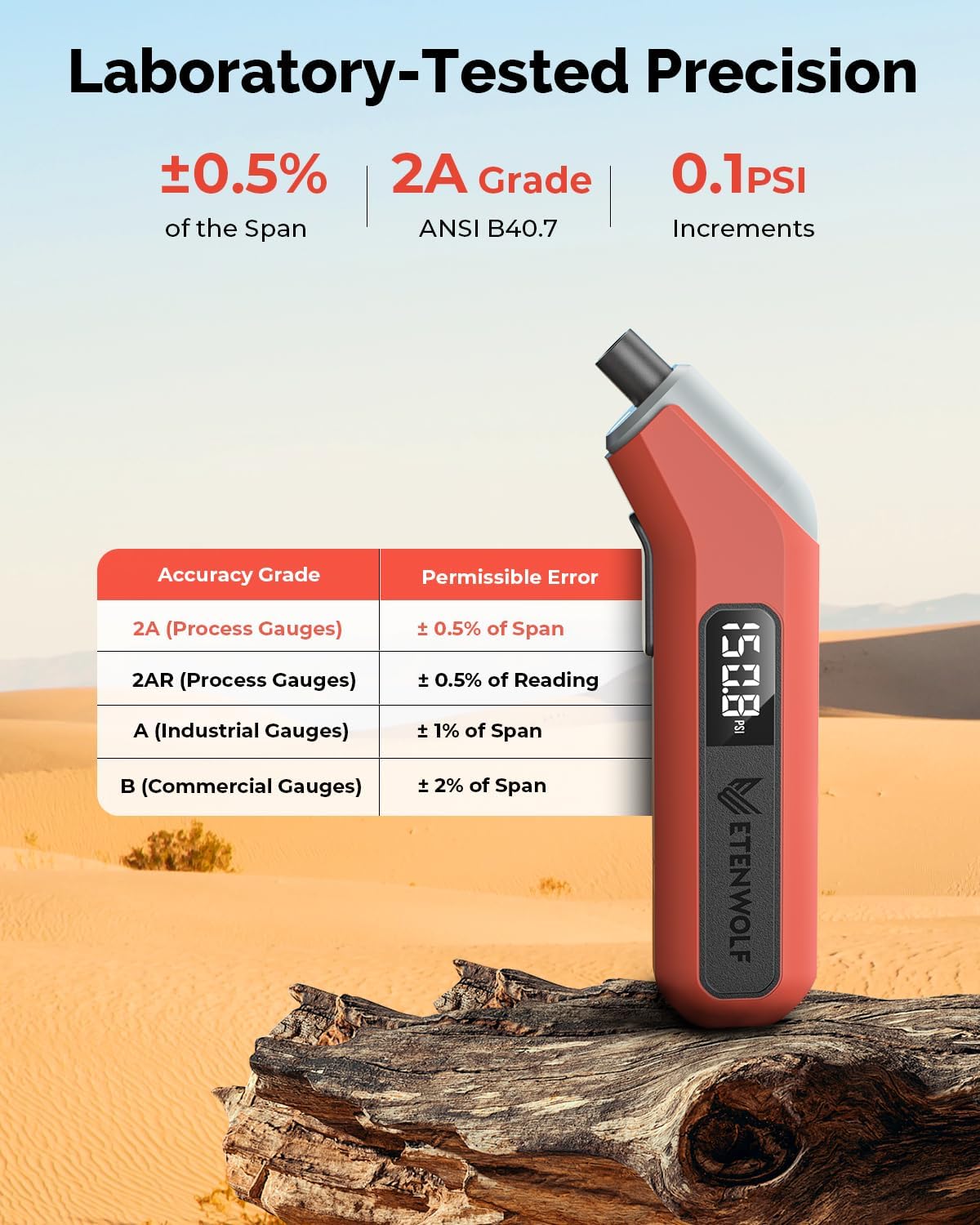
Figure 2: Laboratory-Tested Precision
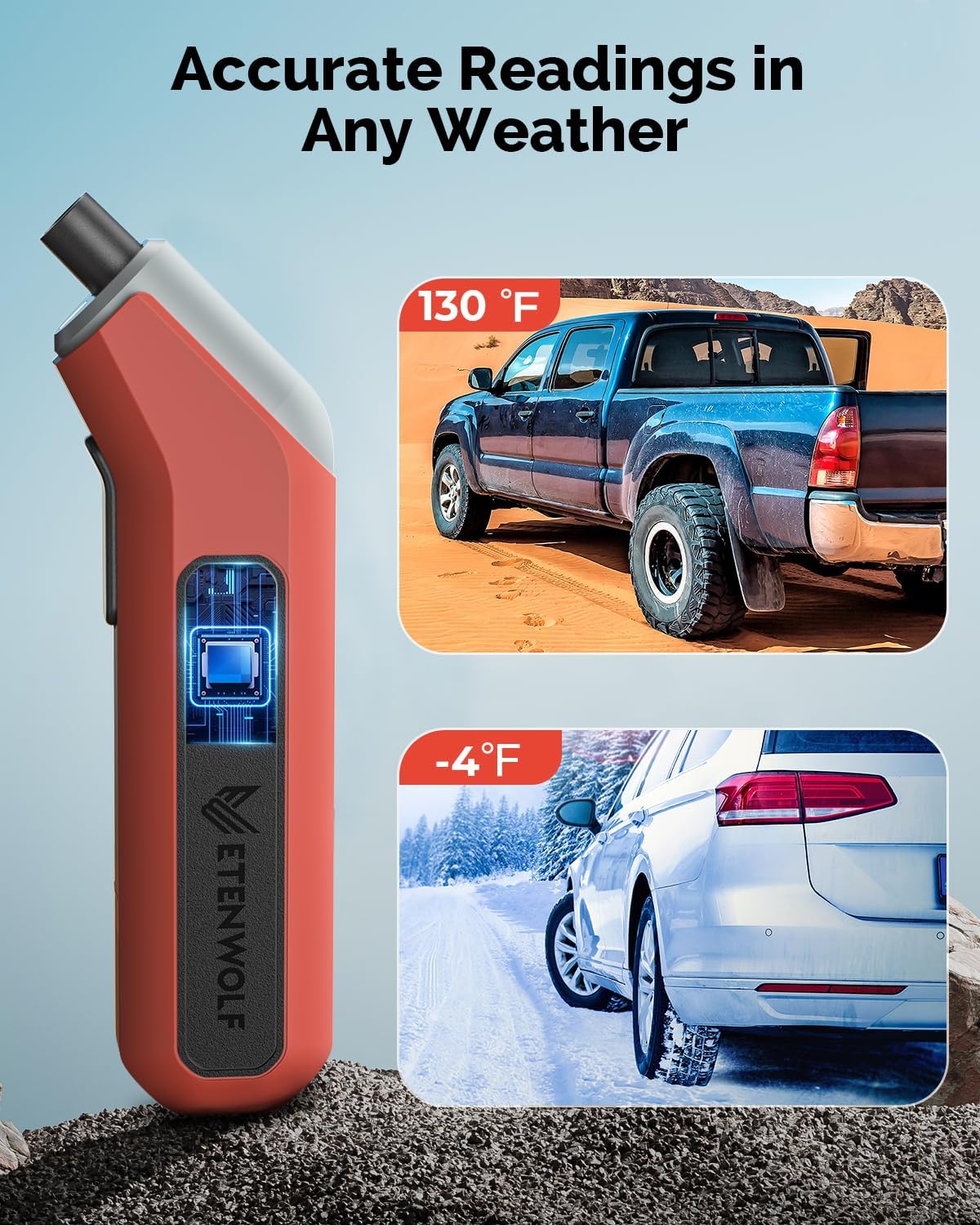
Figure 3: Accurate Readings in Any Weather
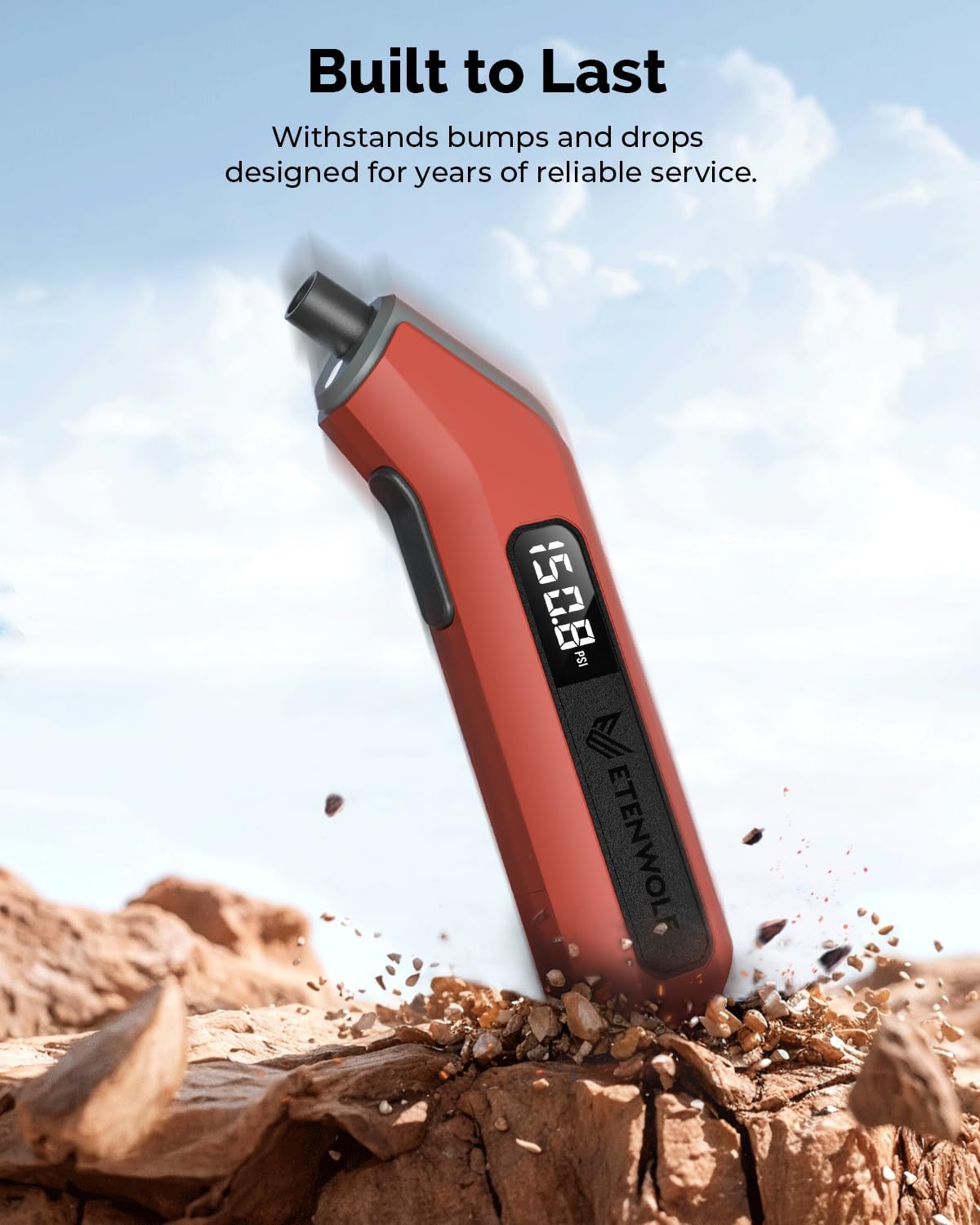
Figure 4: Built to Last
箱の中身
- ETENWOLF T300 デジタルタイヤ空気圧ゲージ 1個
- 単2電池XNUMX本
- ユーザーマニュアル
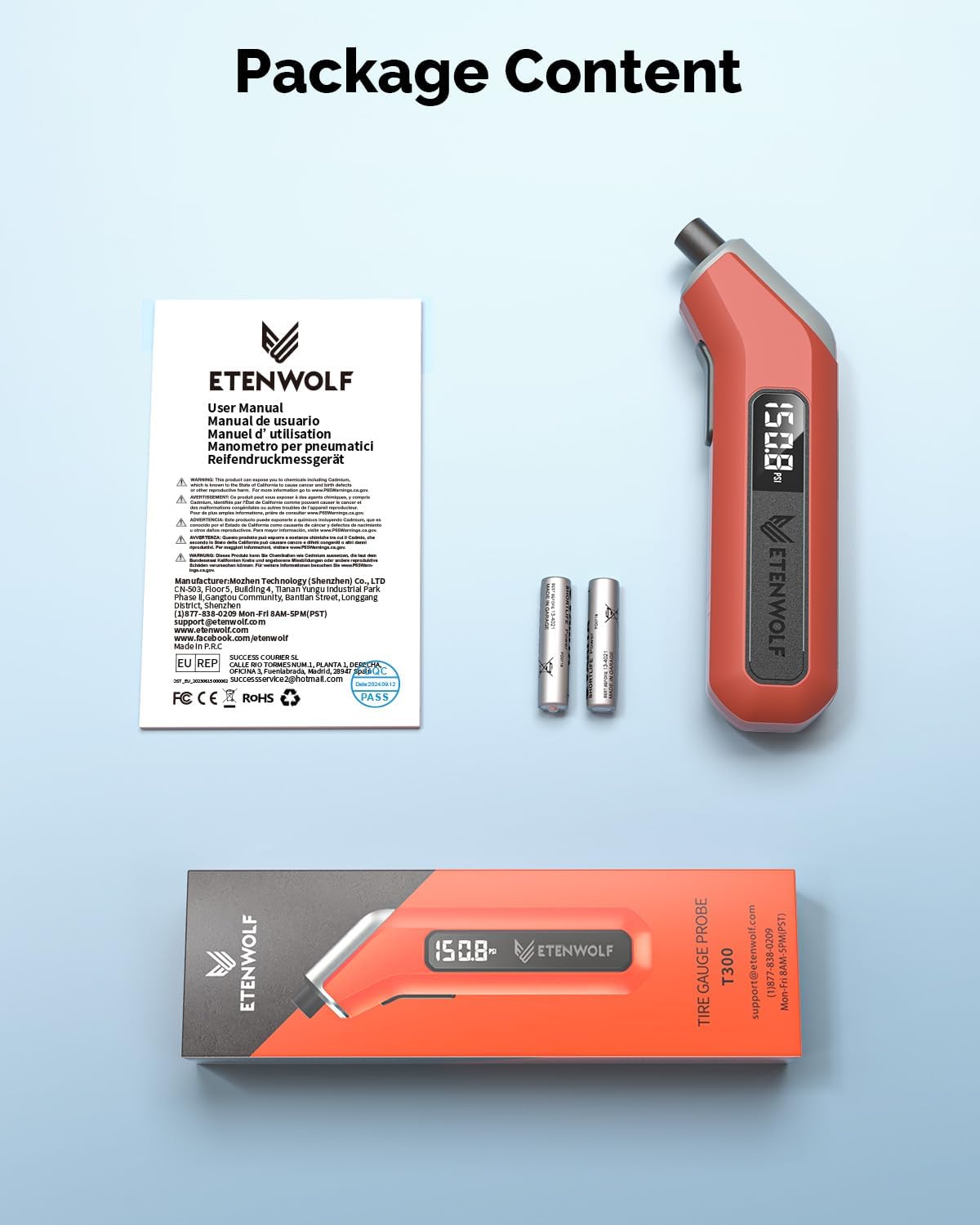
図5: パッケージ内容
設定
1. 電池の取り付け
- Locate the battery compartment at the bottom of the gauge.
- Gently slide off the battery cover.
- 電池ボックス内の指示に従って、極性 (+/-) が正しいことを確認して、単 4 電池 2 本を挿入します。
- 電池カバーをしっかりと取り付けてください。

図6:バッテリーの取り付け
操作手順
1. 電源投入とキャリブレーション
- Press the power button located on the side of the gauge to turn it on.
- The gauge will display "0.0 PSI" and automatically calibrate. Wait until the display stabilizes before use.
- The integrated LED light will activate upon power-on, assisting in low-light conditions.
2. タイヤ空気圧のチェック
- Ensure the gauge is powered on and calibrated.
- Firmly press the nozzle of the gauge onto the tire valve stem. A brief hiss of air may be heard.
- Hold the gauge firmly in place until the digital display shows a stable pressure reading.
- Remove the gauge from the valve stem. The reading will remain on the display for a few seconds before the auto shut-off activates.
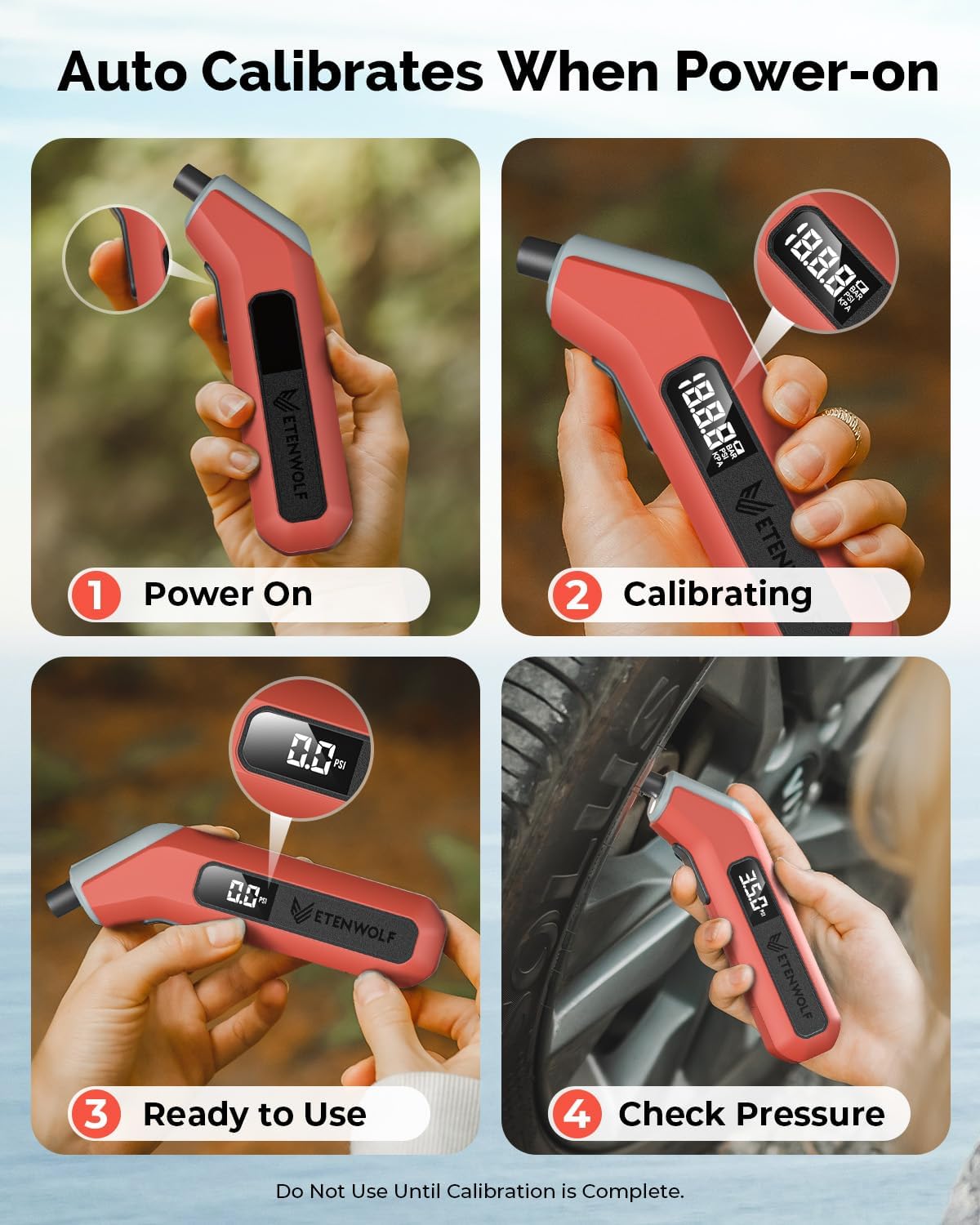
Figure 7: Power On, Calibrate, and Check Pressure Steps

Figure 8: Using the LED Light for Tire Checks

Figure 9: Digital Pressure Reading Display
メンテナンス
1. バッテリーの交換
When the display becomes dim or the gauge does not power on, it is time to replace the batteries. Follow the steps in the "Installing Batteries" section under Setup.
2.クリーニングと保管
- Wipe the gauge with a soft, dry cloth to remove any dirt or debris. Do not use abrasive cleaners or immerse the device in water.
- ゲージは直射日光や極端な温度を避け、涼しく乾燥した場所に保管してください。
- 長期間保管する場合は、液漏れを防ぐために電池を取り外すことをお勧めします。
トラブルシューティング
| 問題 | 考えられる原因 | 解決 |
|---|---|---|
| ゲージの電源が入りません。 | 電池が切れているか、正しく取り付けられていない。 | 正しい極性を確認して電池を交換してください。 |
| 不正確な測定値。 | Improper connection to valve stem; gauge not calibrated. | Ensure firm, straight connection to valve. Power off and on to re-calibrate. |
| ディスプレイが暗くなったり、ちらついたりします。 | バッテリー残量が少なくなっています。 | 電池を交換してください。 |
仕様
- ブランド: エテンウルフ
- モデル: T300
- 材料: プラスチック
- 圧力範囲: 3-200 PSI
- 正確さ: ANSI B40.7 グレード 2A (スパンの±0.5%)
- 動作温度: -4°F ~ 130°F (-20°C ~ 54°C)
- 電源: 単2電池XNUMX本
- 寸法(長さ×幅×高さ): 6.3 x 1.46 x 1.06インチ
- 商品の重量: 3.88オンス(110グラム)
- 画面サイズ: 3.2センチメートル
- 自動シャットオフ: 30秒後
保証とサポート
ETENWOLF products are designed for quality and reliability. For specific warranty information, please refer to the warranty card included with your product or visit the official ETENWOLF website. For technical support, troubleshooting assistance, or any inquiries, please contact ETENWOLF customer service through the contact information provided on the product packaging or the official webサイト。
また、 ETENWOLF Store on Amazon 詳細な製品情報とサポート リソースについては、こちらをご覧ください。


