導入
This manual provides comprehensive instructions for the installation, operation, and maintenance of your Weiser SmartCode Keypad Door Lock with San Clemente Handleset & Halifax Interior Door Handle. This electronic deadbolt system offers enhanced security and convenience for your home's exterior doors.
The SmartCode lock features a keypad for keyless entry, a motorized locking mechanism, and SmartKey re-key technology. Please read this manual thoroughly before installation and use to ensure proper function and longevity of your product.
パッケージ内容
インストールを開始する前に、パッケージにすべてのコンポーネントが含まれていることを確認してください。
- エクステリアハンドル
- インテリアレバー
- SmartCode 電子デッドボルト
- ラッチ
- ストライキ
- ネジ
- ボルト
- 2つのキー
- スマートキーツール
- ユーザーマニュアル(このドキュメント)

画像: 上view of the Weiser SmartCode Keypad Door Lock and Handleset, showing all main components including the exterior keypad, interior deadbolt, and handleset.
セットアップとインストール
The Weiser SmartCode lock is designed for straightforward installation. It is compatible with standard doors ranging from 1-3/8 inches to 1-3/4 inches thick, featuring an adjustable backset (2-3/8 inches or 2-3/4 inches).
For detailed, step-by-step interactive 3D instructions, it is highly recommended to use the free BILT app. This app provides voice and video guidance to facilitate a stress-free installation process.

画像: サイド view of the Weiser SmartCode lock and handleset installed on a white door, demonstrating its profile.
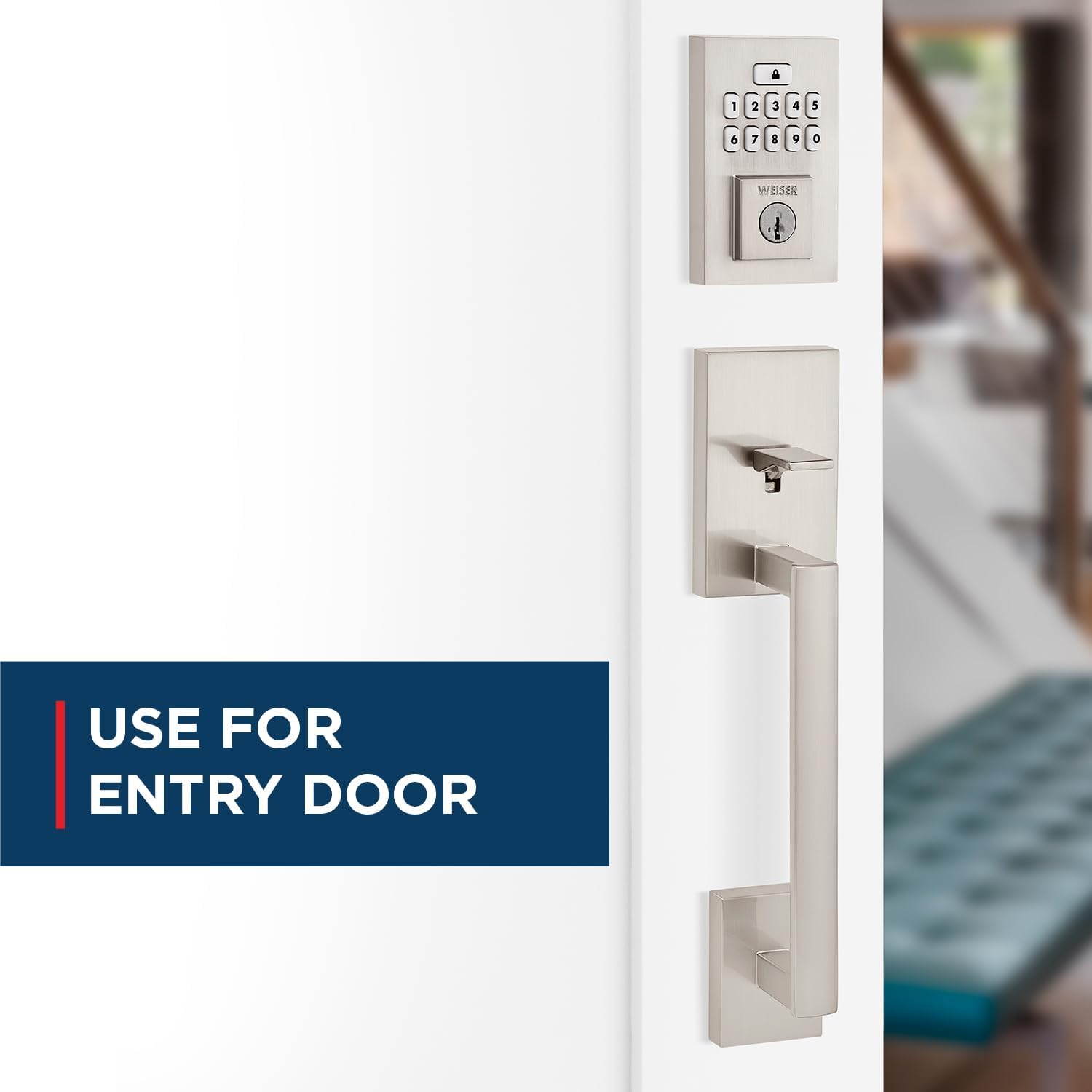
Image: The Weiser SmartCode keypad and handleset installed on an entry door, highlighting its suitability for main entry points.
操作手順
キーレスエントリー
To gain entry, simply enter your personalized code on the keypad. The motorized deadbolt will quickly and quietly unlock. This feature makes coming and going secure and convenient.

Image: A finger pressing a button on the Weiser SmartCode keypad, illustrating the keyless entry function.
ドアをロックする
Locking the door is as easy as touching a button. The motorized deadbolt provides single-touch locking, eliminating the need for additional turning or twisting.
オートロック機能
For added peace of mind, the auto-lock feature can be enabled. When activated, the lock will automatically engage after a set period, ensuring your door is always secured.

Image: A woman and her dog entering a home, with the Weiser SmartCode keypad visible, demonstrating the convenience of the auto-lock feature.
Managing User Access Codes
The SmartCode lock supports up to 50 user access codes, along with a master code option for enhanced control. Refer to the BILT app or the included quick start guide for instructions on programming and managing these codes.

Image: A visual representation of the multiple user access code feature, showing various individuals who can be granted access.
Video: An official product video demonstrating the key features and operation of the Weiser SmartCode Keypad Door Lock, including keyless entry and auto-lock functionality.
メンテナンス
SmartKey鍵交換テクノロジー
The SmartKey re-key technology allows you to re-key your lock in seconds. This is useful for situations such as moving to a new home, losing keys, or consolidating multiple locks to a single key. This feature helps you maintain control over who has access to your property and protects against unauthorized key duplication.

Image: A diagram illustrating the SmartKey Security feature, showing where the reset tool is inserted to re-key the lock.
バッテリー交換
The SmartCode lock operates on 4 AA batteries (not included). When the batteries are low, the lock will provide an indicator. Replace all four batteries simultaneously with new, high-quality alkaline batteries to ensure optimal performance.
トラブルシューティング
If you encounter issues with your Weiser SmartCode lock, consider the following common solutions:
- ロックが応答しません: 電池残量を確認し、必要に応じて交換してください。電池の極性が正しいことを確認してください。
- キーパッドが動作しない: Verify that the lock is receiving power. If batteries are new, try a factory reset (refer to the BILT app or quick start guide for specific steps).
- ロック/ロック解除の難しさ: Ensure the door frame and strike plate are properly aligned. Obstructions in the door jamb can prevent the deadbolt from extending fully.
- 受け入れられないコード: Double-check the entered code. Ensure the master code is correctly set. If issues persist, try deleting and re-programming the user code.
For more complex issues or persistent problems, refer to the comprehensive troubleshooting section within the BILT app or contact Weiser customer support.
仕様
| 特徴 | 詳細 |
|---|---|
| モデル番号 | 9GLA92600-003 |
| ブランド | ワイザー |
| 色 | サテンニッケル |
| スタイル | San Clemente x Smartcode |
| 材料 | 金属 |
| 製品寸法 | 6.99 x 2.86 x 2.86 cm |
| アイテム重量 | 454グラム |
| ドアの互換性 | 1-3/8インチから1-3/4インチの厚さのドア、調整可能なバックセット(2-3/8インチまたは2-3/4インチ) |
| Keypad Design | 10ボタン |
| User Access Codes | Up to 50, plus Mastercode feature |
| 特集 | SmartKey Security, Motorized Lock/Unlock |
| 電池が必要 | 単三電池4本(別売) |
| 原産国 | 中国 |
保証とサポート
The Weiser SmartCode Keypad Door Lock comes with a 1年間保証. For warranty claims or technical support, please contact Weiser customer service. You can find contact information on the official Weiser website or through the BILT app.
For additional resources, including FAQs and video tutorials, visit the Amazonのワイザーストア or the official Weiser webサイト。


