導入
Thank you for choosing the MAJORITY Tru 1 Wireless Bluetooth Earbuds. This manual provides essential information for setting up, operating, and maintaining your new earbuds. Please read these instructions carefully before use and retain them for future reference.
最適なパフォーマンスと安全性を確保するには、必ずこのマニュアルに記載されているガイドラインに従ってください。
パッケージ内容

Image: The retail packaging for the MAJORITY Tru 1 earbuds, displaying the earbuds, charging case, USB-C cable, and three pairs of silicone ear tips.
パッケージにすべてのアイテムが揃っていることを確認します。
- 1x Set of MAJORITY Tru 1 Wireless Earbuds
- ワイヤレス充電ケース x 1
- 1xUSB-C充電ケーブル
- 3x Pairs of Silicone Ear Tips (various sizes)
- ユーザーマニュアル (本書) x 1
製品終了view

Image: The MAJORITY Tru 1 wireless earbuds standing upright next to their open charging case, all in white.
The MAJORITY Tru 1 earbuds are designed for comfortable wear and high-quality audio. Each earbud features a touch-sensitive control area and an integrated microphone. The compact charging case protects the earbuds and provides additional battery life.

Image: An exploded diagram showing the internal components of a MAJORITY Tru 1 earbud, highlighting the 13mm driver and other acoustic elements.
The earbuds are equipped with 13mm drivers for clear sound reproduction and a built-in microphone for calls.
設定
1. イヤホンとケースの充電

Image: The MAJORITY Tru 1 earbuds placed inside their open charging case, illustrating the Type-C fast charge capability and long playtime.
- 初期費用: 初めて使用する前に、イヤホンと充電ケースの両方を完全に充電してください。
- ケースの充電: Connect the supplied USB-C cable to the charging port on the case and to a compatible USB power source. The LED indicator on the case will show charging status.
- イヤホンの充電: Place the earbuds into their respective slots in the charging case. Ensure they are correctly seated. The earbuds will begin charging automatically.
A full charge of the earbuds provides approximately 7.5 hours of playtime. The charging case provides an additional 3 full charges, extending total playtime up to 30 hours. A quick 30-minute charge can provide up to 2 hours of playtime.
2. Bluetoothデバイスとのペアリング
- Bluetooth を有効にする: Ensure Bluetooth is enabled on your audio device (smartphone, tablet, laptop, etc.).
- ペアリングモードに入る: 充電ケースを開けて両方のイヤホンを取り出します。自動的にペアリングモードになります。
- デバイスの選択: On your audio device, search for new Bluetooth devices. Select "MAJORITY Tru 1" from the list of available devices.
- 接続を確認: 接続されると、音声プロンプトが聞こえ、イヤホンのインジケーターライトが変化します。
The earbuds use Bluetooth 5.3 for a stable and efficient wireless connection. They will automatically reconnect to the last paired device when removed from the case, if Bluetooth is active on the device.
操作手順
タッチコントロール
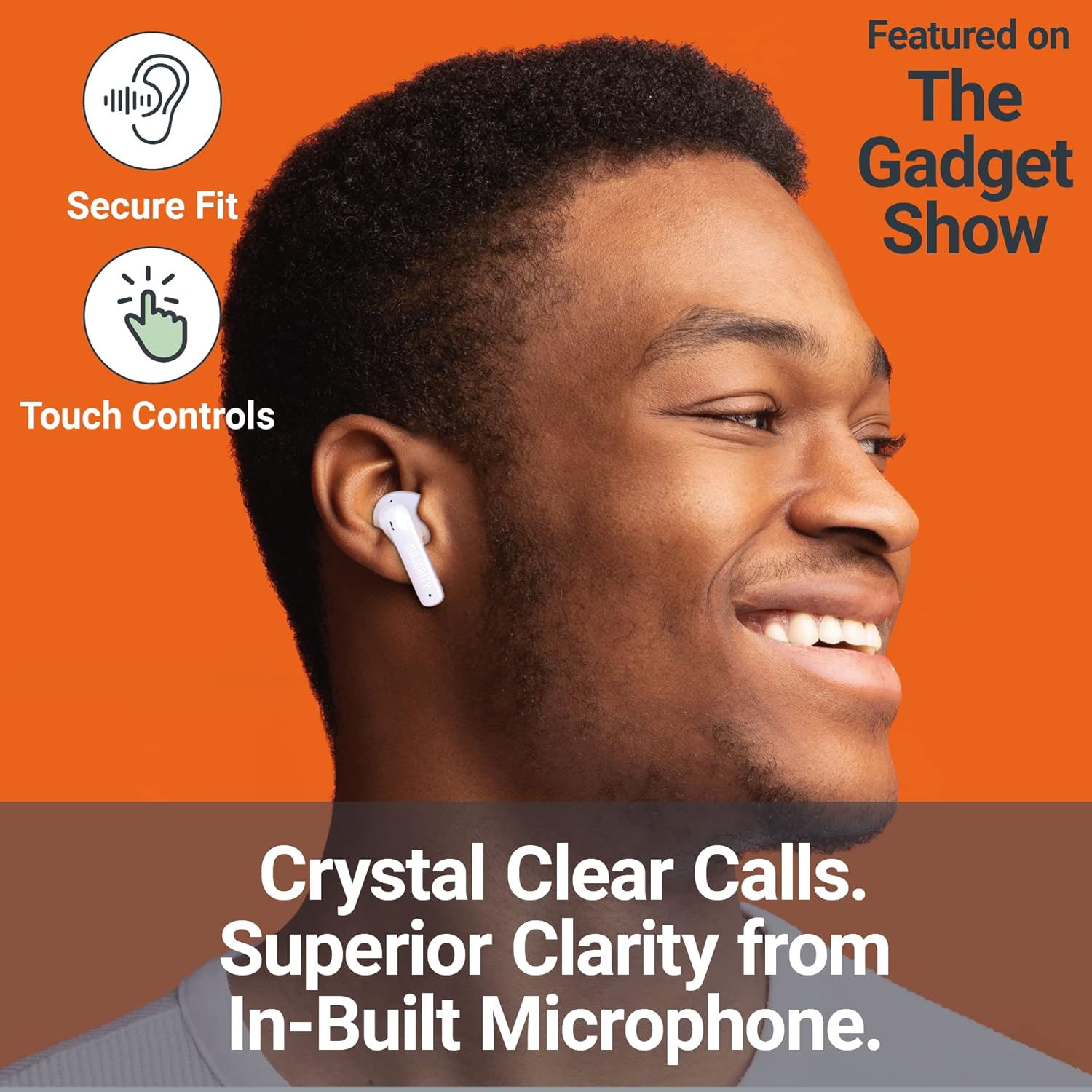
Image: A person smiling while wearing a MAJORITY Tru 1 earbud, emphasizing the secure fit, touch controls, and clear call quality from the built-in microphone.
The MAJORITY Tru 1 earbuds feature intuitive touch controls on each earbud. Specific functions may vary slightly depending on your device and operating system.
- 再生/一時停止: どちらかのイヤホンを 1 回タップします。
- 次のトラック: 右のイヤホンをダブルタップします。
- 前のトラック: 左のイヤホンをダブルタップします。
- 通話の応答/終了: 着信中または通話中にどちらかのイヤホンを 1 回タップします。
- 通話を拒否: 着信中にどちらかのイヤホンを 2 秒間押し続けます。
- 音声アシスタントを有効にする: どちらかのイヤホンをトリプルタップします(例:Siri、Google アシスタント)。
- ボリュームアップ: 右のイヤホンを長押しします。
- ボリュームダウン: 左のイヤホンを長押しします。
通話の発信と受信
The built-in microphone ensures clear communication during phone calls. Use the touch controls as described above to manage your calls.
イヤホンの装着
最適な音質と遮音性を実現するために、最も快適でしっかりとしたフィット感を提供するイヤーチップをお選びください。それぞれのイヤホンを耳の穴に優しく挿入し、軽く回してしっかりと固定してください。
メンテナンス
- クリーニング: イヤホンと充電ケースは、柔らかく乾いた糸くずの出ない布で定期的に拭いてください。刺激の強い化学薬品や研磨剤は使用しないでください。
- 耐水性: The earbuds are IPX7 waterproof, meaning they can withstand immersion in water up to 1 meter for 30 minutes. However, the charging case is not waterproof. Ensure earbuds are completely dry before placing them back in the charging case to prevent damage.
- ストレージ: 使用しないときは、イヤホンを保護し、充電を保つために充電ケースに保管してください。高温多湿を避け、涼しく乾燥した場所に保管してください。
- バッテリーのケア: バッテリー寿命を延ばすには、イヤホンとケースを頻繁に完全に放電させないでください。頻繁に使用しない場合でも、定期的に充電してください。
トラブルシューティング
| 問題 | 解決 |
|---|---|
| イヤホンがペアリングされない |
|
| XNUMXつのイヤフォンから音が出ない |
|
| 充電ケースが充電されない |
|
| 音質が悪い |
|
仕様
| 特徴 | 詳細 |
|---|---|
| モデル名 | 1 型番 |
| 接続性 | ブルートゥース5.3 |
| 耐水性 | IPX7(イヤホンのみ) |
| ドライバーサイズ | 13mm |
| イヤフォンのプレイタイム | 最大7.5時間 |
| 合計プレイ時間(ケース付き) | 最大30時間 |
| クイックチャージ | 30分の充電で2時間の再生が可能 |
| 電池のタイプ | リチウムイオン(付属) |
| 充電ポート | USB-C |
| 材料 | プラスチック |
| パッケージ寸法 | 11.3 x 9.9 x 3.2 cm |
| 重さ | 100 g(パッケージ) |
保証とサポート
MAJORITY offers an extended 3-year warranty for the Tru 1 Wireless Bluetooth Earbuds upon registration. To register your product and activate the extended warranty, please visit the official MAJORITY webサイト:
For any support inquiries, troubleshooting assistance, or to learn more about MAJORITY products, please refer to the contact information provided on the official MAJORITY website. MAJORITY is a Cambridge, UK-based audio brand committed to providing reliable products and customer service.

Image: The side of the MAJORITY product box, showing details about the extended warranty and a QR code for registration.


