1. はじめに
Thank you for choosing the SHARP KCP70UW Smart Air Purifier with Humidifier Combo. This device is designed to improve your indoor air quality by combining advanced air purification with effective humidification. It features a triple filtration system, Plasmacluster Ion Technology, and smart home compatibility for convenient control.
Please read this manual thoroughly before operating the unit to ensure safe and optimal performance. Keep this manual for future reference.

図1: 前面 view of the SHARP KCP70UW unit, illustrating its key features.
2. 安全情報
火災、感電、人への傷害のリスクを減らすために、電気製品を使用するときは常に基本的な安全上の注意事項に従ってください。
- 空気の入口や出口を塞がないでください。
- 水の近くや湿気の多い環境では使用しないでください。
- 清掃やメンテナンスを行う前に、ユニットのプラグを抜いてください。
- お子様やペットの手の届かない場所に保管してください。
- 指定されたボリュームのみ使用してくださいtage.
3. セットアップ
3.1 Unpacking and Filter Preparation
Before first use, it is crucial to remove all protective plastic bags from the air filters. Operating the unit with filters still in plastic bags will prevent proper air purification and may cause unusual noises.
- Carefully open the back panel of the air purifier.
- Remove the air filters from their compartments.
- Cut and remove all plastic packaging from both the True HEPA filter and the Activated Carbon deodorizing filter.
- Reinsert the filters into the unit, ensuring they are correctly oriented.
- Close the back panel securely.
Video 1: Instructions on how to properly set up the air purifier by removing plastic bags from filters.

Figure 2: The air purifier with its back panel open, showing the filters being removed for plastic bag removal.
3.2 配置
Place the air purifier on a flat, stable surface in the room where air purification is desired. Ensure there is adequate space around the unit for proper airflow. The KCP70UW is effective for rooms up to 1,913 sq. ft. at one air change per hour, or 396 sq. ft. with 4.8 air changes per hour (AHAM Suggested Room Size).

Figure 3: The air purifier positioned in a spacious living area, highlighting its capacity for large rooms.
3.3電源接続
電源コードを標準のコンセントに差し込みます。これでユニットは使用可能になります。
4. 操作手順
4.1コントロールパネルオーバーview
コントロール パネルはユニットの上部にあり、操作を簡単にするためのさまざまなボタンとインジケーターを備えています。
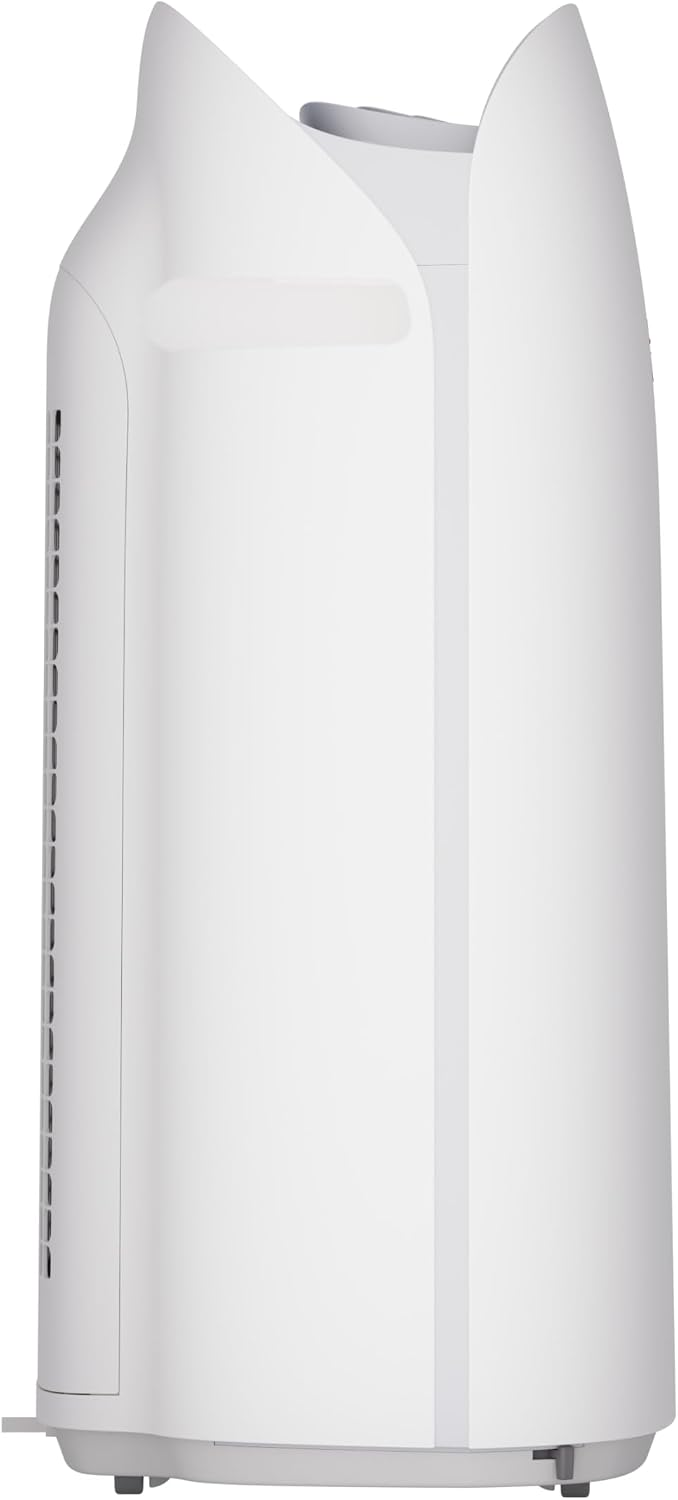
図4:詳細 view of the control panel with its intuitive buttons and digital display.
4.2 基本操作
- 電源オン/オフ: を押す オン/オフ ユニットの電源をオンまたはオフにするボタン。
- ファン速度: Cycle through fan speeds (Low, Medium, Max) using the ファン ボタン。
- 自動モード: を押す オート button. In Auto mode, the unit automatically adjusts fan speed and humidification based on detected air quality and humidity levels.
4.3 Smart Features (SHARP AIR App, Alexa, Google Assistant)
The SHARP KCP70UW is compatible with the SHARP AIR App (available for Apple and Android devices), Amazon Alexa, and Google Assistant for enhanced control and monitoring.
- リモート操作: Use the SHARP AIR App to adjust settings, monitor air quality, and set schedules from your smartphone.
- 音声コントロール: Connect your unit to Amazon Alexa or Google Assistant-enabled devices (sold separately) to use voice commands for operation.
- 追加モード: Access modes like Sleep, Pollen, and Express Clean exclusively through the SHARP AIR App.

Figure 5: The SHARP AIR App provides comprehensive control and monitoring features for your air purifier.
ビデオ2: 終了view of the SHARP KCP70UW Smart Air Purifier with Humidifier, highlighting its smart features and filtration system.
5. メンテナンス
5.1 フィルターの手入れと交換
The KCP70UW features long-life filters designed to last up to 2 years, depending on the environment and usage. Regular cleaning and timely replacement are essential for maintaining optimal performance.
- プレフィルター: The washable microscreen pre-filter traps large particles. Clean it regularly by vacuuming or rinsing with water.
- 活性炭脱臭フィルター: Helps reduce common household odors. Replace every 2 years or as indicated by the filter replacement indicator.
- 真のHEPAフィルター: Captures 99.97% of particles 0.3 microns and larger. Replace every 2 years or as indicated by the filter replacement indicator.
- 加湿フィルター: This filter is also designed for long life and can be cleaned. Refer to the app for replacement status.

図 6: 分解 view of the triple filtration system, showing each filter component.

Figure 7: The True HEPA filter, designed for extended use up to 2 years.
5.2 Humidifier Maintenance
The humidifier function requires regular attention to ensure clean and effective humidification.
- 水タンク: Refill the water tank with clean tap water as needed. Avoid using distilled water as the unit is designed for tap water.
- 加湿フィルターの清掃: Periodically clean the humidifying filter to prevent mineral buildup. Refer to the full instruction manual for detailed cleaning steps.

Figure 8: The humidifying filter and its tray, easily accessible for maintenance.
6。 トラブルシューティング
If you encounter issues with your SHARP KCP70UW, refer to the following common problems and solutions:
| 問題 | 考えられる原因 | 解決 |
|---|---|---|
| Loud flapping sound / Poor air purification | Air filters still in plastic bags. | Remove all plastic packaging from filters before use (refer to Section 3.1). |
| Humidifier not increasing湿度 | Water tank empty; Humidifying filter dirty or calcified. | Refill water tank; Clean or replace humidifying filter. |
| Unit not responding to app/voice commands | Wi-Fi connection issue; App not properly configured; Device not linked to Alexa/Google Assistant. | Check Wi-Fi connection; Reconfigure app settings; Ensure proper linking with smart assistant. |
| Auto mode not adjusting fan speed | Dust/odor sensors are obstructed or dirty. | Clean the dust and odor sensors. |
7. 仕様
Key technical specifications for the SHARP KCP70UW:
| 特徴 | 詳細 |
|---|---|
| モデル番号 | KCP70UW |
| 色 | 白 |
| 製品寸法(奥行き×幅×高さ) | 12.4インチ x 15.8インチ x 28.6インチ |
| アイテム重量 | 22.3ポンド |
| 床面積のカバー率 | 1913 Square Feet (1x/hr air change) / 396 Square Feet (4.8x/hr AHAM) |
| 騒音レベル | 21 Decibels (Low Fan Speed) |
| フィルタクラス | HEPAと活性炭 |
| 粒子保持サイズ | 0.3 Micrometer (True HEPA) |
| コントローラータイプ | Amazon Alexa、Android、Googleアシスタント |
| 特集 | プログラム可能 |
| 認定資格 | AHAM認証、CARB認証、Energy Star認証 |
| 欧州連合 | 074000701663 |

Figure 9: The unit's quiet operation makes it suitable for bedrooms.

Figure 10: AHAM Verifide CADR ratings for effective pollutant removal.

図 11: 配置計画のための製品寸法。
8. 保証とサポート
保証情報およびカスタマーサポートについては、製品に付属の保証書を参照するか、シャープの公式ウェブサイトをご覧ください。 website. You can also contact Sharp customer service for assistance with product registration, troubleshooting, or replacement parts.
オンラインリソース: For additional information, FAQs, and support, visit the Sharp website or the SHARP AIR App support section.


