1. はじめに
This manual provides essential instructions for the setup, operation, and maintenance of your Samsung HW-S810B 3.1.2 Channel Soundbar. This soundbar system is designed to enhance your audio experience with an ultra-slim profile, wireless Dolby Atmos, DTS:X, and Q-Symphony technology. Please read this manual thoroughly before using the product to ensure proper and safe operation.
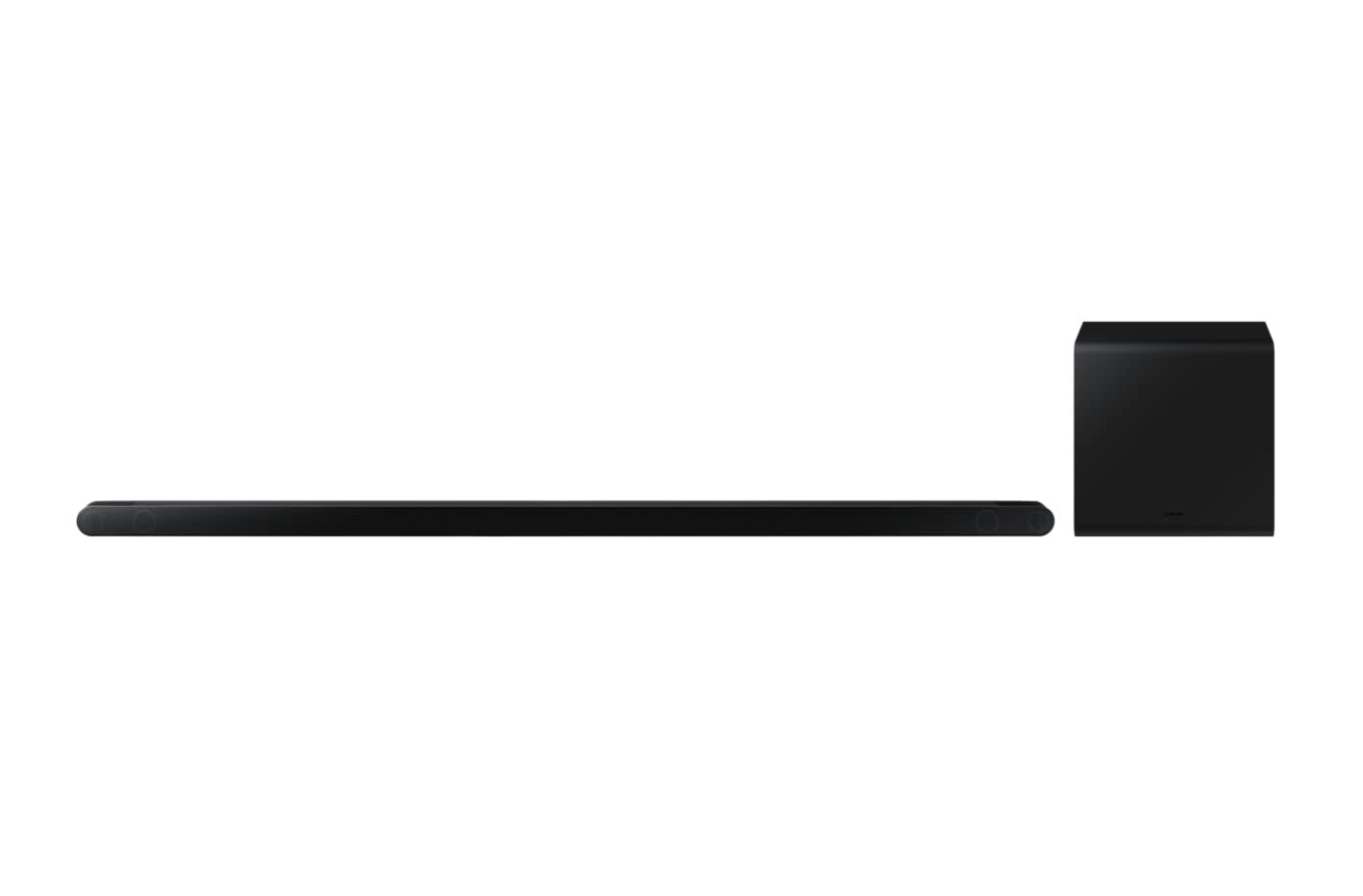
Image 1.1: The Samsung HW-S810B Soundbar and its accompanying wireless subwoofer.
2. 安全情報
火災、感電、怪我のリスクを軽減するために、この製品を使用するときは常に基本的な安全上の注意事項に従ってください。
- この装置を雨や湿気にさらさないでください。
- 通気口を塞がないでください。メーカーの指示に従って設置してください。
- ラジエーター、暖房レジスター、ストーブ、その他の機器(以下を含む)などの熱源の近くに設置しないでください。 amp熱を発生する装置。
- 特にプラグ、コンセント、および装置から出ている部分で、電源コードが踏まれたり挟まれたりしないように保護してください。
- メーカー指定のアタッチメント/アクセサリのみを使用してください。
- すべてのメンテナンスは資格のあるサービス担当者に依頼してください。
3. パッケージ内容
パッケージにすべてのコンポーネントが含まれていることを確認します。
- サウンドバーユニット
- ワイヤレスサブウーファー
- 電池付きリモコン
- 電源アダプター
- HDMIケーブル
- ゴム足
- 壁掛けブラケット
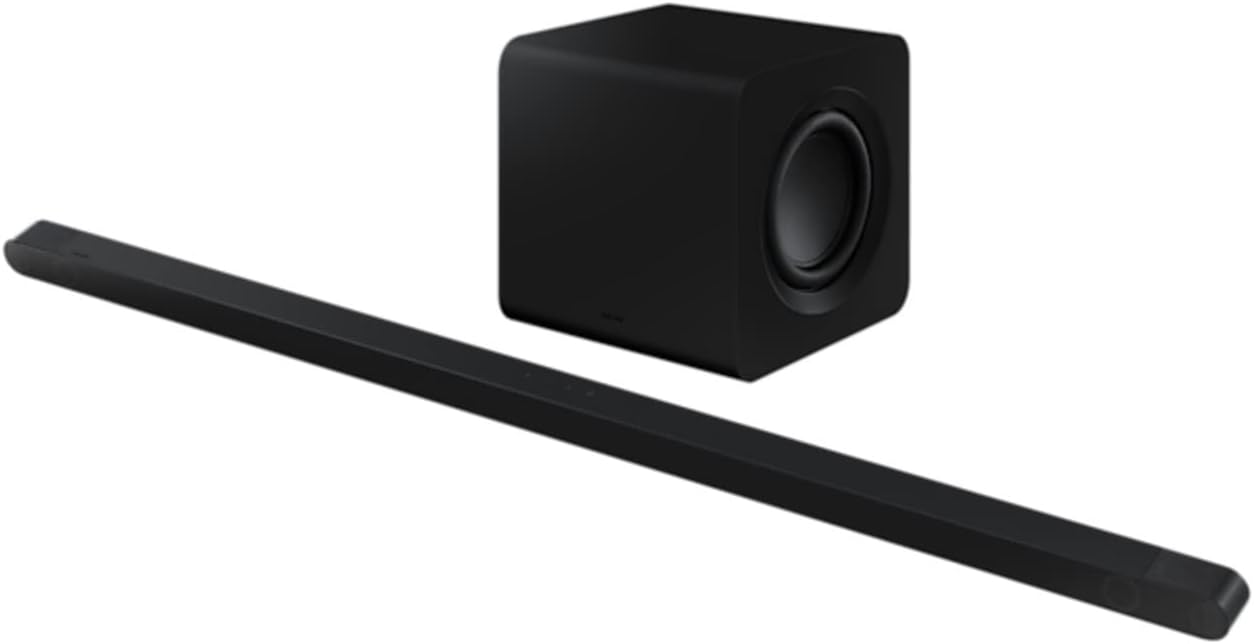
Image 3.1: The ultra-slim Samsung HW-S810B Soundbar unit.
4. セットアップ
4.1 物理的な配置
The HW-S810B soundbar features an ultra-slim design, making it ideal for placement in front of thin televisions or for wall mounting.
- サウンドバー: Place the soundbar centrally below your TV. Ensure no objects obstruct the front or top speakers for optimal sound projection.
- サブウーファー: Position the wireless subwoofer in a location that provides the best bass response for your listening area. Experiment with different positions to find the ideal spot.
- 壁掛け: Use the included wall mount bracket for secure installation. Refer to the separate wall mount guide for detailed instructions.
4.2 接続
Connect the soundbar to your television and power source.
- 電源接続: Connect the power adapter to the soundbar and the subwoofer, then plug both into a wall outlet.
- HDMI接続(推奨): Connect one end of the supplied HDMI cable to the HDMI ARC/eARC port on your TV and the other end to the HDMI OUT (TV-ARC) port on the soundbar. This enables high-quality audio transmission and allows your TV remote to control the soundbar's basic functions.
- Bluetooth接続: For wireless audio from mobile devices, refer to section 4.4.

画像4.1:リア view サウンドバーの接続ポートを示しています。
4.3 Wireless Setup (Subwoofer Pairing)
The wireless subwoofer should automatically connect to the soundbar when both are powered on. If the connection is not established, follow these steps:
- Ensure the subwoofer is plugged into a power outlet and powered on. Wait approximately 2-3 minutes for it to initialize.
- If the subwoofer's indicator light is not blue (indicating a successful connection), press and hold the IDセット button on the back of the subwoofer for 5 seconds until the indicator blinks blue.
- While the subwoofer's indicator is blinking, press the Up button on the soundbar's remote control for 5 seconds.
- The subwoofer's indicator light should turn solid blue, confirming a successful connection.
4.4 Bluetooth接続
Bluetooth経由でモバイルデバイスを接続するには:
- を押す ソース button on the soundbar or remote until "BT" (Bluetooth) appears on the display.
- モバイル デバイスで Bluetooth を有効にし、利用可能なデバイスを検索します。
- Select "Samsung HW-S810B" from the list.
- Once connected, the soundbar display will show "BT PAIRING" followed by "BT READY".
5. 操作手順
5.1 基本操作
- 電源オン/オフ: を押す 力 button on the remote control or the soundbar.
- 音量コントロール: 使用 音量を上げる/下げる リモコンまたはサウンドバーのボタン。
- ソースの選択: を押す ソース button to cycle through available inputs (HDMI, Bluetooth).
5.2 高度なオーディオ機能
- ドルビーアトモスとDTS:X: The soundbar supports wireless Dolby Atmos and DTS:X for an immersive, three-dimensional audio experience. Ensure your source content and TV support these formats for optimal performance.
- Qシンフォニー: When connected to a compatible Samsung TV, Q-Symphony synchronizes the TV's speakers with the soundbar, creating a richer and more expansive soundstage. This feature is typically enabled automatically when connected via HDMI ARC/eARC.
- SpaceFit Sound 2: This technology analyzes your room's acoustics and optimizes the soundbar's audio output for tailored sound delivery in your specific environment.
5.3 音声制御
The soundbar supports voice control. Refer to the specific voice assistant setup instructions (e.g., Bixby, Alexa, Google Assistant) for your region and connected devices to enable this feature.
6. メンテナンス
サウンドバーのパフォーマンスと外観を維持するには:
- クリーニング: サウンドバーとサブウーファーの表面を拭く際は、柔らかく乾いた布をご使用ください。液体クリーナーや研磨剤は使用しないでください。
- 換気: 過熱を防ぐため、通気口がふさがれていないことを確認してください。
- ストレージ: 長期間保管する場合は、電源コンセントから外し、涼しく乾燥した場所に保管してください。
7。 トラブルシューティング
サウンドバーで問題が発生した場合は、次の一般的な問題と解決策を参照してください。
| 問題 | 考えられる解決策 |
|---|---|
| サウンドバーから音が出ません。 |
|
| Subwoofer is not producing sound. |
|
| Bluetooth 接続に失敗します。 |
|
| リモコンが動作しません。 |
|
8. 仕様
| 特徴 | 詳細 |
|---|---|
| モデル名 | HW-S810B |
| チャネル構成 | 3.1.2チャンネルシステム |
| スピーカー総数 | 10 integrated speakers + 6.5" external subwoofer |
| オーディオ機能 | Wireless Dolby Atmos, DTS:X, Q-Symphony, SpaceFit Sound 2 |
| 接続性 | Bluetooth、HDMI(ARC/eARC) |
| 制御方法 | Remote Control, Voice |
| 色 | 黒 |
| サウンドバーの寸法(幅x高さx奥行き) | 1140×38×39.7mm(約) |
| サブウーファー寸法(幅×高さ×奥行き) | 238×240.8×238mm(約) |
| 重量(合計) | 7.8キログラム |
| 最大スピーカー出力 | 200ワット |
| 周波数応答 | 20000 Hz (Upper limit) |
| ソフトウェアアップデートの保証期間 | 31年2030月XNUMX日 |
9. 保証とサポート
Your Samsung HW-S810B Soundbar comes with a limited warranty. Please refer to the warranty card included in your package for specific terms and conditions.
技術サポート、サービス、その他のお問い合わせについては、Samsungの公式サポートをご覧ください。 website or contact your local Samsung customer service center. Software updates are guaranteed until December 31, 2030.


