1. はじめに
This manual provides essential information for the proper use and maintenance of your SUPVAN 12mm White Laminated Label Tape. Designed for durability and versatility, this label tape is compatible with SUPVAN LP5120M label makers and other compatible models. Please read these instructions carefully to ensure optimal performance and longevity of your label tape.

Image 1.1: The SUPVAN 12mm White Laminated Label Tape cartridge.
2 製品の特徴
- サイズ: 1/2 inch x 26-4/5 feet (12 mm x 8.2 m).
- BPAフリー: Safe for use on items such as food containers, cosmetics, and baby products.
- 熱転写技術: Eliminates the need for ink or toner, producing clear prints that can last over 5 years.
- Multi-Layer Design: Provides strong resistance against scratches and tears, and protection from water, oil, heat, and UV rays.
- Versatile Color Selection: Available in various colors (white, black, red, yellow, green, blue, silver, and transparent) to suit diverse labeling needs.
3. セットアップとインストール
Follow these steps to properly install the label tape into your compatible label maker.
- Ensure your label maker is powered off before installation.
- Open the label tape compartment cover on your label maker. Refer to your label maker's manual for specific instructions on opening the compartment.
- Insert the SUPVAN label tape cartridge into the compartment, ensuring it clicks securely into place. The tape should feed smoothly into the label maker's printing mechanism.
- Close the label tape compartment cover.
- Turn on your label maker. The device should recognize the newly installed tape.

Image 3.1: The SUPVAN label tape cartridge correctly installed in a compatible label maker, such as the LP5120M.
4. 操作手順
Once the label tape is installed, you can begin creating labels. Refer to your label maker's specific operating manual for detailed instructions on text input, formatting, and printing.
- 印刷: After designing your label on the label maker, press the print button. The label tape will feed through the printer, and the text will be thermally transferred onto the label surface.
- 切断: Most label makers have an integrated cutter. After printing, use the cutter to separate the printed label from the tape roll.
- Applying Labels: Peel the backing from the printed label and apply it to a clean, dry surface. The strong adhesive ensures secure attachment.
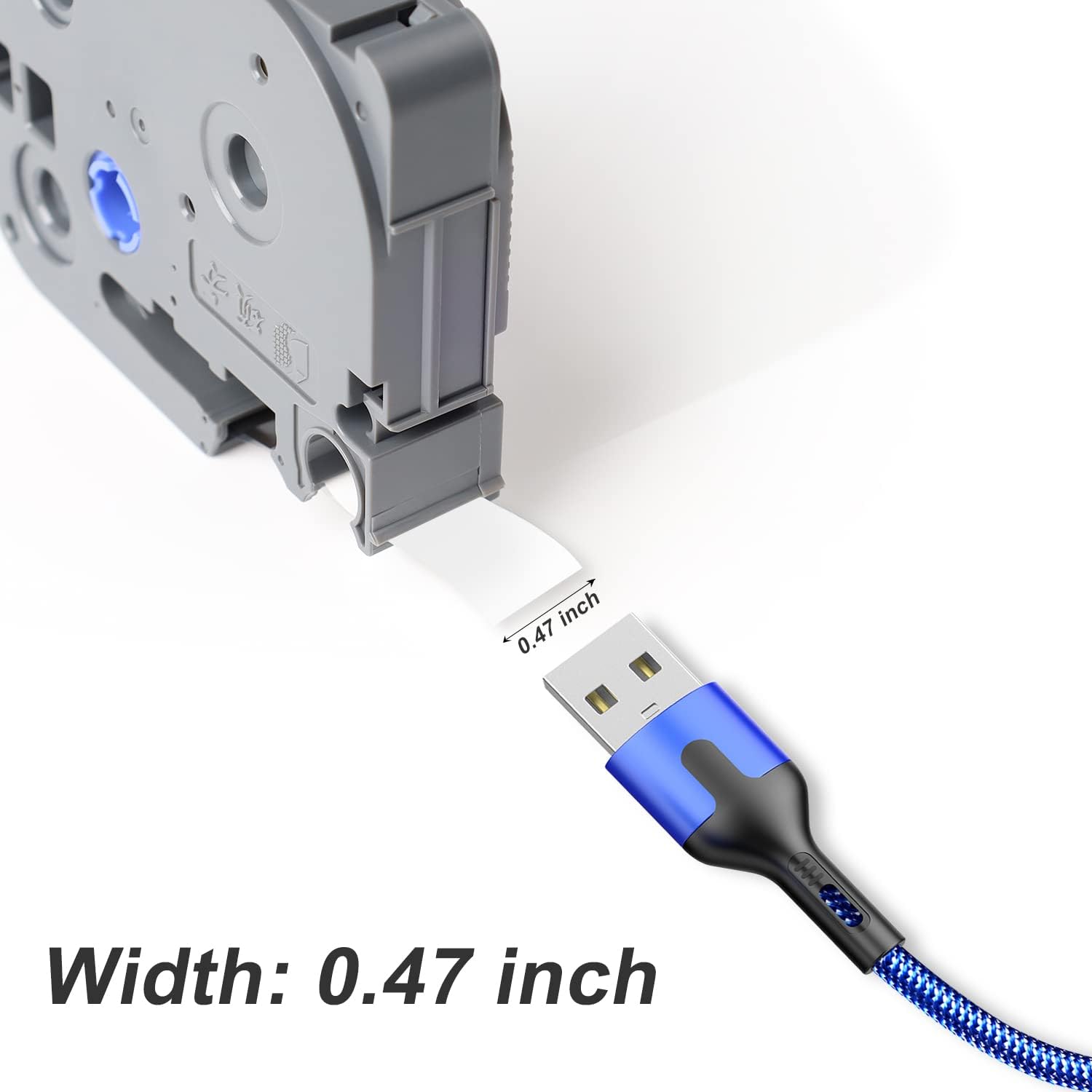
Image 4.1: The label tape measures 0.47 inches (12mm) in width, suitable for various labeling tasks.
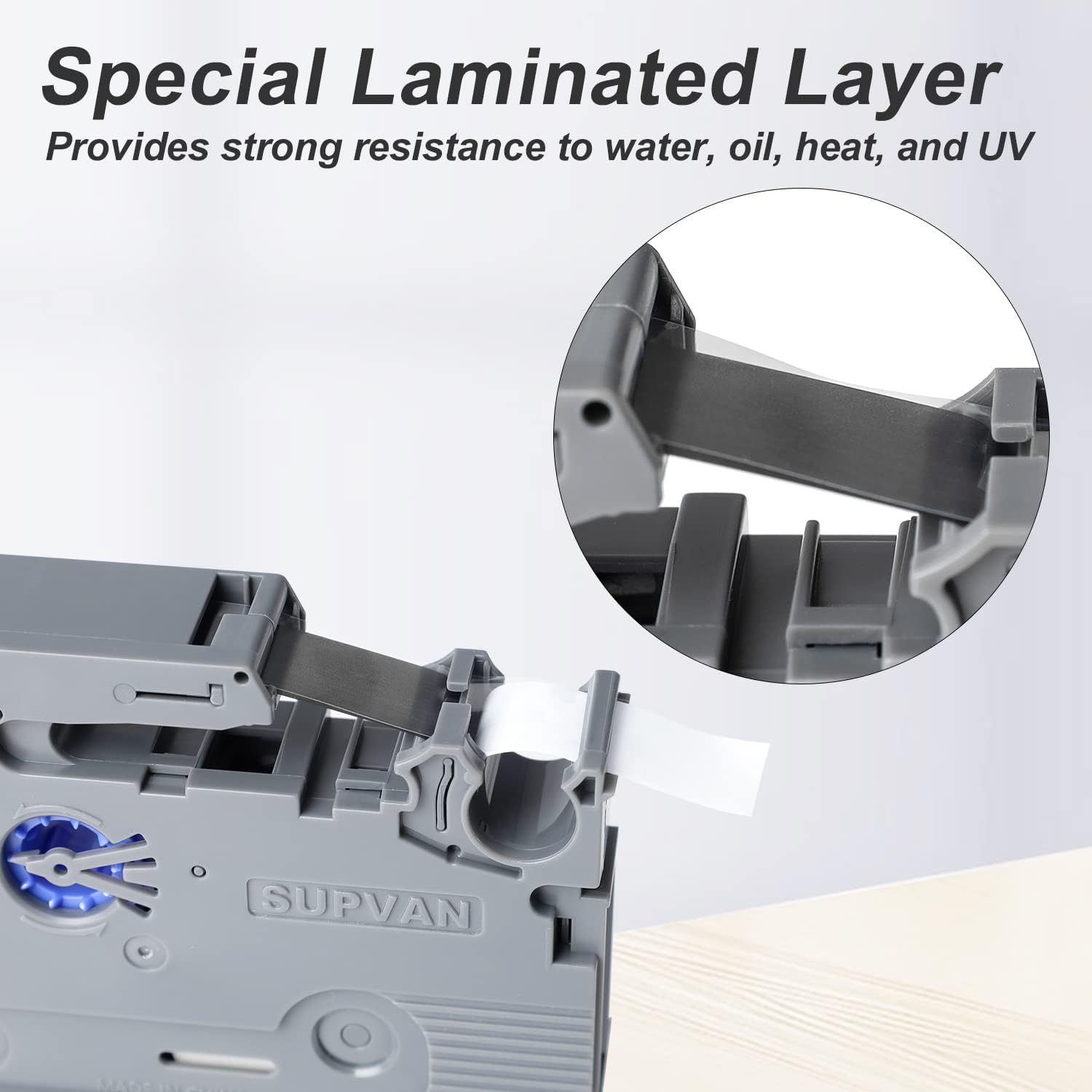
Image 4.2: The multi-layer design includes a special laminated layer for enhanced durability and protection.
5. メンテナンス
Proper handling and storage will extend the life and effectiveness of your label tape.
- ストレージ: Store unused label tape cartridges in a cool, dry place away from direct sunlight and extreme temperatures. Keep them in their original packaging until ready for use.
- 取り扱い: Avoid touching the adhesive side of the label tape to maintain its stickiness. Do not expose the tape to excessive dust or moisture.
- クリーニング: The label tape itself does not require cleaning. If the label maker's print head becomes dirty, refer to your label maker's manual for cleaning instructions.

Image 5.1: The label tape provides a strong waterproof effect, making it suitable for various environments.
6。 トラブルシューティング
If you encounter issues with your label tape, consider the following common problems and solutions:
- 印刷品質が悪い:
- Ensure the label tape cartridge is correctly installed and fully seated.
- Check if the label maker's print head is clean. Refer to your label maker's manual for cleaning procedures.
- Verify that the label maker's settings (e.g., print density) are appropriate.
- Tape Not Feeding:
- Confirm the tape is not jammed or tangled within the cartridge or label maker.
- Ensure the label maker's cover is securely closed.
- ラベルが貼れない:
- Ensure the application surface is clean, dry, and smooth.
- Avoid touching the adhesive side of the label during application.
- Verify that the label tape has not expired or been stored in unsuitable conditions.
7. 仕様
| 仕様 | 詳細 |
|---|---|
| ブランド | スーパーバン |
| モデル番号 | L-231E |
| 寸法(長さ×幅×高さ) | 6.5 x 2 x 9 cm |
| 重さ | 20グラム |
| 色 | White (Label), Black (Ink) |
| 材質タイプ | Paper (Laminated) |
| ラベルサイズ | 12mm (1/2 inch) x 8.2m (26-4/5 feet) |
| 仕上げタイプ | ラミネート加工 |
| 特集 | BPA-Free, Waterproof, Oil Resistant, Heat Resistant, UV Resistant, Scratch Resistant, Tear Resistant |
8. アプリケーション
The SUPVAN 12mm Laminated Label Tape is suitable for a wide range of applications due to its durability and resistance properties.
- ホーム組織: Labeling kitchen containers, pantry items, storage boxes, and drawers.
- オフィスでの使用: 組織化 files, folders, shelves, and office equipment.
- Industrial & Electrical: Marking cables, wires, circuit breakers, and tools in demanding environments.
- 小売り: Pricing, product identification, and inventory management.
- 個人用品: Labeling school supplies, craft items, and personal belongings.
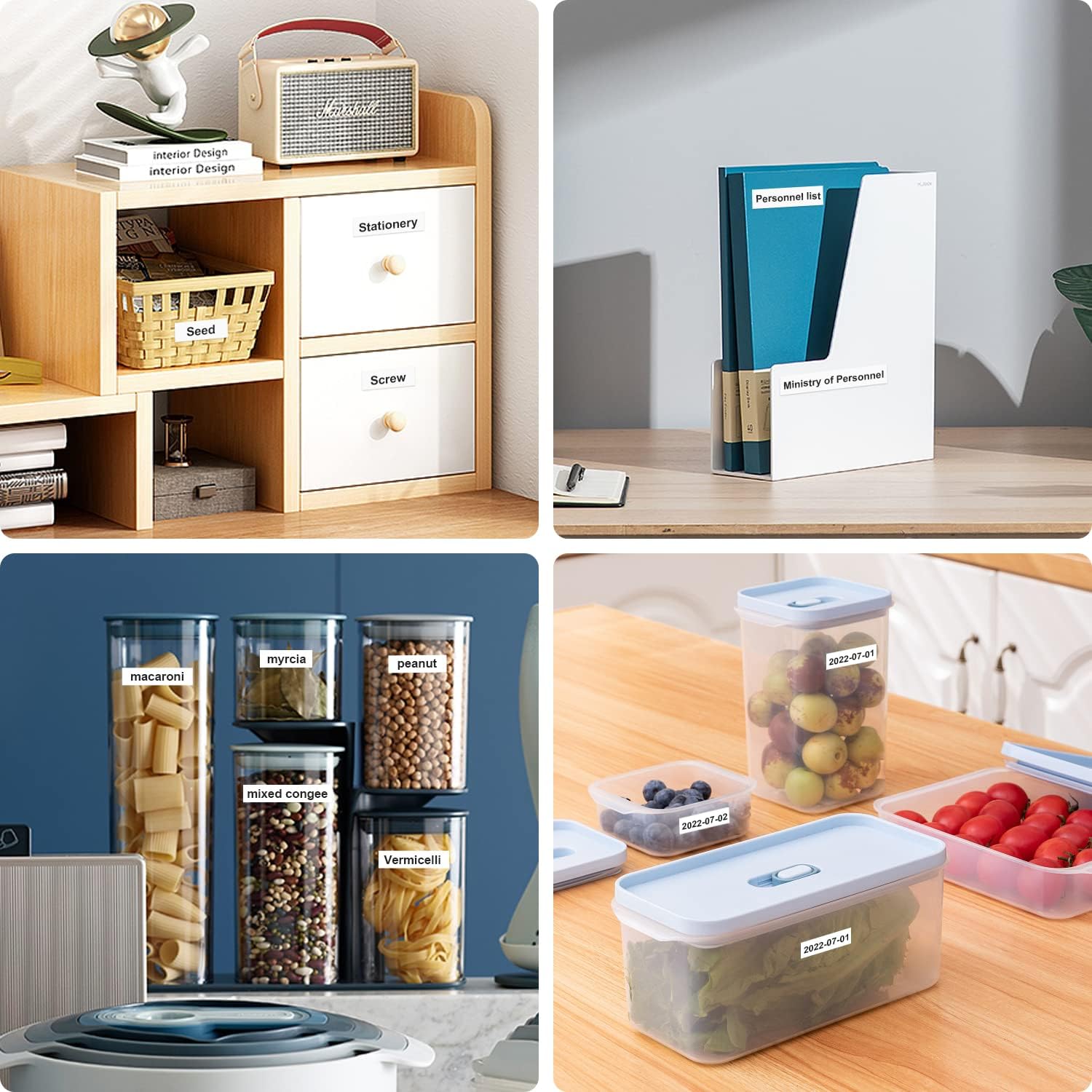
図8.1: 例amples of labels used for organizing drawers, files, and food containers.

図8.2: 例amples of labels used for organizing shelves, cables, test tubes, and electrical panels.
9. 安全情報
The SUPVAN label tape is manufactured to high safety standards.
- この商品は BPAフリー, making it safe for direct and indirect contact with food, cosmetics, and baby products.
- 小さな部品を誤って飲み込まないように、小さなお子様の手の届かないところに保管してください。
10. 保証とサポート
For any questions, technical assistance, or warranty inquiries regarding your SUPVAN label tape, please contact SUPVAN customer support through the official website or your retailer. Please have your product model number (L-231E) and purchase information ready when contacting support.
For more information about SUPVAN products, visit the SUPVAN Brand Store.


