1. はじめにview
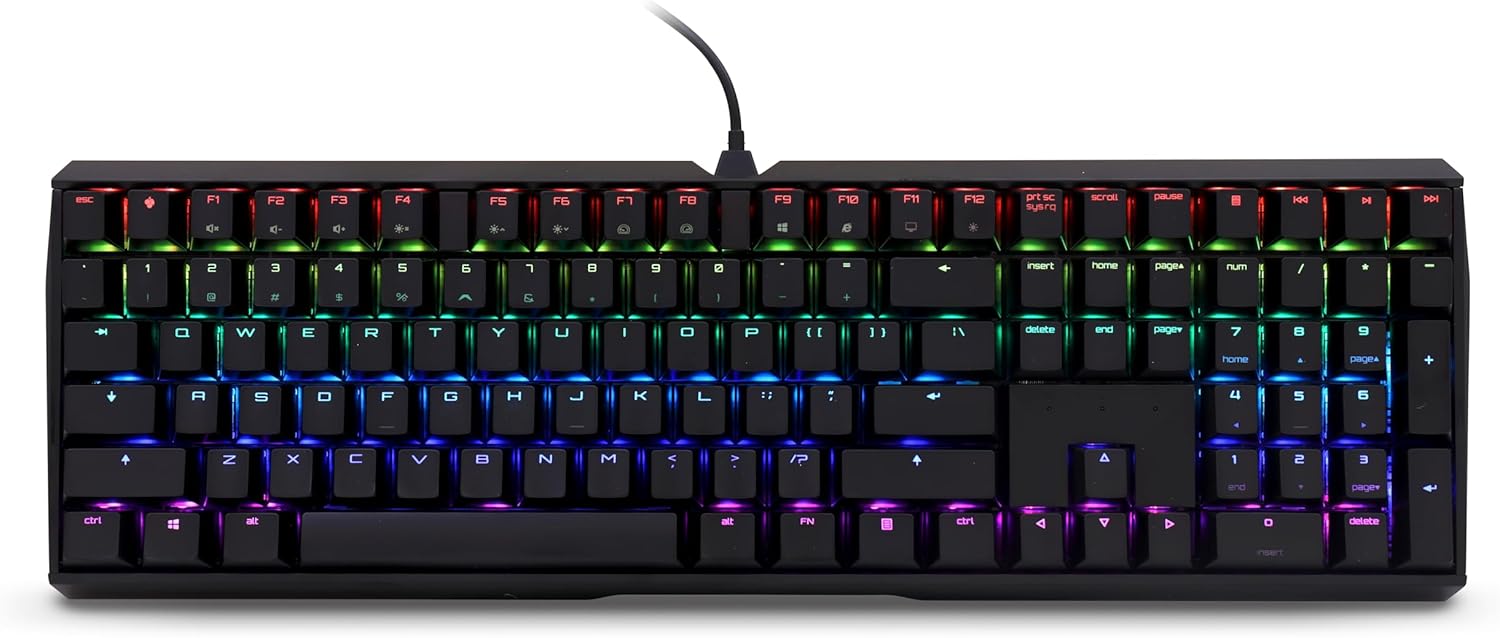
The CHERRY MX Board 3.0 S is a high-performance wired mechanical keyboard designed for both gaming and professional office environments. It features genuine CHERRY MX Red Silent switches, known for their quiet operation and linear actuation, providing a smooth and responsive typing experience. The keyboard is built with a robust aluminum housing, ensuring durability and stability during intense use. Its advanced features include full N-key rollover, anti-ghosting, and customizable RGB backlighting, making it a versatile tool for any user.
2. 箱の中身
Upon unboxing your CHERRY MX Board 3.0 S, please ensure all components are present:
- CHERRY MX Board 3.0 S Wired Mechanical Keyboard
- USB Cable (USB-A to Micro-USB)

3. セットアップ
Setting up your CHERRY MX Board 3.0 S is straightforward:
- Locate the Micro-USB port on the top edge of the keyboard.
- Connect the Micro-USB end of the provided cable to the keyboard's port. Ensure it is securely inserted.
- ケーブルの USB-A 端子をコンピューターの使用可能な USB ポートに接続します。
- コンピュータは必要なドライバーを自動的に検出し、インストールします。通常、基本的な機能については追加のソフトウェアをインストールする必要はありません。
4.運用
4.1 Key Features and Design
The CHERRY MX Board 3.0 S is engineered for precision and durability. It features original CHERRY MX Red Silent switches, which provide a linear feel with patented damping to minimize actuation noise. The keyboard's textured aluminum housing and screw-in metal legs ensure solid support and prevent flexing or sliding. Abrasion-resistant keycaps, either double plastic-injected or lasered, guarantee long-lasting legibility. The keyboard also supports full N-key rollover and anti-ghosting for accurate input during fast-paced typing or gaming, and includes a Win Key Lock function to prevent accidental interruptions.


4.2 RGB照明のカスタマイズ
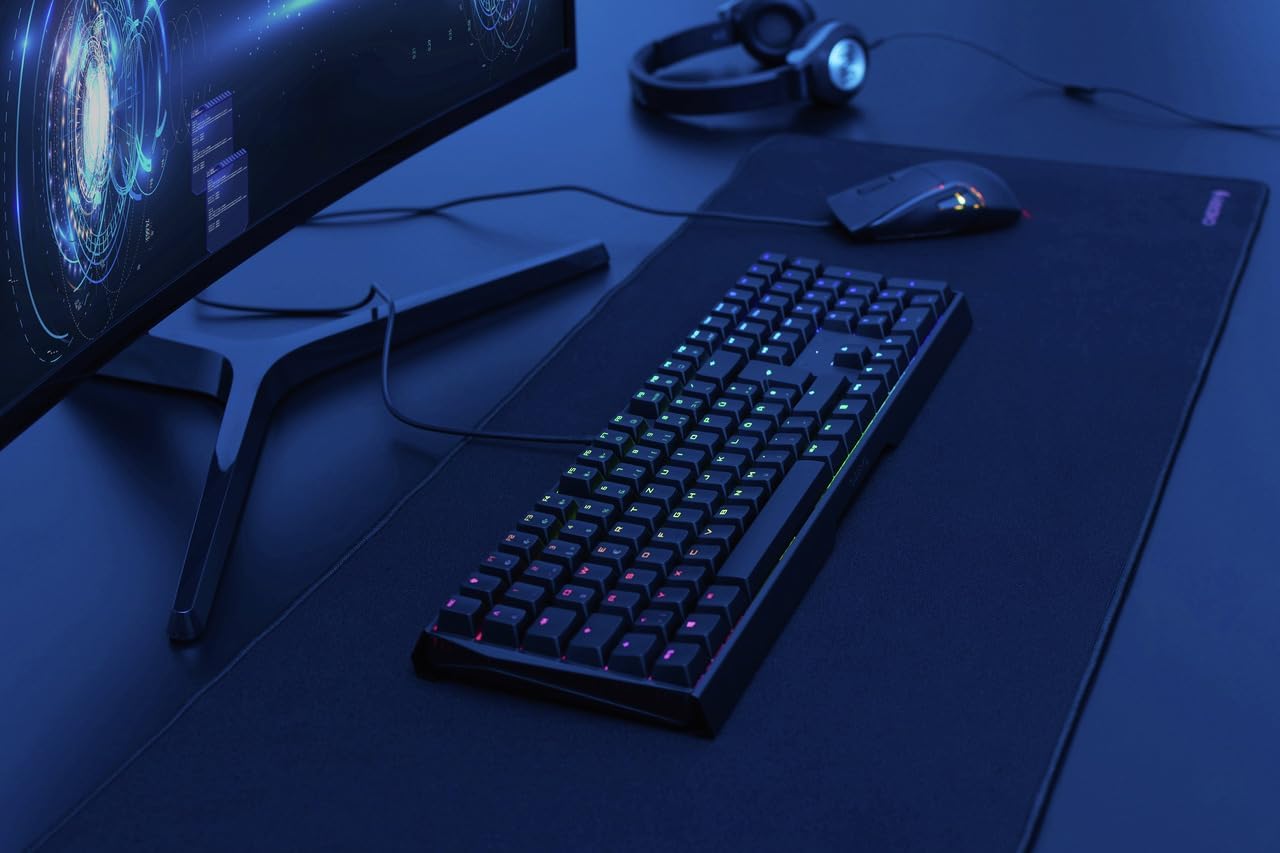
The CHERRY MX Board 3.0 S features dynamic RGB backlighting with color routines in over 16 million colors. You can customize lighting effects and colors through the dedicated CHERRY software, which can be downloaded from the official CHERRY website. This software allows for various lighting modes, including static colors, breathing effects, ripples, and more, to personalize your keyboard's appearance.

5. メンテナンス
To ensure the longevity and optimal performance of your CHERRY MX Board 3.0 S, regular maintenance is recommended:
- クリーニング: Use a soft, lint-free cloth to wipe down the keyboard surface. For deeper cleaning, you may use a can of compressed air to remove dust and debris from between the keycaps. Avoid using harsh chemicals or abrasive materials.
- ケーブルのお手入れ: Handle the detachable USB cable with care. Avoid sharp bends or excessive pulling to prevent damage to the cable or the keyboard's port.
6。 トラブルシューティング
If you encounter issues with your CHERRY MX Board 3.0 S, try the following troubleshooting steps:
- キーボードが応答しない: Ensure the USB cable is securely connected to both the keyboard and the computer. Try connecting the keyboard to a different USB port on your computer.
- 照明の問題: If the RGB lighting is not functioning as expected, verify that the CHERRY software is installed and running correctly. Check the lighting settings within the software.
- キーの故障: If a specific key is not responding, gently remove the keycap (if applicable and designed for removal) and check for any obstructions beneath it. Reattach the keycap firmly.
- ドライバーの問題: In rare cases, driver conflicts may occur. Try uninstalling and reinstalling the keyboard drivers through your computer's Device Manager.
7. 仕様
| 特徴 | 詳細 |
|---|---|
| 製品寸法 | 16.93 x 5.51 x 1.42インチ |
| アイテム重量 | 2.26ポンド |
| メーカー | チェリー |
| ASIN | B08YRRLV25 |
| 原産国 | 中国 |
| 商品型番 | G80-3874LWAUS-2 |
| 対応デバイス | PC |
| 接続技術 | USB-A |
| キーボードの説明 | ゲーム |
| 推奨用途 | Office, Programming, Home Office, Gaming |
| 特集 | バックライト |
| 色 | 黒 |
| キーの数 | 109 |
| キーボードバックライト | RGB |
| スタイル | クラシック |
8. 保証とサポート
For warranty information and technical support, please refer to the official CHERRY website or contact CHERRY customer service directly. Keep your purchase receipt as proof of purchase for any warranty claims.


