導入
This manual provides essential information for the proper use and maintenance of your Amazon Basics LCD 8-Digit Desktop Calculator. Please read this manual thoroughly before using the product to ensure optimal performance and longevity.
The Amazon Basics LCD 8-Digit Desktop Calculator is designed for portability and ease of use, featuring an 8-digit LCD display for clear output and user-friendly buttons. It supports basic arithmetic operations, percentages, and square roots, making it suitable for various daily calculation needs.
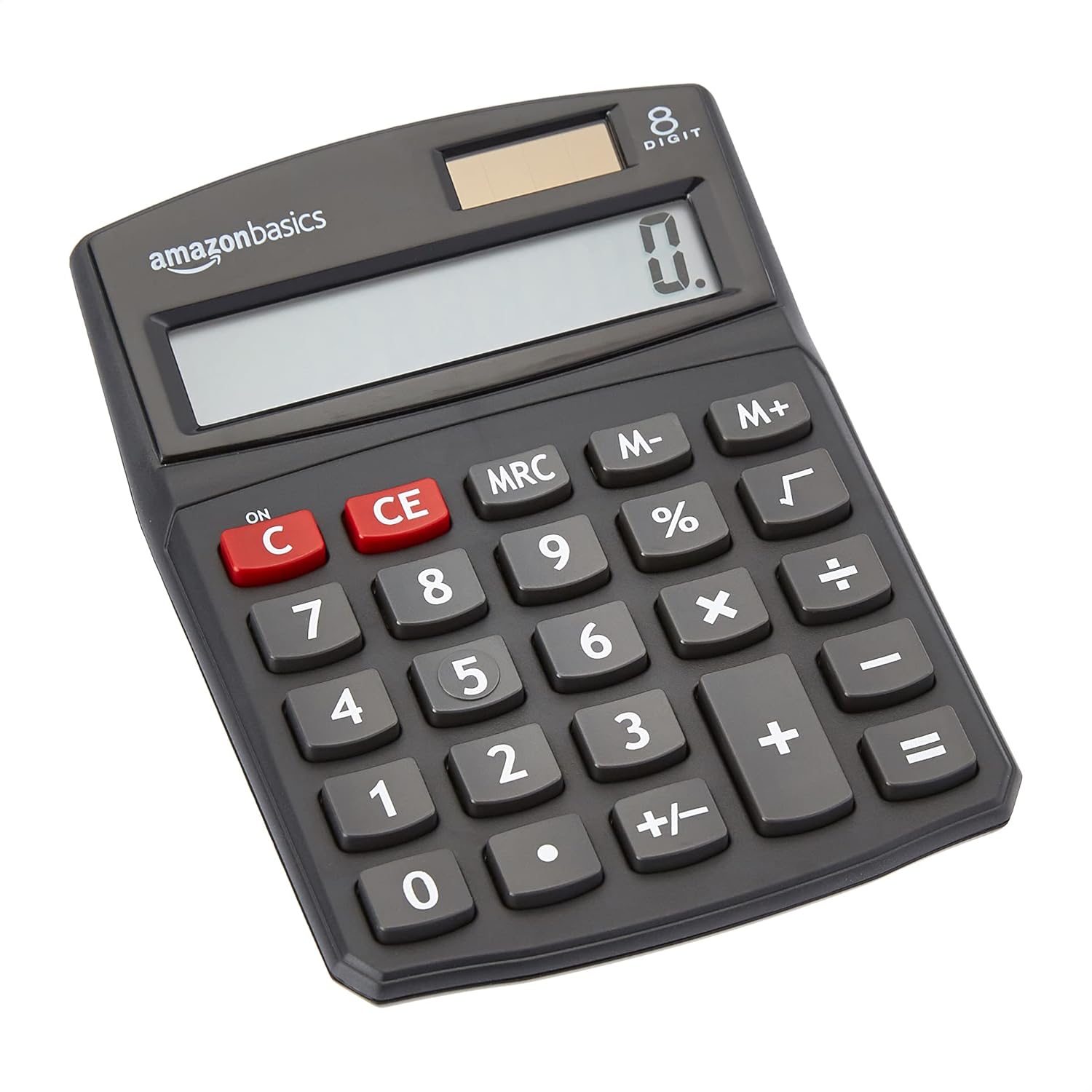
フロント view of the Amazon Basics 8-Digit Desktop Calculator, showcasinコンパクトなデザインとクリアなディスプレイが特徴です。
設定
Your Amazon Basics calculator is ready for use right out of the box. It operates on both solar power and a backup battery, ensuring continuous functionality in various lighting conditions.
電源:
- 太陽光発電: The calculator primarily uses solar energy. Ensure the solar panel, located above the display, is exposed to sufficient light for operation.
- バッテリーバックアップ: An internal battery provides power when light is insufficient or for extended use. No user intervention is required for battery installation or replacement under normal conditions.
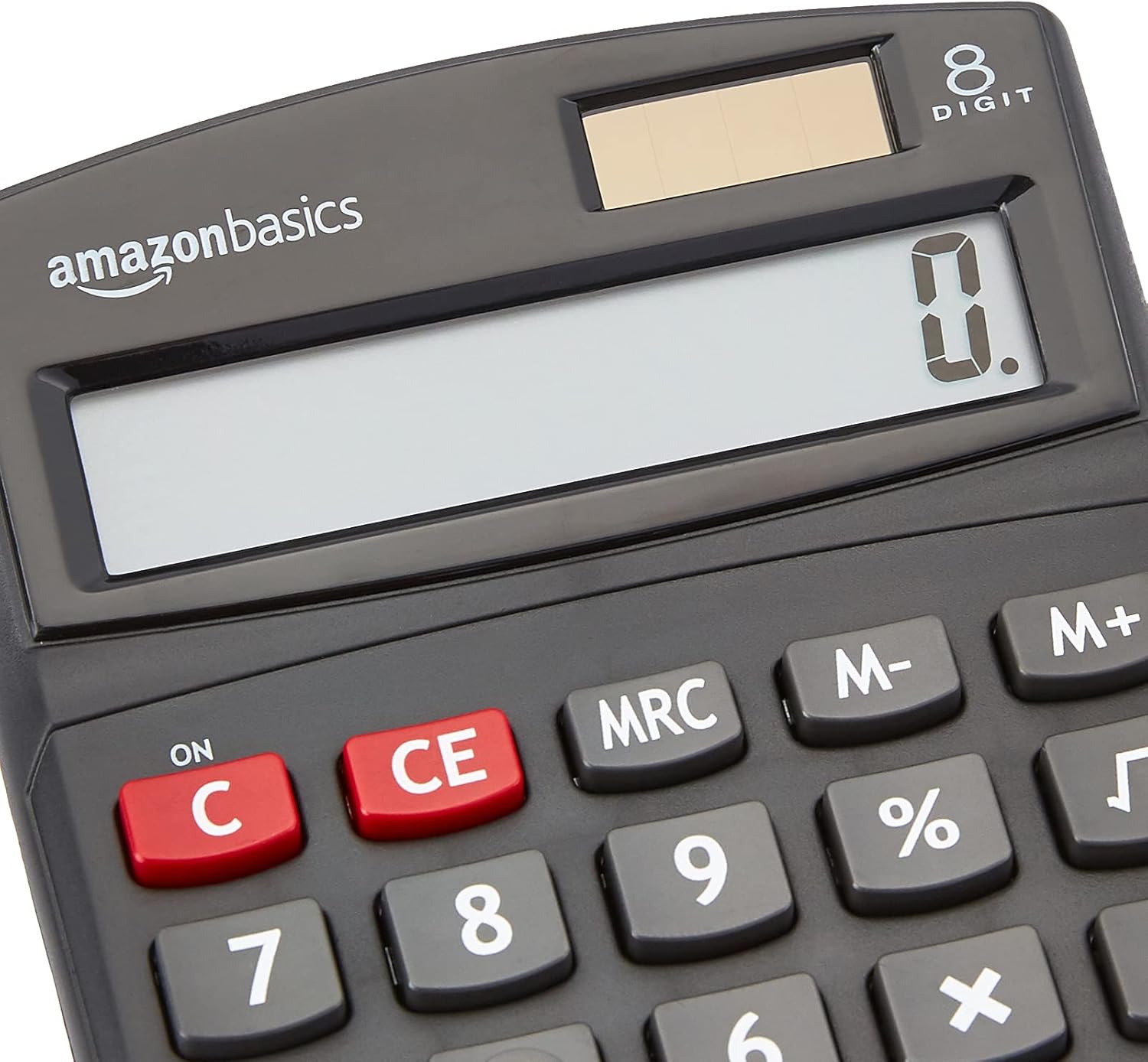
閉じる view of the calculator's LCD display and the integrated solar panel, highlighting the dual power source.
操作手順
The calculator features a standard layout for intuitive operation. Familiarize yourself with the key functions:

詳細 view of the calculator's keypad, showing the layout of numerical and function buttons.
基本操作:
- ON/C (Clear): Press to turn on the calculator or clear the current entry.
- CE (クリアエントリ): Clears the last entered number without affecting previous calculations.
- 数字キー(0~9): 数値を入力するときに使用します。
- 小数点(.): Used for decimal numbers.
- 算術演算子 (+、-、×、÷): 加算、減算、乗算、除算を実行します。
- 等しい (=): Displays the result of the calculation.
高度な機能:
- % (パーセントtage): パーセントを計算しますtages。 例ample, to find 10% of 200, enter 200 × 10 %.
- √(平方根): 表示された数値の平方根を計算します。
- M+, M-, MRC (Memory Functions):
- M +: Adds the displayed number to memory.
- NS-: Subtracts the displayed number from memory.
- MRC: メモリの内容を呼び出します。2回押すとメモリが消去されます。
- +/- (符号変更): 表示されている数値の符号を変更します (正から負、または負から正)。

The 8-digit LCD display showing a full numerical entry, demonstrating its capacity.
メンテナンス
To ensure the longevity and proper functioning of your calculator, follow these simple maintenance guidelines:
- クリーニング: Wipe the calculator with a soft, dry cloth. Do not use liquid cleaners, abrasive pads, or chemical solvents, as these may damage the surface or internal components.
- ストレージ: 電卓は直射日光や極端な温度を避け、涼しく乾燥した場所に保管してください。
- 衝撃を避ける: Protect the calculator from drops and impacts, which can damage the display or internal circuitry.
- ソーラーパネルのお手入れ: Keep the solar panel clean and unobstructed to ensure efficient power generation.
トラブルシューティング
電卓で問題が発生した場合は、次の一般的な問題と解決策を参照してください。
| 問題 | 考えられる原因 | 解決 |
|---|---|---|
| ディスプレイが空白または暗い。 | Insufficient light for solar panel, or low battery. | Move the calculator to a brighter area. If the problem persists, the internal battery may be depleted. |
| キーが反応しません。 | キーの下にほこりやゴミが詰まっている、または内部に故障がある。 | Gently clean around the keys. Press the ON/C button to reset. If unresponsive, contact support. |
| 計算結果が正しくありません。 | Incorrect input sequence, or display overflow. | Press ON/C to clear and re-enter the calculation carefully. Ensure numbers do not exceed 8 digits. |
仕様
- 製品寸法: 5 x 3.72 x 0.1インチ
- 商品の重量: 2.72オンス
- モデル番号: KC-760-8
- ブランド: Amazonベーシック
- 色: 黒
- 電卓の種類: 標準機能
- 電源: 太陽光とバッテリー
- 画面: 8桁のLCD

Visual representation of the calculator's dimensions.
保証とサポート
For detailed warranty information and customer support, please refer to the official documents provided with your product or visit the Amazon Basics support page.


