導入
Thank you for choosing the blucoil 5000mAh Portable Power Bank. This manual provides essential information for the safe and efficient use of your device. Please read it thoroughly before operation and retain it for future reference.
製品終了view
The blucoil 5000mAh Portable Power Bank is a compact and lightweight external battery designed to charge various electronic devices on the go. It features dual USB output ports for simultaneous charging and a Micro USB input for recharging the power bank itself.

Image: The blucoil 5000mAh Portable Power Bank, a black rectangular device with four LED indicator lights and the blucoil logo.
Setup and Charging the Power Bank
Before initial use, fully charge your blucoil Portable Power Bank.
- Locate the Micro USB input port on the power bank.
- Connect one end of the supplied 12-inch Micro USB charging cable to the power bank's input port.
- Connect the other end of the charging cable to a compatible USB wall adapter (not included) or a computer's USB port.
- The LED indicator lights on the power bank will illuminate to show the charging status. A full charge typically takes approximately 3.5 hours.
- Once all four LED lights are solid, the power bank is fully charged and ready for use.
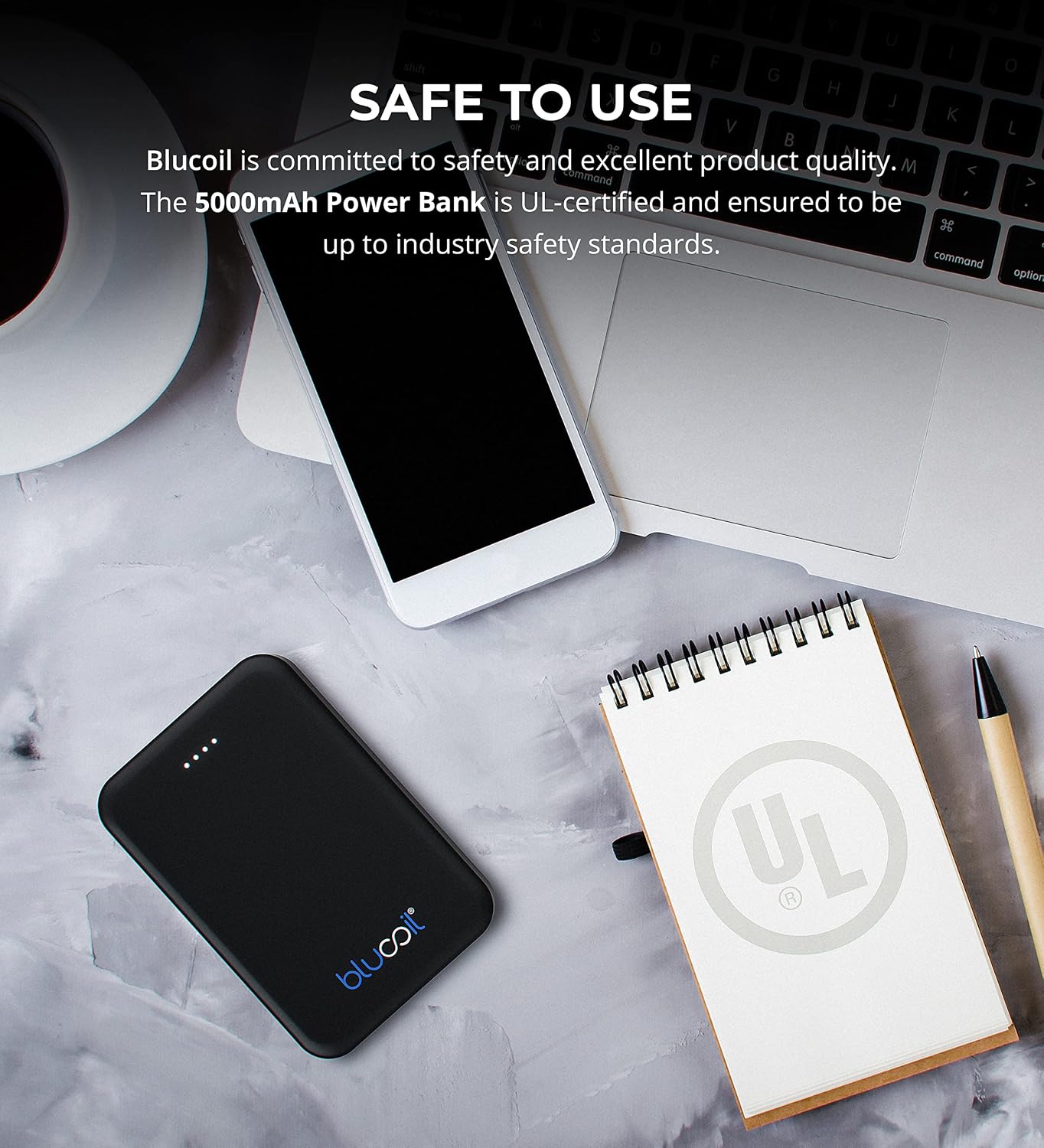
Image: The blucoil power bank connected to a wall adapter via a white USB cable, illustrating the charging process.
操作手順
デバイスの充電
The blucoil 5000mAh Portable Power Bank is equipped with two USB output ports, allowing you to charge up to two devices simultaneously.
- デバイスの充電ケーブルをパワーバンクの USB 出力ポートの 1 つに接続します。
- ケーブルのもう一方の端を電子機器に接続します。
- The power bank will automatically begin charging your device. The LED indicator lights will show the remaining power level of the power bank.
- Both USB ports provide 5V, 2.1A output power, suitable for fast charging compatible devices.

Image: The blucoil power bank simultaneously charging a smartphone and a tablet using its dual USB output ports.
電力レベルインジケーター
The four LED lights on the power bank indicate the remaining battery capacity:
- 4つのLED: 75〜100%充電済み
- 3つのLED: 50〜75%充電済み
- 2つのLED: 25〜50%充電済み
- 1つのLED: 0~25% 充電済み(すぐに再充電してください)
幅広い互換性
The blucoil 5000mAh Portable Power Bank is compatible with a wide range of devices, including but not limited to:
- スマートフォン
- タブレット
- デジタルカメラ
- MP3 / MP4プレーヤー
- ヘッドフォン
- ゲーム機

Image: The blucoil power bank surrounded by icons representing various compatible devices such as phones, tablets, headphones, and game consoles.
メンテナンスとケア
- パワーバンクは乾燥した状態に保ってください。湿気や液体にさらさないでください。
- 極端な温度を避けてください。極端に暑いまたは寒い環境に保管しないでください。
- パワーバンクは柔らかく乾いた布で拭いてください。刺激の強い化学薬品や研磨剤入りの洗剤は使用しないでください。
- Store the power bank with a partial charge (around 50%) if not used for extended periods to prolong battery life.
- パワーバンクを落としたり、強い衝撃を与えたりしないでください。
安全情報
The blucoil 5000mAh Portable Power Bank is designed with safety in mind and is UL-certified, ensuring it meets industry safety standards.
- パワーバンクを分解、改造、または修理しないでください。
- お子様の手の届かない場所に保管してください。
- パワーバンクをショートさせないでください。
- パワーバンクは地域の規制に従って責任を持って廃棄してください。

Image: The blucoil power bank placed next to a notebook with a prominent UL certification logo, indicating product safety compliance.
トラブルシューティング
- パワーバンクが充電されない: Ensure the charging cable is securely connected to both the power bank's Micro USB input and the wall adapter/USB port. Try a different cable or adapter.
- デバイスがパワーバンクから充電されない: Ensure the power bank is sufficiently charged. Check that the device's charging cable is properly connected to both the power bank's output port and your device. Try a different cable.
- 充電が遅い: Ensure you are using a compatible charging cable and that the power bank has adequate charge. Some devices may charge slower if the power bank's charge is very low.
仕様
| 特徴 | 詳細 |
|---|---|
| ブランド | ブルーコイル |
| モデル | 5000mAh ポータブルパワーバンク |
| バッテリー容量 | 5000ミリamp 時間(18.5Wh) |
| 出力巻tage | 5ボルト |
| 出力電流 | 2.1A (per port) |
| コネクタタイプ | マイクロ USB (入力) |
| アイテム重量 | 4.6オンス |
| パッケージ寸法 | 6.26 x 3.58 x 0.71インチ |
| 特集 | Lightweight, Portable, Travel-friendly |
保証とサポート
For warranty information or technical support, please refer to the product packaging or contact blucoil customer service through the retailer where the product was purchased. Keep your proof of purchase for any warranty claims.


