1. はじめに
Thank you for choosing the DEERC D20 Mini Drone. This compact and versatile drone is designed for users aged 14 and up, offering an engaging flight experience with its 720P HD FPV camera, intuitive controls, and various intelligent flight modes. Please read this manual thoroughly before operating the drone to ensure safe and optimal performance.
2. 箱の中身
- カスタマーバージョンクワッドコプター(1)
- リモコン(1)
- 胴体バッテリー(2)
- USB充電ケーブル(1)
- 予備プロペラ(1セット)
- 保護カバー(1セット)
- ドライバー(1)
- 取扱説明書 (1)
3.製品オーバーview
The DEERC D20 Mini Drone is engineered for ease of use and durability, making it suitable for beginners while offering advanced features for experienced pilots. Its foldable design ensures portability, and the included 720P HD camera allows for capturing aerial photos and videos.

Figure 1: DEERC D20 Mini Drone, remote controller, and two batteries.
3.1. 主な特徴
- HD Pictures and Live Videos: Equipped with a 720P HD Wi-Fi camera for aerial photos and videos, with FPV transmission via smartphone app.
- 簡単なコントロール: One Key Start/Landing button, Altitude Hold for stable hovering, Headless Mode for simplified orientation.
- パワフルかつ安全: Features low power alarm, Emergency stop, and 4 propeller guards for safe flight. Includes 2 rechargeable batteries for up to 20 minutes of flight time.
- 3Dフリップとウェイポイントフライ: Perform impressive 3D flips and draw custom flight paths on your smartphone for automated flight.
- Voice Control and Gesture Selfie: Control the drone with voice commands (e.g., "Take off," "Landing") and capture photos/videos with hand gestures.

Figure 2: D20's 720P HD FPV Camera for real-time viewing。
The drone's camera provides a first-person view (FPV) directly to your smartphone, enhancing the immersive flight experience.

Figure 3: Voice Control and Waypoints Fly features for advanced operation.
Utilize voice commands for basic operations and draw flight paths on your phone for automated flight routes.
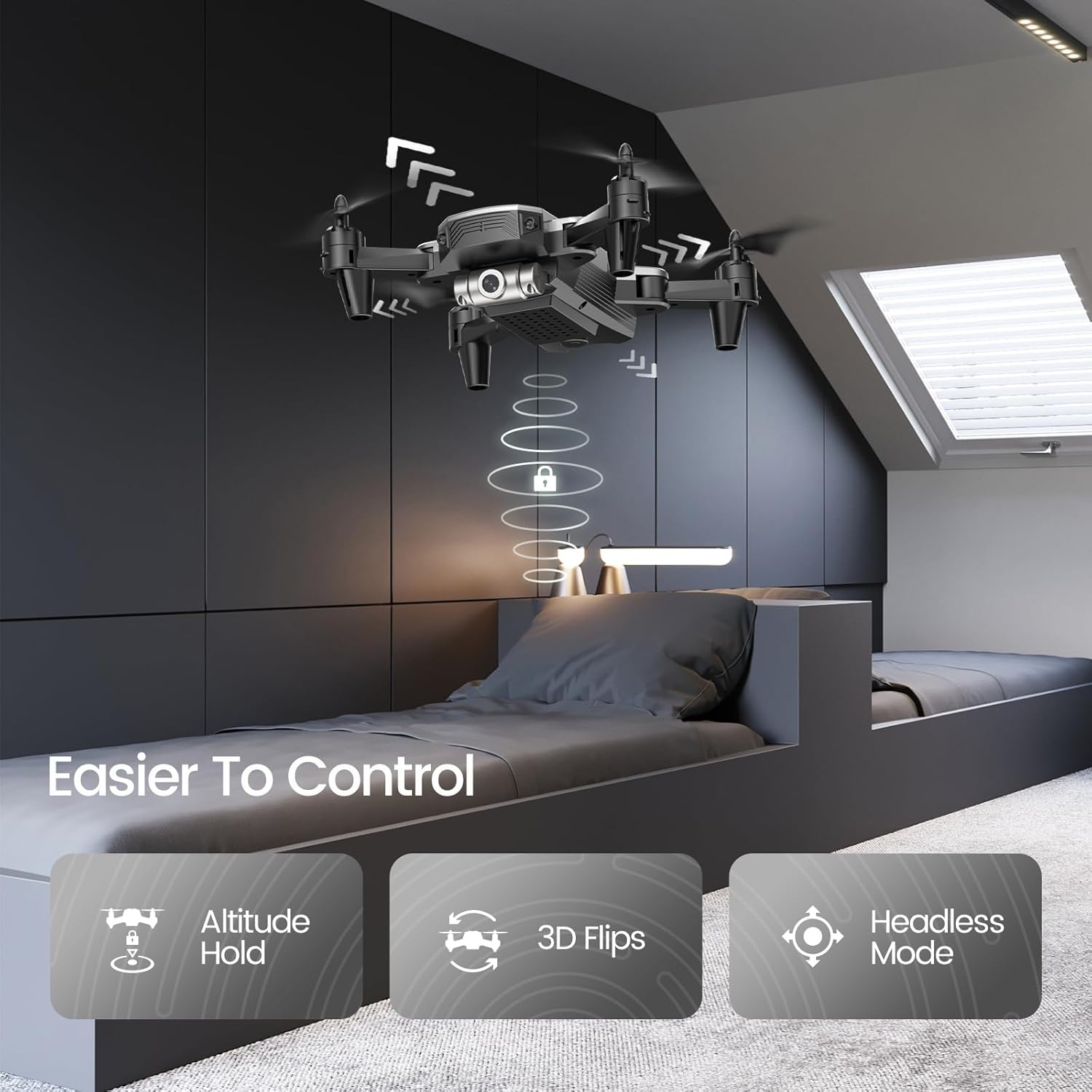
Figure 4: Features like Altitude Hold, 3D Flips, and Headless Mode make the drone easier to control.
Altitude Hold maintains the drone's height, simplifying control, while 3D Flips add excitement to your flights.
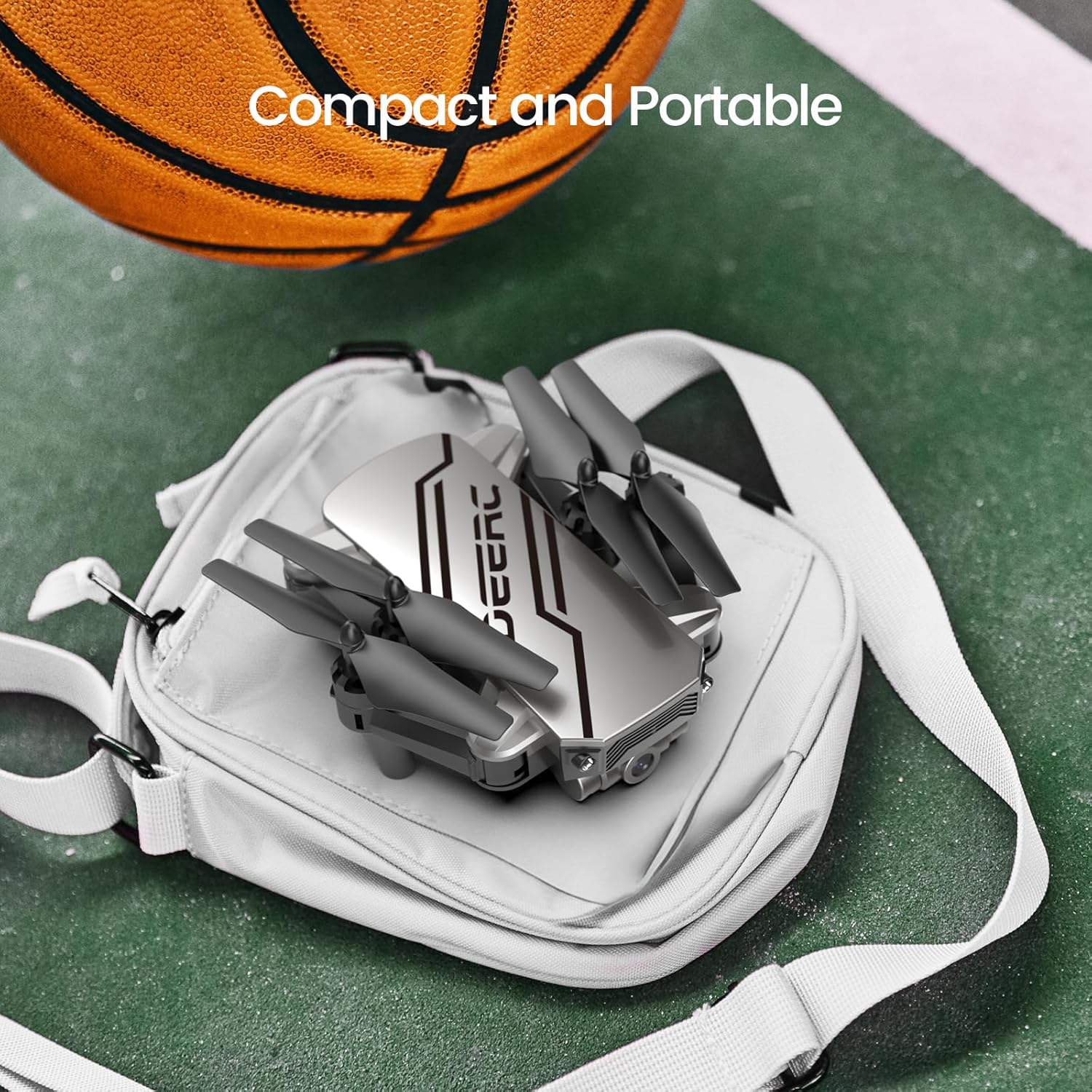
Figure 5: The drone's compact and portable design allows for easy transport.
Its lightweight and foldable design ensures you can take it anywhere.
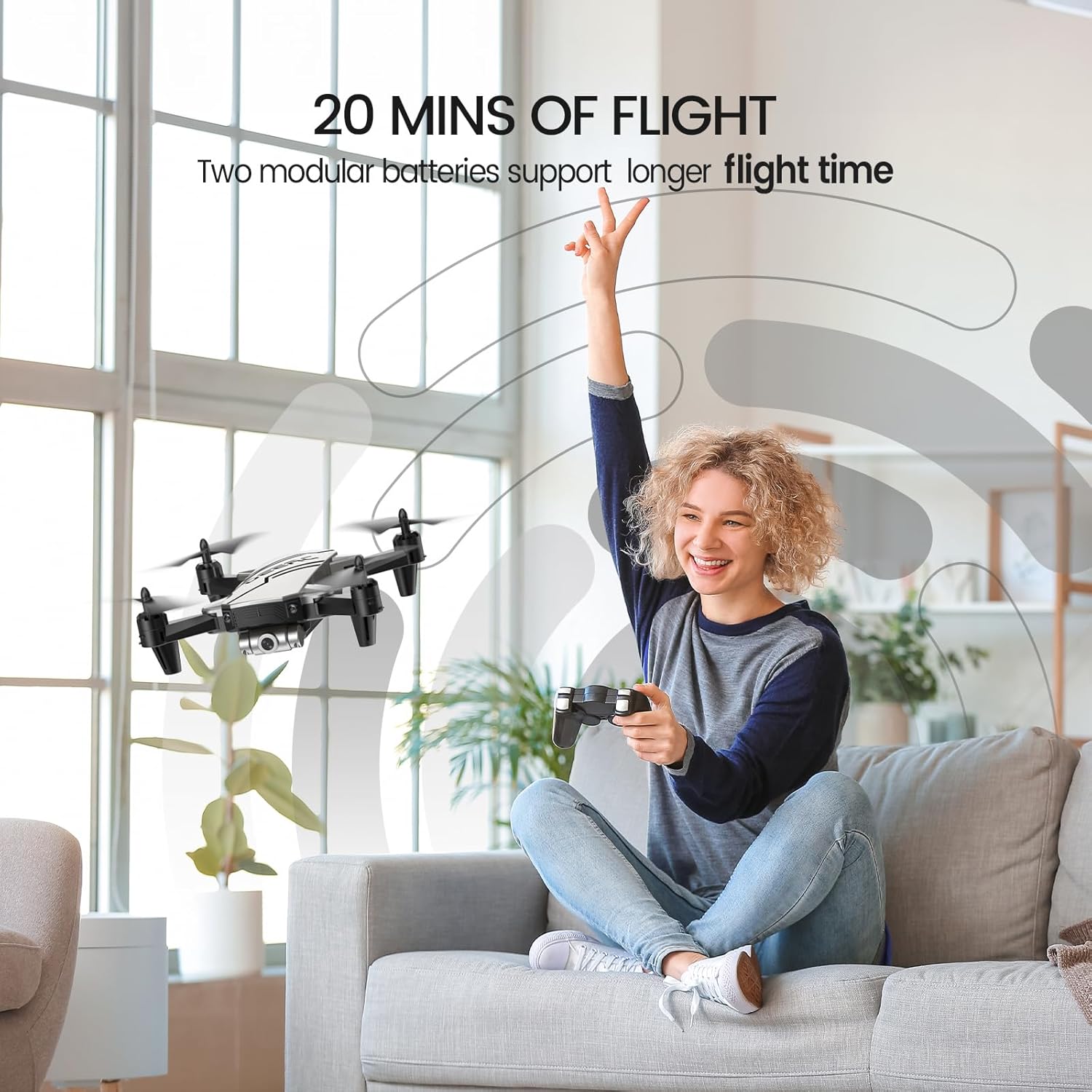
Figure 6: Enjoy extended flight sessions with two included batteries, providing up to 20 minutes of flight time.
The modular batteries are easy to swap, extending your flying fun.
4. セットアップ
4.1.バッテリーの充電
Before first use, fully charge both drone batteries. Connect the USB charging cable to a USB power adapter (not included) and then to the drone battery. The charging indicator will show the charging status. A full charge takes approximately 60-80 minutes per battery.
4.2. Installing Batteries and Propeller Guards
- 充電したバッテリーをドローンのバッテリー収納部にカチッと音がするまで挿入します。
- Attach the propeller guards to each arm of the drone for added protection, especially for beginners.
- リモコンに単4電池3本(別売)を挿入します。
4.3. ドローンとコントローラーのペアリング
- ドローンを平らで水平な場所に置きます。
- ドローンの電源を入れます。インジケーターライトが点滅します。
- リモコンの電源を入れます。
- Push the left joystick up and then pull it down. The drone lights will become solid, indicating successful pairing.
5. 操作手順
5.1. 基本的な飛行制御
- ワンキースタート/着陸: Press the dedicated button on the controller to automatically take off or land.
- 高度維持: The drone will automatically maintain its current altitude when the throttle stick is released.
- 速度調整: Use the speed button on the controller to cycle through low, medium, and high-speed modes.
- ヘッドレスモード: Press the Headless Mode button. The drone will orient itself relative to the pilot, regardless of its actual front direction.
- 3Dフリップ: While flying, press the 3D Flip button and then move the right joystick in any direction to perform a flip.
5.2. Advanced Features (via Smartphone App)
Download the official DEERC FPV app from your device's app store. Connect your smartphone to the drone's Wi-Fi network (usually named "DEERC-D20-XXXX").
- 動画 View: See real-time video feed from the drone's camera on your smartphone.
- 音声コントロール: Use simple voice commands like "Take off" or "Landing" to control the drone.
- ジェスチャーセルフィー: Make a "V" sign or show your palm to the camera to trigger photo or video recording automatically.
- ウェイポイント飛行: Draw a desired flight path on your smartphone screen, and the drone will follow it automatically.
6. メンテナンス
- Regularly inspect propellers for damage. Replace any bent or broken propellers using the included spare parts and screwdriver.
- Keep the drone and controller clean. Wipe with a soft, dry cloth.
- Store the drone and batteries in a cool, dry place away from direct sunlight when not in use.
- Do not overcharge batteries. Disconnect once fully charged.
7。 トラブルシューティング
| 問題 | 考えられる原因 | 解決 |
|---|---|---|
| ドローンがコントローラーに反応しません。 | ペアリングされていません。バッテリー残量が少なくなっています。 | ドローンとコントローラーを再ペアリングし、バッテリーを充電します。 |
| ドローンは飛行中にドリフトします。 | Needs calibration; windy conditions. | ドローンを平らな面で調整し、穏やかな条件で飛行させます。 |
| Poor camera feed/lag. | Wi-Fi 信号が弱い、干渉がある。 | Ensure close proximity to drone; avoid areas with strong Wi-Fi interference. |
| 短い飛行時間。 | バッテリーが完全に充電されていない、古いバッテリーです。 | バッテリーを完全に充電し、古いバッテリーの交換を検討してください。 |
8. 仕様
- ブランド: ディールク
- モデル名: D20
- 色: 銀
- 商品の重量: 69グラム(2.43オンス)
- 製品寸法: 長さ7.72インチ x 幅6.38インチ x 高さ1.69インチ
- ビデオキャプチャ解像度: 720p
- 有効な静止画解像度: 0.92 MP
- 接続技術: Wi-Fi
- バッテリー容量: 0.51 Watt Hours (2 Lithium Polymer batteries included)
- スキルレベル: 初心者
- 推奨年齢: 14歳以上
9.保証とサポート
For warranty information and customer support, please refer to the official DEERC website or contact their customer service directly. You can also find additional resources and a downloadable PDF user manual ここ.
関連文書 - D20
 |
DEERC D70 ドローン:使用説明書と安全ガイドライン DEERC D70ドローンの操作方法を学ぶための総合ガイド。セットアップ、飛行制御、安全上の注意事項、メンテナンスについて解説しています。飛行方法、写真や動画の撮影方法、ヘッドレスモードや360°フリップなどの高度な機能の使い方を学びましょう。 |
 |
DEERC D20 ドローン:使用説明書と安全ガイド DEERC D20ドローンの包括的な取扱説明書、安全ガイドライン、仕様。ドローンの操作、設置、メンテナンス方法を学びましょう。 |
 |
DEERC D10 ドローン:使用説明書と操作ガイド DEERC D10ドローンの包括的なガイド。セットアップ、操作、安全ガイドライン、機能、仕様、連絡先情報を網羅しています。この使いやすいマニュアルで、DEERC D10ドローンを安全かつ効果的に飛行させる方法を学びましょう。 |
 |
DEERC D10 ドローン:使用説明書と操作ガイド DEERC D10ドローンの総合ガイド。安全ガイドライン、設置、操作、充電、機能などを網羅しています。ドローンを安全かつ効果的に飛行させ、メンテナンスする方法を学びましょう。 |
 |
DEERC D50 ドローン:使用説明書、安全ガイドライン、仕様 DEERC D50ドローンの総合ガイド。セットアップ、操作、安全上の注意事項、メンテナンス、技術仕様を網羅しています。バッテリーのメンテナンス、飛行モード、トラブルシューティングに関する情報も含まれています。 |
 |
DEERC D70 ドローン: ユーザーマニュアルとフライトガイド DEERC D70 ドローンの操作に関する包括的なガイド。セットアップ、飛行制御、機能、安全ガイドライン、仕様を網羅しています。 |