導入
This manual provides essential instructions for setting up, operating, maintaining, and troubleshooting your Philips NeoPix Easy+ Projector. Please read this manual thoroughly before using the device to ensure safe and optimal performance.
製品終了view
The Philips NeoPix Easy+ Projector is a compact and versatile device designed for various multimedia applications, featuring Wi-Fi screen mirroring and a built-in media player.

Image: The Philips NeoPix Easy+ Projector, a compact silver and black device, projects a vibrant image onto a screen, illustrating its capability for an 80-inch display.

Image: A close-up of the Philips NeoPix Easy+ Projector next to a smartphone, highlighting its built-in media player, Wi-Fi screen mirroring, and Bluetooth speaker connection features.
設定
開梱と初期検査
Carefully remove all components from the packaging. Verify that all items listed in the packing list are present and undamaged. If any items are missing or damaged, contact customer support.
Video: An unboxing video for the Philips NeoPix Easy and Easy+ projectors, demonstrating the contents of the package and initial setup steps.
電源を接続する
- 電源アダプターをプロジェクターの DC 入力ポートに接続します。
- 電源アダプターを適切なコンセントに差し込みます。
- 電源インジケータライトが点灯します。

画像:側面 view of the Philips NeoPix Easy+ Projector, clearly showing the various input ports including HDMI, USB, MicroSD, AV, and DC power input.
プロジェクターの位置決め
Place the projector on a stable, flat surface. Ensure there is adequate ventilation around the device to prevent overheating. Adjust the distance from the projection surface to achieve the desired screen size. The projector supports up to an 80-inch display.
操作手順
電源オン/オフ
Press the power button on the projector or the remote control to turn the device on or off. Allow a few seconds for the projector to initialize.
フォーカスと台形補正の調整
Use the focus ring and keystone correction slider on the top of the projector to achieve a clear and rectangular image.

画像: トップダウン view of the Philips NeoPix Easy+ Projector, highlighting the focus and keystone adjustment controls located on the top surface of the device.
入力ソースの選択
Navigate the on-screen menu using the remote control to select your desired input source:
- HDMI: Connect external devices like laptops, gaming consoles, or streaming boxes.
- USB: USB ドライブから直接メディアを再生します。
- マイクロSD: Play media directly from a MicroSD card.
- AV: AV ケーブルを使用して古いデバイスを接続します。
- Wi-Fi Screen Mirroring (EZCast/EZMirror): Mirror content from compatible Android, iOS, Windows, or Mac OS devices wirelessly.

Image: The user interface of the Philips NeoPix Easy+ Projector displayed on a screen, showing options for EZCast, EZMirror, VGA, Media, HDMI 1, HDMI 2, and Settings.
オーディオ出力
The projector features built-in stereo speakers. For enhanced audio, you can connect external Bluetooth speakers to the NeoPix Easy+ model.
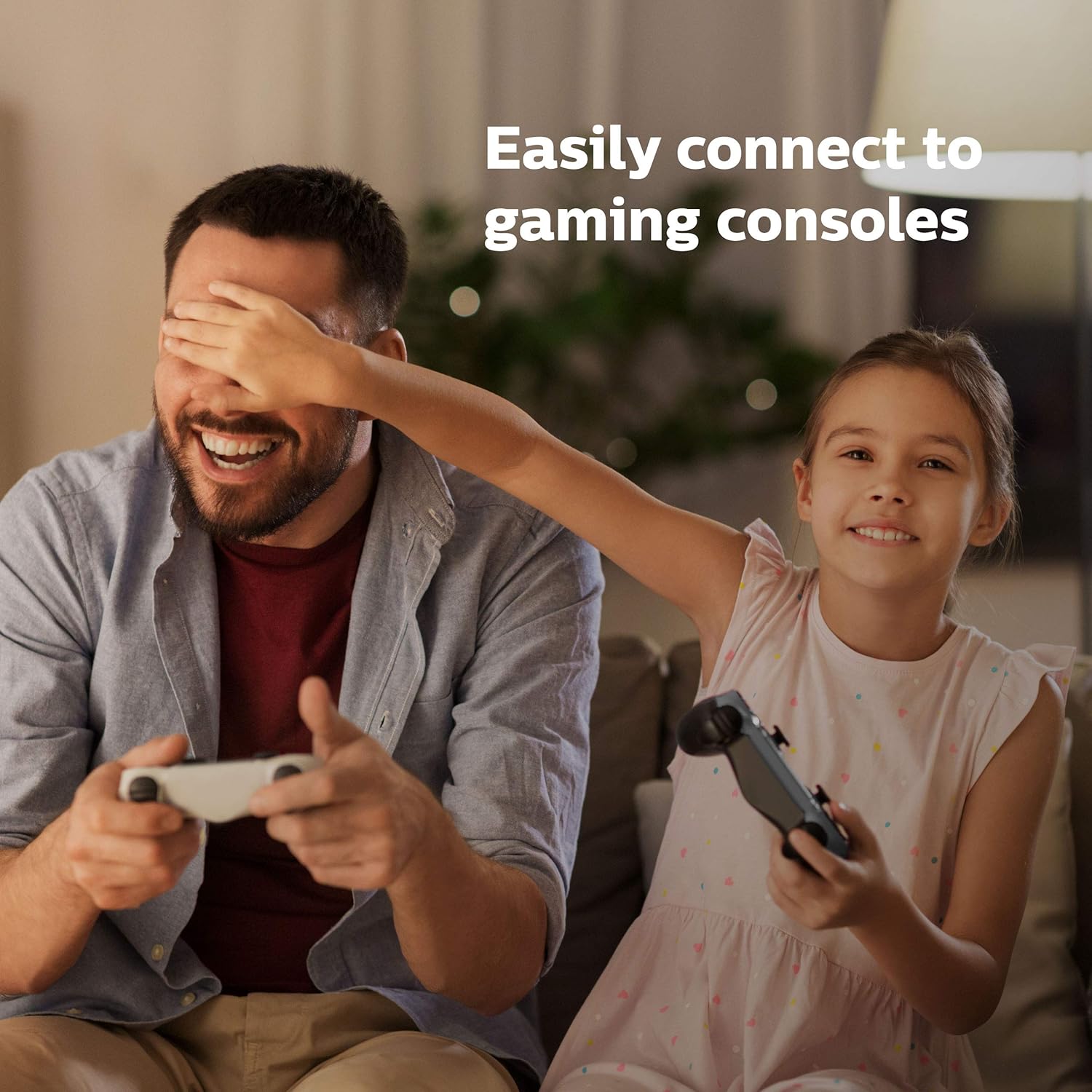
Image: The Philips NeoPix Easy+ Projector on a wooden table with its remote control, emphasizing its built-in sound capabilities.
メンテナンス
レンズのクリーニング
Gently wipe the projector lens with a soft, lint-free cloth. Avoid using abrasive cleaners or solvents that could damage the lens coating.
通気口の掃除
Regularly clean the air vents to ensure proper airflow and prevent overheating. Use a soft brush or compressed air to remove dust and debris.
ストレージ
プロジェクターを使用しない場合は、直射日光や極端な温度を避け、涼しく乾燥した場所に保管してください。損傷を防ぐため、元の梱包または保護ケースを使用してください。
トラブルシューティング
| 問題 | 考えられる原因 | 解決 |
|---|---|---|
| 画像が表示されない | 電源が接続されていません。入力ソースが正しくありません。レンズキャップが装着されています。 | 電源接続を確認し、正しい入力ソースを選択し、レンズキャップを取り外します。 |
| ぼやけた画像 | 焦点が合っていない。キーストーン調整が正しくない。 | Adjust focus ring; adjust keystone slider. |
| 音が出ない | Volume too low; external speakers not connected/paired. | Increase volume; ensure external speakers are properly connected or paired via Bluetooth. |
| Wi-Fi screen mirroring issues | Network connectivity problems; content protection (DRM). | Ensure stable Wi-Fi connection; some streaming services (Netflix, Hulu) may not support direct mirroring due to DRM unless using a PC/Mac with Google Chrome. |
| プロジェクターがうるさい | Normal fan operation; obstructed vents. | Ensure vents are clear; some fan noise is normal during operation. |
Video: A video demonstrating various "Easy Tricks" for Philips NeoPix projectors, including how to connect and mirror content from a PC to the projector.
仕様
- ブランド: フィリップス
- モデル番号: NPX445/INT
- 商品の重量: 1.9ポンド
- 製品寸法: 5.91 x 8.15 x 3.33インチ
- 色: 黒
- 特集: 無線
- 接続技術: ブルートゥース
- ディスプレイ解像度: 800×480
- ディスプレイ解像度最大: 1920×1080
- スピーカータイプ: ステレオ
- 消費電力 (アクティブ): 42W
- 消費電力(スタンバイ時): 0.5W未満
- 電池: 単2電池1本必要(付属)
保証とサポート
保証情報およびテクニカルサポートについては、フィリップスの公式ウェブサイトをご覧ください。 website or contact your local Philips customer service center. Keep your purchase receipt as proof of purchase for warranty claims.