導入
The Lutron Caseta Wireless Smart Switch (model PD-5ANS-WH-R) provides convenient on/off control for lights or fans. This wireless switch can be controlled directly at the device or remotely when paired with Lutron Pico remote controls. For advanced control, including scheduling and voice commands, the switch integrates with the Lutron App via a Smart Bridge (sold separately). It utilizes Lutron's patented Clear Connect RF Technology for reliable communication through walls and floors.
安全情報
- 警告: 感電の危険があります。設置前にブレーカーまたはヒューズボックスの電源を切ってください。
- 国および地域のすべての電気規則に従って設置してください。
- Use only with copper or copper clad wire.
- A neutral wire is required for installation. Verify your electrical box has a neutral wire before proceeding.
- 製品が破損しているように見える場合は使用しないでください。
パッケージ内容
パッケージには次のアイテムが含まれています。
- One (1) Lutron Caseta Wireless Smart Switch (PD-5ANS-WH-R)
Note: Coordinating wallplates and Pico remote controls are sold separately.

画像: 正面 view of the Lutron Caseta Wireless Smart Switch in its retail packaging.
セットアップとインストール
Follow these steps to install your Lutron Caseta Wireless Smart Switch:
- 電源を切る: Before beginning, turn off the power at the circuit breaker for the switch location.
- 既存のスイッチを削除します。 Carefully remove the wallplate and unscrew the existing switch from the wall box. Disconnect the wires.
- ワイヤーを識別する: You will typically find a Line (hot) wire, a Load wire (to the light/fan), a Neutral wire, and a Ground wire. A neutral wire is essential for this switch.
- Wire the Caseta Switch: Connect the wires from the wall box to the corresponding wires on the Caseta switch. Refer to the wiring diagram provided with your product for specific connections. Typically:
- Black wire (Switch) to Line (hot) wire (Wall Box)
- Red wire (Switch) to Load wire (Wall Box)
- White wire (Switch) to Neutral wire (Wall Box)
- Green wire (Switch) to Ground wire (Wall Box)
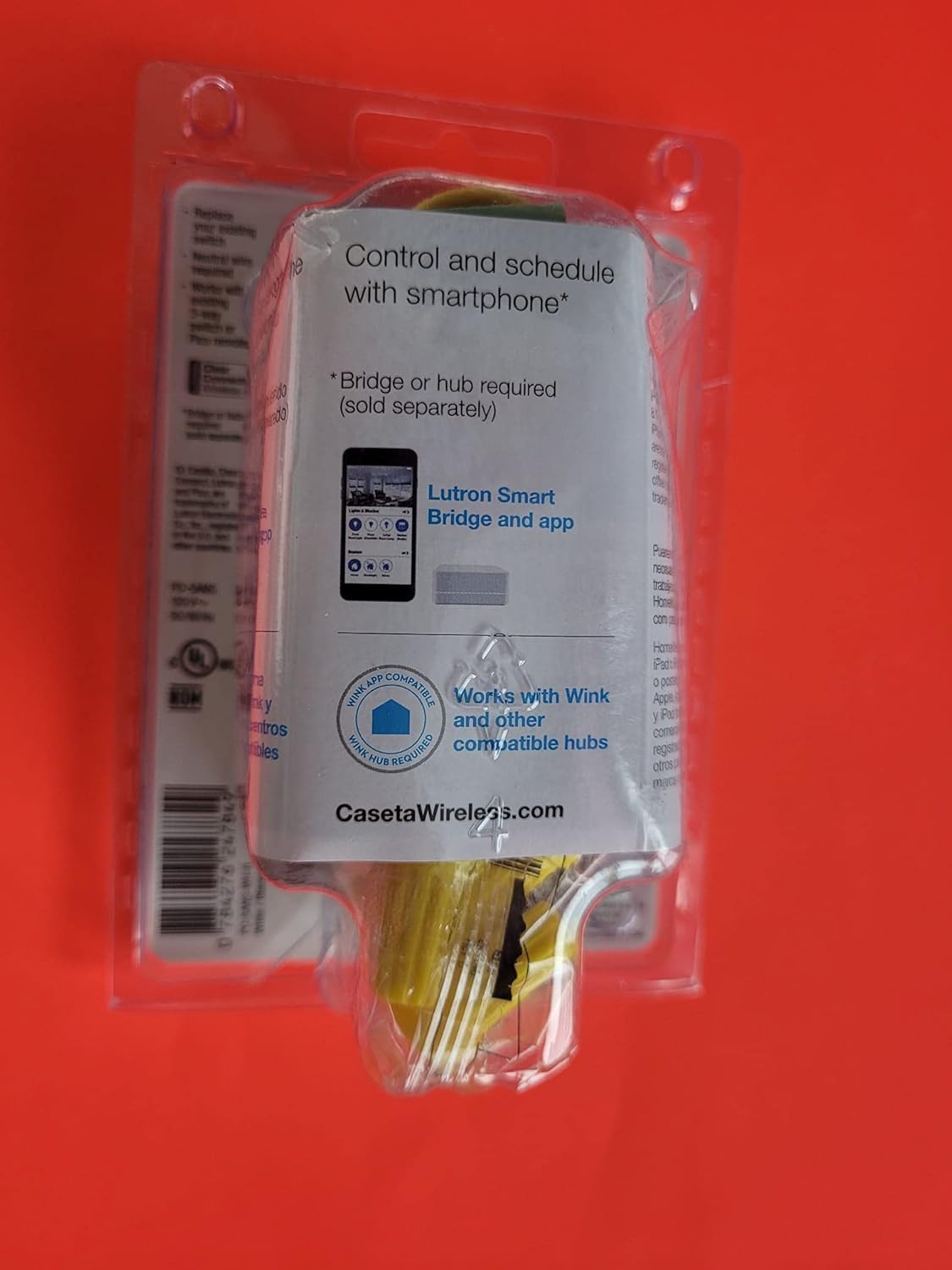
画像: 背面 view of the Lutron Caseta Wireless Smart Switch, showing wiring terminals.
- スイッチを取り付けます。 Gently push the wired switch into the wall box and secure it with screws. Attach the new wallplate (sold separately).
- 電力を回復する: 回路ブレーカーで電源を再度オンにします。
- システム統合(オプション): For smartphone and voice control, a Lutron Smart Bridge is required (sold separately). Download the Lutron App and follow the in-app instructions to add your new switch to your Caseta system.
- 3-Way Applications: For multi-location control, the Caseta switch can be used with an existing toggle switch or paired with 2-button Pico remote controls (PJ2-2B-GWH-L01, sold separately). Consult the specific wiring instructions for 3-way setups.
操作手順
The Lutron Caseta Wireless Smart Switch offers multiple ways to control your lights or fans:
- 手動制御: スイッチの上部のボタンを押すと、接続された負荷がオンになります。下部のボタンを押すと、接続された負荷がオフになります。
- ピコリモコン: If paired with a Pico remote (sold separately), use the ON/OFF buttons on the remote to control the switch wirelessly.
- Lutron アプリコントロール: Once connected to a Lutron Smart Bridge (sold separately) and configured in the Lutron App, you can control the switch from your smartphone or tablet. This includes turning lights/fans on/off, creating schedules, and setting scenes.
- 音声コントロール: When integrated with a compatible voice assistant (e.g., Amazon Alexa, Google Assistant, Apple HomeKit) via the Lutron Smart Bridge, you can use voice commands to operate the switch.
メンテナンス
The Lutron Caseta Wireless Smart Switch is designed for maintenance-free operation. To clean the switch, wipe it with a soft, damp cloth. Do not use chemical cleaners. There are no user-serviceable parts inside the switch.
トラブルシューティング
If you encounter issues with your Lutron Caseta Wireless Smart Switch, consider the following:
- スイッチが応答しない: Ensure power is on at the circuit breaker. Check all wire connections are secure.
- Lights/Fan Not Turning On/Off: Verify the load (light bulb or fan) is functioning correctly. Ensure the switch is wired correctly, especially the Line and Load connections.
- Lights Blinking or Flickering: This can sometimes indicate incorrect wiring, particularly in 3-way setups, or an incompatible load. Ensure a neutral wire is properly connected. For low-wattage LED loads, a load capacitor might be required (consult Lutron support).
- アプリ/音声制御の問題: Confirm your Lutron Smart Bridge is powered on and connected to your home network. Ensure the switch is properly paired with the Smart Bridge in the Lutron App. Check your Wi-Fi connectivity and router settings.
- Picoリモコンがスイッチを制御できない: Picoリモコンがスイッチと正しくペアリングされていることを確認してください。ペアリング手順については、Picoリモコンの取扱説明書を参照してください。
- 中性線の要件: Many smart switches, including this model, require a neutral wire. If your electrical box lacks a neutral wire, the switch will not function correctly.
さらにサポートが必要な場合は、Lutron カスタマー サポートにお問い合わせください。
仕様
| モデル番号 | PD-5ANS-WH-R |
| 操作モード | On/Off, Toggle |
| 現在の評価 | 5 Amps |
| 連絡先の種類 | 通常オープン |
| コネクタタイプ | 無線 |
| ターミナル | SPST (単極単投) |
| 回路タイプ | 単極または3方向 |
| 取り付けタイプ | 壁掛け |
| 制御方法 | Manual, App (via Smart Bridge), Voice (via Smart Bridge) |
| 接続プロトコル | Lutron Clear Connect RF Technology, Wi-Fi (via Smart Bridge) |
| 対応デバイス | iOS, Android, Wi-Fi enabled devices (with Smart Bridge) |
| 寸法(長さ×幅×高さ) | 6 x 3 x 4インチ(製品) |
| アイテム重量 | 4.8オンス |
| 色 | ホワイト、グレー |
| 国際保護格付け | IP54 |
保証情報
Lutron products typically come with a manufacturer's warranty. For detailed information regarding the warranty period, coverage, and terms for your PD-5ANS-WH-R switch, please refer to the documentation included with your purchase or visit the official Lutron webサイト。
サポート
For technical support, troubleshooting assistance, or further product information, please contact Lutron customer service directly. You can typically find contact details, FAQs, and additional resources on the official Lutron webサイト:
Lutron Official Webサイト: www.lutron.com


