1. はじめに
This manual provides instructions for the proper use and care of your Siser EasyWeed Heat Transfer Vinyl Sheet. Siser EasyWeed is a durable and versatile material designed for creating custom designs on various fabrics using a heat press or home iron. It is known for its ease of use, including hot or cold peeling, and its ability to be layered.
This product is CPSIA certified, making it suitable for use on children's clothing.
2. セットアップと準備
2.1 開梱と検査
Carefully unroll the Siser EasyWeed vinyl sheet. Inspect the material for any visible damage or imperfections before use.
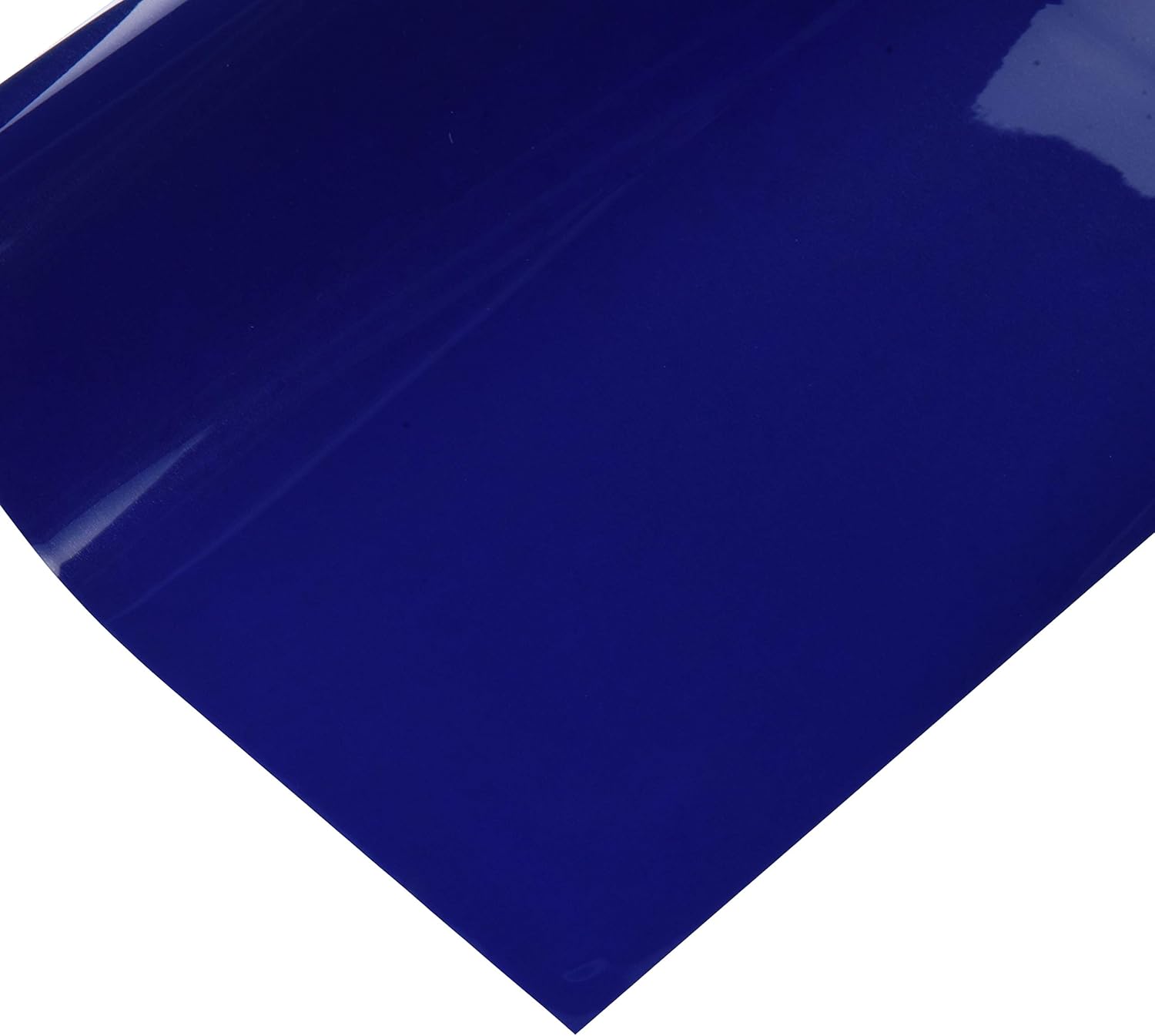
This image displays a single sheet of Siser EasyWeed Heat Transfer Vinyl in a vibrant royal blue color, ready for crafting projects.
2.2 Design Creation and Cutting
- Design Your Graphic: Create your desired design using graphic software.
- Mirror the Image: It is crucial to mirror or flip your design horizontally before sending it to your cutting machine. The vinyl is cut from the back, and mirroring ensures the design appears correctly when applied.
- Load Vinyl: Place the Siser EasyWeed vinyl into your cutting machine (e.g., Cricut, Cameo, Scan N Cut) with the glossy carrier sheet facing down. The matte side should be facing up for cutting.
- Adjust Cut Settings: Refer to your cutting machine's manual for recommended settings for heat transfer vinyl. Perform a test cut to ensure proper blade depth and pressure. The goal is to cut through the vinyl layer but not the clear carrier sheet.
- Cut the Design: Send your mirrored design to the cutting machine.
2.3 Weeding
After cutting, remove the excess vinyl from around your design. This process is called weeding. Siser EasyWeed is designed to weed easily without lifting the desired parts of the design from the carrier sheet.
3. 申請手順
Siser EasyWeed can be applied with a heat press or a home iron. Always test on a small, inconspicuous area of the fabric first.
3.1 ファブリックの互換性
Siser EasyWeed is suitable for application on 100% cotton, 100% polyester, and cotton/polyester blends.
3.2 Heat Press Application
- Pre-heat Garment: Place your garment on the heat press and pre-press for 2-3 seconds to remove moisture and wrinkles.
- ポジションデザイン: Place your weeded design onto the garment with the clear carrier sheet facing up.
- 熱を加える: Press at 305°F (150°C) for 15 seconds with medium pressure.
- Peel Carrier: Siser EasyWeed can be peeled hot or cold. Carefully peel the clear carrier sheet away from the design. If the vinyl lifts, re-press for a few more seconds.
3.3 Home Iron Application
- 表面の準備: Place the garment on a hard, flat surface (e.g., a countertop, not an ironing board).
- Pre-heat Garment: Iron the area where the design will be applied for 10-15 seconds to remove moisture and wrinkles.
- ポジションデザイン: Place your weeded design onto the garment with the clear carrier sheet facing up.
- 熱を加える: Set your iron to a medium-high temperature (cotton setting) with no steam. Apply firm, even pressure to all areas of the design for 20-30 seconds. For larger designs, press in sections, overlapping slightly.
- Peel Carrier: Siser EasyWeed can be peeled hot or cold. Carefully peel the clear carrier sheet away from the design. If the vinyl lifts, re-press for a few more seconds.
3.4 Layering
Siser EasyWeed's one-second tack feature makes it excellent for layering. Apply each layer for a short period (e.g., 5 seconds) at the recommended temperature, then do a final full press (15 seconds) after all layers are applied.
4. お手入れとメンテナンス
4.1 Washing Instructions for Applied Garments
To ensure the longevity of your applied design, follow these guidelines:
- Wait 24 hours after application before washing.
- Wash garment inside out.
- Machine wash cold with mild detergent.
- 漂白剤を使用しないでください。
- Tumble dry on low heat or hang dry.
- ドライクリーニング不可。
- If ironing is necessary, iron the garment inside out, avoiding direct contact with the vinyl design.
Siser EasyWeed is extremely durable and designed to withstand many washes when properly applied and cared for.
4.2 Storage of Unused Vinyl
Store unused vinyl sheets flat in a cool, dry place away from direct sunlight to prevent damage or degradation of the adhesive.
5。 トラブルシューティング
5.1 Vinyl Not Sticking to Garment
- Insufficient Heat/Pressure: Ensure your heat press or iron is at the correct temperature and you are applying firm, even pressure.
- Too Short Press Time: Increase the press time slightly.
- Moisture in Garment: Always pre-press the garment to remove moisture.
- Wrong Side Up: Ensure the glossy carrier sheet is facing up during application.
5.2 Vinyl Lifting During Weeding
- Blade Depth/Pressure: Your cutting machine's blade may be too deep or the pressure too high, cutting into the carrier sheet. Adjust settings and perform a test cut.
- 鈍い刃: A dull blade can tear the vinyl instead of cutting cleanly. Replace if necessary.
5.3 Design Peeling After Washing
- 不適切な適用: The vinyl may not have been fully adhered during the initial application. Re-press if possible.
- Washing Too Soon: Ensure you wait at least 24 hours before the first wash.
- Harsh Washing Conditions: Review and follow the recommended washing instructions carefully.
6. 仕様
| 特徴 | 詳細 |
|---|---|
| 製品名 | Siser EasyWeed Heat Transfer Vinyl Sheet |
| モデル番号 | 10041454 |
| ブランド | サイザー |
| シート寸法 | 11.8インチ×36インチ |
| 色 | ロイヤルブルー |
| 材質タイプ | Heat Transfer Vinyl (HTV) |
| 認証 | CPSIA Certified (suitable for children's clothing) |
| 適用温度 | 305°F (150°C) |
| プレス時間 | 15 seconds (heat press), 20-30 seconds (home iron) |
| Peel Type | 暑いか寒いか |
| アイテム重量 | 4.6オンス |
| 製品寸法(パッケージ) | 11.95 x 1.7 x 1.7インチ |
7. 保証とサポート
7.1 製品サポート
For additional support, technical assistance, or inquiries regarding Siser EasyWeed Heat Transfer Vinyl, please visit the official Siser webメーカーのウェブサイトをご覧いただくか、カスタマーサービス部門にお問い合わせください。連絡先は通常、製品のパッケージまたはメーカーのウェブサイトに記載されています。 webサイト。
7.2 保証情報
Specific warranty details for Siser EasyWeed Heat Transfer Vinyl are generally provided by the manufacturer. Please refer to the Siser official website or product packaging for the most current warranty terms and conditions.


