1. はじめに
The Snakebyte Gamepad S Pro is a wireless controller designed for use with Nintendo Switch, Switch Lite, and Switch OLED consoles. It offers a console-style gaming experience with features such as dual precision analog sticks, dual rumble motors for immersive feedback, and a dedicated Capture button for recording gameplay moments. The controller connects via Bluetooth 3.0, aiming to provide a low-latency gaming experience. It also includes an assignable turbo feature and charges via an included USB-C cable.

図1: 前面 view of the Snakebyte Gamepad S Pro Controller.
2. セットアップ
2.1 コントローラの充電
Before initial use, fully charge the controller. Connect the included 5.9 ft (1.8 m) USB-C cable to the controller's charging port and the other end to a USB power source (e.g., Nintendo Switch dock, USB wall adapter, or computer USB port). The charging indicator lights on the controller will provide status feedback.
2.2 Nintendo Switchとのペアリング
To pair the Snakebyte Gamepad S Pro with your Nintendo Switch console:
- Nintendo Switch 本体の電源がオンになっており、最新のシステム ソフトウェアに更新されていることを確認してください。
- ホームメニューから、 「コントローラー」、 それから 「グリップ/順序の変更」.
- On the Snakebyte Gamepad S Pro, press and hold the ホームボタン (家のアイコン)と Yボタン simultaneously for approximately 5 seconds. The indicator lights on the controller will begin to flash rapidly.
- Once the controller is successfully paired, the player indicator light(s) on the bottom of the controller will illuminate solid.
The controller is compatible with Nintendo Switch, Switch OLED, and Switch Lite models.

Figure 2: The Gamepad S Pro is compatible with Nintendo Switch, Switch OLED, and Switch Lite.
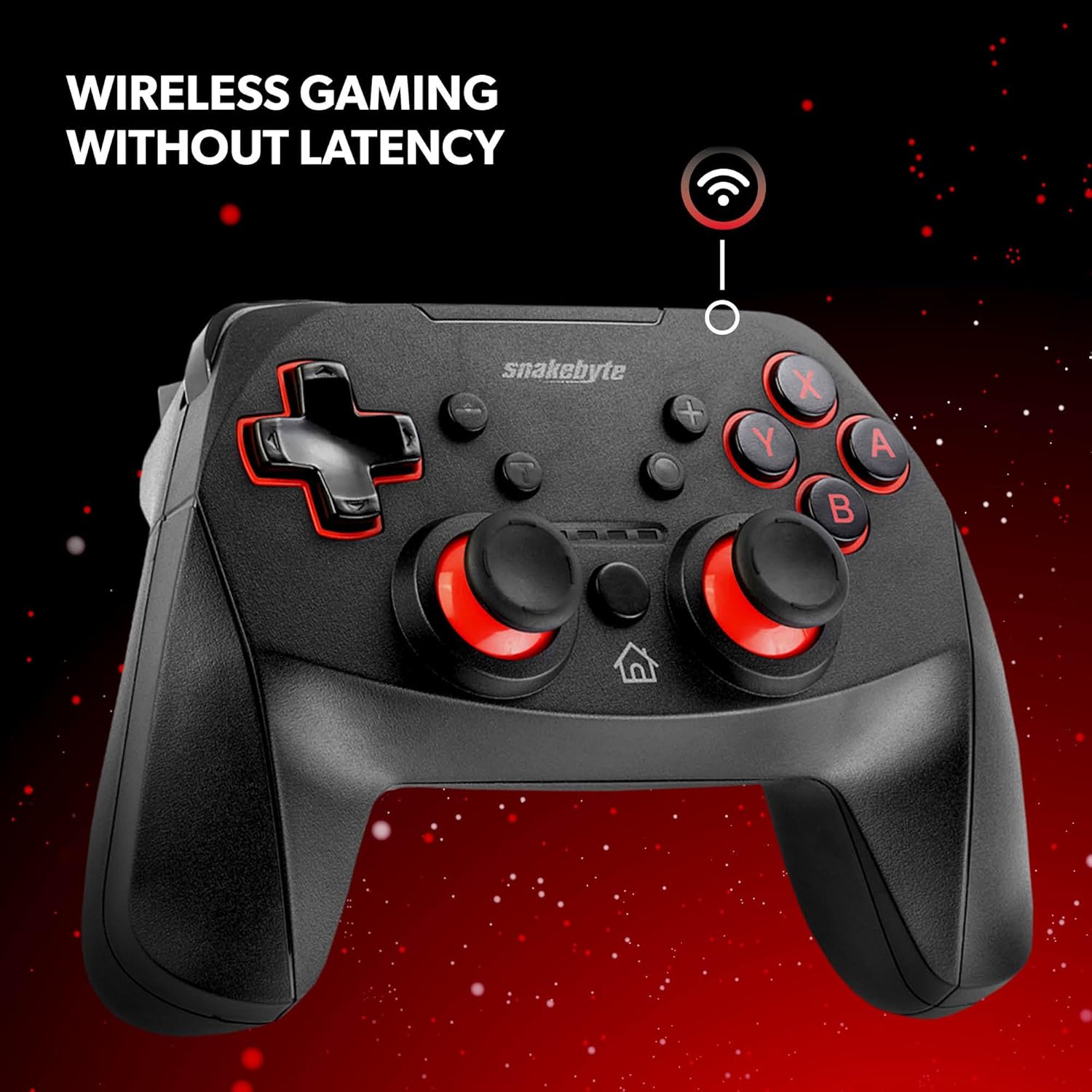
Figure 3: The controller offers wireless connectivity for gaming without latency.
3. コントローラーの操作
3.1 ボタンのレイアウトと機能
- A/B/X/Y ボタン: 標準のアクション ボタン。
- 十字キー: 方向入力。
- 左/右アナログスティック: 正確な動きとカメラ制御を実現します。
- L/Rボタン: 肩ボタン。
- ZL/ZR ボタン: トリガーボタン。
- ホームボタン: HOMEメニューに戻ります。
- キャプチャボタン: Saves screenshots or video clips of gameplay.
- プラス(+)/マイナス(-)ボタン: Equivalent to Start/Select or Menu buttons.
3.2 Dual Rumble Vibration
The controller features dual rumble motors that provide haptic feedback, enhancing immersion during gameplay. The intensity of the vibration is determined by the game.
3.3 Assignable Turbo Feature
The assignable turbo feature allows a button to be pressed repeatedly with a single hold. Consult the controller's specific instructions (often included in the packaging or on the manufacturer's website) for details on how to assign and activate the turbo function for desired buttons.
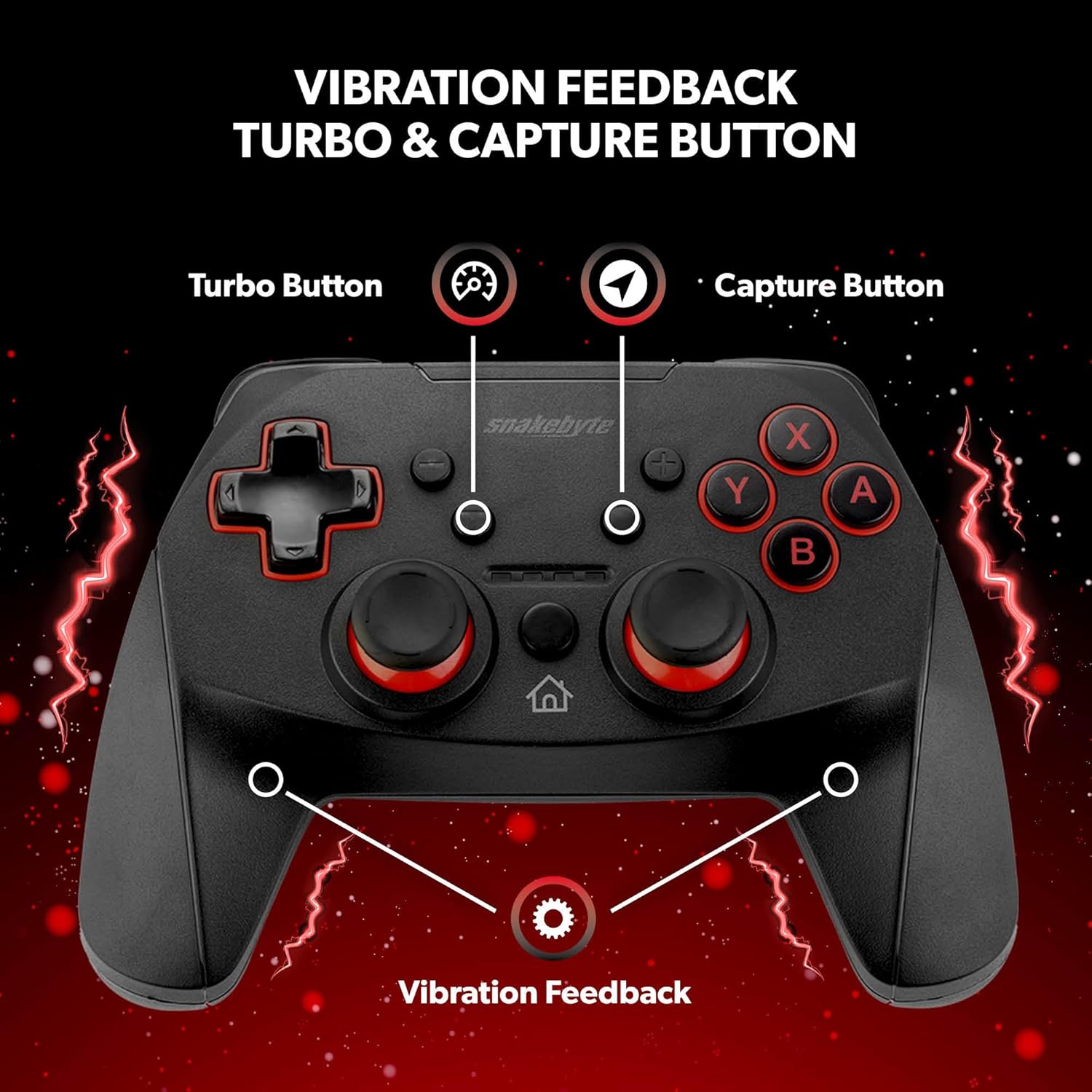
Figure 4: Key features including Turbo Button, Capture Button, and Vibration Feedback.
3.4オーディオジャック
The controller is equipped with an audio jack, allowing you to connect a compatible headset for in-game audio and communication (if supported by the game and console settings).

Figure 5: Detail of the controller's audio jack.
4. メンテナンス
4.1 クリーニング
コントローラーを清掃するには、柔らかく乾いた布を使用してください。頑固な汚れには、軽くampen the cloth with water. Avoid using harsh chemicals, abrasive cleaners, or solvents, as these can damage the controller's surface and internal components.
4.2バッテリーケア
The controller contains a rechargeable Lithium Metal battery. To prolong battery life:
- バッテリーを頻繁に完全に放電することは避けてください。
- 長期間使用しない場合は、コントローラーを涼しく乾燥した場所に保管してください。
- コントローラーを極端な温度にさらさないでください。
5。 トラブルシューティング
- コントローラーが頻繁にペアリングされない、または切断される:
- コントローラーが完全に充電されていることを確認してください。
- Verify the pairing steps (Home + Y buttons) are followed correctly.
- Move closer to the Nintendo Switch console to ensure a strong Bluetooth connection.
- Check for any firmware updates for the controller on the official Snakebyte website, as updates can resolve connectivity issues.
- Restart both the Nintendo Switch console and the controller.
- Buttons or joysticks are unresponsive or sticking:
- Power off the controller and then power it back on.
- Ensure no debris is lodged around the buttons or joysticks. Clean as per maintenance instructions.
- Controller does not wake the Nintendo Switch from standby:
- This controller may not support waking the console from standby mode. Power on the console manually using the power button on the console itself.
- No Gyro Sensor:
- Please note that this controller does not include a gyro sensor. Games requiring motion controls or fine aiming adjustments via tilting will not function as intended with this controller.
6. 仕様
| モデル番号 | SB911194 |
| ブランド | Snakebyte |
| 接続性 | ブルートゥース3.0 |
| 互換性 | Nintendo Switch、Switch Lite、Switch OLED |
| 寸法(長さ×幅×高さ) | 3.94 x 2.36 x 5.51インチ |
| アイテム重量 | 8.47オンス(240グラム) |
| 電池のタイプ | リチウム金属電池 1 個 (付属) |
| 充電ケーブルの長さ | 5.9フィート(1.8メートル) |
| 特集 | Dual Motor Vibration, Assignable Turbo, Capture Button, Audio Jack |

Figure 6: The controller is designed for absolute durability.
7. 保証とサポート
For detailed warranty information, please refer to the warranty card included with your product packaging or visit the official Snakebyte website. For technical support, product registration, or further inquiries, please contact Snakebyte customer service through their official channels.
Official Snakebyte Webサイト: www.snakebyte.com


