導入
This manual provides essential information for the safe and efficient operation of your Severin BM3990 Bread Maker. Please read these instructions carefully before first use and keep them for future reference. The Severin BM3990 is designed to simplify the bread-making process, offering fully automatic kneading and baking for a variety of bread types, pizza dough, and cakes.
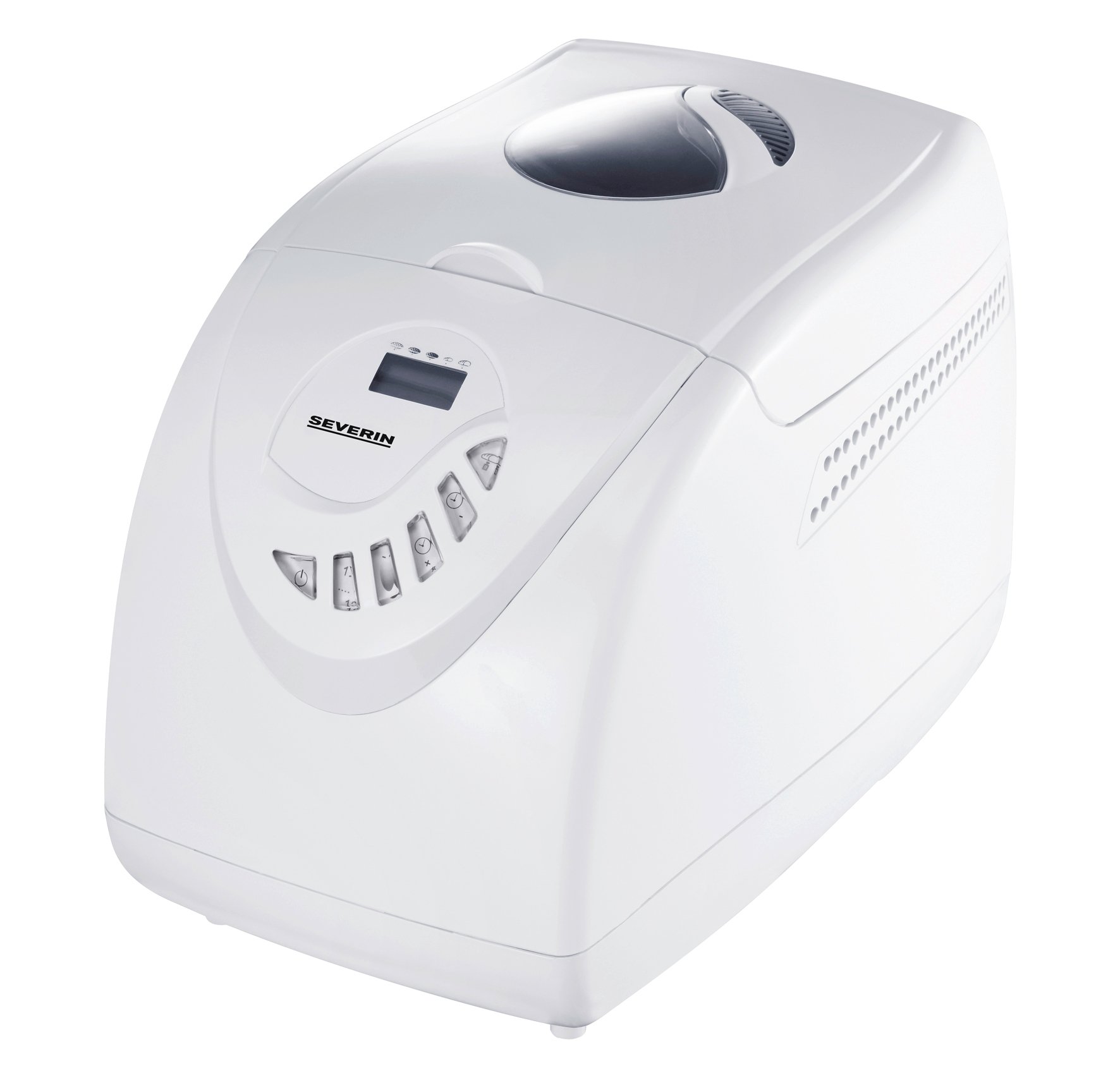
Image: The Severin BM3990 Bread Maker, a compact appliance designed for automatic bread preparation.
安全に関する注意事項
怪我や損傷を防ぐために、常に次の安全上の注意事項を守ってください。
- アプライアンスを操作する前に、すべての指示をお読みください。
- 機器、コード、プラグを水やその他の液体に浸さないでください。
- 本機器はお子様の手の届かない場所に保管してください。
- 使用しないときや清掃する前に、アプライアンスをコンセントから抜いてください。
- コードやプラグが損傷している機器は操作しないでください。
- 可動部品との接触を避けてください。
- 熱いガスバーナーや電気バーナーの上や近く、または加熱されたオーブンの中に機器を置かないでください。
- 操作中は機器の周囲に十分な換気を確保してください。
- The appliance housing is designed with cool-touch technology, but caution should still be exercised around the lid and viewing window during and immediately after baking.
製品終了view
The Severin BM3990 Bread Maker features a user-friendly design with multiple functions to assist in baking. Key components and features include:
- コントロールパネル: An intuitive LED display and baking cycle selector for easy program selection.
- ベーキングパン: A detachable non-stick baking pan for easy removal of bread and cleaning.
- ふた Viewウィンドウ: 蓋を開けずに焼き上がりの状況を監視できます。
- 練り刃: Located inside the baking pan for automatic dough preparation.
- クールタッチハウジング: 動作中は触っても熱くならないように設計されています。
- メモリ機能: Retains program settings for up to 5 minutes in case of a power failure.
- 音響信号: Notifies the user when to add complementary ingredients.

画像: サイド view of the Severin BM3990 Bread Maker, highlighting its compact design.
設定
- 開梱: Carefully remove the bread maker and all accessories from the packaging. Retain packaging for future transport or storage.
- 初期クリーニング: Before first use, wash the detachable baking pan and kneading blade with warm, soapy water. Rinse thoroughly and dry completely. Wipe the exterior of the appliance with a damp 布。
- 配置: Place the bread maker on a stable, flat, heat-resistant surface, away from direct sunlight and heat sources. Ensure there is adequate space around the appliance for ventilation.
- Inserting the Baking Pan: Place the kneading blade onto the shaft inside the baking pan. Insert the baking pan into the bread maker, ensuring it is securely locked in place.
操作手順
Follow these steps for baking bread with your Severin BM3990:
- 材料を追加します: Add ingredients to the baking pan in the order specified by your recipe (typically liquids first, then dry ingredients, with yeast last). Ensure the kneading blade is in place.
- 蓋を閉めます: 蓋をしっかりと閉めてください。
- プラグイン: Plug the bread maker into a grounded electrical outlet.
- プログラムを選択してください: Use the control panel to select one of the 12 available programs. The LED display will show the selected program and remaining time.
- Select Crust Setting: Choose from 3 crust settings (light, medium, dark) using the appropriate button.
- 焼き始める: Press the Start/Stop button to begin the baking cycle. The bread maker will automatically knead, rise, and bake.
- 材料の追加: An acoustic signal will sound during certain programs, indicating the time to add additional ingredients like fruits, nuts, or seeds.
- 保温機能: After baking is complete, the bread maker will automatically switch to a keep-warm function for up to one hour.
- パンを取り除く: Once the cycle is complete and the bread has cooled slightly, carefully remove the baking pan using oven mitts. Invert the pan to release the bread.
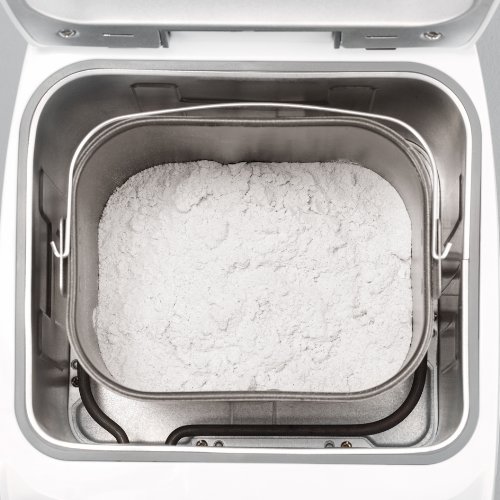
Image: The detachable baking pan with flour, ready for other ingredients.
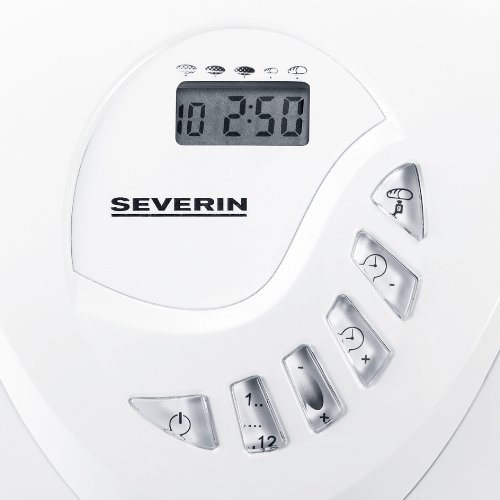
Image: The control panel with LED display and buttons for program selection and timer adjustment.
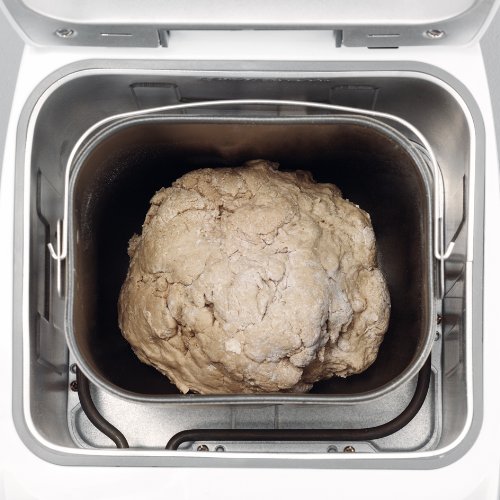
Image: Dough inside the baking pan during the kneading or rising phase.
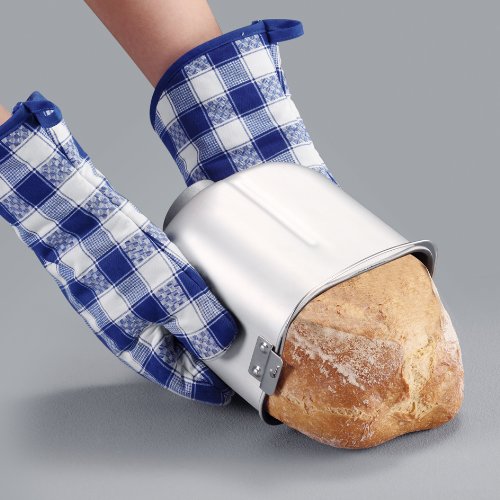
Image: A user carefully removing a freshly baked loaf of bread from the non-stick baking pan using oven mitts.
メンテナンスと清掃
定期的に清掃することで、パンメーカーの寿命が長くなり、最適なパフォーマンスが確保されます。
- クリーニングの前に、必ずアプライアンスのプラグを抜き、完全に冷ましてください。
- The detachable non-stick baking pan and kneading blade should be washed with warm, soapy water. Avoid abrasive cleaners or scouring pads that could damage the non-stick coating.
- Wipe the exterior of the bread maker with a dry cloth. Do not use harsh chemicals or immerse the main unit in water.
- The detachable lid can be wiped clean with a damp 布。
- 機器を再組み立てまたは保管する前に、すべての部品が完全に乾いていることを確認してください。
トラブルシューティング
If you encounter issues with your bread maker, refer to the following common solutions:
- アプライアンスの電源が入らない: 電源コードが機能しているコンセントにしっかりと差し込まれているかどうかを確認します。
- パンが膨らまない: Ensure yeast is fresh and active. Verify ingredient measurements are accurate. Check that the correct program was selected.
- Bread is too dense or crumbly: Adjust liquid-to-flour ratio. Ensure ingredients are at room temperature.
- Kneading blade stuck in bread: Allow bread to cool slightly before removal. If the blade remains, carefully extract it using a non-metallic utensil.
- 焼きムラ: Ensure the bread maker is placed on a level surface.
問題が解決しない場合は、カスタマー サポートにお問い合わせください。
仕様
| 特徴 | 仕様 |
|---|---|
| モデル番号 | BM3990 |
| 容量 | 3.5 litres (approx. 750g to 1000g bread) |
| 出力 | 600ワット |
| 営業巻tage | 220-230ボルト |
| 寸法(長さx幅x高さ) | 27.5 x 41 x 31 センチメートル |
| アイテム重量 | 6.42キログラム |
| プログラム数 | 12 |
| クラスト設定 | 3(明るい、中、暗い) |
| 色 | 白 |
保証とサポート
Your Severin BM3990 Bread Maker comes with a 1年間保証 ご購入日から通常使用における製造上の欠陥が保証対象となります。保証請求の際は、購入証明書を保管してください。
For technical assistance, troubleshooting beyond this manual, or warranty service, please contact Severin customer support. Contact details can typically be found on the manufacturer's official webサイトまたは製品のパッケージ内。