1. はじめに
This manual provides instructions for the StarTech.com DisplayPort to DVI-D Adapter, model DP2DVI2. This adapter allows you to connect a DVI-D monitor to a DisplayPort-enabled computer or device. It is a passive video converter designed for ease of use and portability.

Image 1.1: The DisplayPort to DVI-D adapter connecting a computer to a monitor.
主な特徴:
- DisplayPort 1.2 HBR2 to DVI-D (digital only) single-link adapter.
- Supports resolutions up to 1920x1200 or 1080p at 60Hz.
- HDCP1.4に準拠。
- Features a 6-inch (15cm) attached cable for added flexibility.
- Passive video converter, requiring a DisplayPort++ (DP++) port on the source device.
- Includes a latching DisplayPort connector for secure connection and supports DVI screw-locking cables to prevent accidental disconnection.
- Plug-and-play functionality, requiring no software or driver installation.
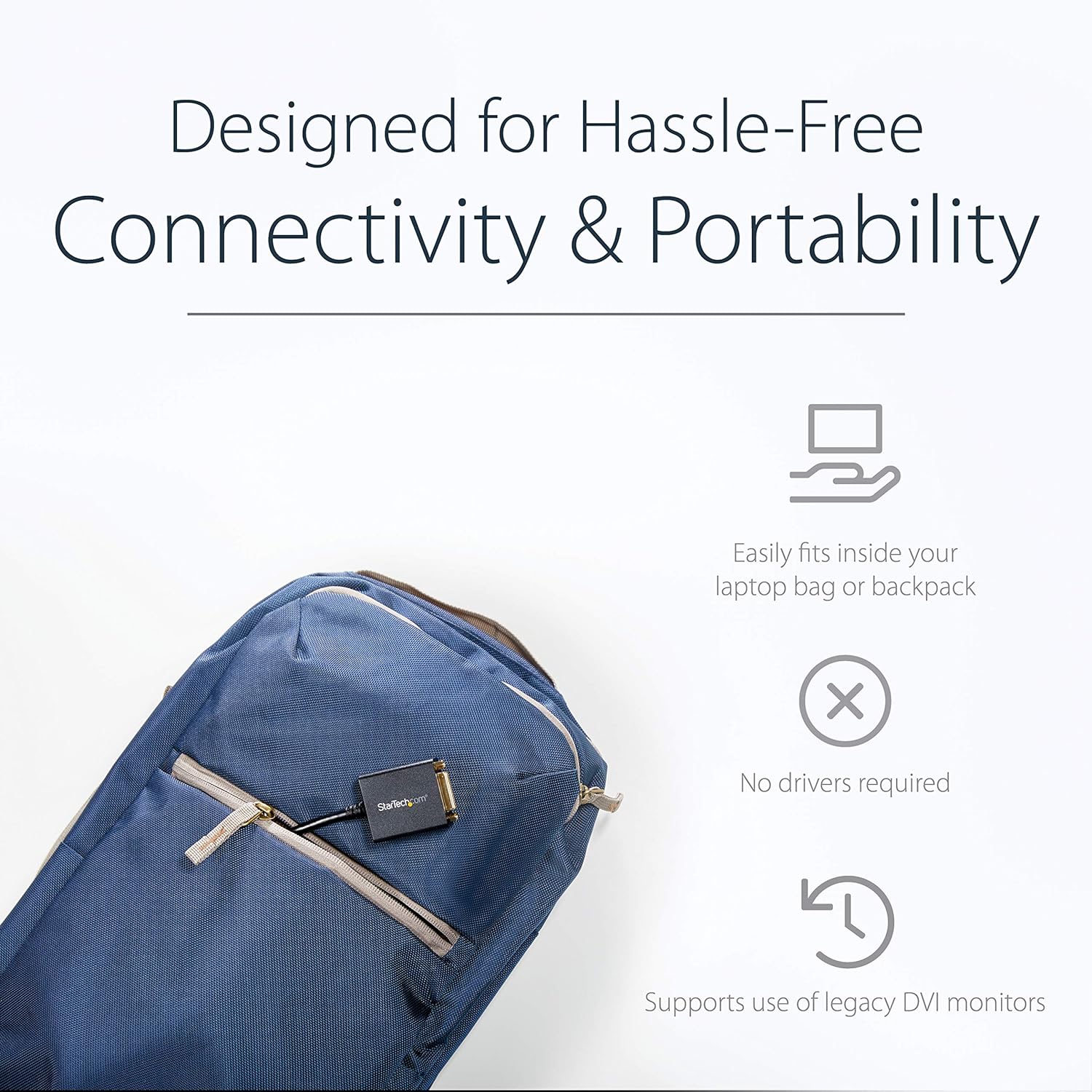
Image 1.2: The compact adapter fits easily into a laptop bag, highlighting its portability.
2. パッケージ内容
パッケージに次のアイテムが含まれていることを確認してください。
- 1 x StarTech.com DisplayPort to DVI-D Adapter (DP2DVI2)

Image 2.1: The adapter shown in its retail packaging, displaying product information and warranty details.
3.製品図
The following diagram illustrates the connectors on the DisplayPort to DVI-D adapter.

画像3.1: 詳細な view of the adapter, highlighting the DisplayPort (male) and DVI (female) connectors.
4. セットアップ手順
アダプタの接続
Follow these steps to connect your DisplayPort-enabled device to a DVI monitor:
- Connect the DisplayPort male connector of the adapter to the DisplayPort output on your computer or video source. Ensure the latching connector is securely engaged.
- Connect a DVI-D cable (not included) from your DVI monitor to the DVI-D female port on the adapter. If your DVI cable has screw locks, secure them to the adapter for a stable connection.
- Power on your computer and monitor. The display should automatically detect the signal.

Image 4.1: An illustration of the adapter connecting a desktop computer's DisplayPort to a DVI monitor.
5. 操作手順
ディスプレイ設定
Once connected, your operating system should automatically detect the DVI monitor. You can configure display settings such as resolution, extended desktop, or duplicate display through your computer's display settings.
- ウィンドウズ: Right-click on the desktop and select "Display settings" or "Screen resolution."
- MacOSの: 「システム環境設定」>「ディスプレイ」に移動します。
サポートされている解像度
This adapter supports PC resolutions up to 1920x1200 and HDTV resolutions up to 1080p at 60Hz.

Image 5.1: A visual representation of the adapter providing a clear, high-definition picture on a large display.
6。 トラブルシューティング
No Display Signal
- 接続を確認します。 Ensure all cables (DisplayPort, DVI, and power for both devices) are securely connected.
- ソース互換性: Confirm your computer's DisplayPort supports DP++ (DisplayPort++), as this is a passive adapter. Active adapters are required for DisplayPort sources that do not support DP++.
- モニター入力: Check that your monitor is set to the correct DVI input source.
- 解決: Try a lower resolution on your computer if the monitor does not display an image. The monitor might not support the current output resolution.
- ケーブル長さ: Ensure the DVI cable length does not exceed 25 feet (7.6 meters), as longer cables can degrade signal quality.
画質の問題
- ケーブル品質: Use a high-quality DVI-D cable to ensure optimal signal transmission.
- 解像度の不一致: Adjust the display resolution on your computer to match your monitor's native resolution for the clearest picture.
7. 仕様
| ブランド | StarTech.com |
| モデル名 | DisplayPort to DVI Video Adapter Converter (DP2DVI2) |
| コネクタタイプ | DisplayPort Male to DVI-D Female |
| ケーブルタイプ | DVI、ディスプレイポート |
| サポートされている解像度 | Up to 1920x1200 / 1080p at 60Hz |
| HDCPサポート | はい(HDCP 1.4) |
| ケーブル長さ | 6 inches (15 cm) attached cable |
| 色 | 黒 |
| アイテム重量 | 1.51 オンス (0.04 キログラム) |
| 製品寸法 | 10 x 1.7 x 0.7 インチ (25.4 x 4.3 x 1.8 cm) |
| Passive Adapter | Requires DP++ port |
8. 保証とサポート
This StarTech.com product is backed by a 3-year warranty. For technical support, troubleshooting, and additional resources, please visit the official StarTech.com webサイトにアクセスするか、カスタマーサービスにお問い合わせください。
For more information, you can visit the product page: http://startech.com/q/DP2DVI2
Video 8.1: An official product video from StarTech.com demonstrating the features and use of the DisplayPort to DVI-D adapter.