
導入
This manual provides detailed instructions for the Flashforge AD5X 3D printer, guiding users from initial setup to advanced printing techniques. It covers essential information to ensure optimal performance and longevity of your device. For a more in-depth resource, refer to the official Flashforge AD5X user guide.
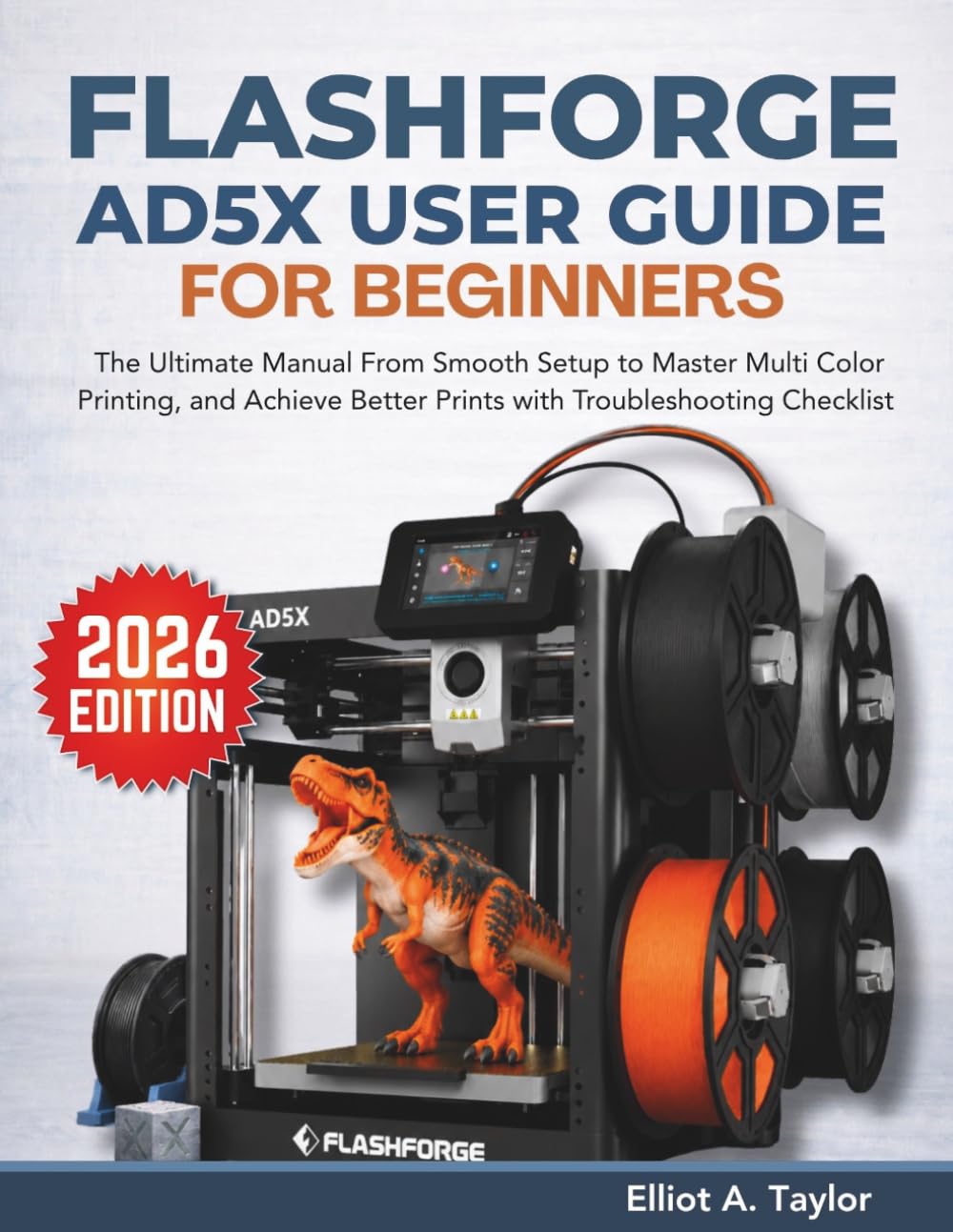
This image displays the front cover of the comprehensive guide for the Flashforge AD5X 3D printer, which provides detailed instructions for setup, operation, and troubleshooting.
1. セットアップと初回使用
Proper initial setup is crucial for the successful operation of your Flashforge AD5X 3D printer. Follow these steps carefully to prepare your device for its first print.
1.1 開梱と組み立て
- パッケージからすべてのコンポーネントを慎重に取り出します。
- Assemble the printer according to the included quick start guide. Ensure all connections are secure.
1.2 キャリブレーション
- Perform bed leveling and calibration as instructed by the printer's on-screen prompts or the detailed guide. Accurate calibration prevents common printing issues.
1.3 初版
- Load the recommended filament.
- Select a test model from the printer's internal memory or a prepared file.
- Initiate the first print to verify functionality and calibration.
2. Operating the Flashforge AD5X
This section details the software and techniques required to operate your Flashforge AD5X for various printing tasks, including multi-color projects.
2.1 Navigating the Software
- Flash Maker App: Utilize the Flash Maker App for remote control, monitoring, and basic print preparation.
- Orca-Flashforge Software: Use Orca-Flashforge for advanced slicing, model preparation, and detailed print settings. Familiarize yourself with its interface for optimal results.
- File 管理: Understand how to import, save, and manage your 3D print files within the software and on the printer's storage.
2.2 多色印刷
The Flashforge AD5X supports multi-color printing, allowing for complex and visually appealing designs.
- フィラメントの装填: Follow specific instructions for loading multiple filaments into the Intelligent Filament System (IFS).
- 構成: Configure color assignments and print settings within the slicing software to achieve desired color precision.
2.3 ネットワークと接続性
Connect your printer for seamless operation and remote access.
- Wi-Fi セットアップ: Connect your printer to a wireless network for remote control and file 転送。
- 有線接続: Utilize Ethernet for a stable and reliable connection, especially for large file transfers or network-intensive operations.
2.4 Advanced Printing Techniques
- 材料混合: Experiment with different material combinations for unique print properties and aesthetics.
- Optimizing Print Quality: Adjust settings such as layer height, print speed, and infill density to achieve desired print quality and strength.
3. メンテナンス
Regular maintenance ensures the longevity and consistent performance of your Flashforge AD5X 3D printer.
3.1 Proper Care Techniques
- クリーニング: Regularly clean the print bed, nozzle, and internal components to prevent debris buildup.
- 潤滑: Apply lubricant to moving parts as recommended by the manufacturer to ensure smooth operation.
- コンポーネントの検査: Periodically inspect belts, pulleys, and electrical connections for wear or damage.
3.2ファームウェアアップデート
Keep your printer's firmware updated to benefit from the latest features, performance improvements, and bug fixes.
- Check the official Flashforge web最新のファームウェア バージョンについては、サイトをご覧ください。
- Follow the provided instructions carefully to perform firmware updates.
4。 トラブルシューティング
This section addresses common issues encountered during 3D printing and provides solutions to help you resolve them.
4.1 Common Print Failures
- ストリング: Adjust retraction settings and nozzle temperature.
- 接着不良: Ensure the print bed is clean, level, and at the correct temperature. Use adhesion aids if necessary.
- Layer Shifts: Check belt tension, motor drivers, and print speed.
4.2 フィラメントの問題
- Filament Clogs: Clean the nozzle and hotend. Ensure filament is properly stored to prevent moisture absorption.
- Misfeeds: Verify correct filament loading and check for obstructions in the filament path.
4.3 Error Codes and Network Issues
- エラーコード: Consult the printer's display or the comprehensive guide for specific error code meanings and solutions.
- ネットワーク接続: Troubleshoot Wi-Fi or wired connection problems by checking network settings, router status, and printer network configuration.
4.4 トラブルシューティング チェックリスト
A detailed troubleshooting checklist is available in the comprehensive user guide to systematically diagnose and resolve issues.
5. 仕様
This section typically contains detailed technical specifications for the Flashforge AD5X 3D printer. Specific values are not available in this document, but generally include:
- Build Volume (Print Size)
- 印刷技術
- ノズル径
- レイヤー解像度
- 互換性のあるフィラメント
- Connectivity Options (Wi-Fi, Ethernet, USB)
- 動作温度
- 物理的な寸法と重量
6. 保証とサポート
For information regarding your product's warranty, technical support, and customer service, please refer to the official Flashforge website or the documentation included with your printer. Specific warranty terms and support contact details are not provided in this manual.


