
導入
This comprehensive guide is designed to help you understand and utilize all the features, settings, and functionalities of your Moto G Power 2026 smartphone. Whether you are a new user or looking to explore advanced capabilities, this manual provides clear, step-by-step instructions to enhance your device experience.
The Moto G Power 2026 is a versatile smartphone designed for everyday use. This manual covers essential topics from initial setup to advanced features, ensuring you can make the most of your device.
1. 初期設定
Follow these steps to power on and configure your Moto G Power 2026 for the first time.
- 電源オン: Press and hold the power button located on the side of the device until the Motorola logo appears.
- 言語の選択: リストから希望の言語を選択してください。
- Wi-Fiに接続します: Select your Wi-Fi network and enter the password to connect to the internet. This is crucial for initial setup and updates.
- Google アカウントの設定: Sign in with your existing Google account or create a new one. This is necessary for accessing the Google Play Store, Gmail, and other Google services.
- データ転送(オプション): If you are upgrading from another device, follow the on-screen prompts to transfer your data.
- セキュリティ設定: Set up a screen lock (PIN, pattern, password, or fingerprint) to protect your device.
- 設定をカスタマイズ: Adjust settings such as date and time, display preferences, and notification sounds.
Once these steps are completed, your Moto G Power 2026 is ready for use.
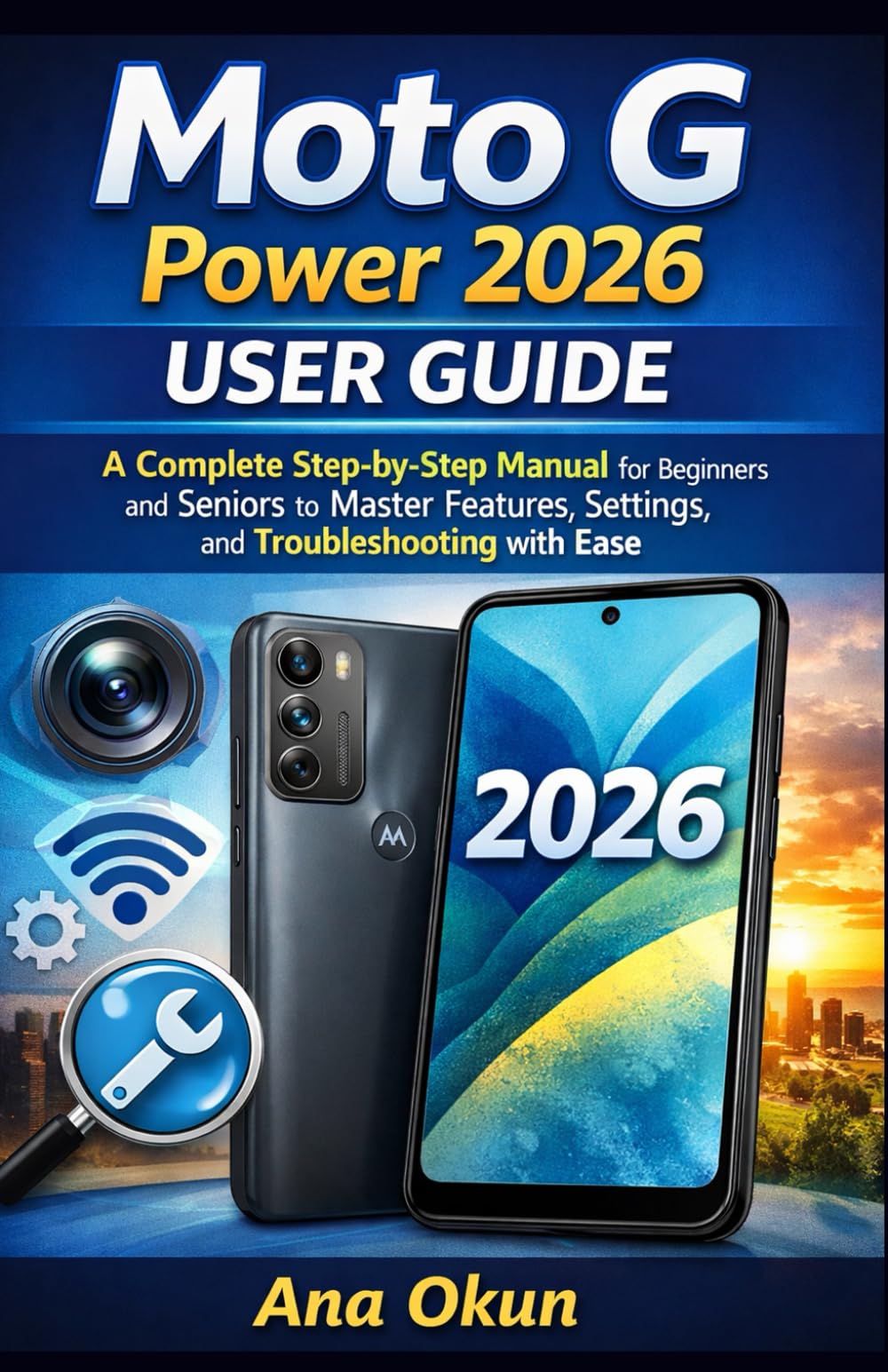
Image 1.1: Front cover of the Moto G Power 2026 User Guide. This image shows the book's title and overall design.
2. デバイスの操作
2.1 ホーム画面の操作
The home screen is your central hub for accessing applications and information. Swipe left or right to view additional home screens. Swipe down from the top of the screen to access quick settings and notifications.
- アプリドロワー: Swipe up from the bottom of the home screen to open the app drawer, which contains all installed applications.
- ウィジェット: Long-press on an empty area of the home screen to add widgets for quick access to information like weather, calendar, or music controls.
- フォルダ: Drag one app icon over another to create a folder, helping you organize your applications.
2.2 通話とメッセージ
Staying connected is a primary function of your Moto G Power 2026.
- 電話をかける: タップして 電話 icon, enter the number, and tap the call button. You can also select a contact from your address book.
- 連絡先の管理: 使用 連絡先 app to add, edit, or delete contacts. You can sync contacts from your Google account.
- メッセージの送信: 開く メッセージ app, tap the new message icon, enter the recipient's number or select from contacts, and type your message.
2.3 Internet Connectivity and Apps
Your device supports both Wi-Fi and mobile data for internet access.
- Wi-Fi: へ移動 設定 > ネットワークとインターネット > Wi-Fi 利用可能なネットワークに接続します。
- モバイルデータ: SIMカードが挿入され、モバイルデータが有効になっていることを確認してください。 設定>ネットワークとインターネット>モバイルネットワーク.
- Google アシスタント: Activate Google Assistant by saying "Hey Google" or long-pressing the power button (if configured). Use voice commands for tasks, information, and device control.
- アプリ管理: Download new apps from the Google Play Store. Manage installed apps in 設定>アプリと通知 to adjust permissions, clear cache, or uninstall.
3. カメラ機能
The Moto G Power 2026 camera allows you to capture high-quality photos and videos. Open the カメラ app to begin.
- 写真を撮る: シャッターボタンをタップして写真を撮ります。
- ビデオの録画: ビデオ モードに切り替えて録画ボタンをタップすると、録画が開始/停止します。
- カメラモード: Explore various modes such as Portrait, Night Vision, Panorama, and Pro Mode for different photographic effects.
- 設定: Access camera settings to adjust resolution, aspect ratio, timer, and other preferences.
4. 一般的な問題のトラブルシューティング
This section addresses common problems you might encounter with your Moto G Power 2026.
- デバイスが応答しない: If your device freezes, press and hold the power button for about 10-15 seconds to force a restart.
- バッテリーの消耗が早い: バッテリー使用量を確認する 設定>バッテリー to identify power-hungry apps. Reduce screen brightness, disable unnecessary features like GPS or Bluetooth when not in use, and close background apps.
- Connectivity Problems (Wi-Fi/Mobile Data):
- Wi-Fi またはモバイルデータのオフとオンを切り替えます。
- Wi-Fi の問題の場合はルーターを再起動してください。
- Ensure your mobile data plan is active and you have signal coverage.
- アプリのクラッシュ: アプリのキャッシュとデータを消去する 設定 > アプリと通知 > [アプリ名] > ストレージとキャッシュ問題が解決しない場合は、アプリをアンインストールして再インストールしてください。
- 低ストレージ: 不要な削除 files, photos, and videos. Uninstall unused apps. Move large files to cloud storage or an external SD card (if supported). Check storage usage in 設定 > ストレージ.
5. メンテナンスとケア
Proper maintenance ensures the longevity and optimal performance of your Moto G Power 2026.
- ソフトウェアアップデート: Regularly check for and install system updates in 設定>システム>システムアップデート. Updates often include performance improvements and security patches.
- クリーニング: 画面と本体の清掃には、柔らかく糸くずの出ない布をご使用ください。刺激の強い化学薬品や研磨剤は使用しないでください。
- バッテリーの状態: Avoid extreme temperatures. Do not leave the device charging for extended periods after it reaches 100%.
- データのバックアップ: Regularly back up your important data to a cloud service (like Google Drive) or a computer to prevent data loss.
- 物理的保護: 落下や傷から守るために、保護ケースとスクリーンプロテクターの使用を検討してください。
6. 仕様
Key technical specifications for the Moto G Power 2026:
| 特徴 | 詳細 |
|---|---|
| ASIN | B0GP71KXZ1 |
| 出版社 | 独立出版 |
| 発行日 | 18年2026月XNUMX日 |
| 言語 | 英語 |
| 印刷長さ | 144ページ |
| 13ページ | 979-8248918850 |
| アイテム重量 | 8.6オンス |
| Reading age | 12 - 18歳 |
| 寸法 | 5.5 x 0.33 x 8.5インチ |
Image 6.1: Back cover of the Moto G Power 2026 User Guide. This image displays the ISBN barcode and other publication information.
7. 保証とサポート
保証情報およびカスタマーサポートについては、モトローラの公式ウェブサイトをご覧ください。 website or the documentation included with your device at the time of purchase. This manual provides general operational guidance and does not replace official warranty statements or specific support channels.
- 正式 Webサイト: Visit the Motorola official web最新のサポート リソース、FAQ、および連絡先情報については、こちらのサイトをご覧ください。
- 顧客サービス: Contact Motorola customer service for technical assistance or warranty claims.
- オンラインリソース: Many common issues can be resolved by consulting online forums or support communities.