
1.製品オーバーview
The boAt Airdopes 148 Gen 2 are True Wireless Stereo (TWS) earbuds designed for an immersive audio experience. They feature a long-lasting battery, advanced microphone technology for clear calls, and a low-latency mode for gaming. This manual provides instructions for setting up, operating, and maintaining your earbuds.
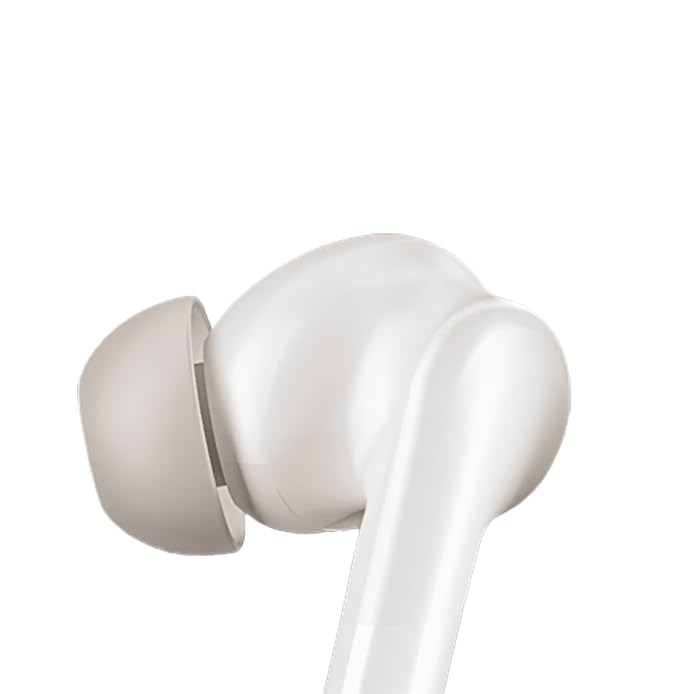
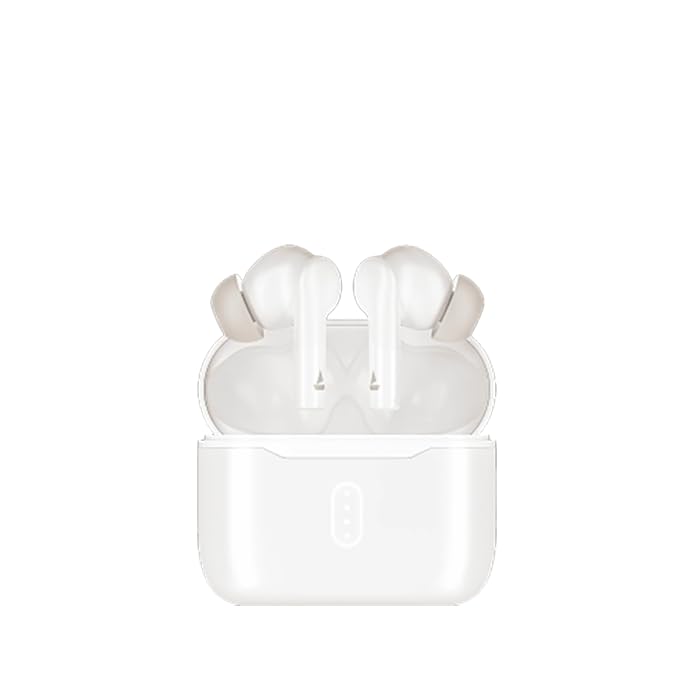
Image: boAt Airdopes 148 Gen 2 earbuds shown with their charging case.
2. 箱の中身
パッケージの内容をチェックして、すべてのアイテムが揃っていることを確認してください。
- boAt Airdopes 148 Gen 2 Earbuds (Left and Right)
- 充電ケース
- USB充電ケーブル
- Additional Ear Cushions (various sizes)
- ユーザーマニュアル
3. セットアップ手順
3.1 初期充電
初めて使用する前に、イヤホンと充電ケースを完全に充電してください。
- 両方のイヤフォンを充電ケースに入れます。
- USB 充電ケーブルをケースの充電ポートと電源に接続します。
- ケースのインジケーターライトは充電状態を示します。完全に充電されると、ライトの色が変わったり消灯したりすることがあります。

Image: The boAt Airdopes 148 Gen 2 charging case with earbuds inserted, illustrating the charging process.
3.2 Pairing with Your Device (Insta Wake N' Pair)
The Airdopes 148 Gen 2 feature Insta Wake N' Pair (IWP) technology for seamless connection.
- 充電ケースのふたを開けます。 イヤホンの電源が自動的にオンになり、ペアリング モードに入ります。
- スマートフォンまたはその他のデバイスでBluetoothを有効にします。
- 検索する "Airdopes 148 Gen 2" in the list of available Bluetooth devices.
- 選択して接続してください。接続されると、音声プロンプトが聞こえます。
Note: The earbuds will automatically connect to the last paired device when the case lid is opened, if Bluetooth is enabled on the device.

Image: A visual representation of key features including Bluetooth v5.4 and Insta Wake N' Pair technology.
4. 操作手順
4.1 タッチコントロール
The Airdopes 148 Gen 2 feature intuitive touch controls on each earbud:
- 再生/一時停止: どちらかのイヤホンを 1 回タップします。
- 次のトラック: 右のイヤホンをダブルタップします。
- 前のトラック: 左のイヤホンをダブルタップします。
- 通話の応答/終了: どちらかのイヤホンを 1 回タップします。
- 通話を拒否: どちらかのイヤホンを長押し(2秒)します。
- 音声アシスタントを有効にする: どちらかのイヤホンをトリプルタップします。
- BEAST Mode On/Off: Long press (3 seconds) on the right earbud.
- Switch Dual EQs: Long press (3 seconds) on the left earbud.
4.2 BEAST Mode (Low Latency)
Activate BEAST Mode for an ultra-low latency audio experience, ideal for gaming and video streaming. This minimizes audio delay between your device and the earbuds.
- 有効にするために: 右のイヤホンを 3 秒間長押しします。
- 非アクティブ化するには: Long press the right earbud for 3 seconds again.
4.3 Dual EQs
異なるサウンドプロを切り替えるfiles (e.g., Balanced, Bass) to suit your audio preference.
- To Switch: 左のイヤホンを3秒間長押しします。
4.4音声アシスタント
Access your device's voice assistant (e.g., Google Assistant, Siri) directly from the earbuds.
- 有効にするために: どちらかのイヤホンをトリプルタップします。
4.5 Calling with ENx Technology
The earbuds feature Quad Mics with ENx Technology for clear voice calls by cancelling environmental noise.

Image: A user wearing an earbud, highlighting the Quad Mics with ENx Technology for enhanced call clarity.
4.6 バッテリー寿命
The Airdopes 148 Gen 2 offer up to 48 hours of total playback time with the charging case. ASAP Charge provides 180 minutes of playback from just 10 minutes of charging.

Image: A graphic illustrating the impressive battery life of up to 48 hours and the fast charging capability.
5. メンテナンス
5.1 クリーニング
定期的な清掃は音質と衛生を維持するのに役立ちます。
- 柔らかく乾いた糸くずの出ない布でイヤホンと充電ケースを優しく拭いてください。
- イヤーチップを取り外し、中性洗剤と水で洗浄し、完全に乾かしてから再度取り付けます。
- Use a cotton swab or a small, soft brush to carefully clean the speaker mesh and charging contacts.
画像: クローズアップ view of an earbud tip, showing the area that requires regular cleaning.
5.2 防水性能(IPX4)
The Airdopes 148 Gen 2 are IPX4 rated, meaning they are resistant to splashes of water and sweat. They are not designed for submersion in water.
- イヤホンを大雨にさらしたり、水に浸したりしないでください。
- Dry the earbuds thoroughly if they get wet from sweat or splashes before placing them back in the charging case.
6。 トラブルシューティング
If you encounter issues with your Airdopes 148 Gen 2, try the following solutions:
- 音が出ない/接続の問題:
- イヤホンが充電されていることを確認してください。
- デバイスで Bluetooth が有効になっていることを確認してください。
- Forget "Airdopes 148 Gen 2" from your device's Bluetooth list and re-pair.
- デバイスを再起動します。
- 片方のイヤホンが動作しない:
- 両方のイヤホンをケースに戻し、蓋を閉じて数秒待ってから再度開けます。
- 両方のイヤホンが充電されていることを確認します。
- 充電の問題:
- 充電ケーブルとアダプターを確認してください。
- イヤホンとケースの充電接点が清潔であることを確認してください。
- 低音量:
- デバイスとイヤホンの両方で音量を調整します。
- Clean earbud speaker mesh.
7. 仕様
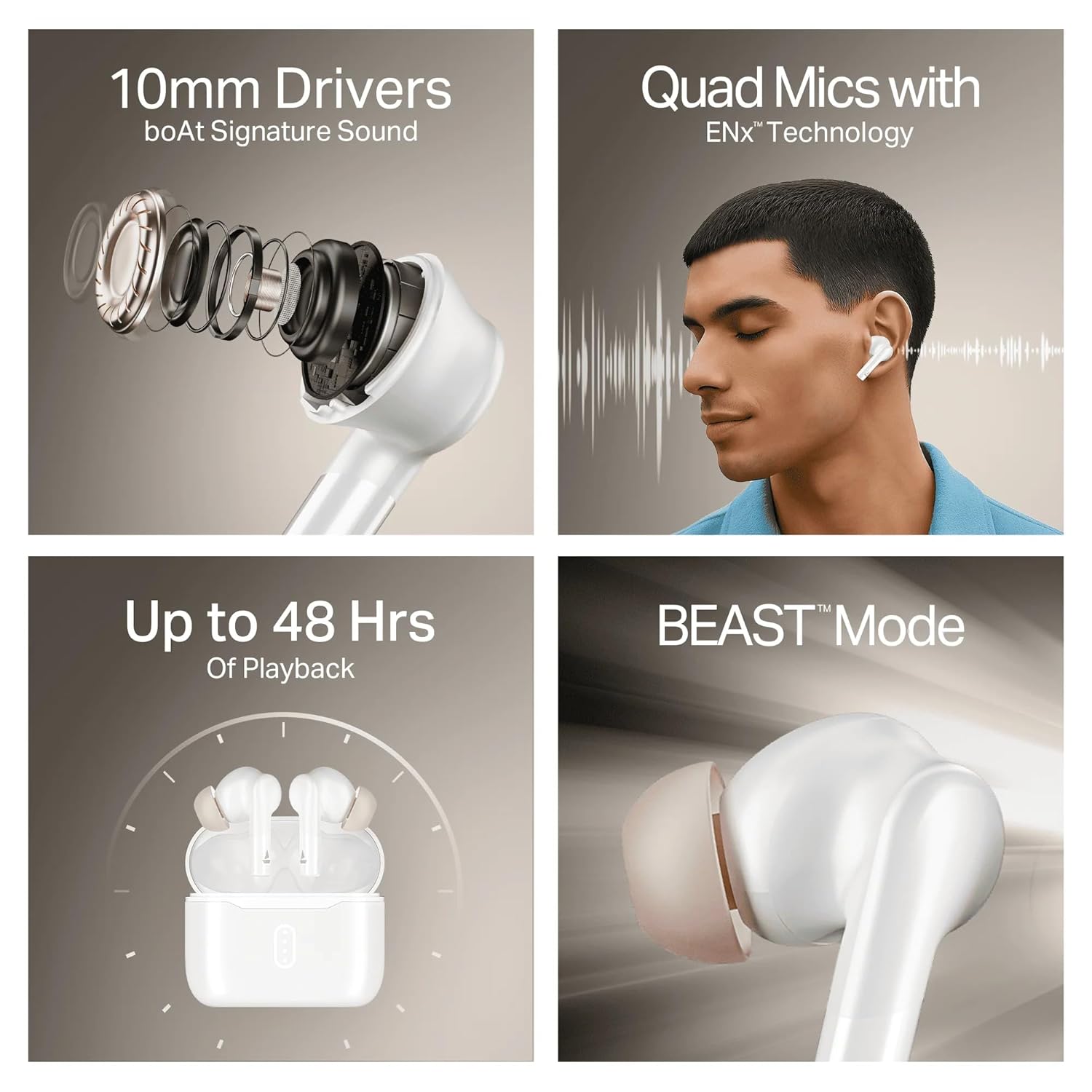
Image: A summary of key specifications and features of the Airdopes 148 Gen 2.
| 特徴 | 説明 |
|---|---|
| モデル名 | Airdopes 148 Gen 2 |
| Bluetoothバージョン | 5.4 |
| 再生時間 | 最大48時間(充電ケース付き) |
| できるだけ早く請求 | 10分の充電 = 180分の再生 |
| マイク | ENxテクノロジー搭載クアッドマイク |
| ドライバー | 10mm |
| 耐水性 | IPX4 |
| Latency Mode | BEAST Mode (Ultra-low latency) |
| 接続性 | 無線 |
| コントロールタイプ | タッチコントロール |
| 対応デバイス | ノートパソコン、スマートフォン、タブレット |
8. 保証とサポート
8.1 保証情報
The boAt Airdopes 148 Gen 2 comes with a 12 + 3 months manufacturer warranty保証請求のために購入証明書を保管してください。
8.2 カスタマーサポート
サポート、お問い合わせ、保証請求については、boAtカスタマーサービスまでお問い合わせください。
- メールアドレス: info@imaginemarketingindia.com
- メーカー: イマジンマーケティング株式会社