
1. はじめに
The MINISO MS116 AI Translation Earbuds are designed to provide real-time language translation, high-fidelity audio, and seamless communication. These earbuds integrate advanced AI technology to support 135 languages, offering a versatile solution for travel, business, and learning. This manual will guide you through the setup, operation, maintenance, and troubleshooting of your MS116 earbuds.
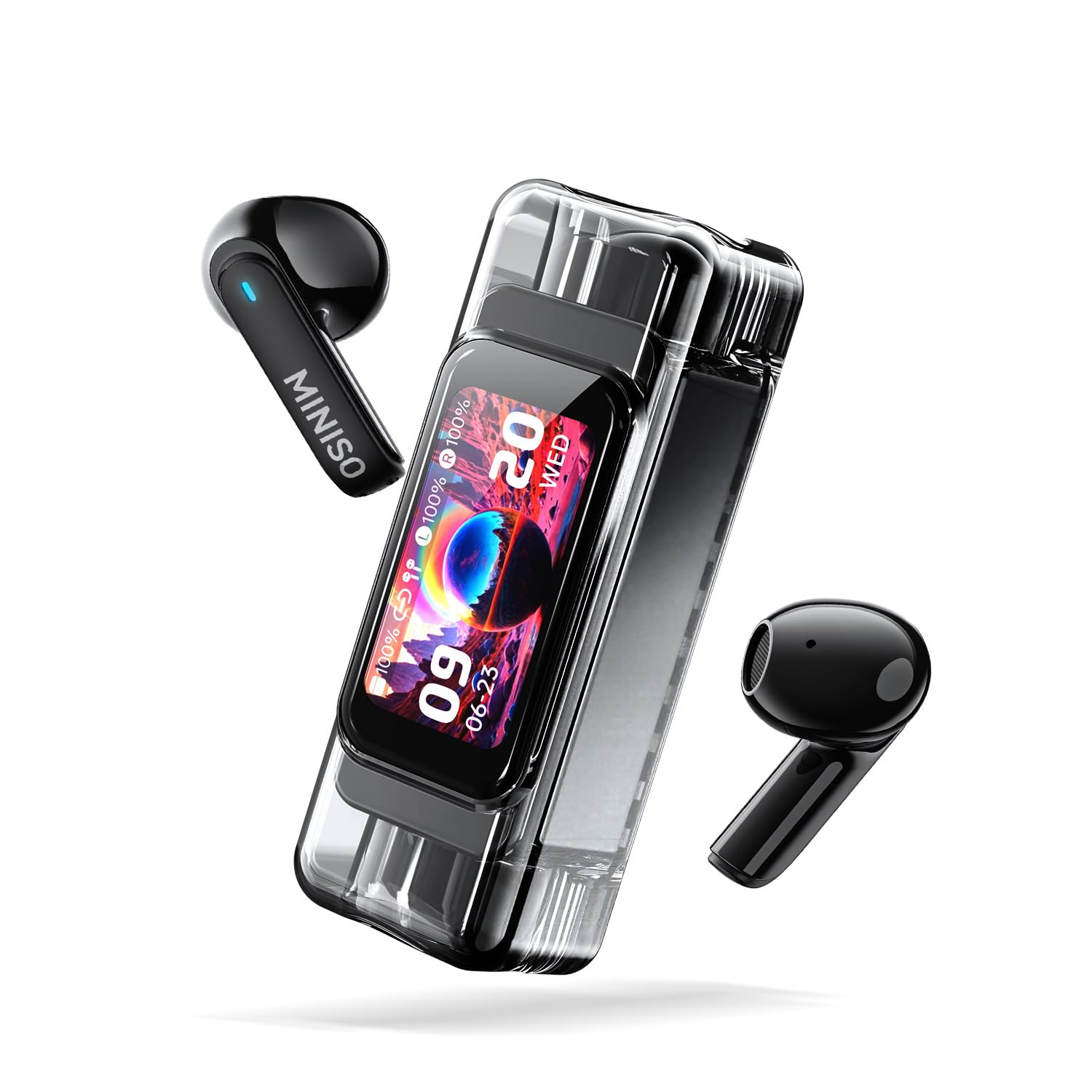
The MINISO MS116 AI Translation Earbuds with their transparent charging case, showcasing the sleek design and digital display.
2. パッケージ内容
- MINISO MS116 AI翻訳イヤホン(左右)
- 充電ケース
- USB充電ケーブル
- ユーザーマニュアル(このドキュメント)
3. セットアップ
3.1 初期充電
Before first use, fully charge the earbuds and the charging case. Connect the provided USB charging cable to the charging port on the case and a compatible USB power source. The charging case display will indicate the charging status.
3.2 Saymiアプリのダウンロード
The translation function of the MS116 earbuds requires the Saymi APP. Scan the QR code provided in the quick start guide (or search 'Saymi' in your device's app store) to download and install the application on your iOS or Android smartphone.
3.3Bluetoothペアリング
- イヤホンが充電ケースに入っており、ケースに十分な電力があることを確認します。
- 充電ケースの蓋を開けます。イヤホンは自動的にペアリングモードになります。
- スマートフォンで Bluetooth 設定に移動し、利用可能なデバイスを検索します。
- リストから「MINISO MS116」を選択して接続します。音声ガイドがペアリング成功をお知らせします。
- Open the Saymi APP and follow the on-screen instructions to connect the earbuds within the app for translation features.
4. 操作手順
4.1 Basic Earbud Controls (Touch)
The MS116 earbuds feature smart touch controls. Specific functions may vary slightly based on the app settings or mode. Refer to the Saymi APP for customizable touch controls.
- 音楽の再生/一時停止: どちらかのイヤホンを 1 回タップします。
- 通話の応答/終了: どちらかのイヤホンを 1 回タップします。
- 通話を拒否: どちらかのイヤフォンを2秒間押し続けます。
- 次のトラック: 右のイヤホンをダブルタップします。
- 前のトラック: 左のイヤホンをダブルタップします。
- 音声アシスタントを有効にする: どちらかのイヤホンを3回タップします。
- ANC/透明モードを切り替える: どちらかのイヤホンを 3 秒間押し続けます (通話中でないとき)。
4.2 Translation Modes (via Saymi APP)
The Saymi APP offers multiple translation modes to suit various scenarios:
- Hands-free Mode (Real-time Communication): For direct conversations. One person speaks, the earbuds translate and play the translation in real-time.
- Dual-ear Control: Allows for click operations within the app to manage translation flow.
- Live Photo Translation: アプリを通じて携帯電話のカメラを使用して、画像からテキストを翻訳します。
- AI会話モード: Facilitates fluent dialogue with AI assistance for complex interactions.
- 会議モード: Designed for multilingual meetings, allowing multiple participants to receive translations.
- Dual Mode (Music & Translation): Listen to music while simultaneously using translation features.
- ボイスメモ: Records and automatically transcribes spoken language.
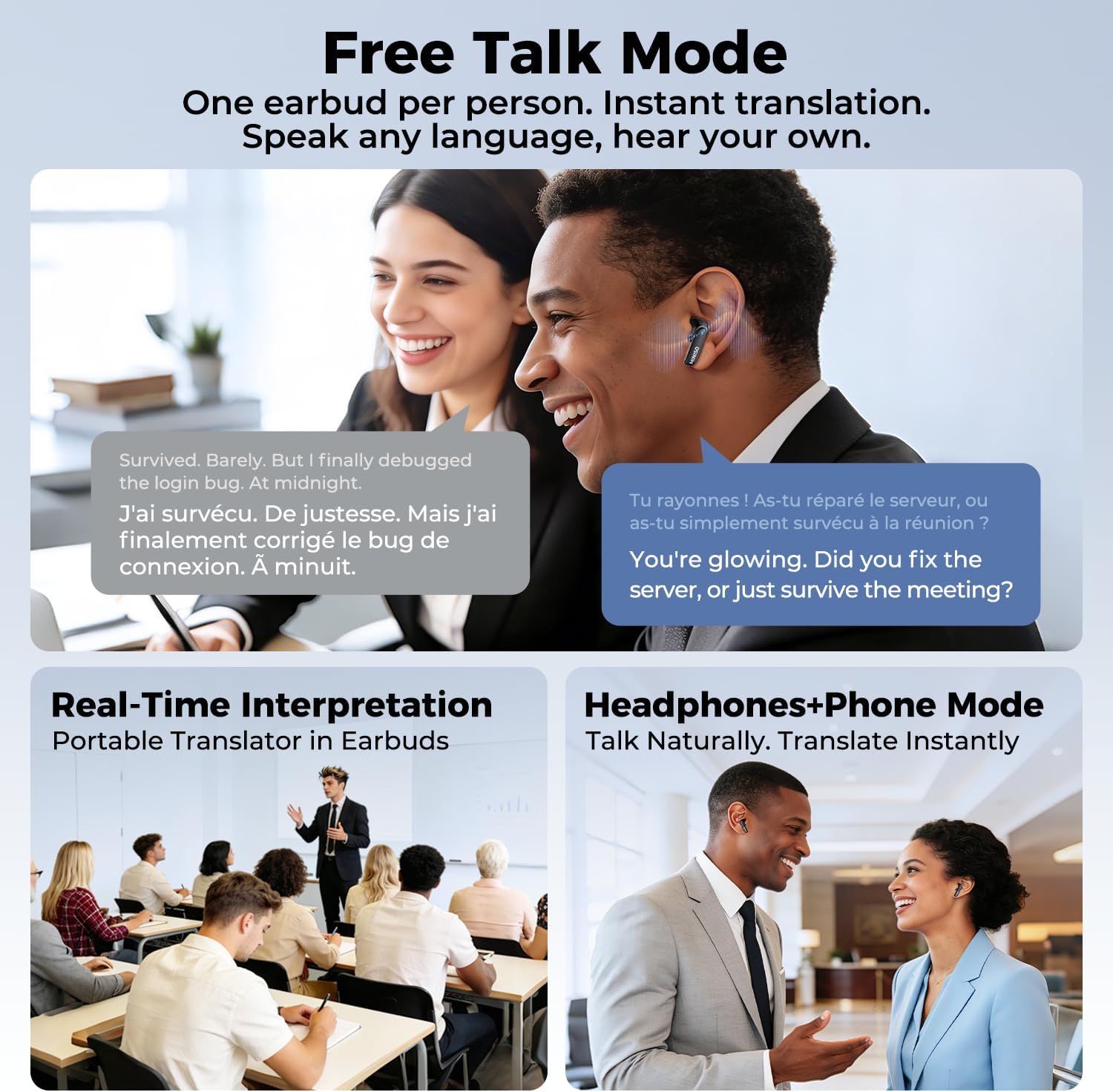
This image depicts three scenarios for the MINISO MS116 earbuds' translation modes: 'Free Talk Mode' for instant translation with one earbud per person, 'Real-Time Interpretation' for group settings, and 'Headphones+Phone Mode' for natural, instant translation during phone conversations.
The MINISO MS116 charging case display cycling through various functions, including music control, call notifications, battery status, and app-related features, indicating its smart capabilities.
4.3 高画質通話
The earbuds are equipped with a high-sensitivity microphone and intelligent call noise reduction algorithms to filter out wind noise and other background distractions, ensuring clear communication during calls.

A person wearing a MINISO MS116 earbud, demonstrating its use for high-definition calls with advanced noise reduction for clear communication.
4.4 Active Noise Cancellation (ANC) and HiFi Audio
Enjoy immersive audio with Active Noise Cancellation, which effectively blocks background noise. The earbuds also feature HiFi Spatial Sound technology for a rich and detailed listening experience.

爆発した view diagram of the earbud's internal speaker components, emphasizing the HiFi Spatial Sound technology for an immersive audio experience.
5. バッテリー寿命と充電
The MS116 earbuds offer extended battery life for continuous use.
- イヤホン: 6回の充電で最大XNUMX時間の連続使用が可能。
- 充電ケース: Provides an additional 24 hours of battery life, extending the total usage time to over 30 hours.
To charge, place the earbuds back into the charging case. Connect the charging case to a USB power source using the provided cable.

An image showing the MINISO MS116 earbuds and charging case, detailing the battery life: 6 hours for earbuds and an additional 24 hours from the charging case, totaling over 30 hours.
6. メンテナンス
6.1 クリーニング
Regularly clean your earbuds and charging case to ensure optimal performance and hygiene. Use a soft, dry, lint-free cloth. Do not use abrasive materials or harsh chemicals. For ear tips, remove them and clean with a damp 布で拭いてから、完全に乾いてから再度取り付けてください。
6.2 耐水性
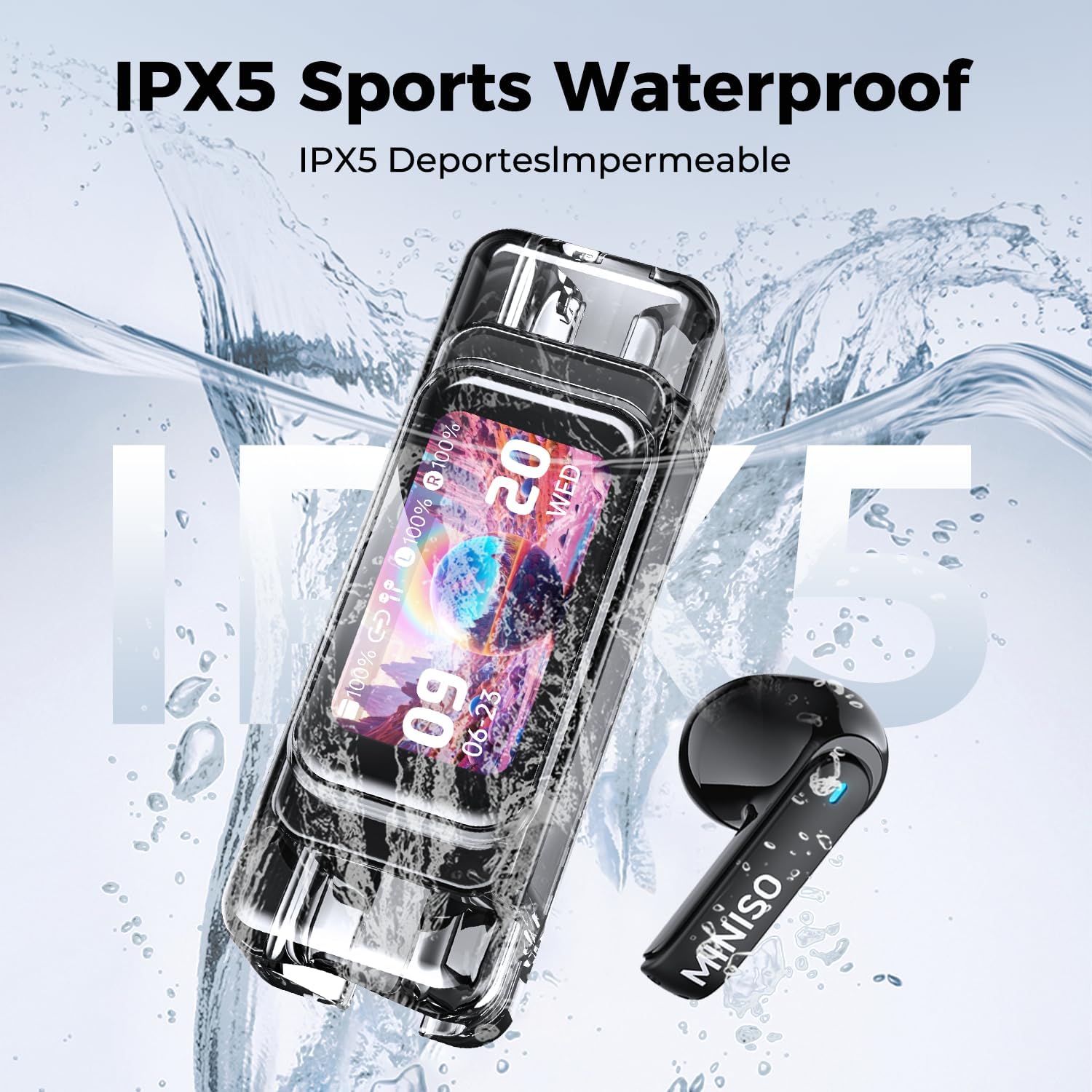
The MINISO MS116 earbuds are rated IPX5 Sports Waterproof, meaning they are resistant to sweat and light splashes of water. They are not designed for swimming, showering, or submersion in water. Do not expose the charging case to water.

The MINISO MS116 earbuds and charging case are shown with water droplets, illustrating their IPX5 sports waterproof capability, making them resistant to sweat and light splashes.
6.3 ストレージ
使用しないときは、イヤホンを保護し、充電を保つために充電ケースに保管してください。極端な温度や湿度の高い場所に保管しないでください。
7。 トラブルシューティング
MINISO MS116 イヤホンで問題が発生した場合は、次の解決策を試してください。
- イヤホンがペアリングされない: Ensure both earbuds are in the charging case, close the lid, then open it again. Check your device's Bluetooth settings and try re-pairing. Ensure the earbuds are charged.
- 片方のイヤホンから音が出ない: Place both earbuds back in the case, close the lid, and then take them out again. Check Bluetooth connection.
- 翻訳が機能しません: Ensure the Saymi APP is open and connected to the earbuds. Check your internet connection (required for translation). Verify language settings in the app.
- 音質が悪い: Ensure earbuds are clean and properly seated in your ears. Check the audio source. Disable ANC temporarily to see if it resolves the issue.
- 充電に関する問題: Ensure the charging cable is securely connected to both the case and the power source. Try a different USB port or cable.
- アプリが応答しません: Close and restart the Saymi APP. If the issue persists, reinstall the app.
これらの手順で問題が解決しない場合は、カスタマー サポートにお問い合わせください。
8. 仕様
| ブランド | ミニソ |
| モデル名 | MS116 |
| モデル番号 | MS116-B |
| 接続技術 | ワイヤレス(Bluetooth 6.0) |
| 騒音制御 | アクティブノイズキャンセリング |
| 耐水性 | IPX5 Sports Waterproof |
| イヤホンのバッテリー寿命 | 最大6時間 |
| バッテリー総寿命(ケース付き) | 30時間以上 |
| 制御方法 | アプリ、タッチ |
| 対応デバイス | 携帯電話(iOSおよびAndroid) |
| 周波数範囲 | 20 Hz - 20,000 Hz |
| 材料 | 金属、プラスチック |
| 欧州連合 | 850073442845 |
| ASIN | B0GLDVDXCX |
9. 保証情報
The MINISO MS116 AI Translation Earbuds come with a limited warranty. For detailed information regarding warranty coverage, terms, and conditions, please refer to the official MINISO web当サイトをご覧いただくか、カスタマーサポートまでお問い合わせください。保証請求のために購入証明書を保管してください。
10. サポート
さらに詳しいサポート、テクニカル サポート、またはお問い合わせについては、以下までご連絡ください。
- MINISO名創優品の公式ウェブサイトをご覧ください webFAQ とサポート リソースのサイト。
- Contact MINISO customer service through the contact information provided on their official website or within the Saymi APP.
- Ensure your Saymi APP is updated to the latest version for optimal performance and new features.