
1. はじめに
Thank you for choosing the Tchibo USB Electric Lighter. This modern and practical device is designed for convenience and environmental friendliness. Featuring a sleek silver-grey design and a compact size, it offers reliable performance for various lighting needs. This manual provides essential information for safe and efficient use, setup, operation, and maintenance of your electric lighter.
2. 安全に関する注意事項
- 小児の手の届かない場所に保管。 これはおもちゃではありません。
- Do not expose the lighter to water, moisture, or other liquids.
- Avoid exposing the lighter to direct sunlight or temperatures above 50°C (122°F).
- Do not touch the electric arc. It can cause burns.
- Do not attempt to disassemble, repair, or modify the lighter. Contact customer service for assistance.
- Do not use the lighter near flammable materials or explosive atmospheres.
- Ensure the lighter is turned off when not in use and during charging.
- 充電には付属の USB ケーブルまたは認定された同等のケーブルのみを使用してください。
3.製品オーバーview
The Tchibo USB Electric Lighter is a flameless, rechargeable device that uses an electric arc to ignite candles, stoves, and other items. Its compact design makes it easy to handle and store.
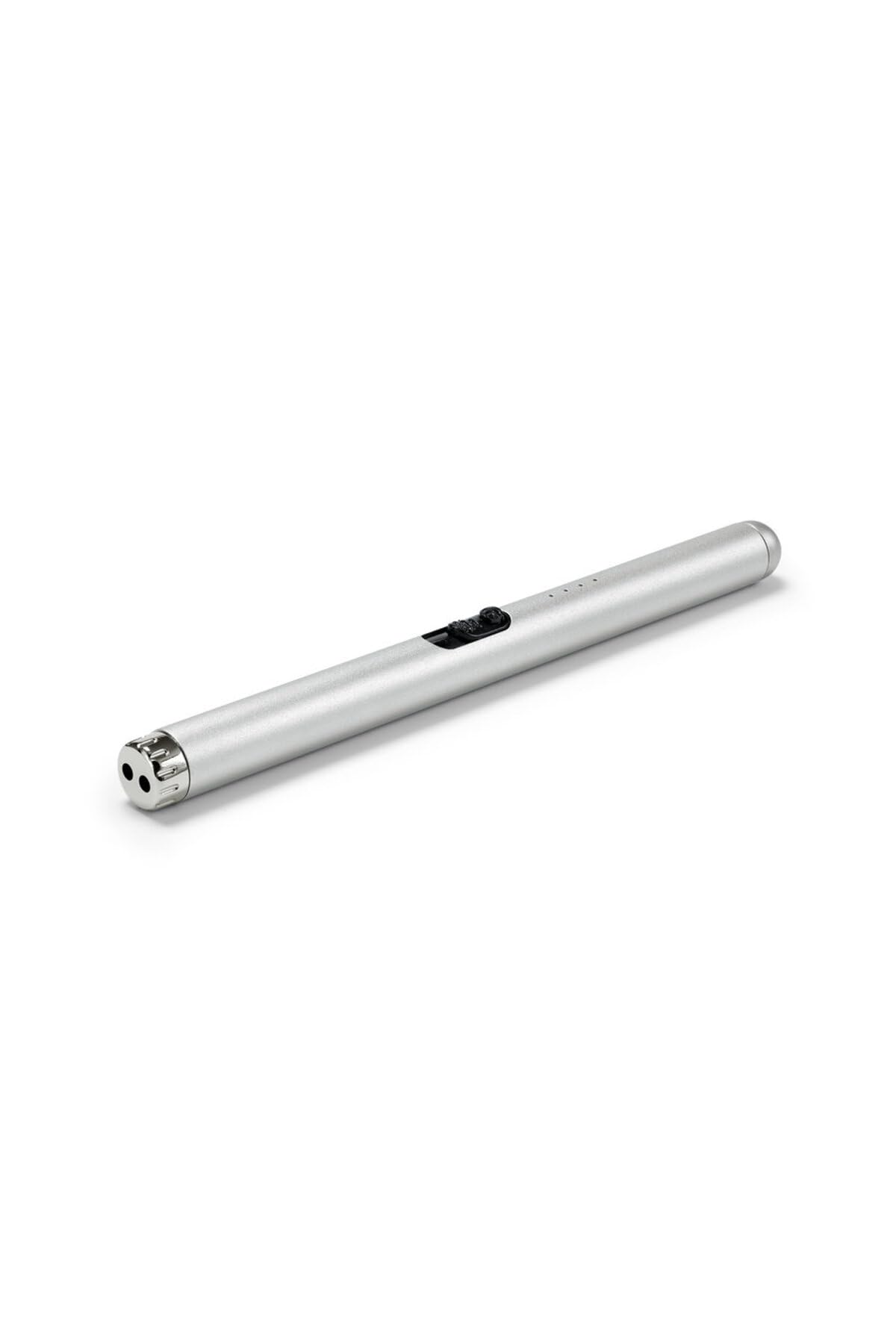
画像1: Tchibo USB Electric Lighter in use, igniting a candle. The lighter features a sleek silver-grey finish and a long, slender body for easy reach.
4. Setup: Charging the Lighter
- Locate the USB charging port on the lighter.
- Connect the provided USB charging cable to the lighter's port.
- USB ケーブルのもう一方の端を互換性のある USB 電源 (コンピューター、壁のアダプター、モバイルバッテリーなど) に差し込みます。
- The charging indicator light will illuminate during charging. Once fully charged, the light may change color or turn off, depending on the model.
- A full charge typically takes approximately 1-2 hours. Do not overcharge the device.
The USB rechargeable feature makes this lighter an eco-friendly alternative to traditional gas lighters.
5. 操作手順
- 電源オン: Slide the safety switch (if present) to the "ON" position or press the power button.
- アークをアクティブ化: Press and hold the ignition button. An electric arc will appear between the electrodes at the tip of the lighter.
- 発火: Carefully bring the electric arc into contact with the wick of a candle, gas burner, or other ignitable material.
- 電源を切る: Release the ignition button to turn off the arc. If there is a safety switch, slide it back to the "OFF" position when finished.
The lighter is designed for ease of use and provides a reliable ignition source without flame.
6. メンテナンス
- クリーニング: Use a soft, dry cloth to wipe the exterior of the lighter. Do not use abrasive cleaners or solvents. Ensure the electrodes are free from debris for optimal performance.
- ストレージ: ライターは直射日光や極端な温度を避け、涼しく乾燥した場所に保管してください。
- バッテリーのケア: To prolong battery life, avoid fully discharging the lighter frequently. Charge it when the indicator suggests low battery.
7。 トラブルシューティング
| 問題 | 考えられる原因 | 解決 |
|---|---|---|
| Lighter does not turn on/arc does not activate. | バッテリー残量が少なくなりました。 Safety switch is off. Electrodes are dirty. | Charge the lighter fully. 安全スイッチが「オン」の位置にあることを確認してください。 Gently clean the electrodes with a dry cotton swab. |
| Lighter not charging. | USB ケーブルまたは電源に障害があります。 充電ポートが破損しています。 | 別の USB ケーブルまたは電源を試してください。 ポートが破損していると思われる場合は、カスタマー サポートにお問い合わせください。 |
| アークが弱いか不安定です。 | バッテリー残量が少なくなりました。 Electrodes are dirty or worn. | Recharge the lighter. Clean the electrodes. If the issue persists, contact customer support. |
8. 仕様
- ブランド: チボ
- モデル: B0GL2QKT2R
- 色: Grey (Silver-Grey)
- 寸法(長さ×幅×高さ): 8U x 2G x 1Kl cm (Approx. 8 x 2 x 1 cm)
- 充電: USB充電式
- タイプ: 電気アークライター
9. 保証とサポート
For warranty information, technical support, or any questions regarding your Tchibo USB Electric Lighter, please contact Tchibo customer service. Refer to your purchase receipt or the official Tchibo web連絡先の詳細についてはサイト。
訪問することができます Tchibo Store on Amazon 詳細な製品情報については。