
導入
This manual provides detailed instructions for the setup, operation, maintenance, and troubleshooting of your Gydom Smart Watch GTX20. Please read this manual thoroughly before using the device to ensure proper function and longevity.
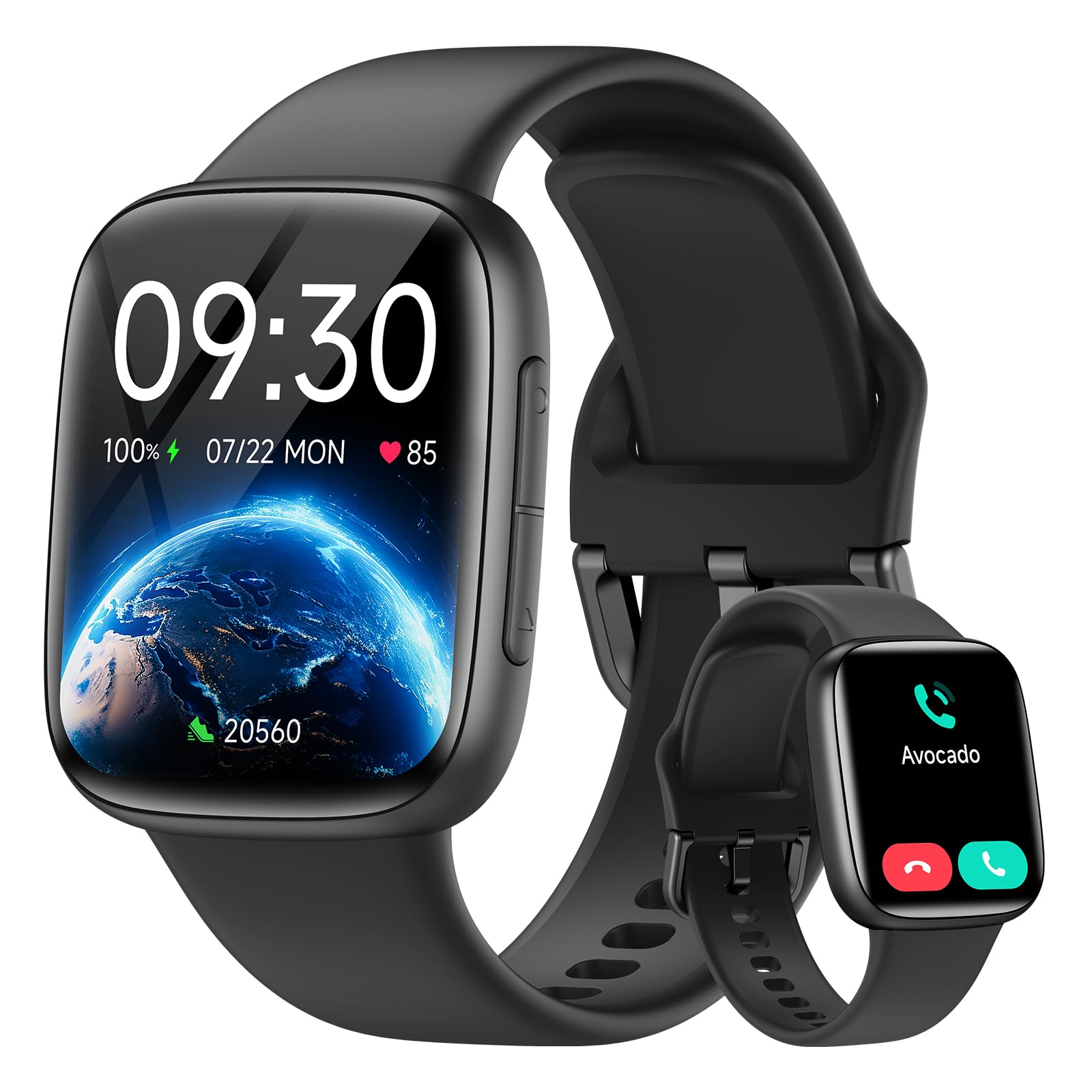
Image: Gydom Smart Watch GTX20, front view、黒色。
含まれるもの
Upon unboxing your Gydom Smart Watch GTX20, please verify that all components are present:
- Gydom Smart Watch GTX20 (Main Unit)
- シリコンストラップ
- 充電ケーブル
- ユーザーマニュアル(このドキュメント)

Image: Diagram showing the smart watch, silicone strap, user manual, and charging cable included in the package.
セットアップガイド
1. デバイスの充電
Before initial use, fully charge your Gydom Smart Watch GTX20. Connect the provided charging cable to the watch's charging port and a USB power source. A full charge typically takes approximately 2 hours.

Image: The smart watch connected to its charging cable, displaying a 56% charge and indicating a 14-day battery life.
2. アプリのインストールとペアリング
The Gydom Smart Watch GTX20 operates with the ベリーフィット application. Follow these steps to pair your watch with your smartphone:
- アプリをダウンロード: 検索する "VeryFit" in your smartphone's App Store (iOS) or Google Play Store (Android) and install it.
- BluetoothとGPSを有効にする: On your smartphone, ensure Bluetooth is turned on and GPS/Location services are enabled.
- 時計をペアリングする: Open the VeryFit app, navigate to the device section, and search for "GTX20". Select your watch to initiate the pairing process. Follow any on-screen prompts to complete the connection.

Image: Visual guide showing the three steps for pairing the smart watch: download VeryFit app, enable Bluetooth and GPS, and search for GTX20 in the app.
互換性: The Gydom Smart Watch GTX20 is compatible with Android 6.0+ and iOS 9.0+ devices.
操作手順
ディスプレイとナビゲーション
The watch features a 1.85" AMOLED touch screen with 1500 nits brightness and 60 FPS for smooth interaction. Swipe across the screen to navigate through menus and tap to select options.
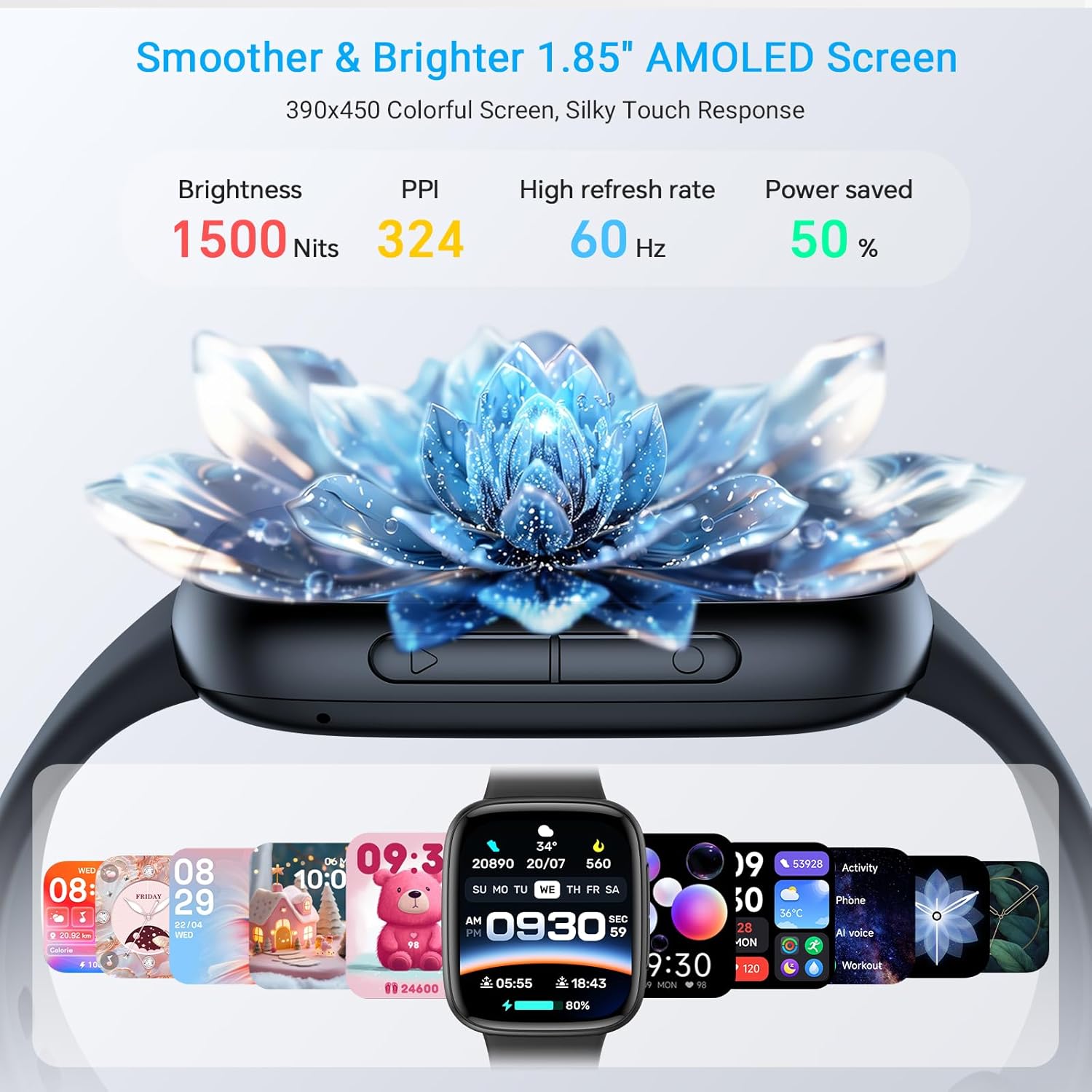
Image: Close-up of the smart watch screen highlighting its 1.85" AMOLED display, 1500 nits brightness, 324 PPI, and 60Hz refresh rate.
You can customize your watch face through the VeryFit app, choosing from over 100 available designs.

Image: Several Gydom smart watches displaying various customizable watch faces, emphasizing the AMOLED screen quality.
コミュニケーション機能
- ブルートゥース通話: Make and answer calls directly from your watch. The watch supports a built-in dial pad, call history, and frequent contacts.
- メッセージ通知: Receive notifications from various social media platforms and messages directly on your watch. Note: Replying to messages is not supported directly from the watch.
- AI音声アシスタント: Utilize the built-in AI assistant for tasks such as setting alarms or playing music.

Image: A person driving while using the smart watch to make a Bluetooth call, showing the dial pad, call history, and contacts on the watch screen.

Image: A person interacting with the smart watch's AI voice assistant, with speech bubbles showing commands like "Siri, help me call Jerry" and "Siri, set a 5 minute timer."

Image: The smart watch displaying various message notifications from social media apps, with a note that message replies are not supported.
健康モニタリング
The GTX20 is equipped with a high-precision PPG sensor for continuous health tracking:
- 心拍数モニタリング: 一日を通して心拍数を継続的に追跡します。
- 血中酸素濃度(SpO2)モニタリング: 血中酸素濃度を測定します。
- 睡眠モニタリング: Analyzes your sleep patterns, including awake, light sleep, and deep sleep stages。
- ストレスモニタリング: あなたのストレスレベルについての洞察を提供します。

Image: A person running on a treadmill, with the smart watch displaying heart rate data and a corresponding graph on a smartphone app.

Image: A person sleeping, with the smart watch displaying sleep stages (awake, light sleep, deep sleep) and a detailed sleep graph from the app.

Image: A person performing a plank exercise, with the smart watch displaying blood oxygen levels and a corresponding graph on a smartphone app.

Image: Two individuals, one male and one female, wearing smart watches, with the male's watch displaying stress levels and a graph from the app.
アクティビティトラッキングとスポーツモード
The watch offers over 120 sports modes to track various activities. It provides precise data on calories burned, steps taken, distance covered, and heart rate during workouts.

Image: A cyclist wearing the smart watch, with an overlay showing the watch tracking daily steps, calories, and exercise distance, along with icons for various sports modes.
Video: An official product video from Gydom US showcasing the features of the GTX20 Smart Watch, including its AMOLED screen, call functionality, smart notifications, AI voice assistant, health monitoring (heart rate, blood oxygen, stress, sleep), 100+ sports modes, 3ATM waterproofing, long battery life, and customizable watch faces.
追加機能
The Gydom Smart Watch GTX20 includes several practical features for daily convenience:
- 音楽コントロール
- カレンダー
- カメラコントロール
- 携帯電話を探す
- 天気予報
- ゲーム
- 電卓
- 目覚まし時計
- ストップウォッチ/タイマー
- 明るさ調整可能
- 起こして起きる
- Screen-On Time settings
- 邪魔しないモード
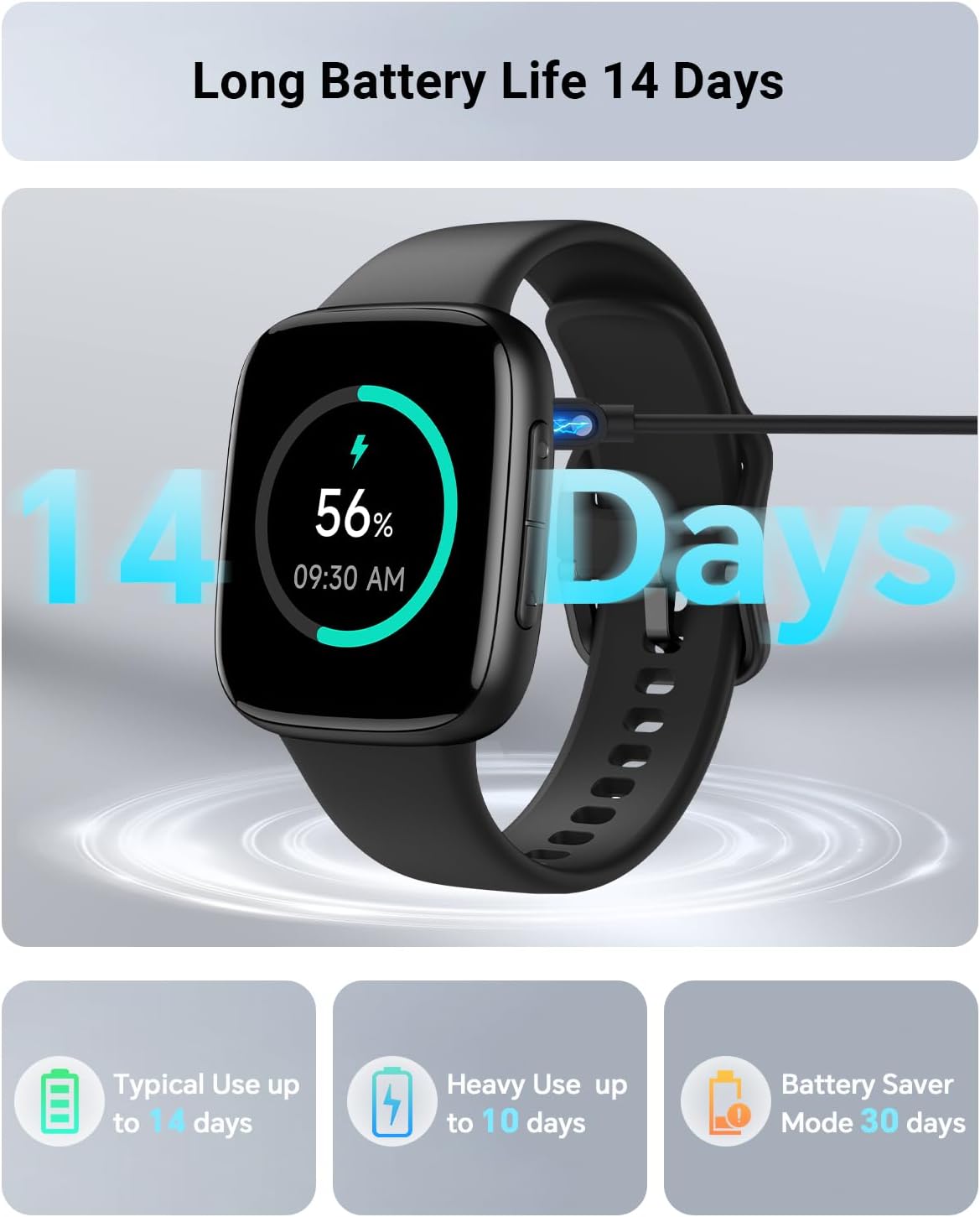
Image: A collage of watch screens showing features like music control, calendar, camera control, find my phone, weather, games, calculator, and wake gesture.
メンテナンス
耐水性
The Gydom Smart Watch GTX20 is 3ATM waterproof certified, meaning it is resistant to water splashes, rain, and can withstand immersion up to 3 meters for 1.5 hours. It is suitable for activities like swimming and showering. However, it is not recommended for diving or high-pressure water activities.

Image: A person swimming with the Gydom Smart Watch GTX20 on their wrist, demonstrating its 3ATM waterproof capability.

Image: A woman surfing, wearing the smart watch, with text indicating 3ATM waterproof design protects against splashes and short swims, and is waterproof up to 30 meters.
クリーニングとお手入れ
- 時計の画面とストラップは定期的に柔らかくてきれいな布で拭いてください。amp 布。
- デバイスを損傷する恐れがあるため、刺激の強い化学薬品や研磨材の使用は避けてください。
- 腐食を防ぐため、充電する前に充電接点が清潔で乾燥していることを確認してください。
トラブルシューティング
If you encounter issues with your Gydom Smart Watch GTX20, please try the following common solutions:
- 時計がオンにならない: 時計が完全に充電されていることを確認してください。充電ケーブルと電源に少なくとも30分間接続してください。
- 携帯電話とペアリングできません:
- Confirm Bluetooth and GPS are enabled on your smartphone.
- Ensure the VeryFit app is installed and updated to the latest version.
- スマートフォンとスマートウォッチの両方を再起動します。
- VeryFit アプリを使用してデバイスのペアリングを解除し、再度ペアリングしてみてください。
- 不正確な健康データ:
- 時計が手首にぴったりとフィットし、きつすぎたり緩すぎたりしていないことを確認してください。
- 時計の裏側にあるセンサーを清掃してください。
- より正確な測定を行うために、測定中に過度の動きを避けてください。
- 通知が表示されない:
- Check notification settings within the VeryFit app to ensure desired apps are enabled.
- Verify that your phone's notification settings allow the VeryFit app to display alerts.
- 時計が Bluetooth 経由で携帯電話に接続されていることを確認します。
For further assistance, please refer to the support section or contact Gydom customer service.
仕様
| 特徴 | 詳細 |
|---|---|
| モデル名 | GTX20 |
| オペレーティングシステムの互換性 | Android 6.0以降およびiOS 9.0以降 |
| メモリストレージ容量 | 128MB |
| バッテリー容量 | 350ミリamp 営業時間 |
| バッテリーの平均寿命 | 最大14日間(通常使用) |
| 接続技術 | ブルートゥース |
| GPS | スマートフォン経由 |
| 画面サイズ | 1.85インチ |
| 表示タイプ | アモルファス |
| 耐水深度 | 30メートル(3ATM) |
| カラー(現在のバリエーション) | 黒 |
| アイテムの寸法 | 10.9 x 3.7 x 0.7インチ |
| メーカー | ジャイダム |

Image: Detailed diagram showing the dimensions of the Gydom Smart Watch GTX20 (22mm strap width, 59mm height, 37mm width, 12mm thickness) and strap length (160mm min, 240mm max).
保証情報
The Gydom Smart Watch GTX20 comes with a 2-year extended service warranty. This warranty covers both logistic issues and accidental damages. Gydom is committed to providing first-class quality and service.

Image: Graphic detailing "Free Replacement for damages or Logistics issues," "VIP 24/7 Support," and "365-Day Extended Service."
カスタマーサポート
For any questions, concerns, or technical assistance regarding your Gydom Smart Watch GTX20, please contact our customer support team. We offer 24/7 dedicated one-on-one support お客様の満足を確実にするため。
Please refer to the contact information provided with your product packaging or visit the official Gydom webサポート チャネルのサイト。