
導入
This manual provides essential information for setting up, operating, maintaining, and troubleshooting your HP 17.3" Touchscreen Laptop, model 17-cp3602nr. Please read this guide thoroughly to ensure proper use and to maximize the lifespan of your device.
パッケージ内容
パッケージにすべてのアイテムが揃っていることを確認します。
- HP 17.3" Touchscreen Laptop (Model 17-cp3602nr)
- AC電源アダプターとコード
- クイックスタートガイド(付属している場合)

Image: The HP 17.3" Touchscreen Laptop and its included power adapter.
設定
1. 初回電源投入と充電
- AC 電源アダプターをノートパソコンの AC スマートピン ポートに接続し、電源コンセントに接続します。
- ノートパソコンのカバーを開けます。ノートパソコンは自動的に電源が入る場合もありますが、キーボードにある電源ボタンを押す必要がある場合もあります。
- 初めて使用する前にバッテリーを完全に充電してください。ただし、充電しながらセットアップを開始することもできます。
2. Windows 11 のセットアップ
Follow the on-screen instructions to complete the Windows 11 Home setup. This typically includes:
- 地域とキーボード レイアウトを選択します。
- Wi-Fiネットワークに接続しています。
- Microsoft アカウントでサインインするか、アカウントを作成します。
- PIN またはパスワードの設定。
- プライバシー設定を構成します。
3. 指紋リーダーの設定
During or after Windows setup, you can configure the fingerprint reader for secure login. Navigate to 設定 > アカウント > サインインオプション 指示に従って指紋を追加します。

Image: Close-up of the backlit keyboard and the integrated fingerprint reader on the HP laptop.
操作手順
タッチスクリーンディスプレイの使用
The 17.3" HD+ (1600 x 900) display supports touch input. You can interact with Windows 11 and applications directly on the screen using gestures similar to a tablet or smartphone. Ensure your screen is clean for optimal touch responsiveness.
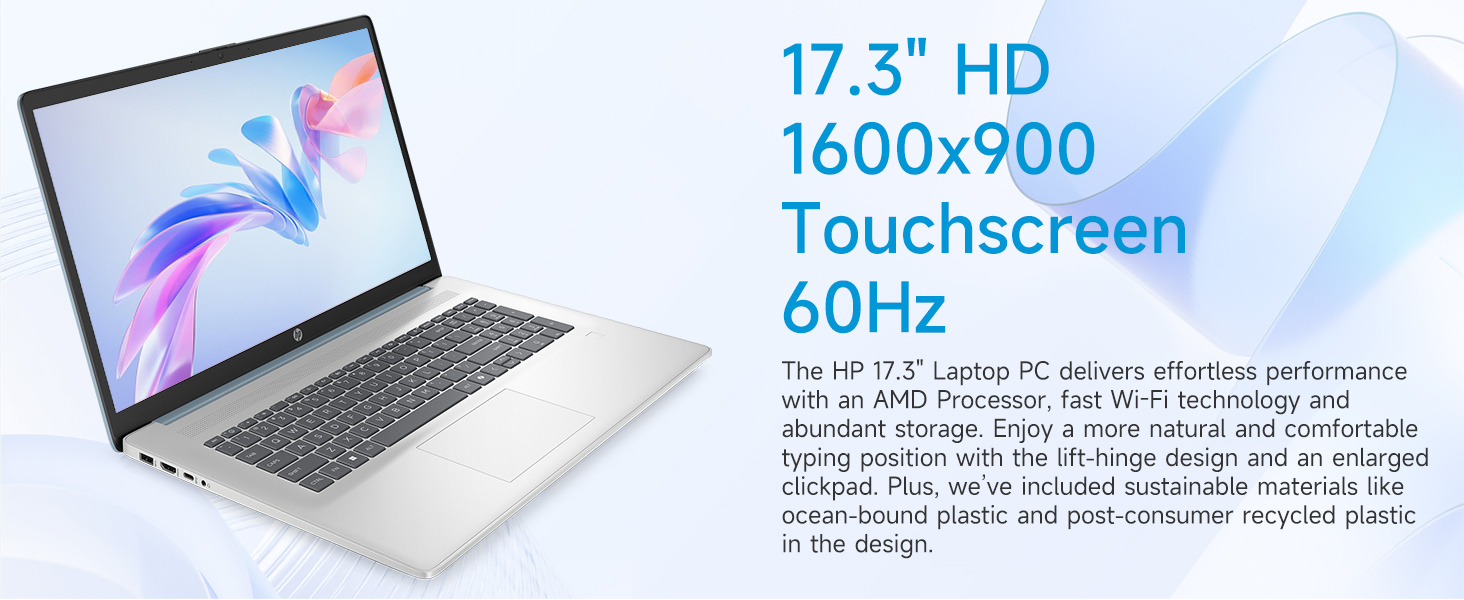
Image: The 17.3-inch touchscreen display of the HP laptop, illustrating its touch capabilities.
キーボードとタッチパッド
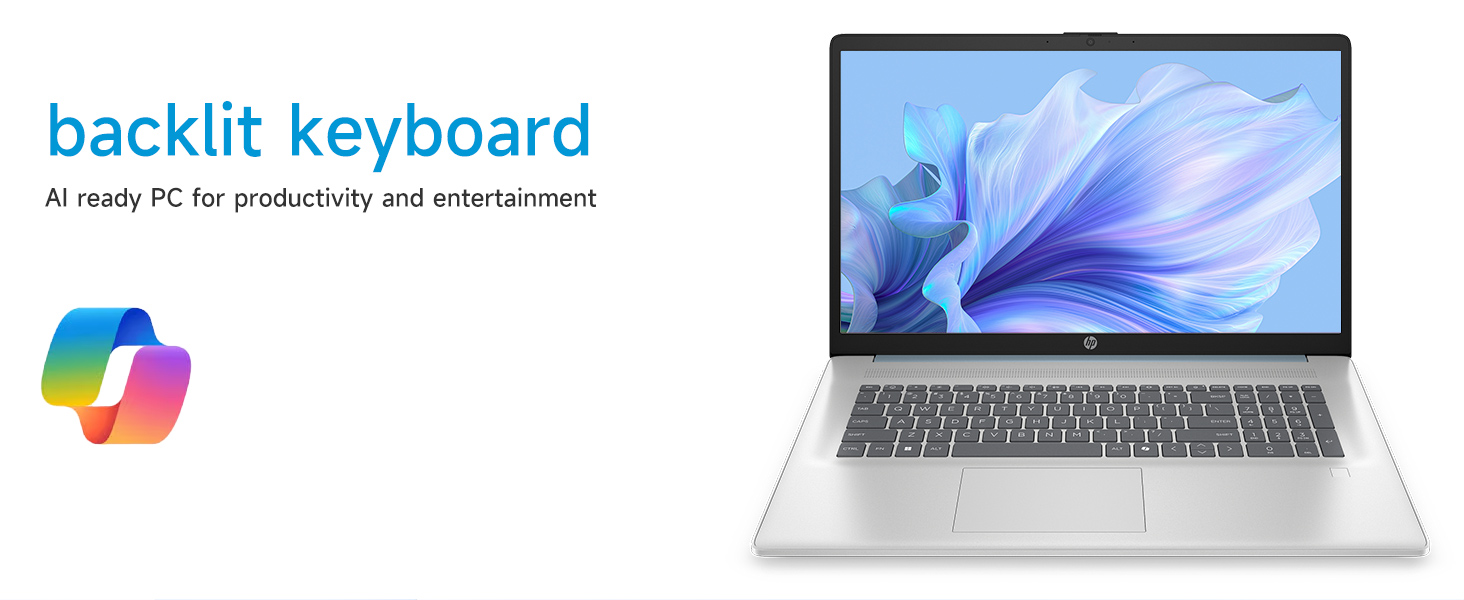
- バックライト付きキーボード: を押す Fn+F5 キー (or similar function key with a keyboard backlight icon) to toggle the keyboard backlight on/off or adjust its brightness.
- テンキー: 専用のテンキーを利用して効率的にデータを入力します。
- タッチパッド: The large click pad supports multi-touch gestures for navigation. Refer to Windows settings for customizing touchpad gestures.
Connecting External Devices (Ports)
ノートパソコンには、周辺機器を接続するためのさまざまなポートが装備されています。
- USB Type-C(信号速度5Gbps): 最新の USB-C デバイスを接続します。
- USB タイプ A (信号速度 5Gbps): Two ports for standard USB devices like mice, keyboards, or external drives.
- HDMI 1.4b: 外部モニターまたはテレビに接続して拡張表示します。
- ヘッドフォン/マイクコンボジャック: For audio input/output with a single jack.
- ACスマートピン: 電源アダプタを接続します。
画像: 詳細 view of the laptop's side ports, including USB-A, USB-C, HDMI, and audio jack.
Wi-Fi 6接続
The laptop supports Wi-Fi 6 (802.11ax) for fast and reliable wireless internet connectivity. To connect, click the Wi-Fi icon in the taskbar, select your network, and enter the password.
メンテナンス
ノートパソコンの掃除
- 画面: 柔らかく糸くずの出ない布で軽く拭き取ってください。amp水またはスクリーンクリーナーで拭いてください。刺激の強い化学薬品は使用しないでください。
- キーボードとシャーシ: 柔らかく乾いた布を使用してください。頑固な汚れには、軽く湿らせた布で拭いてください。amp 布を使用することで、液体が開口部に入らないようにすることができます。
- ポート: Keep ports free of dust and debris using compressed air if necessary.
ソフトウェアアップデート
定期的にWindowsのアップデートを確認し、インストールして、システムに最新のセキュリティパッチとパフォーマンス改善が適用されていることを確認してください。 設定 > Windows Update 更新を管理します。
バッテリーケア
バッテリーの寿命を延ばすには、極端な温度を避け、頻繁にバッテリーを完全に放電してください。長期保管の場合は、バッテリーを約50%まで充電してください。
トラブルシューティング
このセクションでは、発生する可能性のある一般的な問題について説明します。
ノートパソコンの電源が入らない
- AC アダプターがラップトップと機能している電源コンセントの両方にしっかりと接続されていることを確認します。
- 別のデバイスを接続して、電源コンセントが機能していることを確認します。
- バッテリーが完全に消耗している場合は、ノートパソコンの電源が入るまでに数分間充電が必要になることがあります。
Screen Remains Blank
- ノートパソコンの電源がオンになっているかどうかを確認します(電源インジケータライト)。
- Try adjusting the screen brightness using the function keys (e.g., Fn + F2 / F3).
- If an external monitor is connected, ensure it is properly configured in Windows display settings.
Wi-Fi接続の問題
- Windows 設定で Wi-Fi が有効になっていることを確認します。
- ルーターとモデムを再起動します。
- ネットワークを忘れて再接続し、パスワードを再度入力します。
- デバイス マネージャー経由で Wi-Fi ドライバーを更新します。
System Restarts Unexpectedly
Unexpected restarts can be caused by software conflicts, outdated drivers, or hardware issues. Ensure all Windows updates are installed and drivers are current. If the issue persists, consider running Windows diagnostic tools or contacting HP Support.
仕様
| 特徴 | 詳細 |
|---|---|
| ブランド | HP |
| モデル名 | 17-cp3602nr |
| 画面サイズ | 17.3インチ |
| ディスプレイ解像度 | HD+(1600×900) |
| 表示機能 | Touch, Anti-glare, 250 nits, 60% NTSC |
| プロセッサ | AMD Ryzen 5 7430U(6コア、12スレッド、最大4.3GHz) |
| グラフィックス | AMD Radeon グラフィックス(統合) |
| ラム | 8 GB DDR4 SDRAM (3200 MHz) |
| ストレージ | 128 GB PCIe NVMe M.2 SSD |
| オペレーティング·システム | Windows 11 ホーム |
| ポート | USB Type-C 5Gbps x 1、USB Type-A 5Gbps x 2、HDMI 1.4b x 1、ヘッドホン/マイクコンボ x 1、ACスマートピン x 1 |
| ワイヤレス接続 | Wi-Fi 6 (802.11ax) |
| 特集 | Backlit Keyboard, Fingerprint Reader, Numeric Keypad, Webカム |
| Dimensions (L x W x Thickness) | 長さ15.78インチ x 幅10.15インチ x 厚さ0.81インチ |
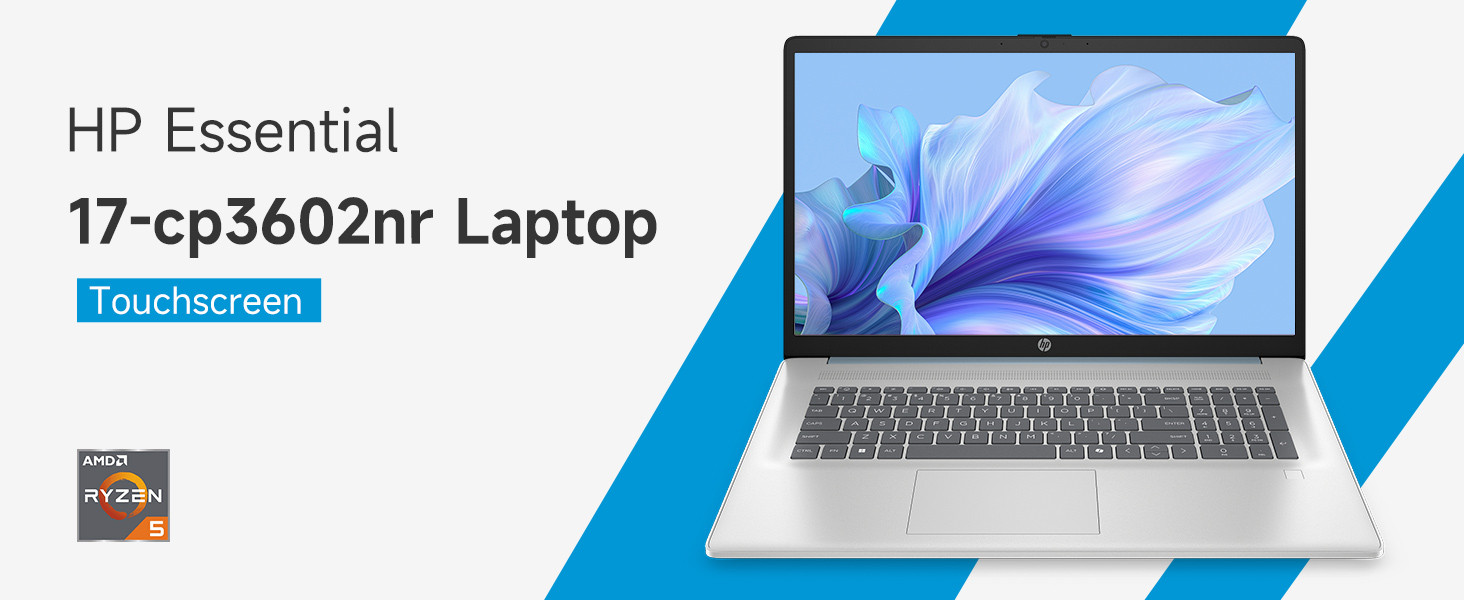
Image: An infographic highlighting key specifications such as the AMD Ryzen 5 processor, Windows 11 Home, storage, and connectivity options.
保証とサポート
メーカー保証
Your HP laptop is covered by a standard manufacturer's warranty. For specific terms and conditions, please refer to the warranty documentation included with your product or visit the official HP support website. Warranty duration and coverage may vary by region.
テクニカルサポート
技術的なサポート、ドライバーのダウンロード、またはトラブルシューティングについては、HPの公式サポートをご覧ください。 webサイト:
When contacting support, have your laptop's model number (17-cp3602nr) and serial number ready.