
導入
This manual provides detailed instructions for the VBESTLIFE PIR Motion Sensor Activated Voice Reminder. This device is designed to detect motion and play pre-recorded or custom voice messages, making it suitable for various applications such as welcoming guests in shops, providing reminders, or enhancing security.
Please read this manual thoroughly before operating the device to ensure proper use and to maximize its functionality.
パッケージ内容
以下にリストされているすべてのアイテムがパッケージに含まれていることを確認してください。
- 1 x PIR Motion Sensor Activated Voice Reminder (Doorbell unit)
- 1 x USB Type-C充電ケーブル
- 1 x Magnet Sheet for installation

Image: The package includes the main device, a USB-C charging cable, and a magnet sheet for mounting.
仕様
| アイテムタイプ | PIR Motion Sensor Activated Voice Reminder |
|---|---|
| 材料 | アブソリュート |
| バッテリー情報 | 500mAh リチウムイオンバッテリー |
| 充電インターフェース | タイプC |
| 検出角度 | 120度 |
| 検出距離 | Approx. 3 ~ 4m (9.8 ~ 13.1ft) |
| 製品寸法(奥行き×幅×高さ) | 3.94インチ x 2.36インチ x 1.97インチ (10cm x 6cm x 5cm) |
| モデル番号 | VBESTLIFEk870ypdlas |

画像: 正面 view of the device, highlighting the PIR motion sensor at the top and the speaker grille below.

画像: サイド view of the device, illustrating the three control buttons for power/track, recording, and volume.

画像: 詳細 view of the device's side buttons, showing the power/track button, recording button, and volume button.

Image: Diagram illustrating the physical dimensions of the device: 85mm (3.35in) height, 52mm (2.05in) width, and 36mm (1.42in) depth.
設定
1. デバイスの充電
Before first use, fully charge the device using the provided Type-C charging cable. Connect the cable to the device's Type-C port and a standard USB power adapter (not included). The charging time is approximately 2 hours. A full charge typically lasts 1-3 months depending on usage frequency.
2. デバイスの取り付け
The device offers flexible installation options using its adhesive back and magnet attachment method. There are magnet attachment modules on both the back and the side of the unit.
- 磁気アタッチメント: Use the included magnet sheet. Peel off the protective film from one side of the magnet sheet and attach it to a clean, flat surface. The device can then be magnetically attached to this sheet.
- Direct Magnetic Surface: If you have a metallic surface, the device can be directly attached to it using its built-in magnets.
Choose a location where the PIR motion sensor has a clear line of sight to the area you wish to monitor, ensuring the 120-degree detection angle and 3-4 meter detection distance are optimized.

Image: The back of the device showing strong magnets for easy installation, along with a separate magnet sheet.
操作手順
1. 電源のオン/オフ
- 電源オン: Long press the power key (top button on the side) until the device activates.
- 電源を切る: Long press the power key again until the device shuts down.
2. Changing Pre-recorded Tracks
After powering on, short press the power key to cycle through the available pre-recorded tracks (e.g., English welcome voice, ding dong, reminder, bird chirping, dog barking).
3. Custom Recording
The device supports recording your own voice message, up to 20 seconds in length.
- 録画モードに入る: Short press the microphone key (middle button on the side).
- 録画を開始: Long press the record key (microphone key) to begin recording.
- 録画を停止: Release the record key to stop recording.
- 確認: After stopping, the device will automatically play back your recording once for confirmation. If satisfactory, the recording is saved.
Note: Custom recordings will be lost if the device is powered off or restarted. You will need to re-record your message.
4. 音量コントロール
Short press the volume key (bottom button on the side) to adjust the playback volume. The device typically cycles through low, medium, and high volume settings.

Image: Illustration showing the volume control button and its three settings: low (for home), medium (for workplace), and high (for busy markets/malls).
5. モーション検出
Once powered on and a sound track is selected (either pre-recorded or custom), the device will enter motion detection mode. When an object is detected moving within its 120-degree wide range and 3-4 meter distance, it will issue the selected sound prompt within 1 second.
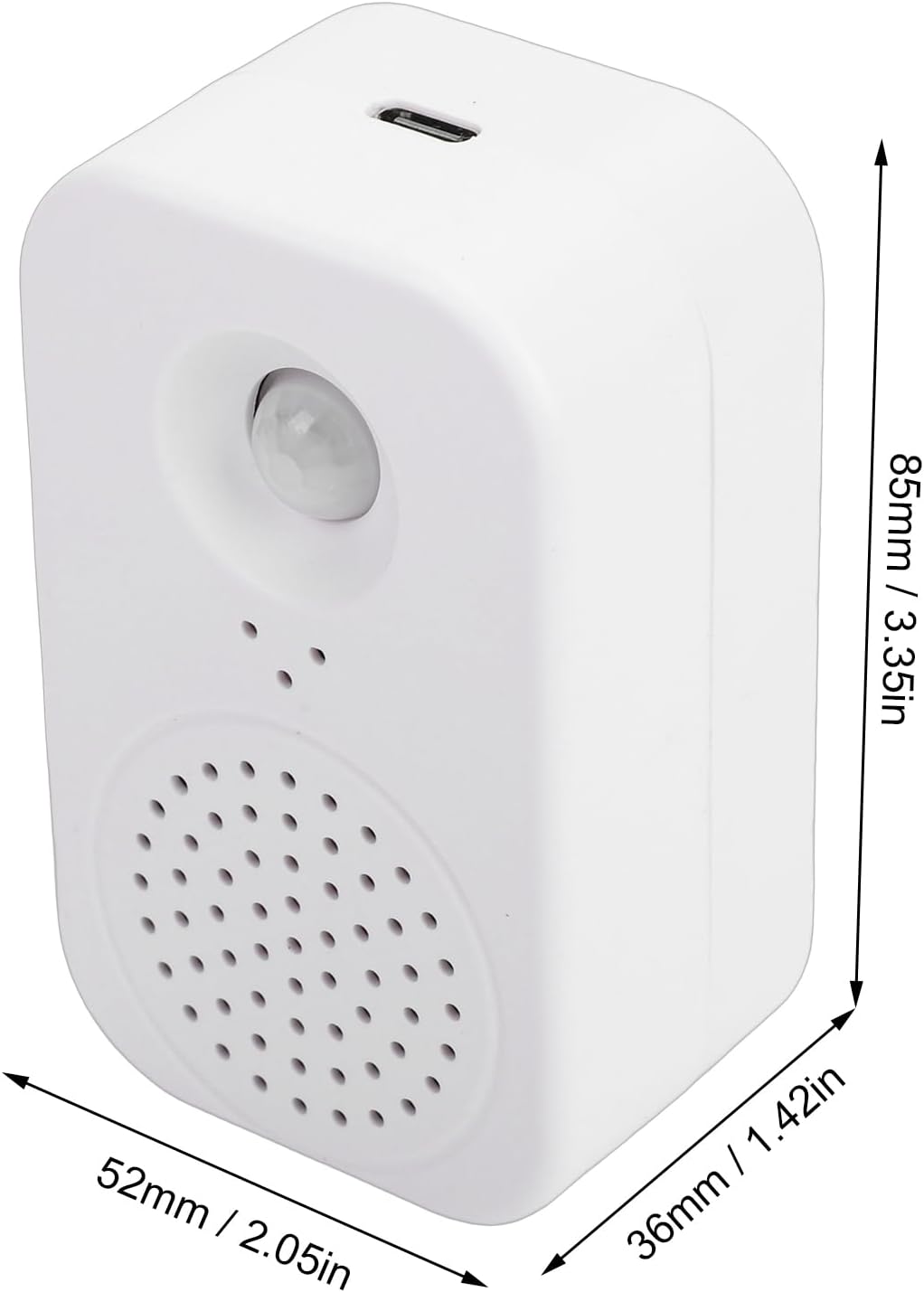
Image: The device mounted on a wall, demonstrating its function as a human body sensing voice announcement device.
メンテナンス
1。 バッテリーの充電
When the battery is low, the device will provide a low voltage reminder. Connect the device to a power source using the Type-C charging cable to recharge the internal Li-ion battery.
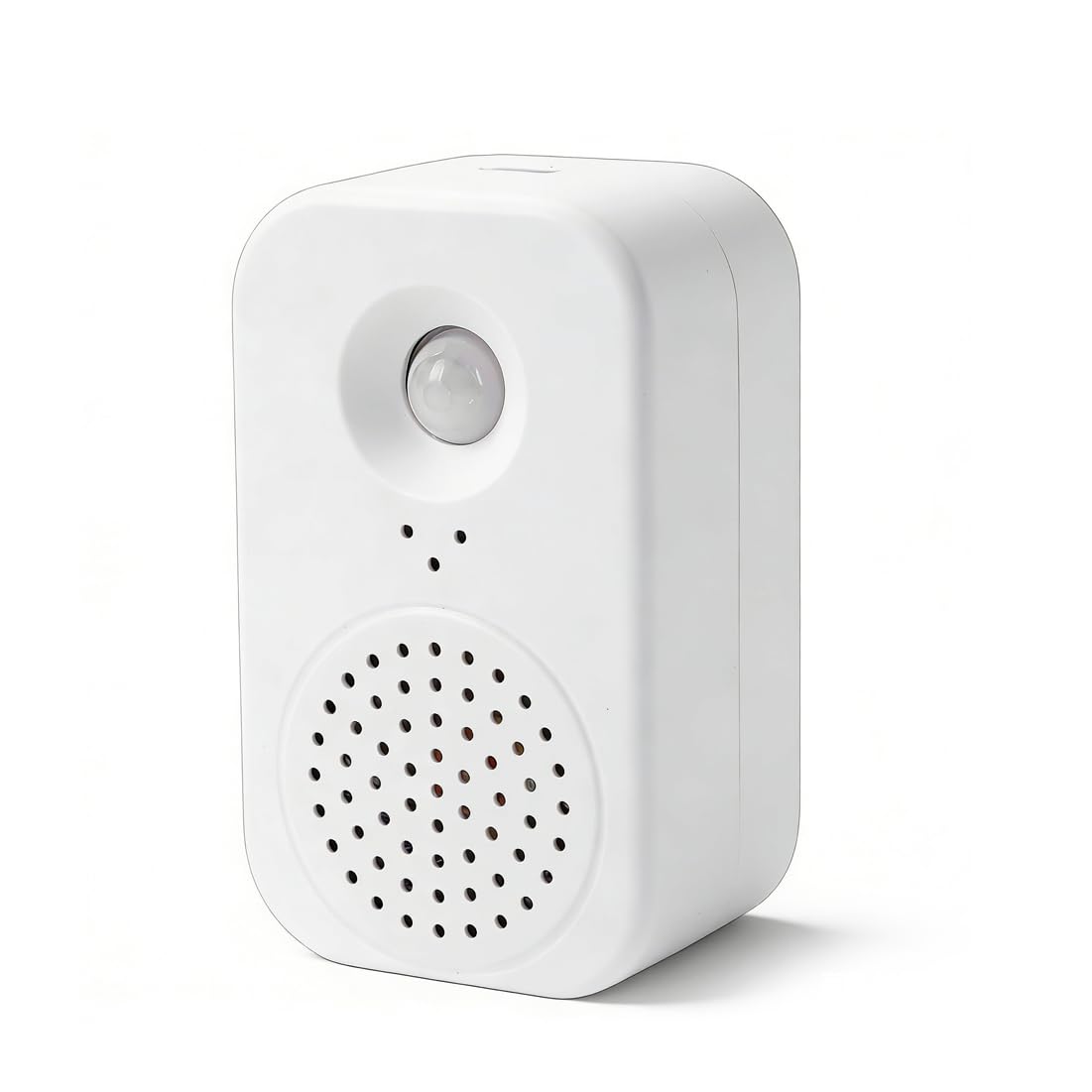
Image: The device indicating a low voltage reminder, prompting the user to charge the battery.
2. 清掃
柔らかく乾いた布でデバイスを拭いてください。研磨剤入りの洗剤や溶剤は使用しないでください。表面や内部部品を損傷する恐れがあります。
3. ストレージ
長期間使用しない場合は、直射日光や極端な温度を避け、涼しく乾燥した場所にデバイスを保管してください。
トラブルシューティング
| 問題 | 考えられる原因 / 解決策 |
|---|---|
| デバイスの電源が入りません。 |
|
| No sound or incorrect sound plays upon motion detection. |
|
| モーション検出が不安定、または機能しません。 |
|
| Custom recording is lost. |
|
保証とサポート
This product is covered by a standard manufacturer's warranty. For specific warranty details, please refer to the documentation provided at the time of purchase or contact your retailer.
For technical support, troubleshooting assistance, or inquiries regarding replacement parts, please contact VBESTLIFE customer service through their official channels or the platform where the product was purchased.